Indexing
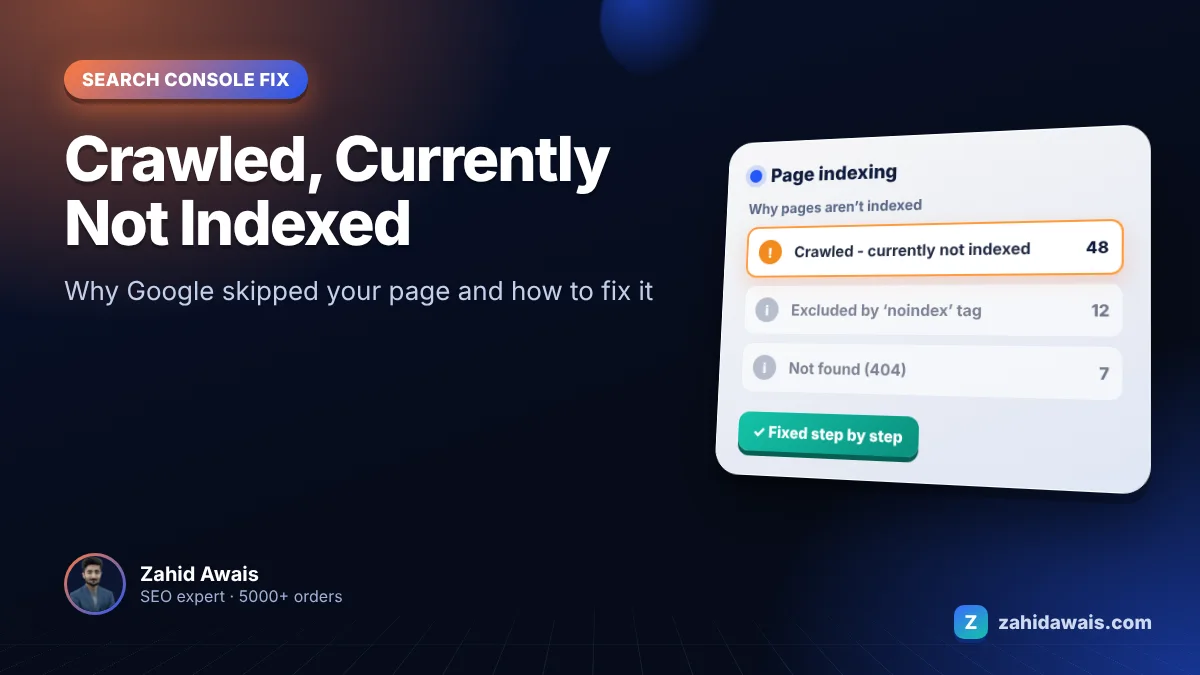
Crawled, currently not indexed: how to fix it
Google visited your page but chose not to add it to the index yet. Here is why, and what to do.
Read the fixPlain-English fixes for the Page indexing statuses that stop your pages from showing in Google.
Search Console’s Page indexing report shows why pages are not indexed. Most statuses come from four causes: Google has not crawled the page yet, the content looks low value, the page is a duplicate, or the server returns the wrong status code. Each guide below fixes one status.
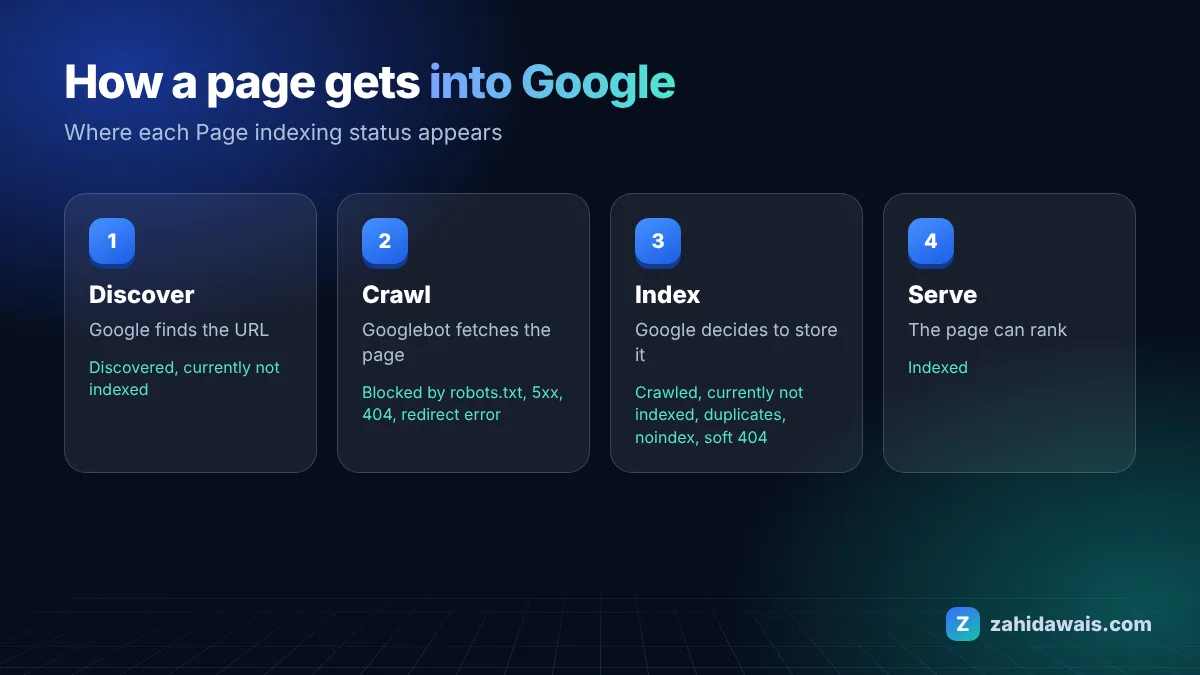
Google visited your page but chose not to add it to the index yet. Here is why, and what to do.
Read the fix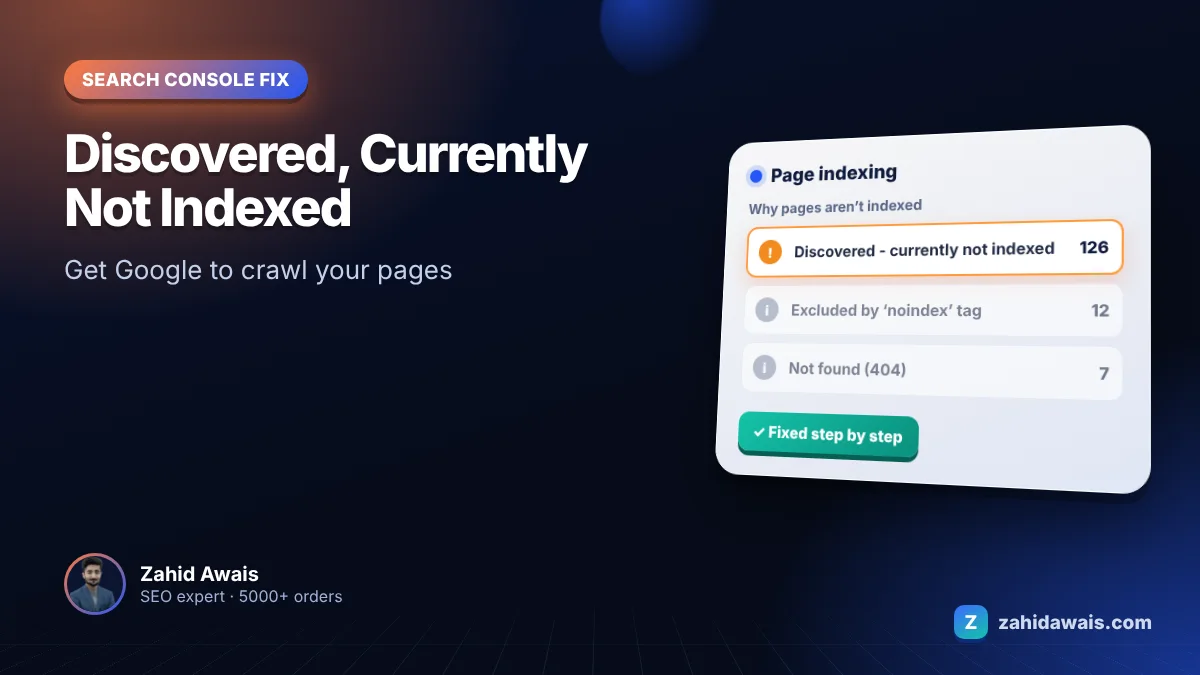
Google knows the page exists but has not crawled it yet. Here is how to change that.
Read the fix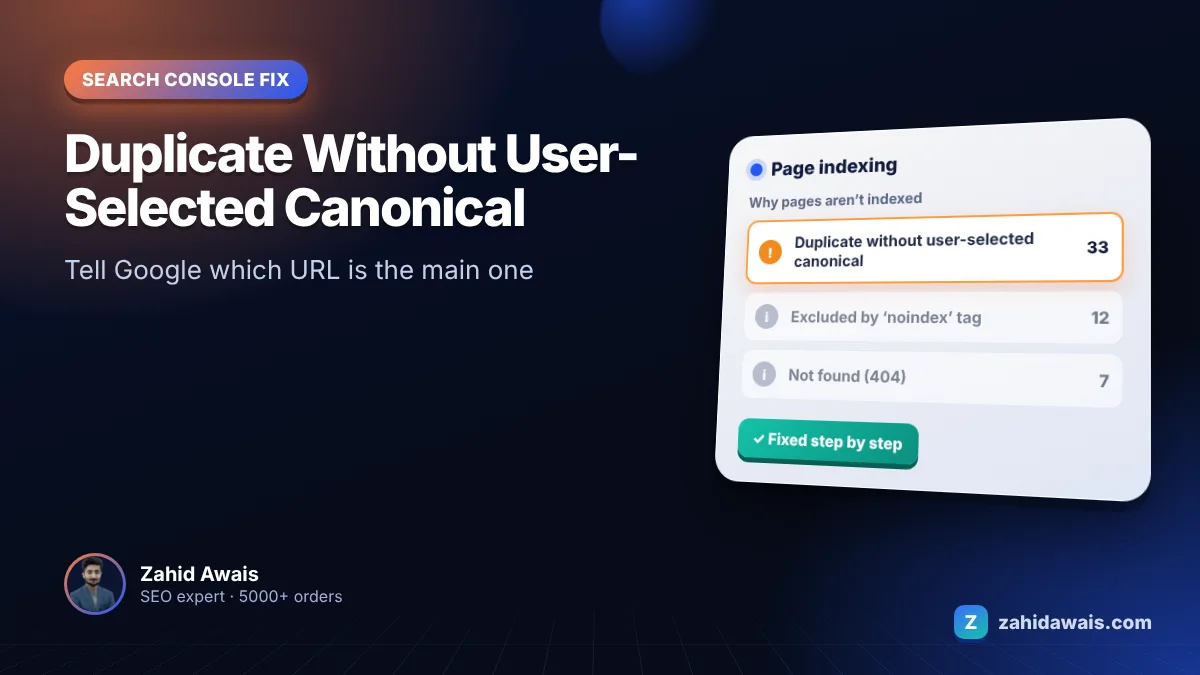
Google found duplicate versions of a page and picked one itself, because you did not tell it which one.
Read the fix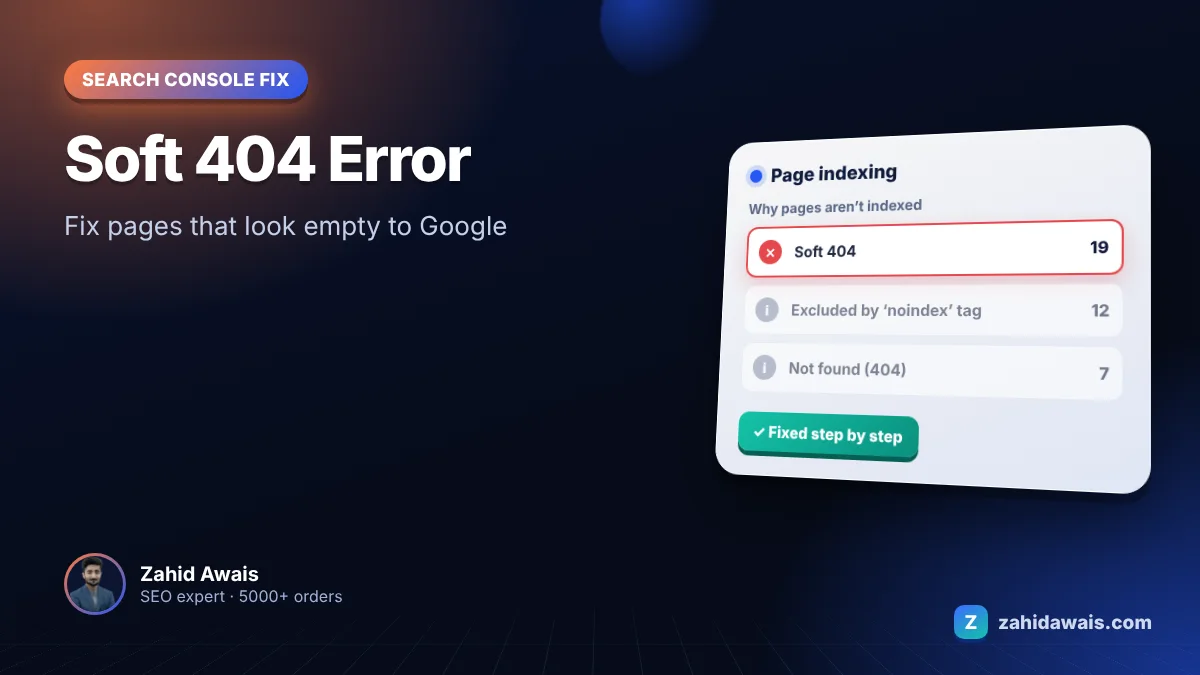
The page says “OK” to Google but looks empty or like an error. Here is how to fix that.
Read the fix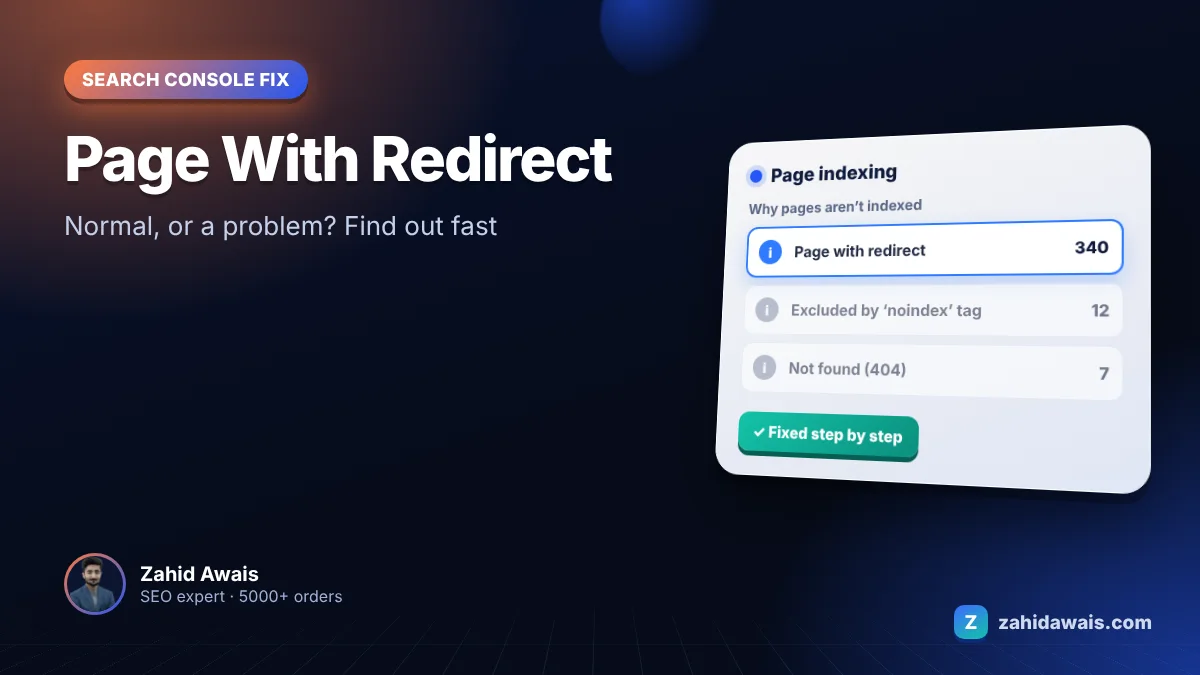
Google found a URL that sends visitors somewhere else. Most of the time that is fine. Here is how to tell.
Read the fix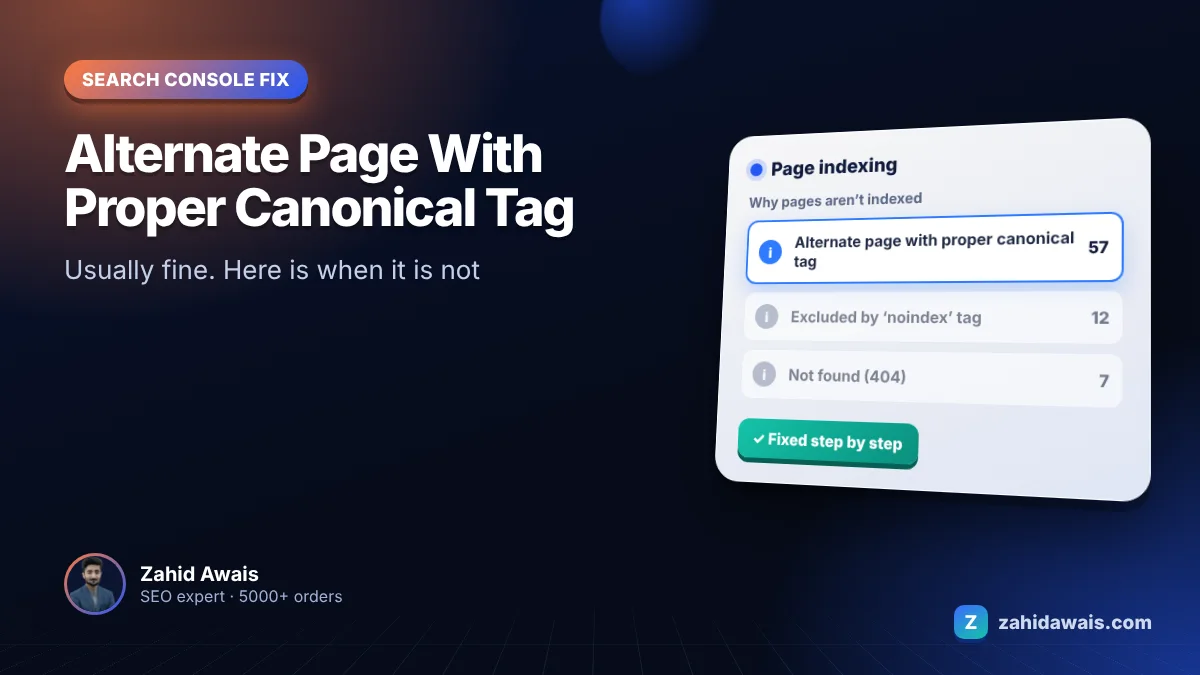
This status usually means your canonical tags are working. Here is how to spot the few cases where they are not.
Read the fix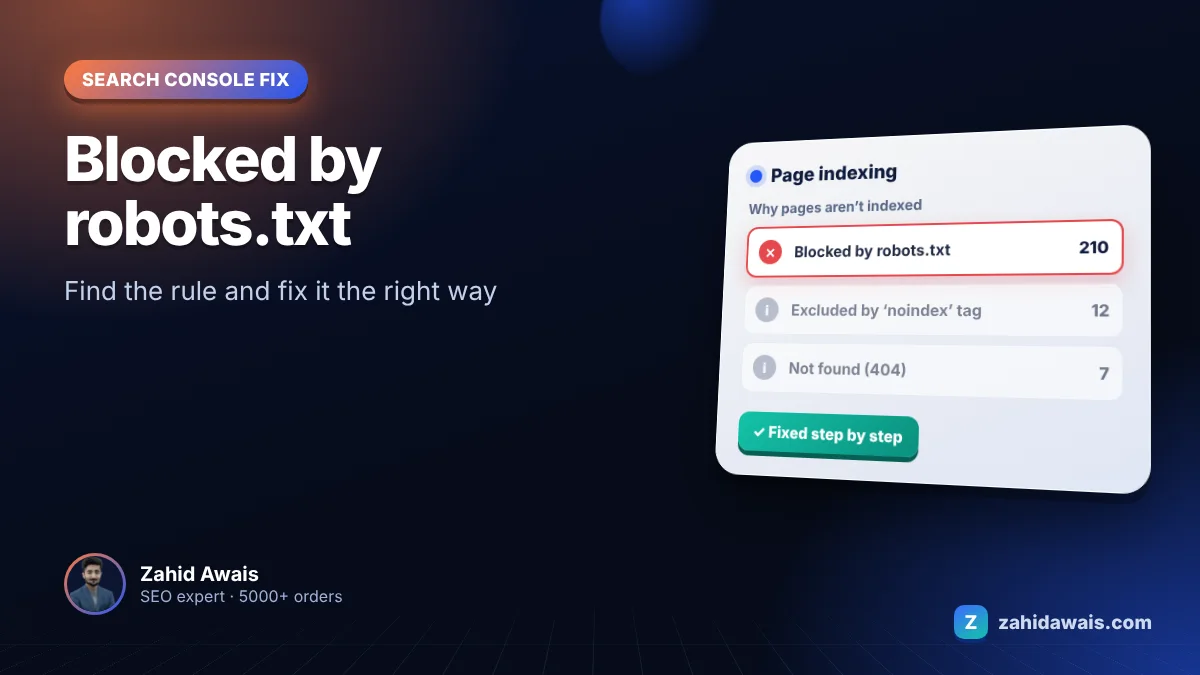
A rule in your robots.txt file stops Googlebot from crawling these URLs. Sometimes that is on purpose, sometimes it is a costly mistake.
Read the fixIn Google Search Console, open Indexing, then Pages. The Why pages are not indexed table lists each status.
No. Some statuses, such as alternate page with proper canonical tag, are normal. Focus on pages you want in Google.
Google says validation can take up to about two weeks, sometimes longer.
Send your website for a free technical audit.