Indexing guide
Crawled, currently not indexed: how to fix it
Google visited your page but chose not to add it to the index yet. Here is why, and what to do.
ReadA rule in your robots.txt file stops Googlebot from crawling these URLs. Sometimes that is on purpose, sometimes it is a costly mistake.
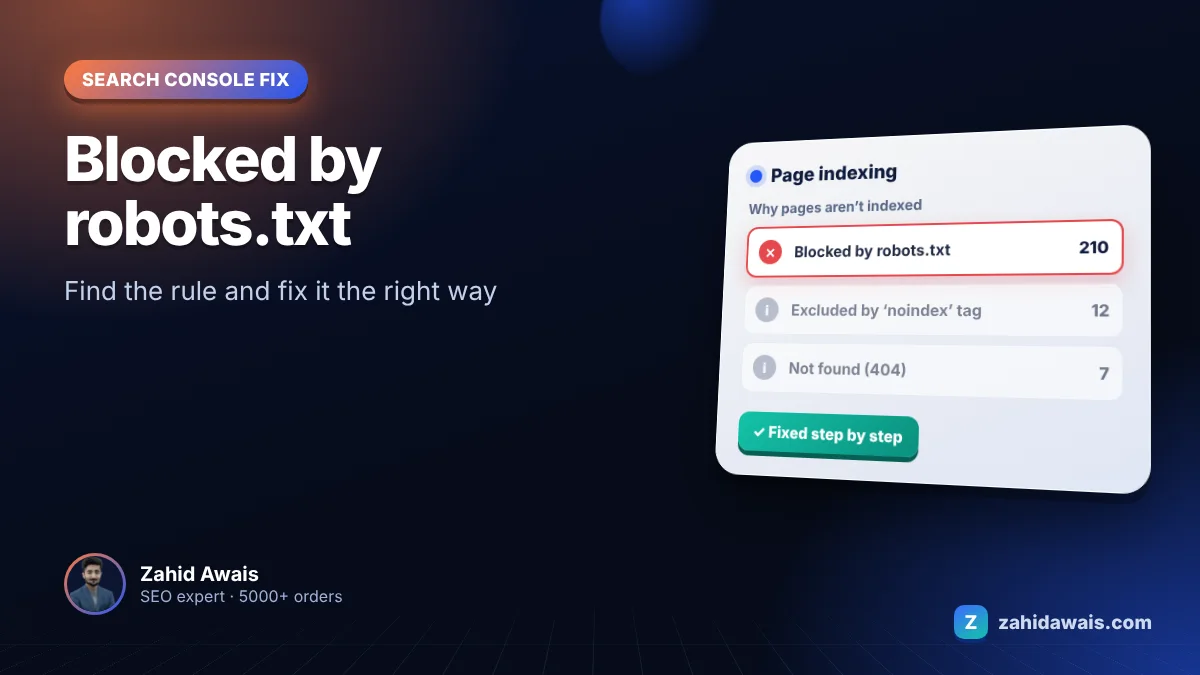
If Google Search Console shows blocked by robots.txt for some of your pages, this guide explains what it means and how to fix it, step by step.
Blocked by robots.txt means a Disallow rule in your robots.txt stops Googlebot from crawling the URL. If the block is intentional, do nothing. If you want the page in Google, remove or narrow the rule. If you want it out of Google, unblock it and add a noindex tag, because robots.txt does not reliably stop indexing.
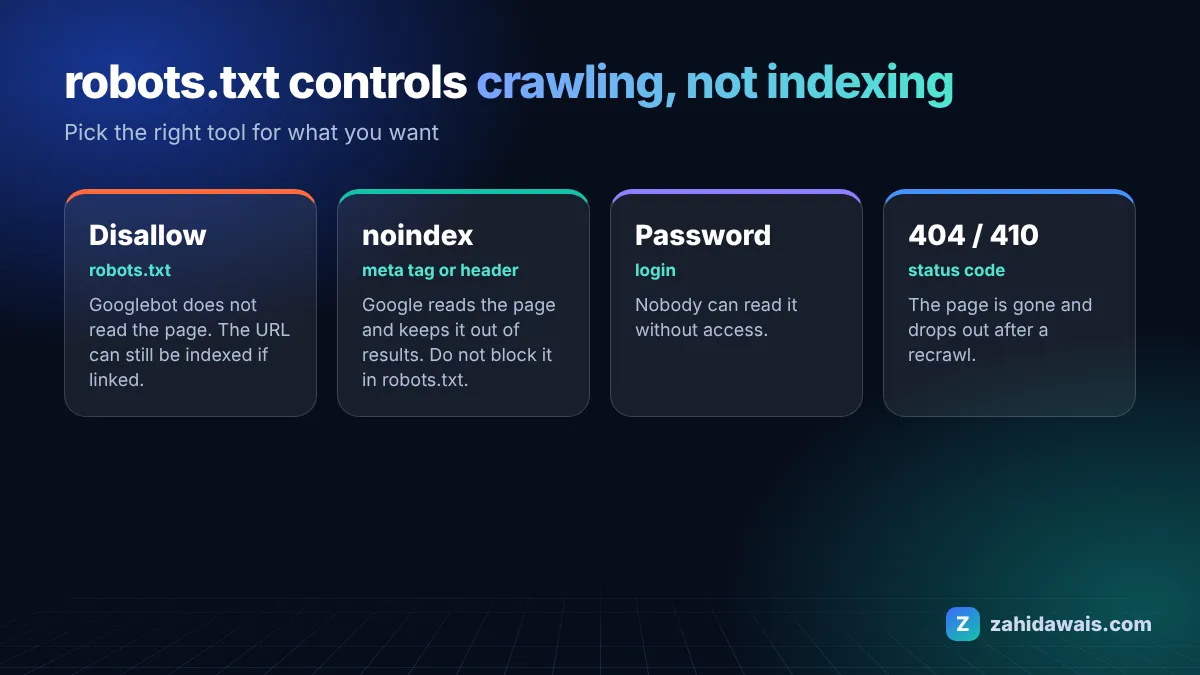
The Search Console Page indexing report help says the page was blocked by your site’s robots.txt file. Google’s Google introduction to robots.txt adds that robots.txt manages crawling and is not a way to keep a page out of Google: a blocked URL can still be indexed without its content if other pages link to it.
These are the most common causes I see when auditing client sites:
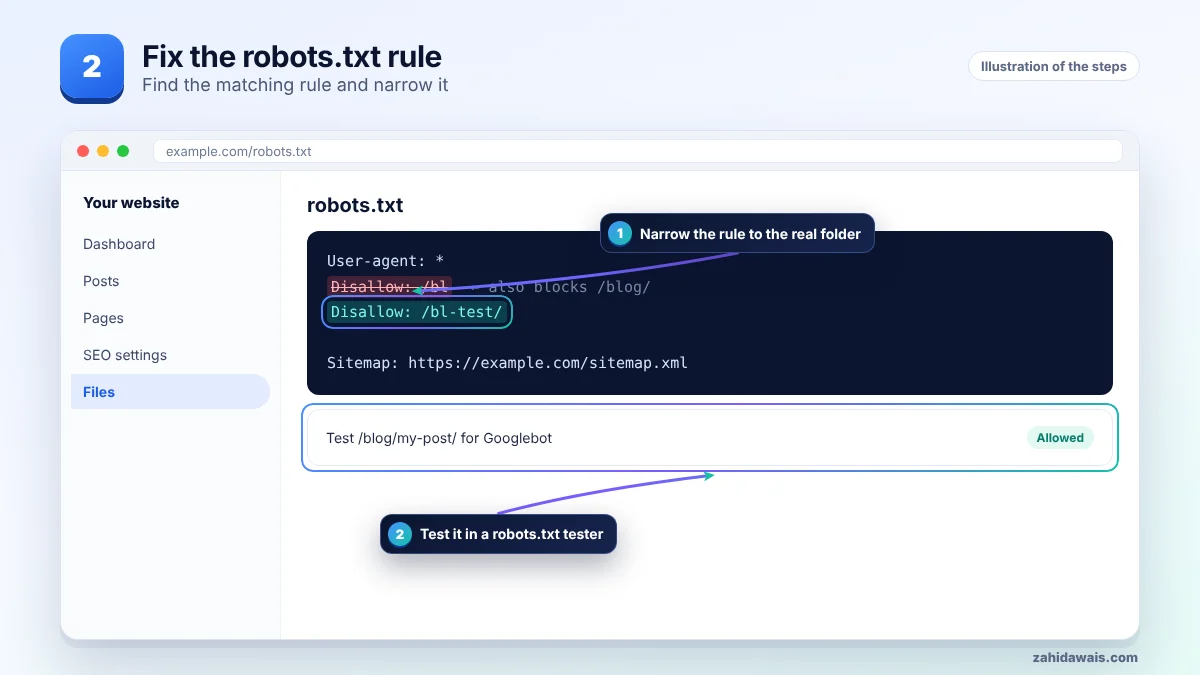
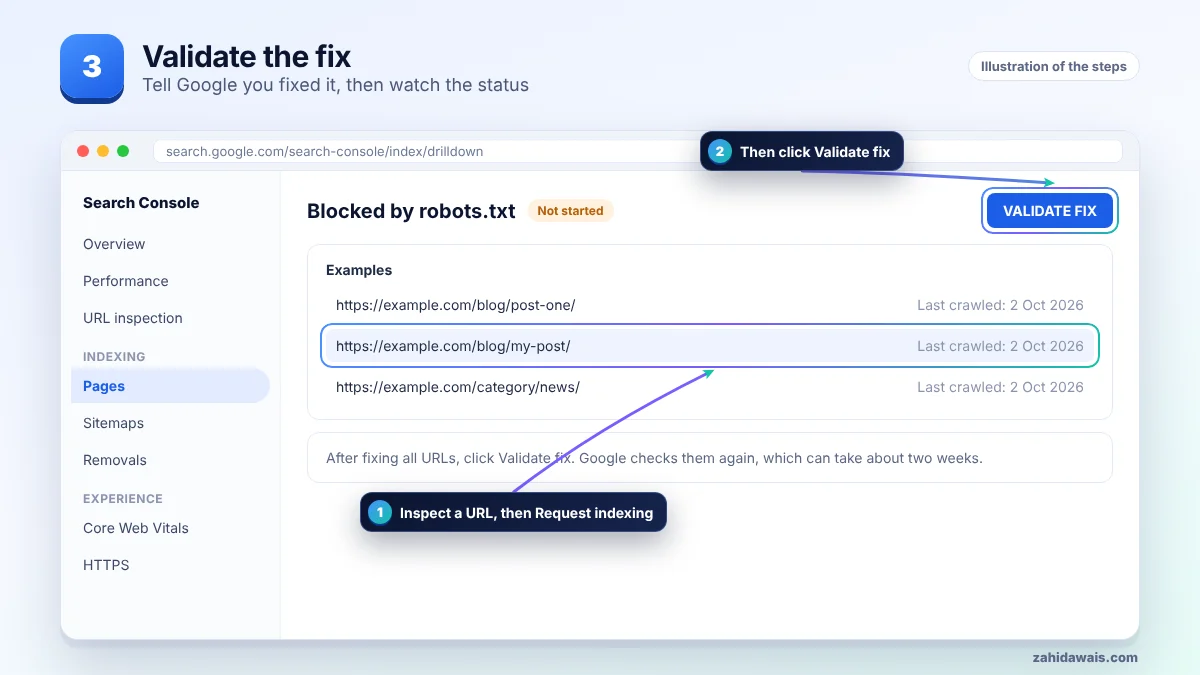
First find the affected URLs in Search Console, then work through the steps in order and stop when the issue is solved. The pictures show each stage.
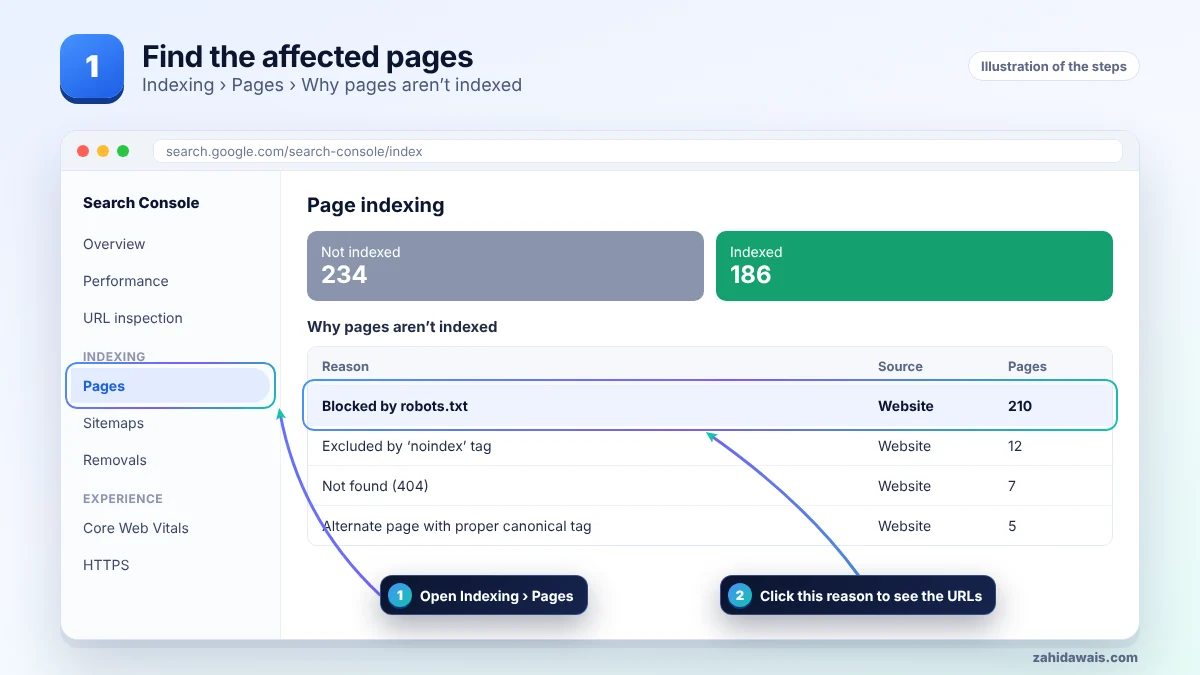
| Your goal | Right tool | Why |
|---|---|---|
| Save crawl on useless URLs (filters, internal search) | robots.txt Disallow | Stops crawling, saves server load |
| Keep a page out of Google | noindex meta tag or X-Robots-Tag header | Reliably removes it from results |
| Keep private content private | Password protection | Crawlers and people cannot read it |
| Remove a page for good | 404 or 410 status | Google drops it after recrawling |
A site moved from staging and its robots.txt said Disallow: /bl to block a test folder called /bl-test/. Because robots.txt rules match by prefix, the rule also blocked every URL under /blog/. Search Console showed 210 posts as blocked by robots.txt. Changing the rule to Disallow: /bl-test/ fixed it, and the posts were crawled again within days.
It is urgent when important pages or the whole site are listed, which usually means a Disallow: / left over from development. Also check the related warning Indexed, though blocked by robots.txt: Google indexed the URL without reading it. Fix that one by choosing either noindex (and unblocking) or unblocking so Google can read the page. Google’s Google guide to blocking indexing with noindex explains that noindex only works when the page is not blocked by robots.txt.
Not sure which pages are affected or why? My technical SEO service starts with a free audit, and the free SEO checklist covers the basics.
No. It stops crawling, not indexing. To remove a page, unblock it and add a noindex tag, or delete it with a 404 or 410.
No. Blocking internal search, filters and admin URLs is normal. It is only bad when pages you want ranking are blocked.
Google usually refreshes its cached copy of robots.txt within about a day, then crawls when it next schedules the URL. Requesting indexing helps for key pages.
Google uses the most specific rule, meaning the longest matching path. If they are equal, the less restrictive Allow rule wins.
That is your choice. Blocking them can keep your content out of some AI tools, but also stops them from citing you as a source.
It is a warning that Google indexed a URL it could not crawl, usually because other pages link to it. Decide if it should be indexed and fix robots.txt or use noindex.
Facts checked on 8 October 2026 against these official pages. Read how I check facts in my editorial policy and disclaimer.
Google visited your page but chose not to add it to the index yet. Here is why, and what to do.
Read
Google knows the page exists but has not crawled it yet. Here is how to change that.
Read
Google found duplicate versions of a page and picked one itself, because you did not tell it which one.
ReadSend your website and I will reply with a free audit.