
On-page SEO
How to Work Out the Value of an SEO Lead (With Formula)
How to work out the value of an SEO lead: close rate x deal value x margin, then compare it with SEO…
Read article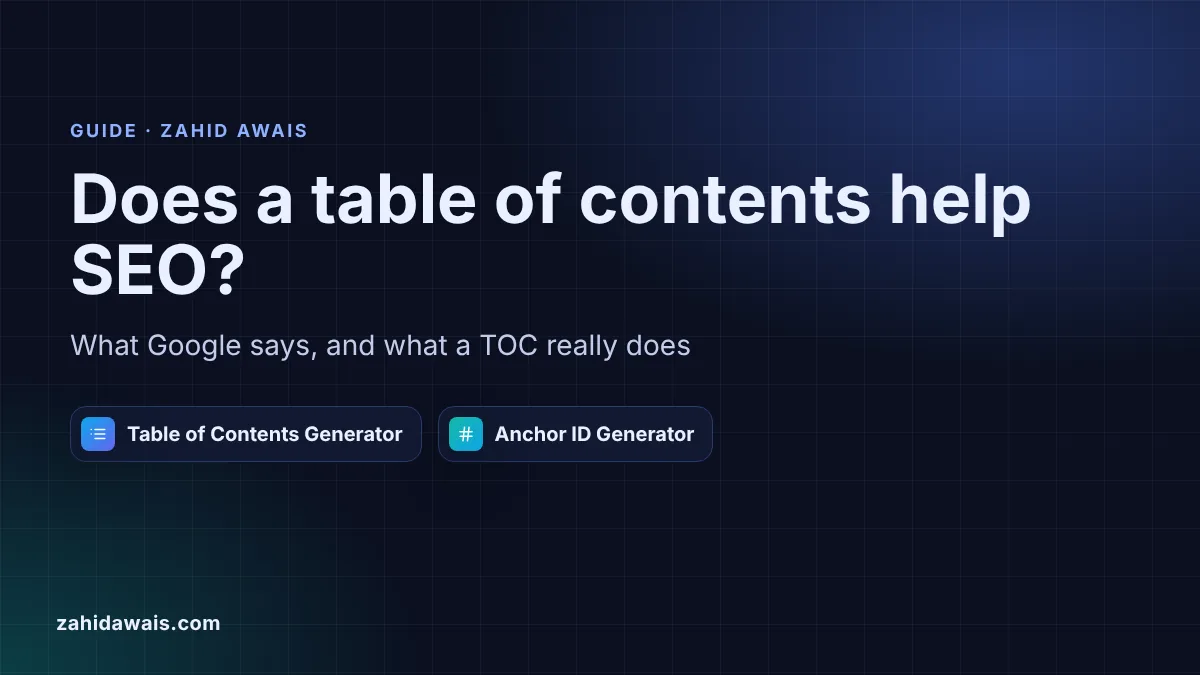
This guide is for bloggers, editors and site owners who wonder whether adding a table of contents to long posts is worth the effort. You will learn what Google’s own documentation says, and does not say, about jump links and section anchors, where table of contents SEO advice goes too far, and how to add a clean TOC in a few minutes.
A table of contents is not a Google ranking factor, and Google’s documentation does not mention one. It helps readers jump to the section they need on long pages, and the heading ids it uses let you link straight to a section. Google treats #section links as the same URL, so a TOC never creates extra pages.
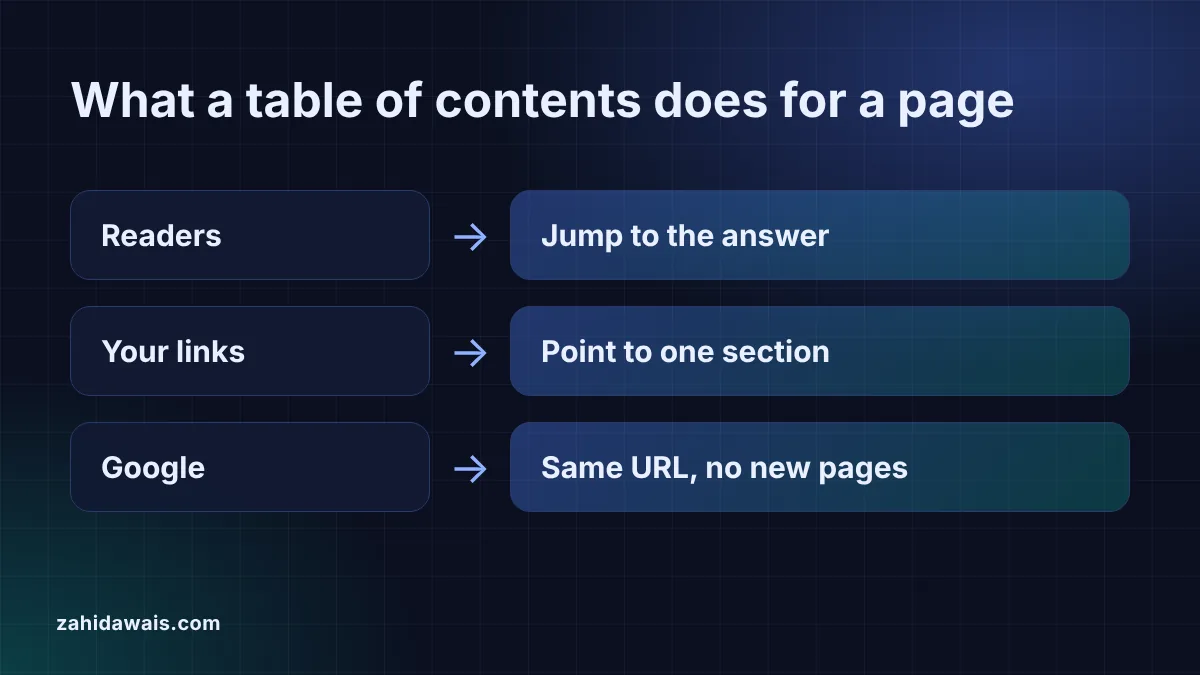
Nothing directly. I checked Google’s SEO starter guide, its link best practices and its sitelinks documentation, and none of them mentions a table of contents or jump links as something site owners should add. What the starter guide does say is close: “Break up long content into paragraphs and sections, and provide headings to help users navigate your pages.” A table of contents is simply a list of those headings at the top.
The sitelinks page is useful for a different reason. It says “At the moment, sitelinks are automated” and asks for headings that are “informative, relevant, and compact”. So the work that matters is clear headings and a sensible site structure, not a TOC plugin. Anyone who promises sitelinks from a table of contents is going beyond what Google documents.
No. Google’s featured snippets documentation says “Clicking a featured snippet takes the user directly to the section of the page that appeared in the featured snippet” and that the scrolling “happens automatically, without any additional annotation by the site”. Google finds the passage itself, so you do not need a TOC or special ids for that to work.
Heading ids are still worth having for your own links. With id="pricing" on a heading, you, your newsletter and other sites can link to /guide/#pricing and land readers on the right part of the page.
| Common claim | What Google's docs say | Verdict |
|---|---|---|
| A TOC is a ranking factor | Not mentioned in the starter guide, link best practices or sitelinks pages | No evidence |
| A TOC gets you sitelinks | “At the moment, sitelinks are automated.” | Not something you switch on |
| Ids are needed for featured snippet jumps | Scrolling happens “without any additional annotation by the site” | Not needed |
| #section URLs are indexed separately | “Google Search generally doesn’t support URL fragments” | No, same page |
| Headings help users navigate | “provide headings to help users navigate your pages” | Yes, and a TOC builds on them |
No. Google’s URL structure guidance says “Google Search generally doesn’t support URL fragments” and warns: “Don’t use fragments to change the content of a page”. A link to /guide/#pricing points to the same page as /guide/, so a table of contents with twenty entries does not create twenty URLs, and it cannot cause duplicate content.
In practice, use the plain URL without the fragment in canonical tags, sitemaps and links that point to the page as a whole. Keep the #fragment for links that should open one section.
It helps readers first, and that supports the rest. On a 2,000 word guide, readers who want only the price or one step can see at a glance that the page covers it and jump there. Three practical benefits follow:
Skip it on short pages. A post with three sections that fits on two screens gains little from a list of three links, and the TOC pushes the real content further down. Product pages, contact pages and short service pages rarely need one either.
Also be careful with heavy plugins. A TOC is a few lines of HTML and does not need a large script, a sticky widget that covers text on phones or an animation library. Plain HTML links scroll to the section in every browser.
Check the headings first, then build the list. Run the page through the Heading Structure Checker to catch skipped levels and empty headings. Then paste the HTML into the table of contents generator, choose H2 to H3, and copy both outputs: the TOC goes under the introduction and the updated HTML gives every listed heading a unique id.
If you only need ids for a few headings, or want to plan section links before the page is written, the anchor ID generator turns heading text into short, unique ids and full #links. Keep existing ids when you update an old post, because other pages may already link to them.
Example: a guest posting guide has 8 headings: one H1, three H2s, three H3s and one H4. “Is it still worth it?” appears twice, and “Prices & packages” already has id="pricing". With the depth set to H2 to H3, the table of contents generator builds 6 entries, skips the H1 and the H4, adds 5 ids, keeps pricing and names the second repeat is-it-still-worth-it-2. “Café and restaurant sites” gets cafe-and-restaurant-sites, so another post can link to that section with /guest-posting-guide/#cafe-and-restaurant-sites.
No. Google’s documentation does not mention tables of contents as a ranking signal or a requirement. Google asks for clear headings that help users navigate, and a TOC is one way to make those headings easier to use on long pages.
Google says sitelinks are automated, so nothing you add guarantees them. It recommends informative, compact headings, a logical site structure and relevant internal links. A TOC does not hurt, but treat sitelinks as a possible side effect, not a goal.
No. Links with #fragments point to the same URL, and Google says Search generally does not support URL fragments. The TOC repeats only heading text as short links, which is normal navigation, not duplicated content.
It can be. A collapsed TOC saves space on phones, and the links still work when opened. Keep it open by default on long reference pages where most readers want to jump, and make sure the toggle works with a keyboard.
Usually the H2s and H3s. H2s show the main sections and H3s the steps or sub-questions. Leave out the H1, because it is the page title, and leave out H4 to H6 unless the page is a long reference document.
No. A TOC is a short HTML list of links plus an id on each heading. You can generate both with a free tool and paste them into your page, which avoids extra scripts that slow the page down.
This guide is part of my on-page SEO checklist.
Checked 23 Oct 2026. Facts checked against these official pages. Read how I check facts in my editorial policy.
Want your long pages structured and edited for search? See my on-page SEO service.
How to work out the value of an SEO lead: close rate x deal value x margin, then compare it with SEO…
Read article
When removing words like a, the and of makes a slug better, when it does not, and how to change old URLs safely.
Read article
Why Google swaps your meta description for page text, how to diagnose it, and the fixes I use on client pages.
Read articleSend your website and I will reply with a free audit.