Anchor ID Generator
Turns headings into clean, unique id anchors with #jump links and HTML snippets.
Paste your article HTML or Markdown and get a nested table of contents with jump links, plus the same HTML with a unique id on every heading.
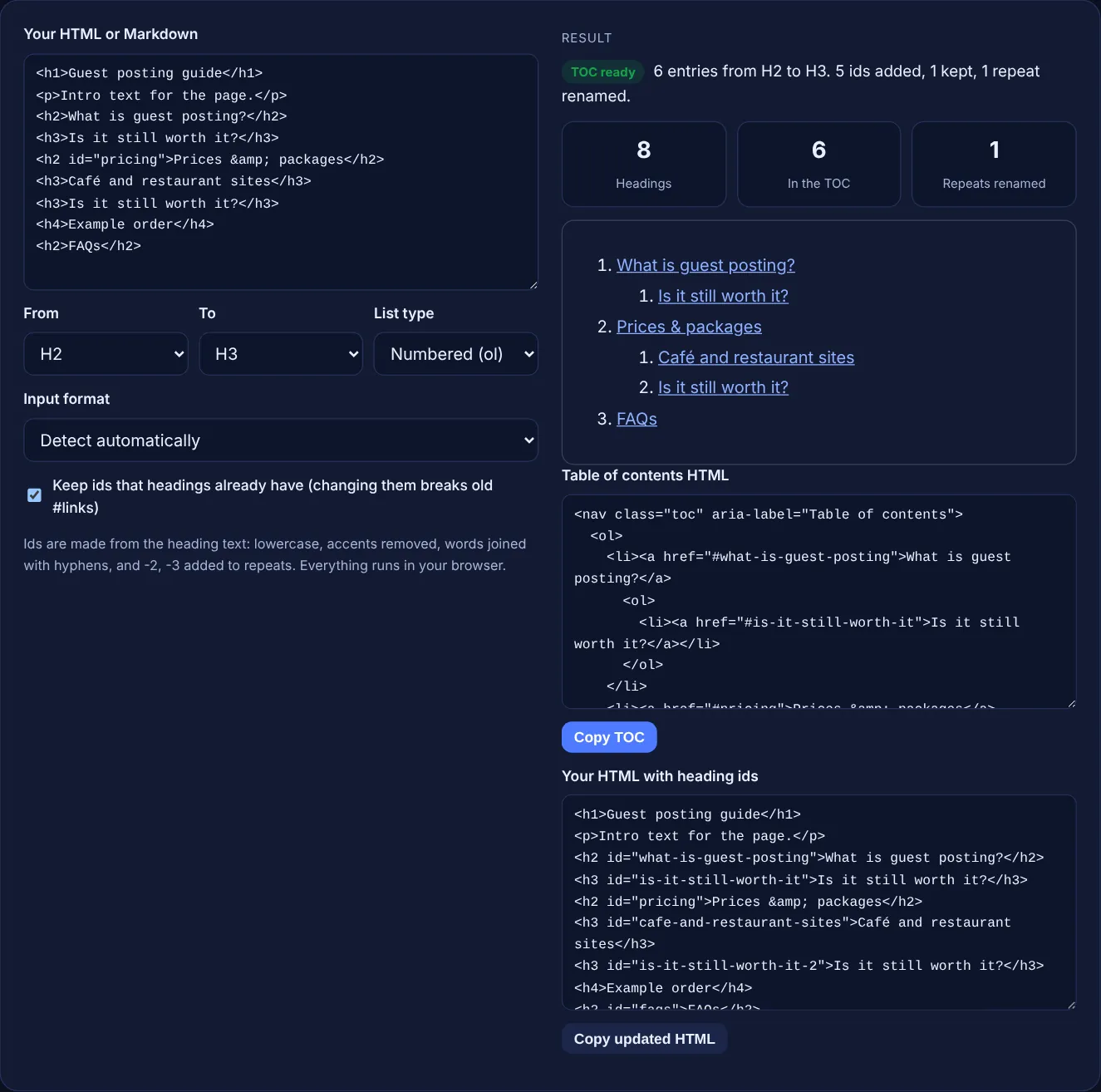
Ids are made from the heading text: lowercase, accents removed, words joined with hyphens, and -2, -3 added to repeats. Everything runs in your browser.
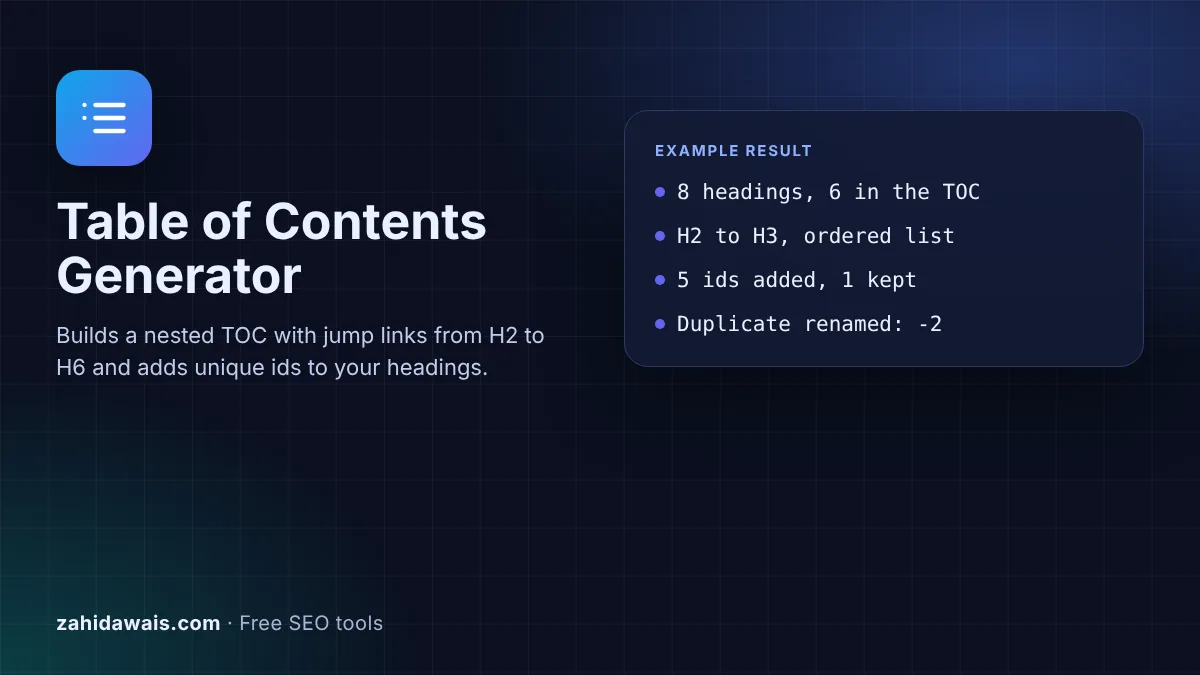
The free table of contents generator reads the headings in your HTML or Markdown, builds a nested list of jump links from the depth you choose and gives your HTML back with a clean, unique id on every heading it links to. It runs in your browser.
A table of contents generator turns the H2 to H6 headings of a page into a nested list of links that jump to each section. Each heading needs a unique id, such as id="pricing", and each link points to it with #pricing. Google has no TOC rule; it helps readers move around long pages.
A table of contents generator is a tool that reads the headings of a page and writes the list of jump links that sits near the top of a long article. Each entry is a normal link whose address is a fragment, such as #pricing, and the browser scrolls to the element whose id matches it. For that to work, every heading in the list needs an id that is unique on the page.
That is where most manual tables of contents break. Two sections with the same title get the same id, an old id is changed and breaks links from other pages, or an accented title produces an odd id. This tool keeps ids that already exist, removes accents, adds -2, -3 to repeats and nests H3 entries under their H2. To check the heading order itself before you build the list, run the page through the Heading Structure Checker.
The browser matches the part of the link after the # with an element id on the page. A link to #pricing scrolls to <h2 id="pricing">, and the same works from another page with /guide/#pricing. The fragment never reaches the server, and Google's URL structure guidance says "Google Search generally doesn't support URL fragments", so /guide/#pricing is the same page as /guide/ for search. The jump is for readers.
Usually H2 and H3. H2s are the main sections and H3s the steps or sub-questions inside them, which gives a list readers can scan in a few seconds. H4 to H6 make the list long and rarely help. Leave out the H1, because it is the page title and readers are already at the top. Google's SEO starter guide advises to "provide headings to help users navigate your pages", and a short, clear TOC builds on exactly those headings.
Repeated titles get a number: the first "Is it still worth it?" becomes is-it-still-worth-it and the second is-it-still-worth-it-2, because an id must be unique on the page or the link jumps to the first match. Ids that headings already have are kept when the box is ticked, since other pages or old social posts may already link to them. Ids used by any other element on the page are also treated as taken, and an id that is empty or contains spaces is replaced.
| Heading | Generated id | Why |
|---|---|---|
| What is guest posting? | what-is-guest-posting | Lowercase, punctuation removed |
| Prices & packages (id="pricing") | pricing | Existing id kept |
| Café and restaurant sites | cafe-and-restaurant-sites | Accent removed |
| Is it still worth it? (second time) | is-it-still-worth-it-2 | Repeat gets -2 |
| !!! | section | No letters or digits left |
| Step 1: install | step-1-install | Colon and space become one hyphen |
Example: the default HTML is a short guest posting guide with 8 headings: one H1, three H2s, three H3s and one H4. With the depth set to H2 to H3, the tool builds a TOC with 6 entries and leaves out the H1 and the H4. It adds 5 ids, keeps the existing id="pricing" on "Prices & packages", turns "Café and restaurant sites" into cafe-and-restaurant-sites and renames the second "Is it still worth it?" to is-it-still-worth-it-2, so the result shows 1 repeat renamed.
Not as a ranking factor. Google's documentation sets no rule for tables of contents. A TOC helps readers find the section they need on long pages, and the ids it relies on let you link straight to a section from other pages.
Put it after the introduction and before the first H2, so readers see what the page covers before they start scrolling. On very long pages a sticky sidebar version also works, as long as it does not cover the text on phones.
Yes, it can. Any link that points to the old id, from your own pages, other sites or shared posts, will open the page at the top instead of the section. Keep existing ids unless they are invalid.
Yes. Open the post in the code editor, copy the HTML, paste it here and copy the updated HTML back. Then paste the TOC into a Custom HTML block under the introduction. Check the result in the preview.
They are outside the depth you chose, they are empty, or they sit inside code, pre or script blocks, which the tool ignores. Change From and To to include more levels, or check that the heading has text.
No. The generator runs entirely in your browser with JavaScript. Nothing you paste is sent or stored, so you can use it on drafts and client pages that are not published yet.
Checked 23 Oct 2026. Facts checked against these official pages. Read how I check facts in my editorial policy.
Turns headings into clean, unique id anchors with #jump links and HTML snippets.
A heading structure checker is a tool that extracts every H1 to H6 element from a page in document order and…
An HTML to Markdown converter is a tool that walks the HTML element tree and maps each element to its…
Send your website and I will check it for you, free.
One short email when something new goes live: articles, free SEO tools, package updates, discounts and price alerts. No spam, unsubscribe in one click.