Heading Structure Checker
A heading structure checker is a tool that extracts every H1 to H6 element from a page in document order and…
Turn HTML into clean Markdown, or Markdown into HTML, without sending your content anywhere.
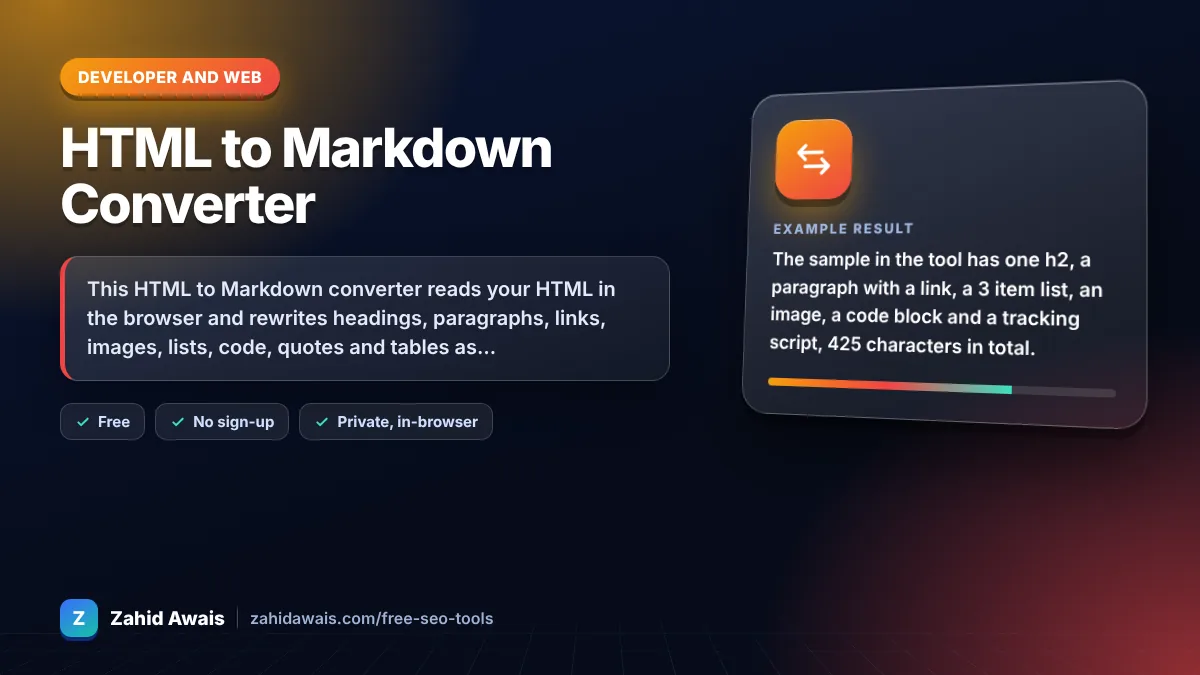
The free html to markdown converter runs in your browser, needs no sign-up and never sends what you type anywhere.
This HTML to Markdown converter reads your HTML in the browser and rewrites headings, paragraphs, links, images, lists, code, quotes and tables as Markdown, dropping scripts, styles and layout wrappers. Rule of thumb: Markdown keeps structure, not design, so classes, colors and custom attributes are removed on purpose.
An HTML to Markdown converter is a tool that walks the HTML element tree and maps each element to its Markdown syntax, such as h2 to ## and a to [text](url). The reverse mode parses Markdown lines and builds the matching HTML elements.
Markdown is easier to read, edit and version control than HTML, so it suits documentation, static site generators, GitHub READMEs and content briefs. Many writing and AI tools also accept Markdown input. Google's developer style guide notes that Markdown is easier to write and read, while HTML gives more precision.
Yes, Markdown keeps the parts that matter for SEO structure: heading levels, link text and URLs, image alt text and lists. It drops attributes like rel="nofollow", classes and inline styles, so add those back in your CMS if you need them.
Most Markdown processors allow raw HTML blocks, so anything without a Markdown equivalent, such as a video embed or a table with merged cells, can stay as HTML inside the Markdown file. This converter skips scripts and styles but keeps the text content of unknown elements.
| HTML | Markdown | Note |
|---|---|---|
| <h2>Title</h2> | ## Title | Heading level = number of # |
| <strong>bold</strong> | **bold** | em becomes *italic* |
| SEO | [SEO](/seo/) | Title attribute kept in quotes |
| <img src="a.png" alt="Chart"> |  | Alt text is preserved |
| <ul><li>One</li></ul> | - One | Ordered lists use 1. |
| <code>x</code> | `x` | pre becomes a fenced block |
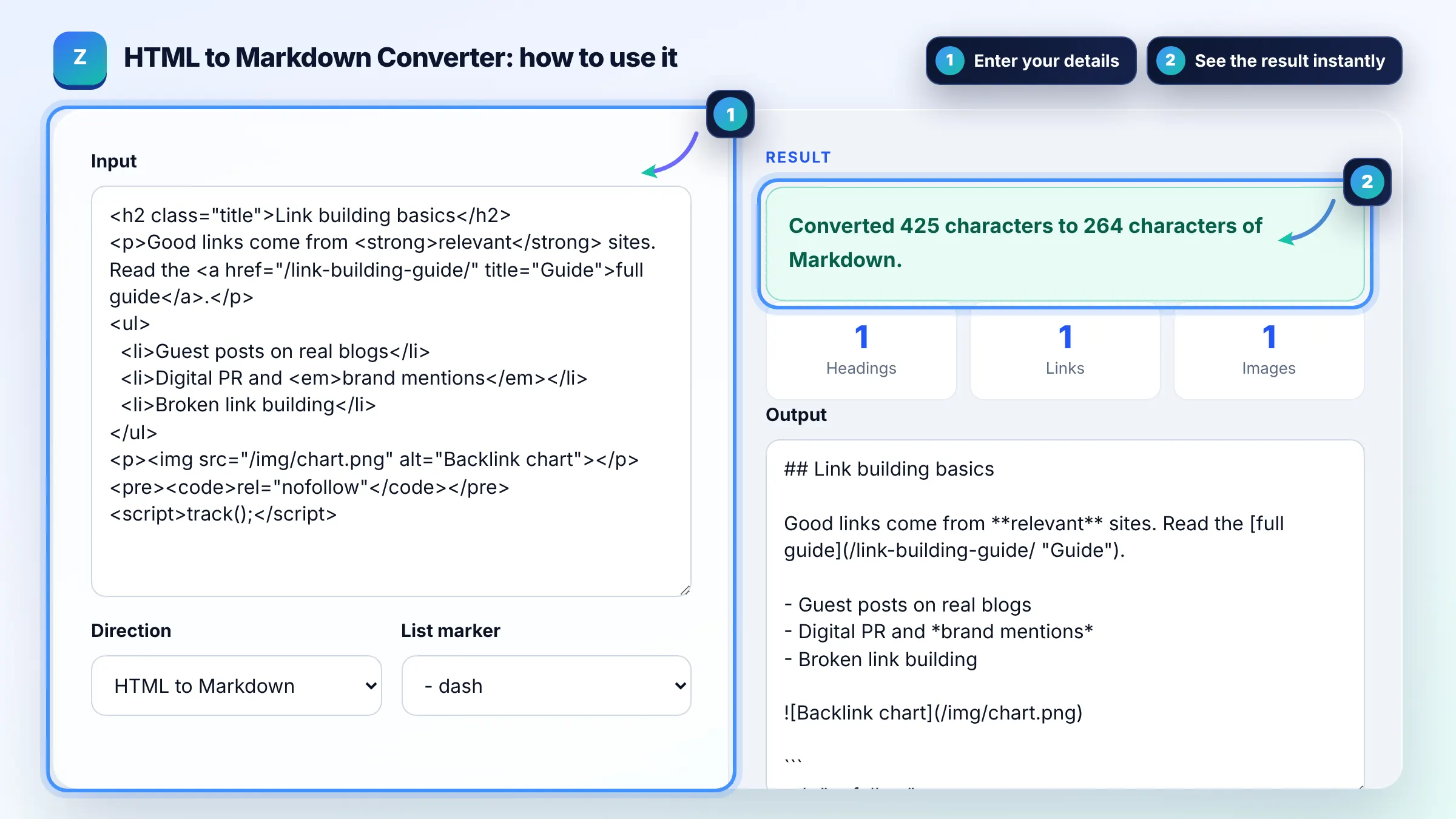
Example: the sample in the tool has one h2, a paragraph with a link, a 3 item list, an image, a code block and a tracking script, 425 characters in total. It converts to 264 characters of Markdown: the h2 becomes ## Link building basics, the image becomes  and the script is dropped.
It outputs CommonMark style Markdown with GitHub style tables and fenced code blocks, which work on GitHub, most static site generators and common editors. Tables use pipes and a header separator row.
They are removed. Markdown has no syntax for classes, inline styles or IDs, so the converter keeps the content and structure only. If you need styling, apply it with your site's CSS after converting back to HTML.
No. The HTML is parsed with the browser's DOMParser, which does not run scripts, and script, style and iframe elements are skipped entirely. Nothing you paste is sent to a server.
The reverse mode handles headings, paragraphs, bold, italic, links, images, lists, blockquotes, inline code, fenced code and horizontal rules. Text is escaped, so stray < characters do not turn into tags. Complex nested structures may need a manual check.
Yes, but paste only the main content for the cleanest result. Navigation menus, footers and sidebars would become long lists of links. Use your browser's view source or copy the article element from developer tools.
Yes. Markdown keeps the heading hierarchy visible with #, ## and ###, which makes it easy to review an outline, check keyword placement in headings and hand content to writers or a CMS that imports Markdown.
Facts checked against these official pages. Read how I check facts in my editorial policy.
A heading structure checker is a tool that extracts every H1 to H6 element from a page in document order and…
An HTML minifier is a tool that rewrites markup into fewer bytes without changing what the browser renders.…
An HTML entity encoder is a tool that replaces characters with character references, which start with &…
Send your website and I will check it for you, free.
One short email when something new goes live: articles, free SEO tools, package updates, discounts and price alerts. No spam, unsubscribe in one click.