Content to HTML Ratio Checker
A text to HTML ratio checker is a tool that compares visible text with total page code. It removes script,…
Remove comments and whitespace from HTML and see the bytes saved, all inside your browser.
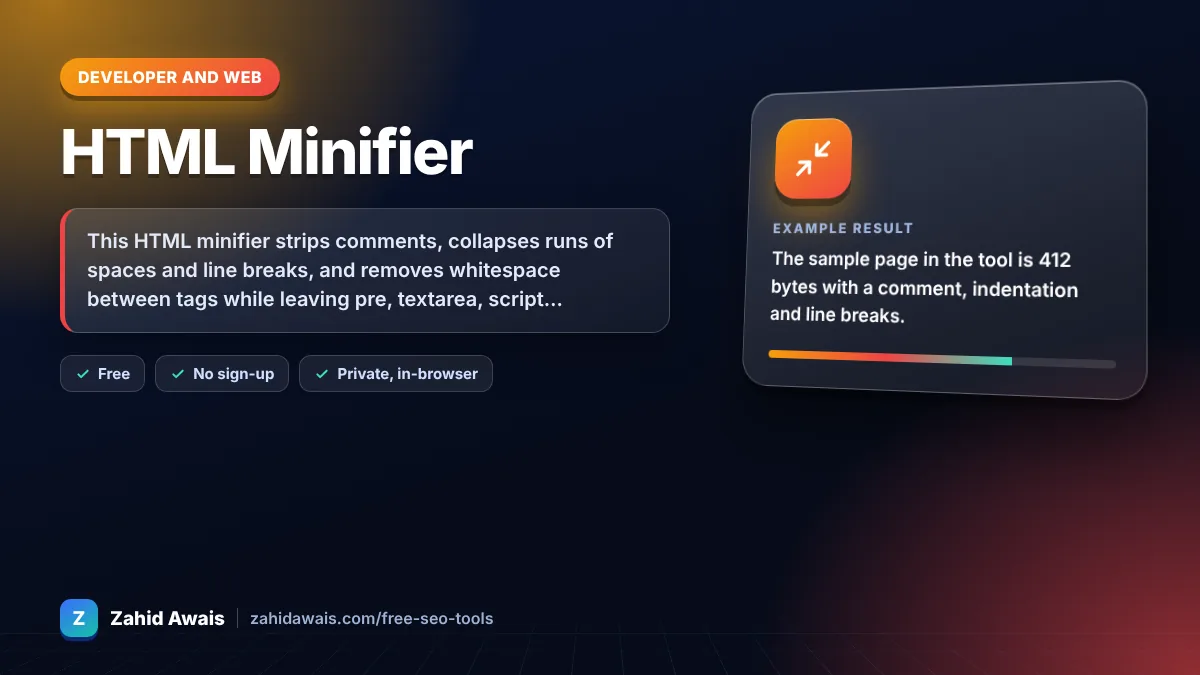
The free html minifier runs in your browser, needs no sign-up and never sends what you type anywhere.
This HTML minifier strips comments, collapses runs of spaces and line breaks, and removes whitespace between tags while leaving pre, textarea, script and style blocks untouched. Rule of thumb: expect 5 to 20 percent savings on typical pages, and always enable gzip or Brotli on the server because compression saves far more.
An HTML minifier is a tool that rewrites markup into fewer bytes without changing what the browser renders. It protects whitespace sensitive blocks, deletes comments, and replaces repeated whitespace with a single space or nothing between tags.
Minifying HTML does not directly change rankings, but it reduces page weight, which can slightly improve load time. Google ranks on content relevance first and page experience is only one of many signals. web.dev covers minification and compression as transfer size wins.
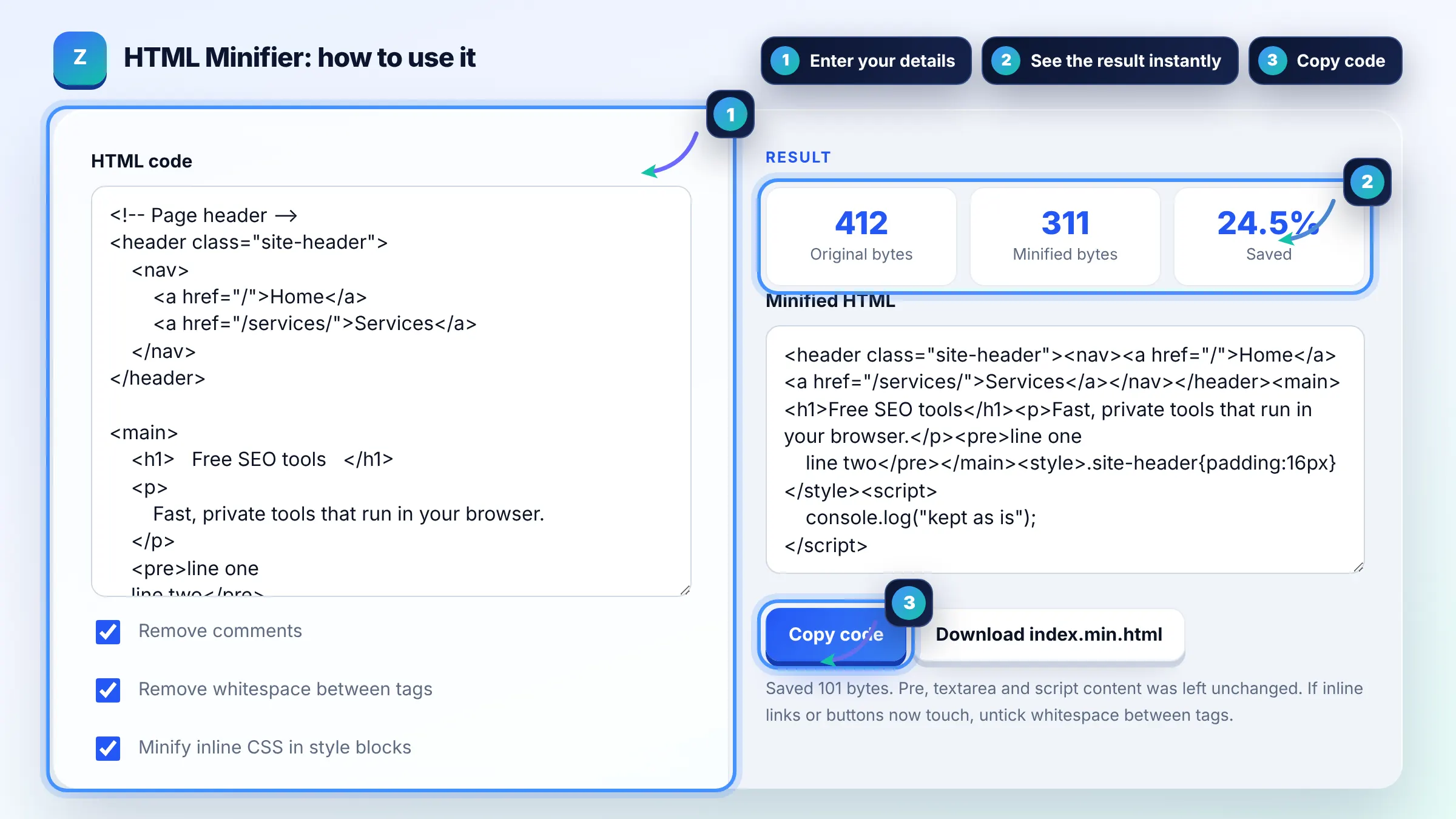
Mostly yes, but whitespace between inline elements can be visible, for example a space between two links or inline buttons. If items touch after minifying, turn off the option to remove whitespace between tags, and the tool will collapse whitespace to one space instead.
No. This tool does not change anything inside script, pre or textarea blocks, so JavaScript, preformatted text and form defaults stay exactly as written. Inline CSS inside style blocks is only minified when you tick that option.
| Removed | Typical saving | Risk |
|---|---|---|
| HTML comments | 1 to 5 percent | None, except conditional comments (kept) |
| Indentation and line breaks | 5 to 15 percent | None outside pre and textarea |
| Whitespace between tags | 1 to 3 percent | Can join inline elements |
| Inline CSS whitespace | Varies | Low |
Example: the sample page in the tool is 412 bytes with a comment, indentation and line breaks. With all options on, it shrinks to about 311 bytes, a saving of roughly 24 percent, while the pre block keeps its line breaks and the inline script stays exactly as written.
Minifying removes characters from the file itself, while compression such as gzip or Brotli encodes the file for transfer and the browser decodes it. They work together: minify at build time, compress on the server, and both savings add up.
Yes. Comments that start with <!--[if are old Internet Explorer conditional comments and are kept, because removing them could change behavior on legacy pages. All other HTML comments are removed when the option is on.
Many caching plugins can minify HTML on the fly, which is easier than editing templates. Use this tool to check a template or a static page, and test after enabling any automatic minification because some themes rely on whitespace between inline elements.
No. It keeps every tag and attribute quote, so the output stays valid and readable by any parser. Removing optional closing tags saves very little and makes the markup harder to maintain, so it is left out on purpose.
No. Minification runs in your browser with plain JavaScript, and nothing is sent to a server or stored. You can safely paste templates that contain private URLs or unpublished content.
Usually only slightly, because HTML is often a small part of total page weight compared with images and scripts. On a 60 KB HTML document a 15 percent saving is about 9 KB before compression. Check Core Web Vitals to find bigger wins.
Facts checked against these official pages. Read how I check facts in my editorial policy.
A text to HTML ratio checker is a tool that compares visible text with total page code. It removes script,…
A CSS minifier is a tool that rewrites a stylesheet into the smallest equivalent text. It protects strings…
An HTML entity encoder is a tool that replaces characters with character references, which start with &…
Send your website and I will check it for you, free.
One short email when something new goes live: articles, free SEO tools, package updates, discounts and price alerts. No spam, unsubscribe in one click.