Heading Structure Checker
A heading structure checker is a tool that extracts every H1 to H6 element from a page in document order and…
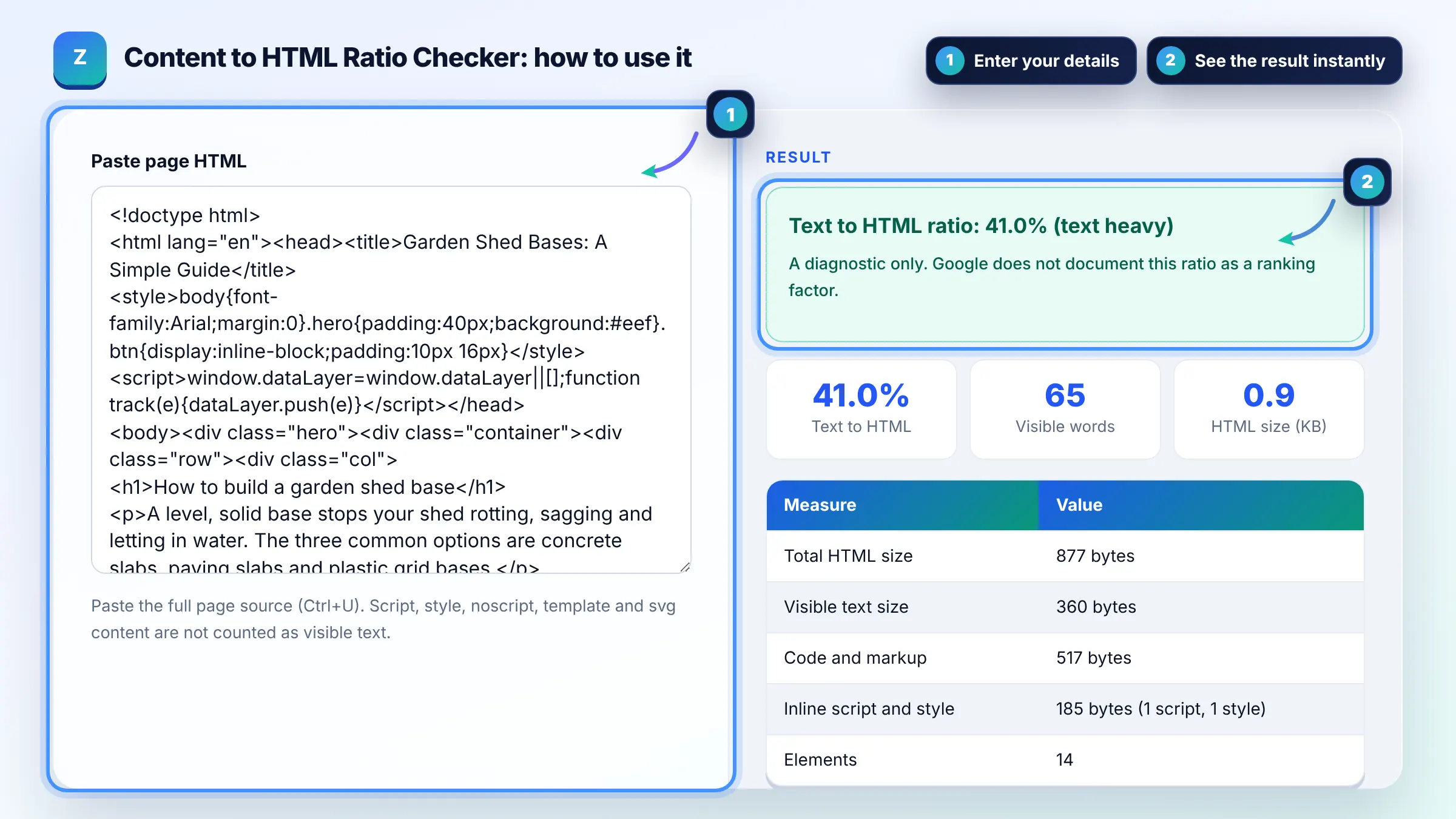
Paste page source to see how much of it is readable text versus code.
Paste the full page source (Ctrl+U). Script, style, noscript, template and svg content are not counted as visible text.
| Measure | Value |
|---|
The free text to html ratio checker runs in your browser, needs no sign-up and never sends what you type anywhere.
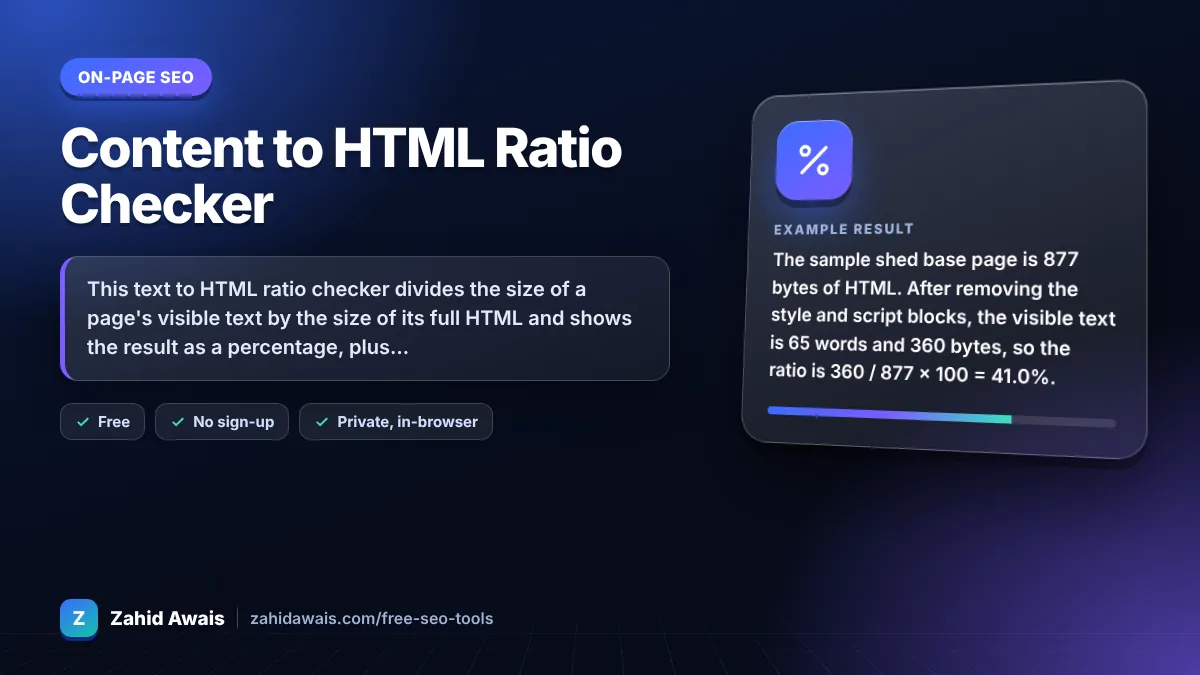
This text to HTML ratio checker divides the size of a page's visible text by the size of its full HTML and shows the result as a percentage, plus word count and inline code weight. Many pages fall between 10% and 25%. It is a diagnostic for bloated markup or thin content, not a Google ranking factor.
A text to HTML ratio checker is a tool that compares visible text with total page code. It removes script, style, noscript, template and svg content, collapses whitespace, then divides the remaining text bytes by the total HTML bytes and multiplies by 100.
There is no official good ratio, but many content pages fall between about 10% and 25%. Below 10% often points to heavy markup, inline code or very little text. Treat the number as a prompt to investigate, not a target to hit.
No. Google's documentation does not mention text to HTML ratio as a signal, and adding words just to raise it does not help. What matters is helpful content and a page that loads fast. See Google's SEO starter guide.
The usual causes are large inline scripts and styles, deeply nested page builder markup, embedded SVG icons, and pages with very little text. Moving code into external cached files and simplifying templates raises the ratio and often speeds up the page.
| Ratio | What it often means | What to check |
|---|---|---|
| Under 5% | Very code heavy or almost no text | Inline scripts, tracking code, thin content |
| 5% to 10% | Code heavy | Page builder wrappers, inline CSS |
| 10% to 25% | Typical for content sites | Nothing urgent |
| Over 25% | Text heavy, lean markup | Make sure formatting still helps reading |
Example: the sample shed base page is 877 bytes of HTML. After removing the style and script blocks, the visible text is 65 words and 360 bytes, so the ratio is 360 / 877 x 100 = 41.0%. On a real page, the theme, menus and tracking code would usually push this well below 25%.
The tool strips script, style, noscript, template, svg and iframe content, collapses spaces, and measures the remaining visible text in bytes. It then divides that by the total HTML size in bytes and multiplies by 100 to give a percentage.
No. A higher ratio only means more of the file is text. Rankings depend on relevance, quality and many other signals. Adding filler text to improve the ratio can make a page worse for readers and does nothing useful for search.
It is a quick way to spot pages with bloated code or very little content. A sudden drop across a template can reveal a plugin injecting large inline scripts, which can slow pages down and hurt user experience.
No. Only text visible in the body counts. Alt attributes, meta descriptions, the title tag and JSON-LD are part of the HTML size but not the visible text, which matches what a reader actually sees on the page.
Tools differ in what they count as text, whether they measure characters or bytes, and whether they include the head. This tool counts UTF-8 bytes of visible body text against the full pasted HTML, so compare pages using the same tool.
No. Everything is calculated in your browser using the built in DOMParser, which does not run scripts or load resources. Nothing is uploaded, stored or tracked.
Facts checked against these official pages. Read how I check facts in my editorial policy.
A heading structure checker is a tool that extracts every H1 to H6 element from a page in document order and…
A keyword placement checker is a tool that looks for a phrase in specific parts of a page rather than just…
An HTML minifier is a tool that rewrites markup into fewer bytes without changing what the browser renders.…
Send your website and I will check it for you, free.
One short email when something new goes live: articles, free SEO tools, package updates, discounts and price alerts. No spam, unsubscribe in one click.