Heading Structure Checker
A heading structure checker is a tool that extracts every H1 to H6 element from a page in document order and…
See exactly where your target keyword appears on a page, and where it is missing.
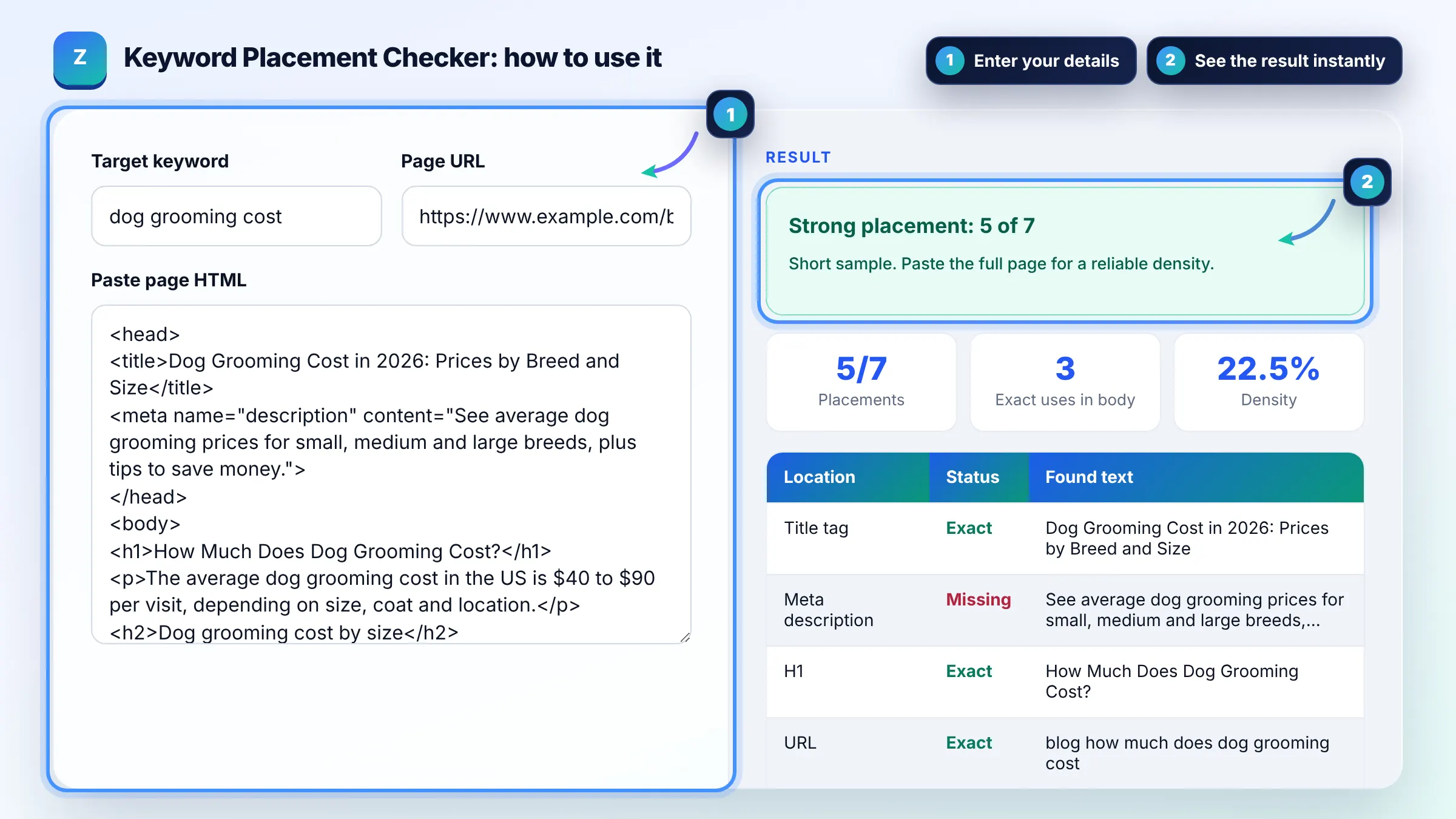
| Location | Status | Found text |
|---|
Exact = the full phrase in order. Partial = all words present but not as a phrase. Placement helps clarity; it does not guarantee rankings.
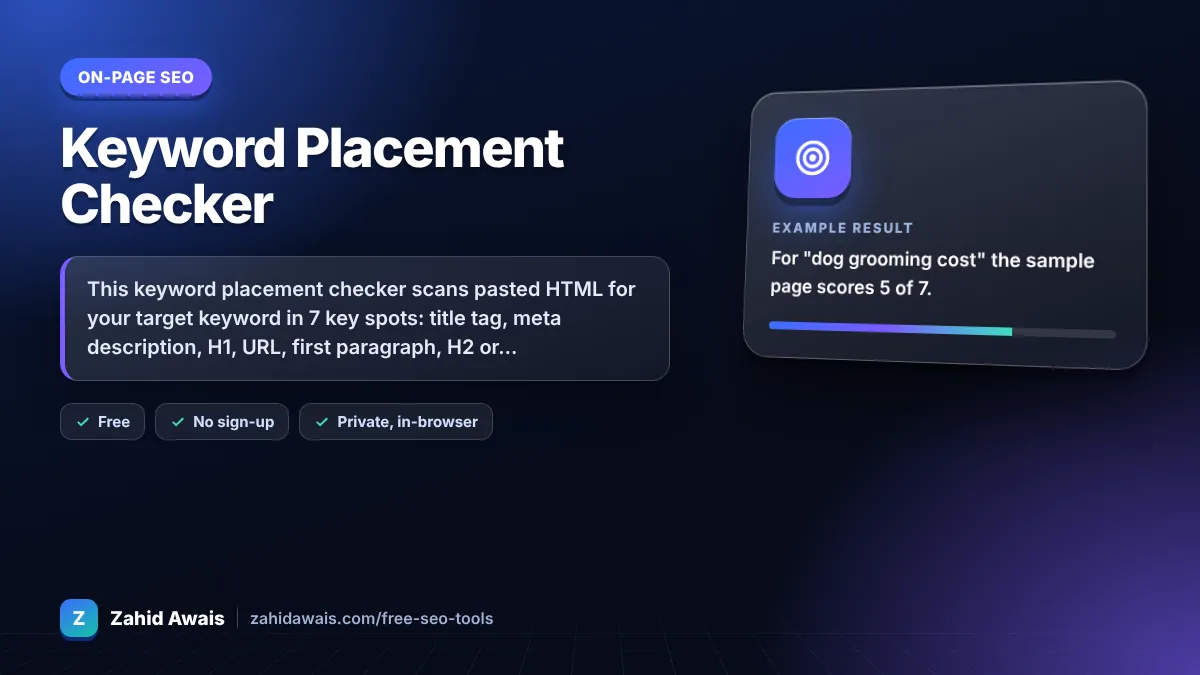
The free keyword placement checker runs in your browser, needs no sign-up and never sends what you type anywhere.
This keyword placement checker scans pasted HTML for your target keyword in 7 key spots: title tag, meta description, H1, URL, first paragraph, H2 or H3 subheadings and image alt text. It also counts exact uses and density. Aim for natural use in the title, H1 and opening paragraph; never force repetition.
A keyword placement checker is a tool that looks for a phrase in specific parts of a page rather than just counting it. It normalises case and punctuation, scores an exact phrase match as 1 and all words present in another order as 0.5, then adds up a score out of 7.
Put it in the title tag, H1 and first paragraph first, since those tell readers immediately what the page covers. Then use it or close variants in a subheading, the URL and image alt text where it fits naturally. Google's starter guide stresses writing for people over repeating terms.
No, there is no ideal keyword density that Google rewards. Repeating a keyword to hit a percentage can count as keyword stuffing, which breaks Google's spam policies. Use density only as a warning sign; above about 3% often reads as repetitive. See Google Search Essentials.
No. Google understands synonyms and word order, so "cost of dog grooming" and "dog grooming cost" are treated as closely related. Exact phrases in the title and H1 still make the topic obvious to readers, which is why this tool reports exact and partial matches separately.
| Location | Why it matters | Priority |
|---|---|---|
| Title tag | Main input for the title link in results | High |
| H1 | Confirms the topic once visitors land | High |
| First paragraph | Shows quickly that the page answers the query | High |
| Meta description | Matching words are often bolded in snippets | Medium |
| URL slug | Readable hint about the page topic | Medium |
| Subheadings and alt text | Support related sections and images | Low to medium |
Example: for "dog grooming cost" the sample page scores 5 of 7. The title, H1, URL, first paragraph and H2 contain the exact phrase, but the meta description says "dog grooming prices" and the only image alt text is "Groomer trimming a poodle". Body text has 3 exact uses in 40 words, a density of 22.5% that only looks high because the sample is so short.
Each of the 7 locations scores 1 for the exact phrase, 0.5 when all the words appear but not as a phrase, and 0 when they are missing. A score of 5 or more is reported as strong. The score is a checklist aid, not a prediction of rankings.
Partial means every word of the keyword appears, but not in the same order or not next to each other, such as "How much does dog grooming cost" for "grooming cost dog". That is usually fine for people and Google. Change it only if the exact phrase reads naturally.
No. Repeating the same phrase in every heading reads badly and can look like stuffing. Use the main keyword in the H1 and perhaps one subheading, then use related terms and questions in other headings to cover the topic fully.
Partly. Simple plurals ending in s are treated as the same word for partial matches. Other variants and synonyms are not detected, so a missing result might still be fine if you used a natural alternative such as "price" instead of "cost".
Density is the share of words that belong to keyword matches, so a short sample makes one mention look large. Paste the full page HTML to get a realistic figure. Menus and footers are included, as they are part of the page.
No. The HTML is parsed in your browser with the built in DOMParser, which does not run scripts or load images. Nothing you paste leaves your device or is stored.
Facts checked against these official pages. Read how I check facts in my editorial policy.
A heading structure checker is a tool that extracts every H1 to H6 element from a page in document order and…
A word frequency counter is a tool that counts how many times each word or phrase appears in a text. Density…
Coming 15 OctA keyword cannibalization checker is a tool that finds multiple URLs on one site aimed at the same query. It…
Coming 16 OctSend your website and I will check it for you, free.
One short email when something new goes live: articles, free SEO tools, package updates, discounts and price alerts. No spam, unsubscribe in one click.