Image Alt Text Checker
An alt text checker is a tool that scans HTML for img elements and reads each alt attribute. It treats a…
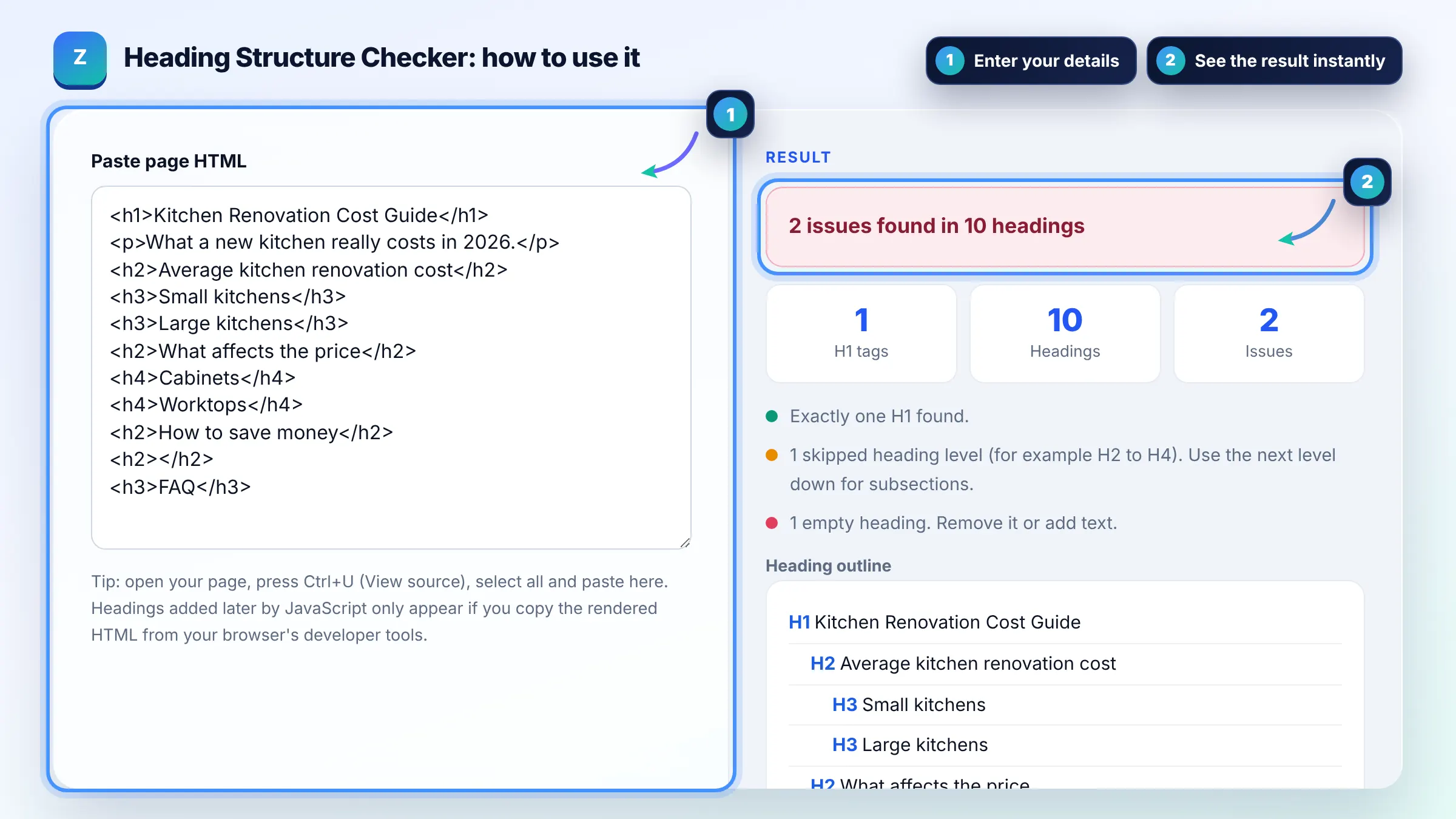
Paste HTML to see your H1 to H6 outline and catch structure problems instantly.
Tip: open your page, press Ctrl+U (View source), select all and paste here. Headings added later by JavaScript only appear if you copy the rendered HTML from your browser's developer tools.
Heading outline
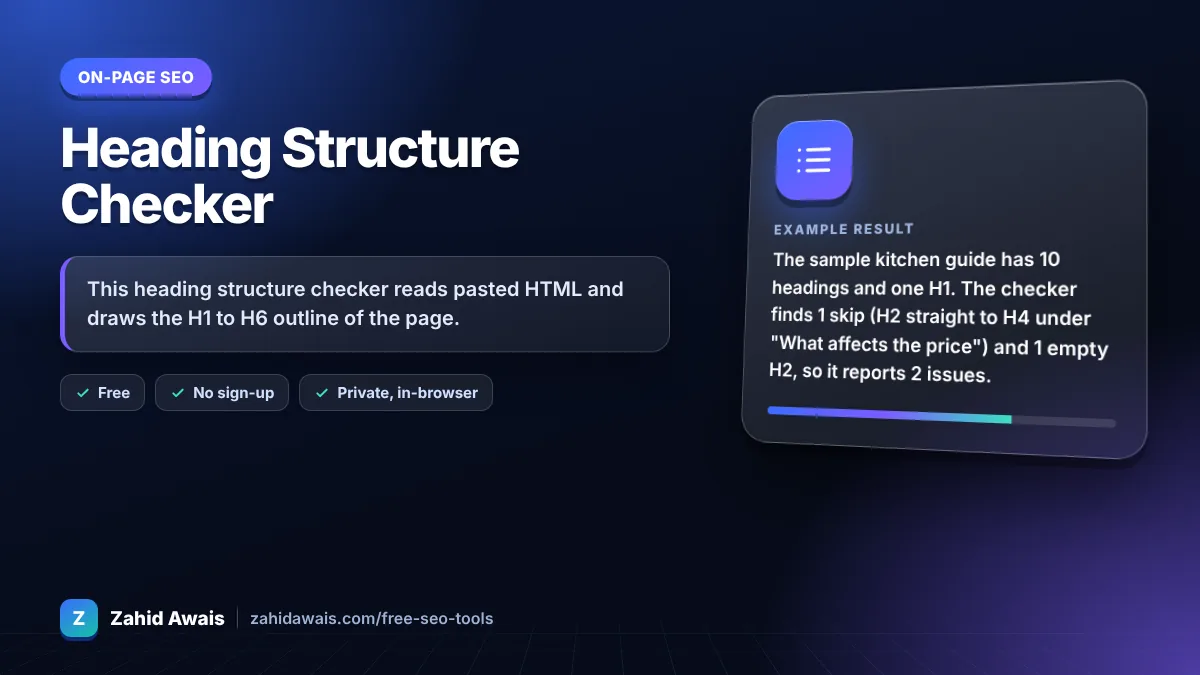
The free heading structure checker runs in your browser, needs no sign-up and never sends what you type anywhere.
This heading structure checker reads pasted HTML and draws the H1 to H6 outline of the page. It flags a missing H1, several H1s, skipped levels such as H2 to H4, empty and very long headings. Good practice is one descriptive H1, then H2s for main sections and H3s inside them, in order.
A heading structure checker is a tool that extracts every H1 to H6 element from a page in document order and shows them as an indented outline. It compares each heading level with the one before it, so a jump of more than one level down is flagged as a skip.
No, Google does not document any penalty for using more than one H1, and its guidance focuses on headings that clearly describe each section. One clear H1 is still the best practice for users and screen readers, because it states the main topic of the page at a glance.
Skipping from H2 to H4 does not cause a ranking penalty, but it makes the outline harder to follow. Assistive technology users navigate by headings, and the W3C advises nesting headings by rank without skipping. See the W3C headings tutorial.
Yes. Headings break content into topics, which helps readers scan and helps search engines understand what each section covers. Use them to describe content honestly, not to stuff keywords, and keep them in a logical order.
| Check | Rule of thumb | Severity |
|---|---|---|
| H1 count | Exactly one descriptive H1 per page | Warning if 0 or more than 1 |
| First heading | Main content usually starts with the H1 | Warning |
| Skipped levels | Go down one level at a time (H2 then H3) | Warning |
| Empty headings | Every heading needs visible text | Error |
| Long headings | Under about 70 characters | Advice |
Example: the sample kitchen guide has 10 headings and one H1. The checker finds 1 skip (H2 straight to H4 under "What affects the price") and 1 empty H2, so it reports 2 issues. Changing both H4s to H3 and deleting the empty H2 leaves 0 issues across 9 headings.
It lists every H1 to H6 tag in order and checks for a missing H1, several H1s, skipped levels, empty headings and very long headings. These are the most common outline problems that make pages harder to scan for people and assistive technology.
They should cover the same topic but do not need to be identical. The title tag is written for search results and may include the brand, while the H1 is written for people already on the page. Google can also use the H1 when it builds title links.
You should not. Headings define document structure, so using an H3 just to make text bold or large creates a confusing outline. Use CSS classes for visual styling and keep heading tags for real section titles.
The tool reads the HTML you paste. Headings in menus, sidebars and footers count too, and headings injected by JavaScript are missing from page source. Copy the rendered HTML from your browser developer tools to see what users actually get.
There is no fixed number. Use one H2 for each main section, which for a typical 1,500 word article is often 4 to 8. Use H3s for subsections inside an H2 rather than creating many flat H2s.
No. The HTML is parsed in your browser with the built in DOMParser, which does not run scripts or load images. Nothing is sent to a server or stored.
Facts checked against these official pages. Read how I check facts in my editorial policy.
An alt text checker is a tool that scans HTML for img elements and reads each alt attribute. It treats a…
A keyword placement checker is a tool that looks for a phrase in specific parts of a page rather than just…
Coming 11 OctA text to HTML ratio checker is a tool that compares visible text with total page code. It removes script,…
Coming 13 OctSend your website and I will check it for you, free.
One short email when something new goes live: articles, free SEO tools, package updates, discounts and price alerts. No spam, unsubscribe in one click.