Px to Rem Converter
A px to rem converter is a calculator that turns absolute CSS pixels into relative rem units. The formula is…
Paste CSS and get compressed code plus the bytes saved, processed entirely in your browser.
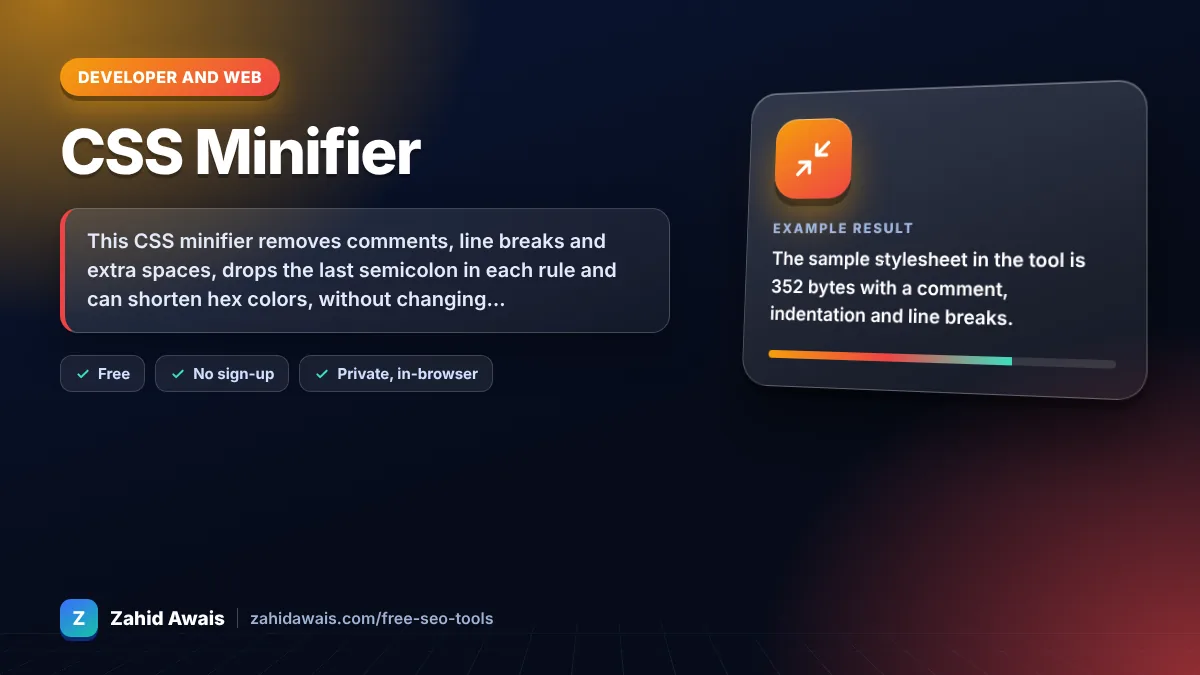
The free css minifier runs in your browser, needs no sign-up and never sends what you type anywhere.
This CSS minifier removes comments, line breaks and extra spaces, drops the last semicolon in each rule and can shorten hex colors, without changing how the styles render. Rule of thumb: minification usually cuts hand written CSS by 15 to 30 percent, and server compression such as Brotli or gzip saves even more on top.
A CSS minifier is a tool that rewrites a stylesheet into the smallest equivalent text. It protects strings and url() values, deletes comments and whitespace that browsers ignore, and removes characters such as spaces around braces, colons and commas.
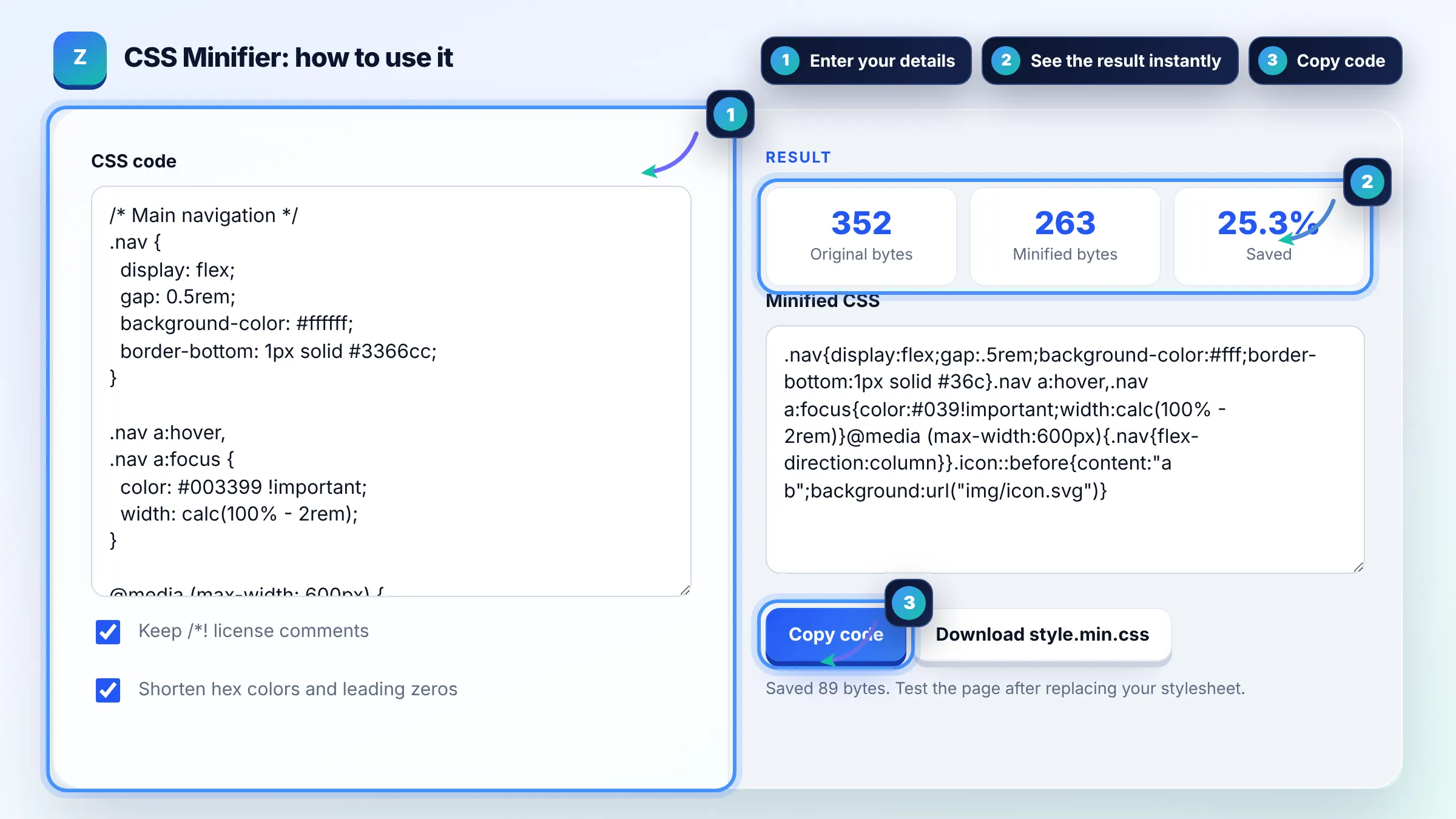
Yes, minified CSS is smaller, so it downloads and parses faster, and CSS is render blocking, which makes savings on the critical path worthwhile. The gain per file is often a few kilobytes. web.dev explains how minification and text compression work together.
Yes, when the minifier only removes characters the CSS grammar ignores. This tool protects quoted strings and url() values and keeps spaces inside calc() and media query keywords. Always test the page after deploying, and keep the original file for future edits.
Yes, do both. Minification removes comments and whitespace before compression, and gzip or Brotli then compresses the smaller file further. The two savings stack, so the combined transfer size is lower than with either method alone.
| Change | Before | After |
|---|---|---|
| Remove comments | /* header */ .nav{} | .nav{} |
| Collapse whitespace | .nav { color : red ; } | .nav{color:red} |
| Drop last semicolon | a{color:red;} | a{color:red} |
| Shorten hex colors | #ffffff, #3366cc | #fff, #36c |
| Trim leading zero | 0.5em | .5em |
Example: the sample stylesheet in the tool is 352 bytes with a comment, indentation and line breaks. Minified, it becomes 252 bytes, a 28.4 percent saving, and #ffffff becomes #fff, #3366cc becomes #36c and 0.5rem becomes .5rem while calc(100% - 2rem) keeps its required spaces.
It should not. The tool only removes characters that do not change meaning and keeps spaces where CSS needs them, such as inside calc() expressions and between media query keywords. If something looks wrong, compare the original and minified files and report the exact rule.
Comments that start with /*! are a common convention for license and copyright notices that must stay in distributed files. With the option checked, those comments are kept and every other comment is removed.
No. Minification keeps every rule and only shortens how it is written. Removing unused CSS deletes rules that no page uses, which usually saves far more but needs a tool that scans your pages. Do both for the best result.
You can reformat minified CSS with a beautifier, but comments are gone for good. Keep your original source file in version control and treat the minified file as a build output that you regenerate after each change.
No. All processing runs in your browser with plain JavaScript, and nothing is sent to a server or stored. You can safely minify CSS from private projects and client sites.
Yes, most WordPress sites benefit from it, and many caching plugins can minify CSS automatically. Use this tool for custom theme files or snippets, and test carefully if a plugin also combines files, because combining can change rule order.
Facts checked against these official pages. Read how I check facts in my editorial policy.
A px to rem converter is a calculator that turns absolute CSS pixels into relative rem units. The formula is…
An HTML minifier is a tool that rewrites markup into fewer bytes without changing what the browser renders.…
A JSON formatter is a tool that parses JavaScript Object Notation text and prints it back with consistent…
Send your website and I will check it for you, free.
One short email when something new goes live: articles, free SEO tools, package updates, discounts and price alerts. No spam, unsubscribe in one click.