JSON-LD Validator
A JSON-LD validator is a tool that checks structured data written in JSON for Linked Data. It first parses…
Validate, beautify or minify JSON and jump straight to the line that breaks it.
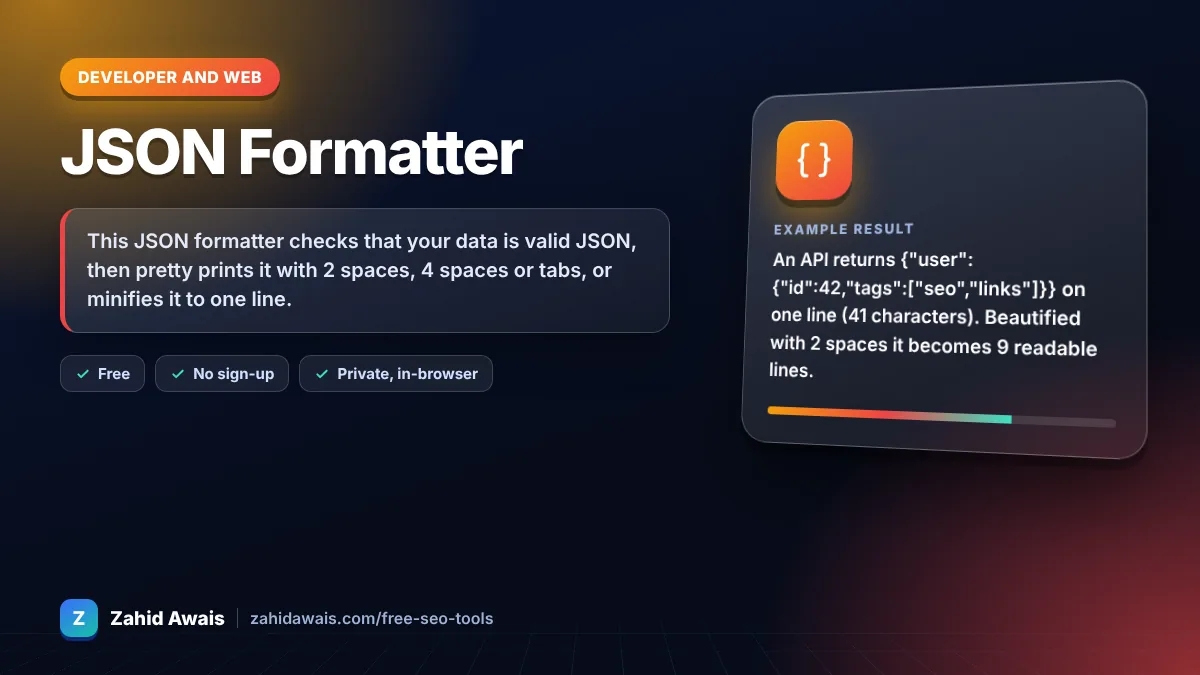
The free json formatter runs in your browser, needs no sign-up and never sends what you type anywhere.
This JSON formatter checks that your data is valid JSON, then pretty prints it with 2 spaces, 4 spaces or tabs, or minifies it to one line. If parsing fails, it shows the line and column with the surrounding lines. Rule of thumb: JSON needs double quoted keys and strings, no trailing commas and no comments.
A JSON formatter is a tool that parses JavaScript Object Notation text and prints it back with consistent indentation. It uses the browser's strict JSON.parse, so anything it accepts is valid JSON, and JSON.stringify to rebuild the output.
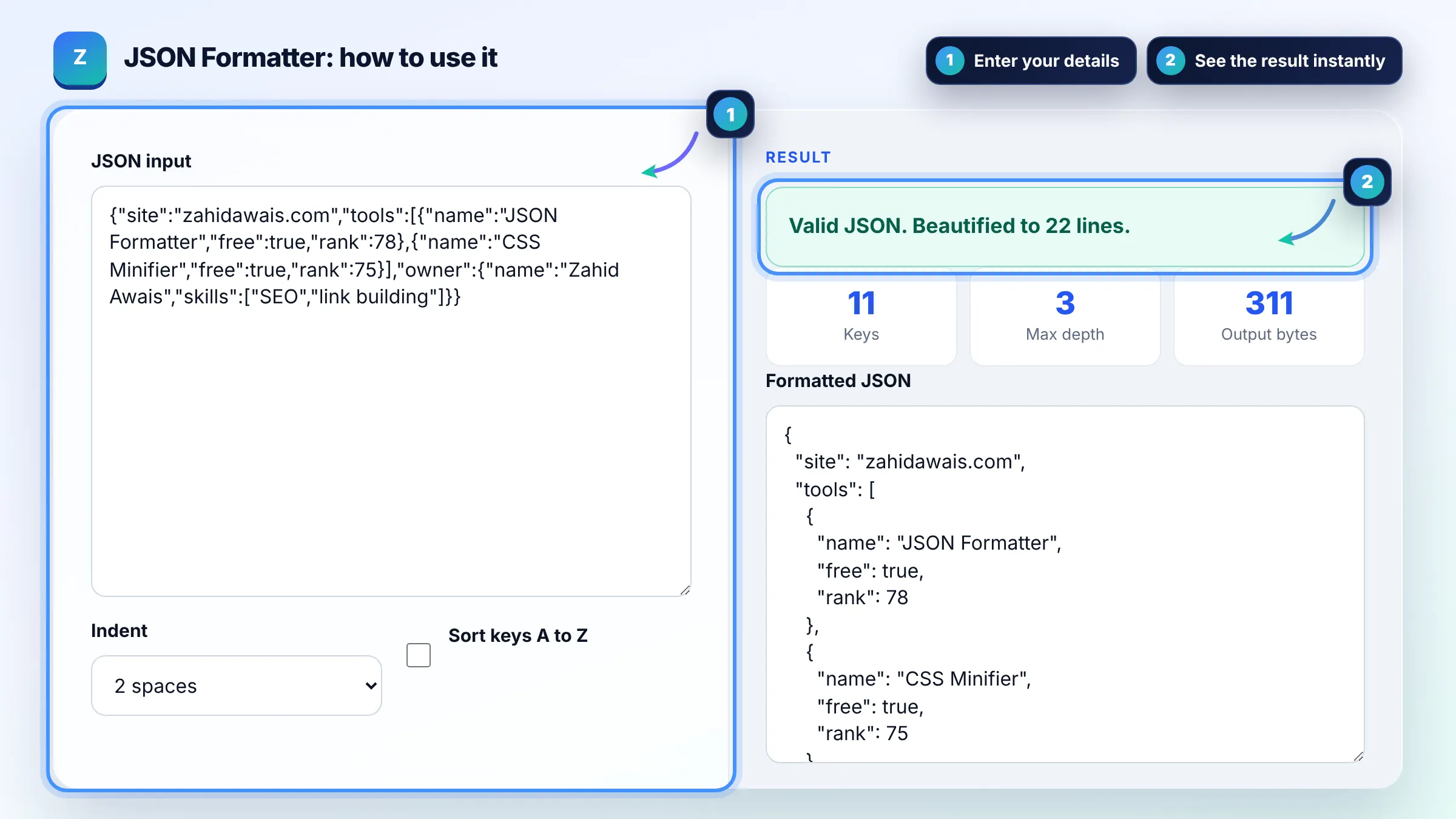
Start at the line and column in the error, then look one line above it, because the real mistake is often a missing comma or an extra trailing comma there. Replace single quotes and curly quotes with straight double quotes and remove comments. MDN lists what JSON.parse rejects.
JSON-LD is ordinary JSON with extra keys such as @context and @type that link the data to a vocabulary like schema.org. Every valid JSON-LD block is valid JSON, so you can format it here first and then use a JSON-LD validator for the schema checks.
No. Beautifying or minifying only changes whitespace, so the parsed data is identical. Sorting keys changes the order of object keys, which does not change meaning in JSON, but array order is always kept. Very large numbers beyond JavaScript precision may be rounded.
| Error message clue | Usual cause | Fix |
|---|---|---|
| Unexpected token } | Trailing comma before } | Delete the last comma |
| Unexpected token ' | Single quotes | Use double quotes |
| Expected property name | Unquoted key | Wrap the key in double quotes |
| Unexpected end of JSON input | Missing } or ] | Close every object and array |
| Bad control character | Raw line break inside a string | Use \n inside the string |
Example: an API returns {"user":{"id":42,"tags":["seo","links"]}} on one line (41 characters). Beautified with 2 spaces it becomes 9 readable lines. If someone edits it to {"id":42,} the formatter reports an error at line 1 and shows the trailing comma as the cause.
No. Standard JSON does not allow comments of any kind, so // or /* */ will cause a parse error. Some tools accept JSONC or JSON5 with comments, but browsers, APIs and Google structured data expect strict JSON.
Strict JSON does not allow a comma after the last item in an object or array, even though JavaScript does. Remove the comma before the closing brace or bracket and the error disappears.
Minified JSON is smaller, so it transfers slightly faster, and APIs usually send it that way. With gzip or Brotli the difference is small. Use beautified JSON for reading and debugging, and minified JSON for storage and network payloads.
It rebuilds every object with its keys in alphabetical order, at every nesting level. That makes two JSON files easier to compare line by line. Arrays keep their original order, because order in an array is meaningful.
There is no fixed limit, because everything runs in your browser. Files of a few megabytes format quickly on most devices. Very large files may make the page slow, depending on your device memory.
No. Parsing and formatting happen in your browser with JavaScript, and nothing is uploaded, logged or stored. You can safely format API responses that contain private data or tokens, though you should still avoid sharing them elsewhere.
Facts checked against these official pages. Read how I check facts in my editorial policy.
A JSON-LD validator is a tool that checks structured data written in JSON for Linked Data. It first parses…
A URL encoder decoder is a tool that applies percent encoding, where each byte of a character's UTF-8 form is…
A Base64 encoder decoder is a tool that turns binary data into text using the characters A to Z, a to z, 0 to…
Send your website and I will check it for you, free.
One short email when something new goes live: articles, free SEO tools, package updates, discounts and price alerts. No spam, unsubscribe in one click.