URL Encoder Decoder
A URL encoder decoder is a tool that applies percent encoding, where each byte of a character's UTF-8 form is…
Encode text to Base64 or decode it back, with emoji and non-English text handled correctly.
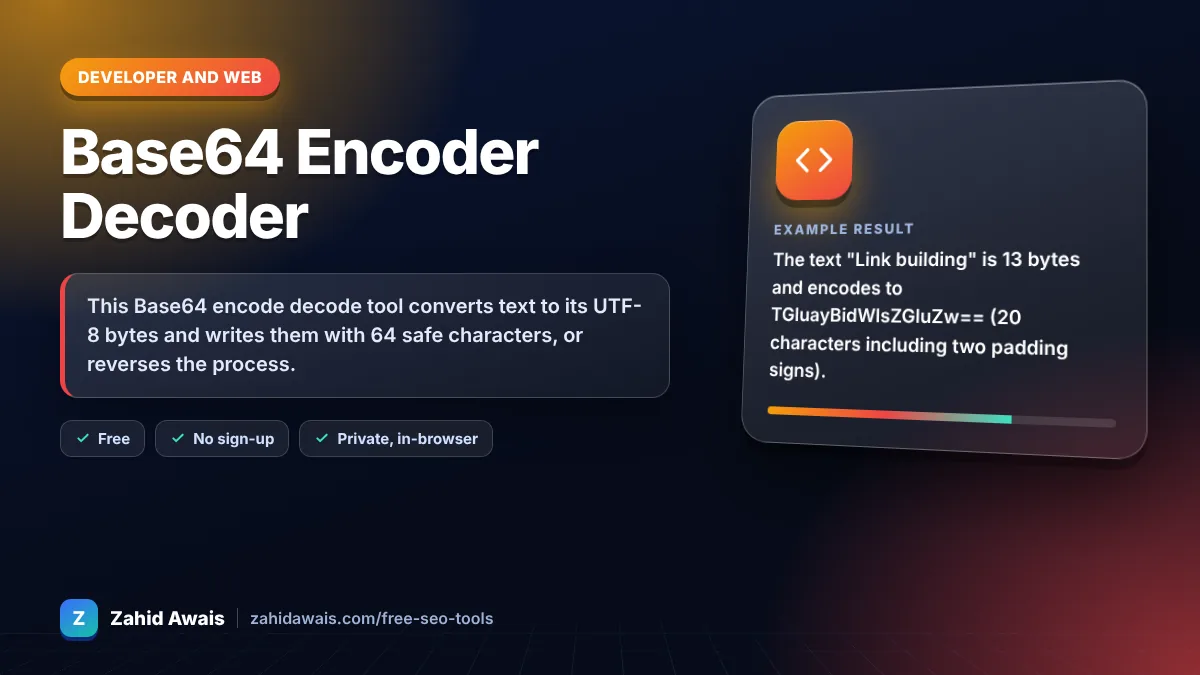
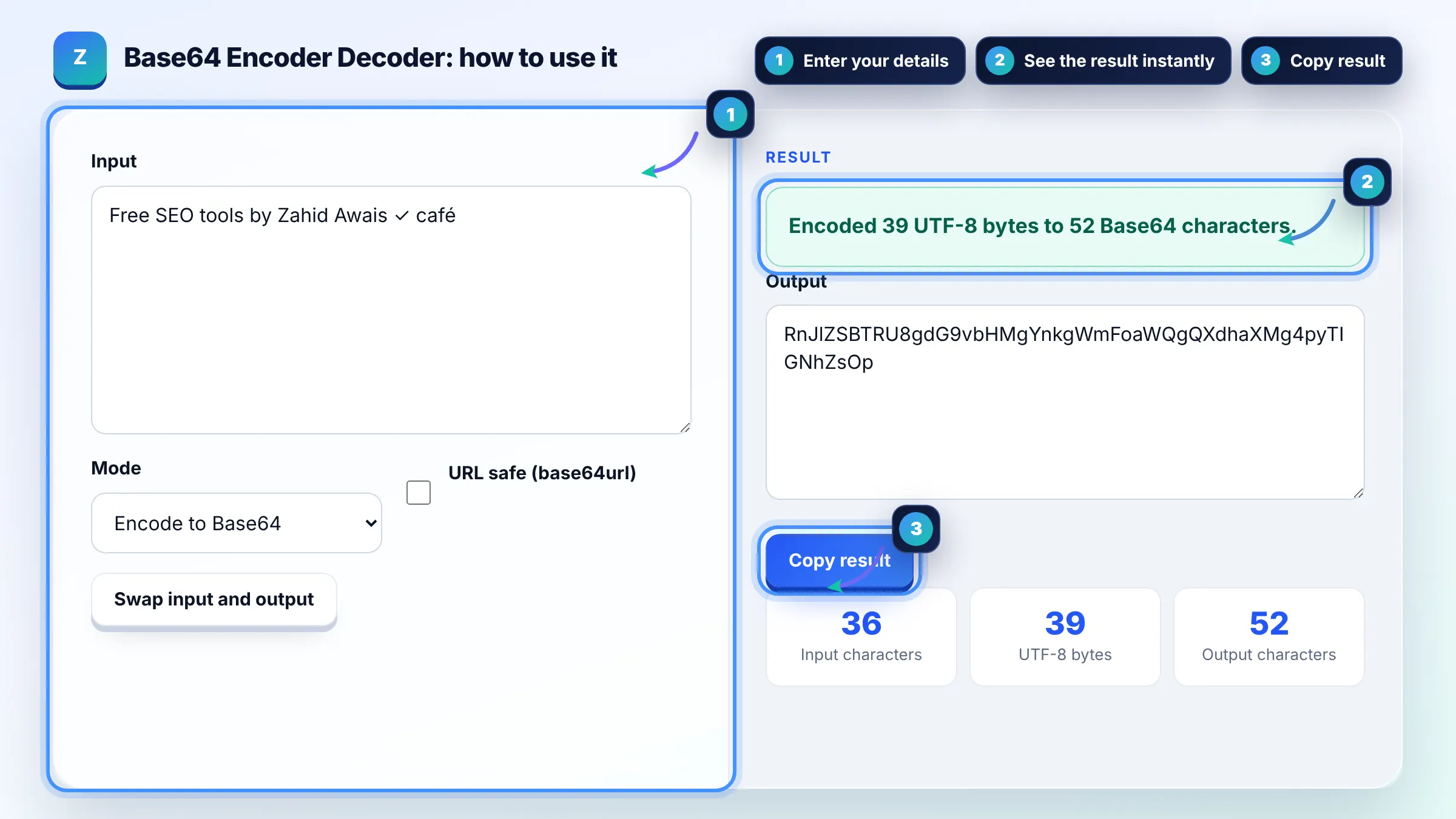
The free base64 encode decode runs in your browser, needs no sign-up and never sends what you type anywhere.
This Base64 encode decode tool converts text to its UTF-8 bytes and writes them with 64 safe characters, or reverses the process. Rule of thumb: Base64 output is about 33 percent longer than the input, it is an encoding and not encryption, and anyone can decode it, so never use it to hide passwords.
A Base64 encoder decoder is a tool that turns binary data into text using the characters A to Z, a to z, 0 to 9, + and /. Every 3 bytes become 4 characters, and = signs pad the end; the URL safe variant swaps + and / for - and _.
No, Base64 is an encoding, not encryption, and anyone can decode it in one step without a key. Use it to move binary data through text only systems, not to protect secrets. For passwords and tokens use proper hashing or encryption on the server.
The browser's btoa function only accepts characters with code points up to 255, so emoji and many non-English letters throw an error. The fix is to convert the text to UTF-8 bytes first with TextEncoder, which this tool does. MDN explains the Unicode workaround.
Base64 stores 6 bits in each character, so 3 bytes need 4 characters, which makes the output about 33 percent larger, plus up to two = padding signs. Non-English text grows more, because each character can take 2 to 4 UTF-8 bytes before encoding.
| Input | Base64 | Notes |
|---|---|---|
| Hi | SGk= | 2 bytes, one = pad |
| SEO | U0VP | 3 bytes, no padding |
| café | Y2Fmw6k= | é is 2 UTF-8 bytes |
| Hello, World! | SGVsbG8sIFdvcmxkIQ== | 13 bytes, two = pads |
Example: the text "Link building" is 13 bytes and encodes to TGluayBidWlsZGluZw== (20 characters including two padding signs). Decoding that string returns "Link building" exactly, and the URL safe version is the same here because it contains no + or / characters.
URL safe Base64, also called base64url, replaces + with - and / with _ so the string can sit in a URL or file name without percent encoding. Padding = signs are often removed too. JSON Web Tokens use this variant.
Decoding fails when the string contains characters outside the Base64 alphabet, has a wrong length, or decodes to bytes that are not valid UTF-8 text. Remove spaces or line breaks you copied by accident, and check whether the data is binary such as an image.
This tool decodes Base64 to text. A Base64 image decodes to binary bytes, which do not display as readable text. To use an image, put the string in a data URI such as data:image/png;base64, followed by the data, or use the image to Base64 tool.
Common uses include data URIs for small icons, email attachments, HTTP Basic authentication headers, JSON Web Tokens and some API payloads. You may also see Base64 in encoded redirect parameters, which is worth decoding when auditing redirects.
Yes. Text is converted to UTF-8 bytes with TextEncoder before encoding and decoded with TextDecoder, so emoji, Arabic, Urdu, Chinese and accented letters round trip correctly.
No. Encoding and decoding happen in your browser and nothing is uploaded or saved. Even so, remember that Base64 is not secret, so do not paste real passwords into any online tool.
Facts checked against these official pages. Read how I check facts in my editorial policy.
A URL encoder decoder is a tool that applies percent encoding, where each byte of a character's UTF-8 form is…
An image to Base64 converter is a tool that encodes the bytes of an image file as text using 64 safe…
An HTML entity encoder is a tool that replaces characters with character references, which start with &…
Send your website and I will check it for you, free.
One short email when something new goes live: articles, free SEO tools, package updates, discounts and price alerts. No spam, unsubscribe in one click.