HTML Minifier
An HTML minifier is a tool that rewrites markup into fewer bytes without changing what the browser renders.…
Escape special characters for safe HTML, or turn entities back into readable text.
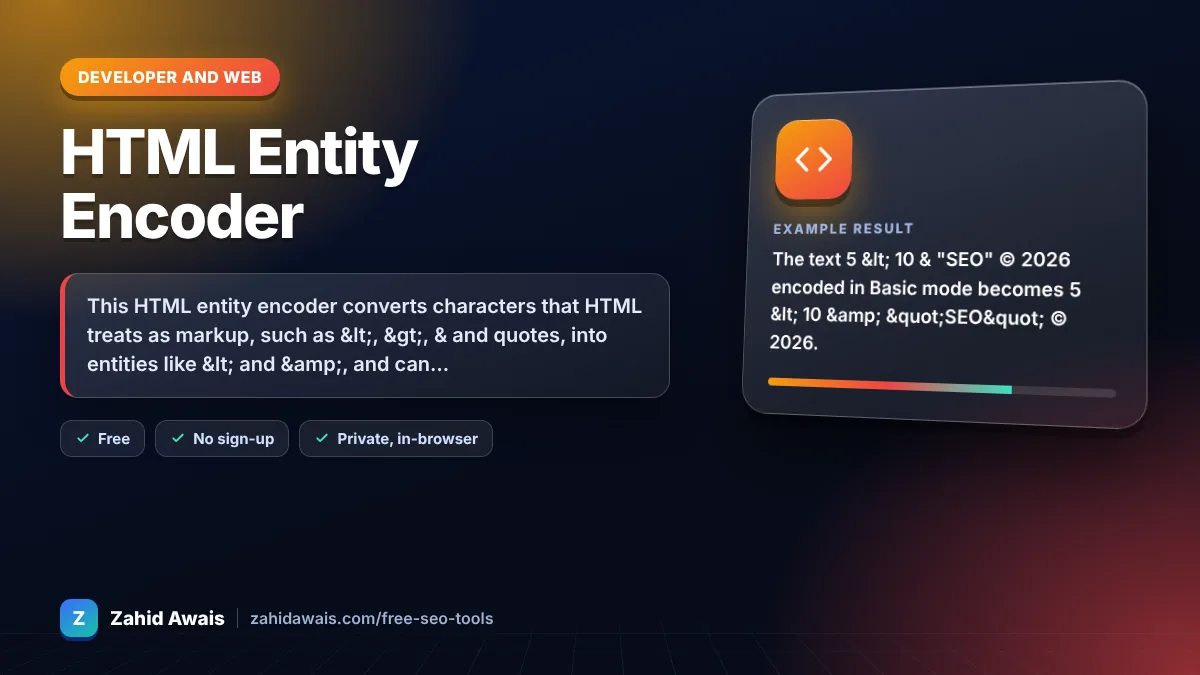
The free html entity encoder runs in your browser, needs no sign-up and never sends what you type anywhere.
This HTML entity encoder converts characters that HTML treats as markup, such as <, >, & and quotes, into entities like < and &, and can also encode every non-ASCII character as a named, decimal or hex reference. Rule of thumb: on a UTF-8 page, escape only the five syntax characters and type everything else normally.
An HTML entity encoder is a tool that replaces characters with character references, which start with & and end with a semicolon. A reference can be named (©), decimal (©) or hexadecimal (©), and the browser displays the original character.
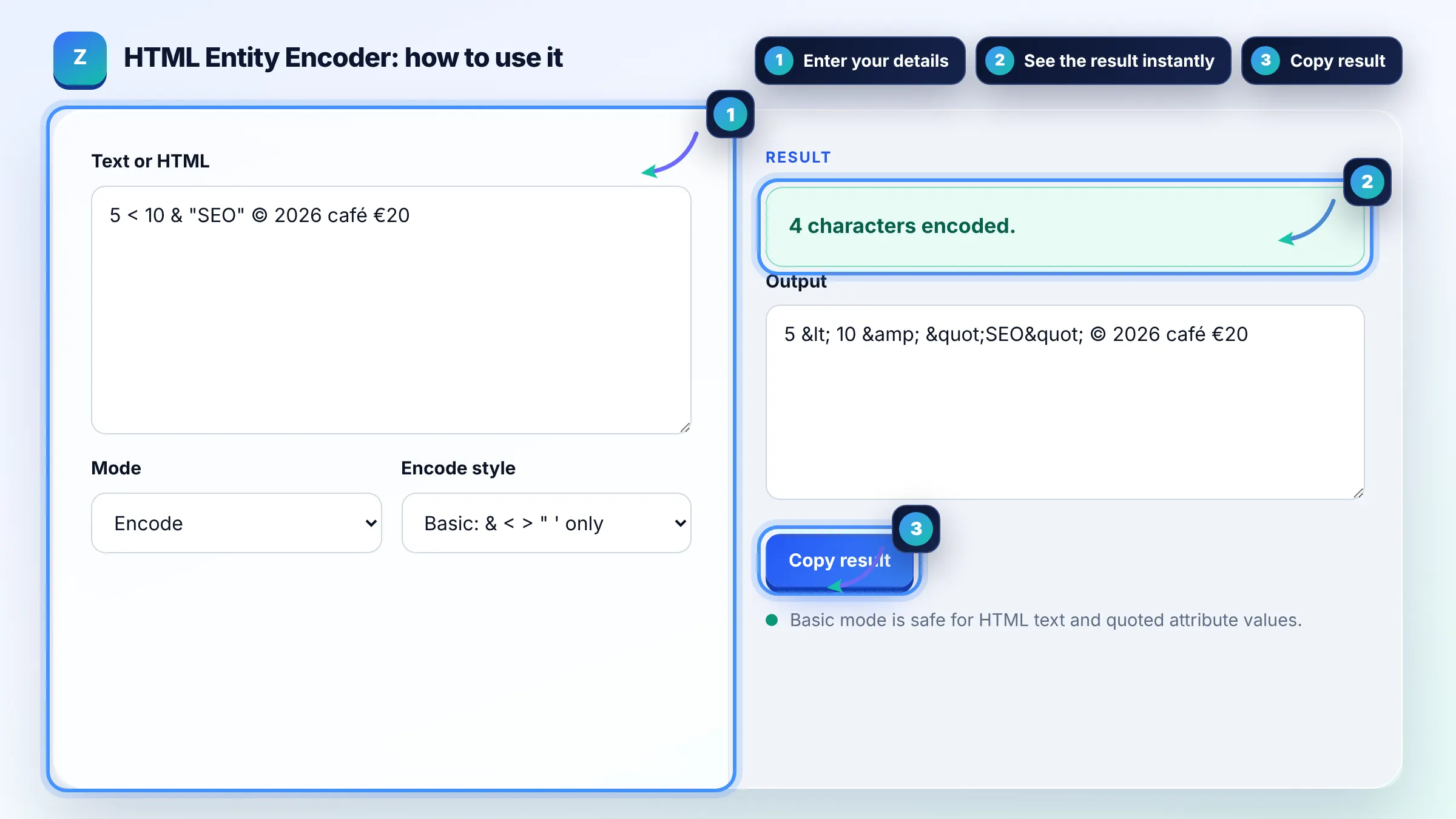
Escape & as & and < as < in text, and escape the quote character that wraps an attribute value (" or '). Escaping > as > is a common safe habit. The W3C advises using escapes mainly for syntax characters and typing other characters directly in UTF-8.
is a non-breaking space, so the browser will not wrap a line at that point and will not collapse it with nearby spaces. Use it between a number and its unit, such as 10 km. Avoid using it for layout spacing, which belongs in CSS.
Encoding the five syntax characters is a key part of preventing cross site scripting when you place untrusted text in HTML content or quoted attributes. It is not enough inside script blocks, URLs or CSS, which need their own context specific escaping. Use your framework's built in escaping for production code.
| Character | Named | Decimal / Hex |
|---|---|---|
| & | & | & / & |
| < | < | < / < |
| > | > | > / > |
| " | " | " / " |
| ' | ' | ' / ' |
| © | © | © / © |
Example: the text 5 < 10 & "SEO" © 2026 encoded in Basic mode becomes 5 < 10 & "SEO" © 2026. In Named mode the copyright sign also becomes ©, and in Hex mode it becomes ©. Decoding any of these returns the original text.
No. If your page declares UTF-8, which nearly all modern sites do, you can type letters such as é, ü or Urdu and Arabic text directly. Entities make the source harder to read and larger, so keep them for syntax characters.
Named entities like © are easier to read but only exist for a set list of characters. Numeric references like © or © work for any Unicode character, including emoji. Browsers treat all three forms the same.
That is double encoding: text that already contained & was encoded again. Decode the text once with this tool, then make sure your CMS or template escapes it only one time on output.
Escape & and quotes inside attribute values such as content in a meta description, because a raw double quote would end the attribute. Search engines decode entities, so & displays as & in results.
Yes, ' is valid in HTML5 and XML, but it was not defined in HTML 4, so some older tools prefer '. This tool uses ' for the single quote in Basic mode for the widest compatibility.
No. Encoding and decoding run in your browser with JavaScript, and nothing is uploaded or stored. Decoding uses an inert textarea element, so pasted markup is never executed as HTML.
Facts checked against these official pages. Read how I check facts in my editorial policy.
An HTML minifier is a tool that rewrites markup into fewer bytes without changing what the browser renders.…
A URL encoder decoder is a tool that applies percent encoding, where each byte of a character's UTF-8 form is…
An HTML to Markdown converter is a tool that walks the HTML element tree and maps each element to its…
Send your website and I will check it for you, free.
One short email when something new goes live: articles, free SEO tools, package updates, discounts and price alerts. No spam, unsubscribe in one click.