Article Schema Generator
An article schema generator is a tool that writes schema.org Article structured data in JSON-LD. It collects…
Paste JSON-LD schema to catch syntax errors and missing properties before you publish.
Offline syntax check only. Confirm eligibility in Google's Rich Results Test.
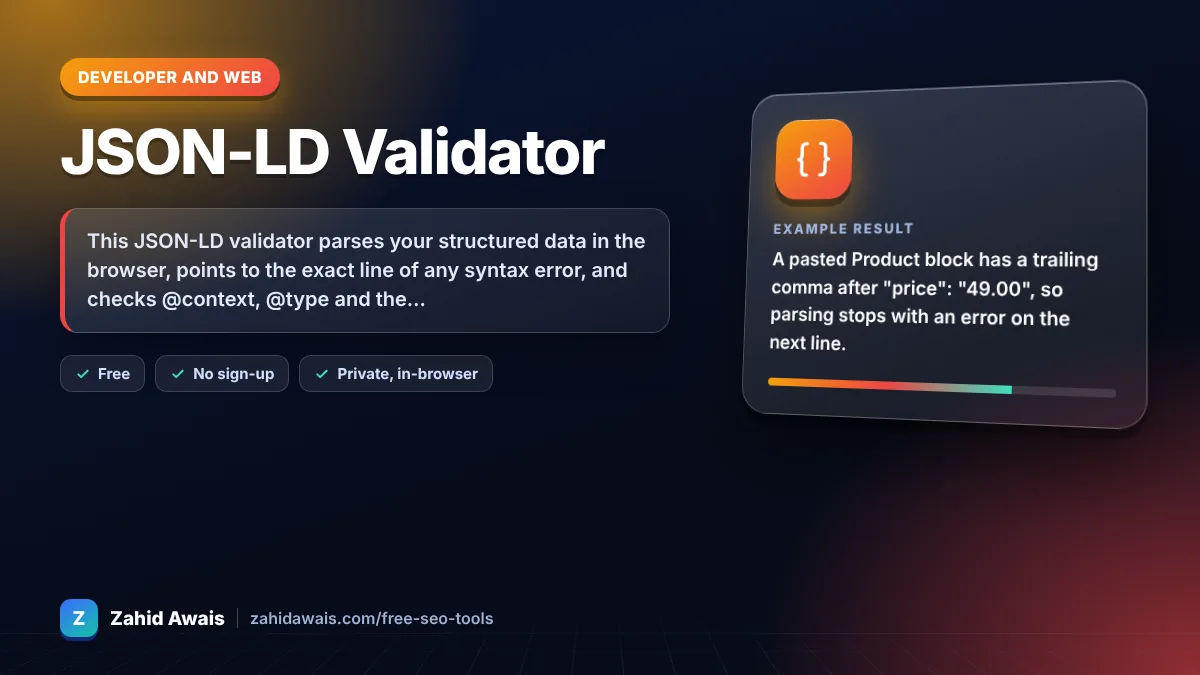
The free json ld validator runs in your browser, needs no sign-up and never sends what you type anywhere.
This JSON-LD validator parses your structured data in the browser, points to the exact line of any syntax error, and checks @context, @type and the properties Google commonly expects for types like Article, Product, FAQPage and BreadcrumbList. Rule of thumb: fix every syntax error here, then confirm eligibility in Google's Rich Results Test.
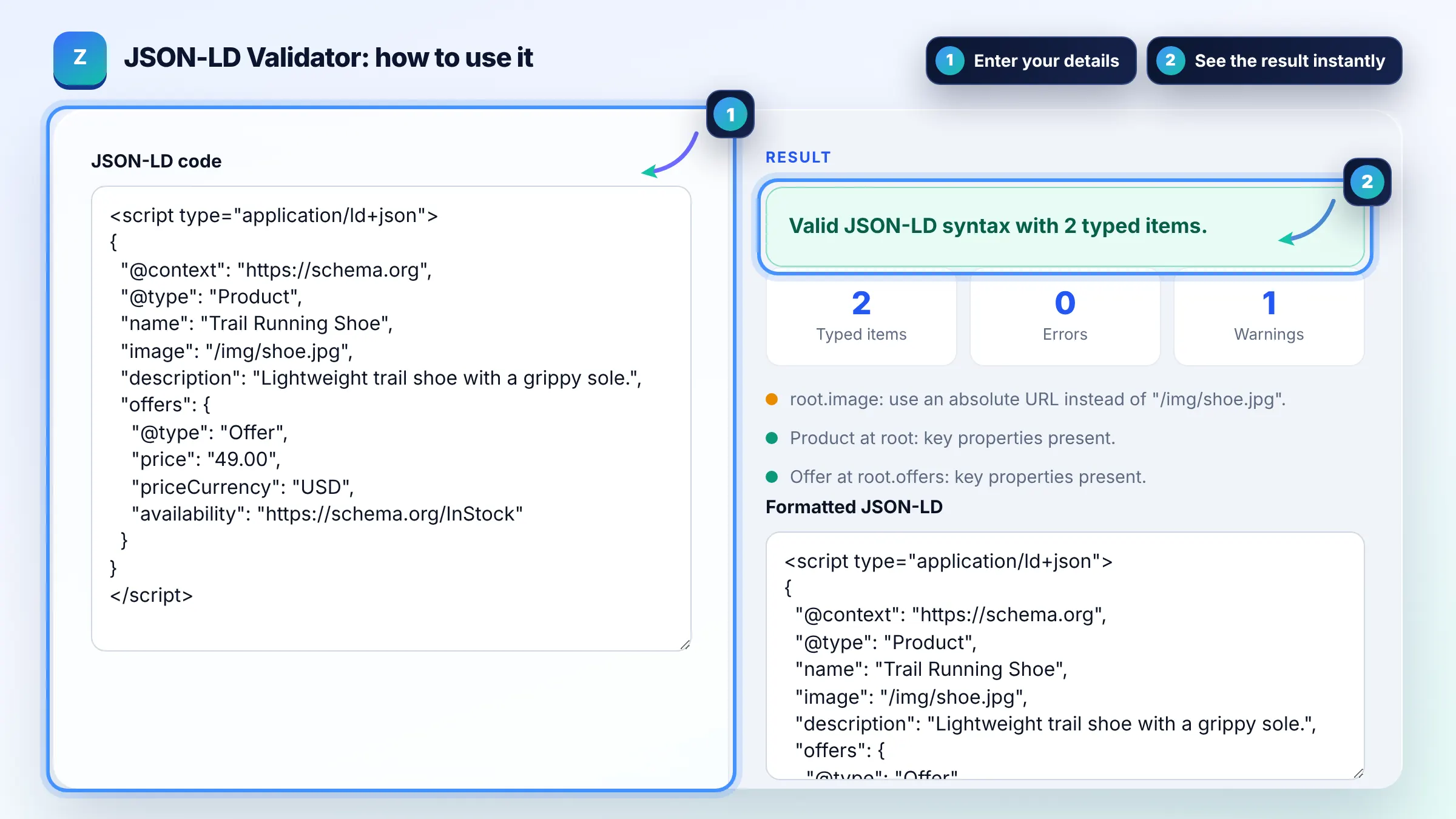
A JSON-LD validator is a tool that checks structured data written in JSON for Linked Data. It first parses the code as strict JSON, then walks every object to confirm it has a schema.org @context, a @type and the key properties for that type.
Check the syntax first, then test the page in Google's Rich Results Test, which shows which rich result types are eligible. The Schema Markup Validator checks general schema.org usage. Google's structured data guidelines also require the markup to match visible page content.
The most common causes are trailing commas, curly quotes pasted from a word processor, missing commas between properties and unescaped double quotes inside text. JSON also does not allow comments or single quoted strings. Any one of these stops the whole script from being read.
No. Valid markup only makes a page eligible, and Google decides whether to show a rich result based on quality, relevance and its policies. Content must be visible to users, and some types such as FAQ rich results are now shown only for a limited set of sites.
| Schema type | Properties checked | Note |
|---|---|---|
| Article / BlogPosting | headline, image, author, datePublished | Recommended by Google, not strictly required |
| Product | name plus offers, review or aggregateRating | Google needs at least one of the three |
| FAQPage | mainEntity, Question name, acceptedAnswer text | Must match the visible FAQ |
| BreadcrumbList | itemListElement, position, name, item | Last item may omit item |
| Organization / LocalBusiness | name, url, logo or address | Use absolute URLs |
| Event / JobPosting | startDate, location / title, datePosted, hiringOrganization | Dates in ISO 8601 |
Example: a pasted Product block has a trailing comma after "price": "49.00", so parsing stops with an error on the next line. After removing the comma, the validator finds 2 typed items (Product and its Offer), confirms the key properties are present, and warns that image should be an absolute URL instead of /img/shoe.jpg.
JSON-LD places structured data in a separate script block, while Microdata adds attributes to the visible HTML. Google supports both, plus RDFa, and says it generally recommends JSON-LD because it is easier to add and maintain without touching page layout.
Yes. The validator removes an opening script tag with type application/ld+json and the closing tag before parsing. If you paste several script blocks, validate them one at a time, because each block must be valid JSON on its own.
No. It checks JSON syntax, @context, @type and a short list of properties that Google documents for common rich result types. It is an offline first pass, so always confirm with the Rich Results Test and the official documentation for your type.
Both http://schema.org and https://schema.org are accepted by Google. Using https://schema.org is the common modern choice. The validator only warns if @context is missing or points somewhere other than schema.org.
Put the shared @context at the top and list each entity inside a @graph array, linking them with @id references. This validator reads @graph arrays and plain arrays, and counts each typed object separately in the results.
No. Parsing and checks run entirely in your browser with JavaScript, and nothing is uploaded or stored. That makes it safe for unreleased pages, but it also means it cannot fetch a live URL for you.
Facts checked against these official pages. Read how I check facts in my editorial policy.
An article schema generator is a tool that writes schema.org Article structured data in JSON-LD. It collects…
A product schema generator is a tool that writes schema.org Product structured data. It combines product…
A JSON formatter is a tool that parses JavaScript Object Notation text and prints it back with consistent…
Send your website and I will check it for you, free.
One short email when something new goes live: articles, free SEO tools, package updates, discounts and price alerts. No spam, unsubscribe in one click.