Breadcrumb Schema Generator
A breadcrumb schema generator is a tool that writes schema.org BreadcrumbList structured data. Each line you…
Create Product JSON-LD with price, availability and ratings, checked as you type.
JSON-LD code
Ratings must come from genuine reviews visible on the page. Never invent or copy reviews.
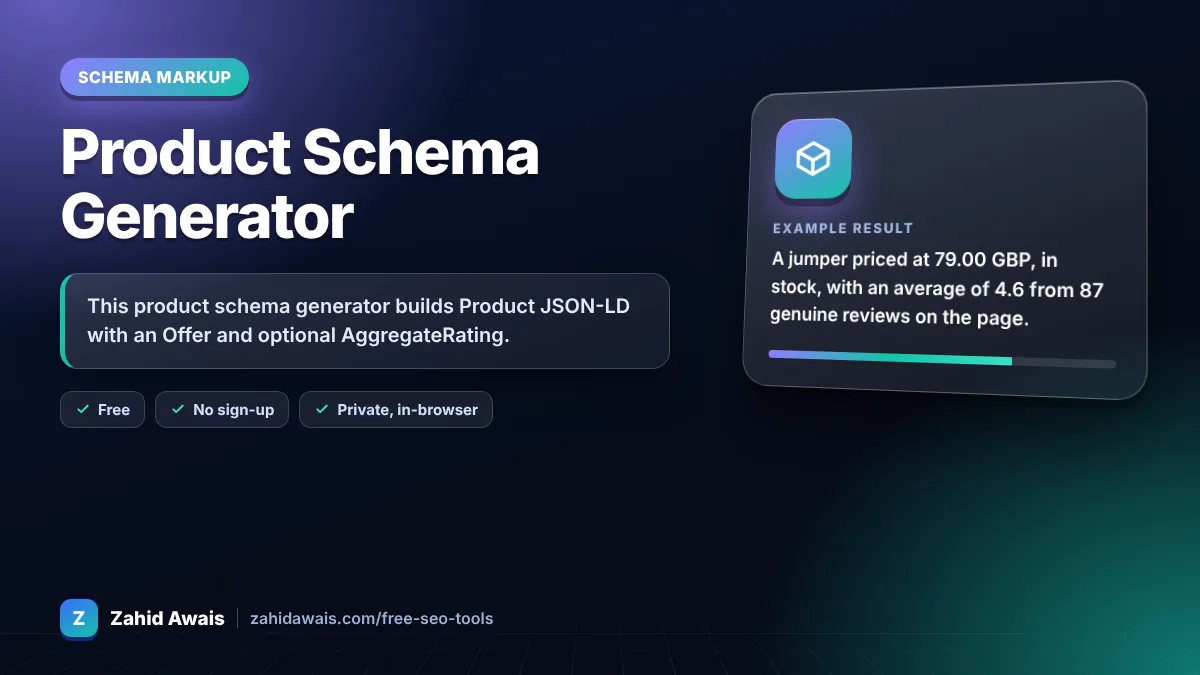
The free product schema generator runs in your browser, needs no sign-up and never sends what you type anywhere.
This product schema generator builds Product JSON-LD with an Offer and optional AggregateRating. Google requires the product name plus at least one of offers, review or aggregateRating. For offers, give price as a number, a three letter currency code and availability. Only add ratings that come from genuine reviews shown on the page.
A product schema generator is a tool that writes schema.org Product structured data. It combines product details, an Offer (price, currency, availability) and an optional AggregateRating, then flags missing properties based on Google's product snippet rules.
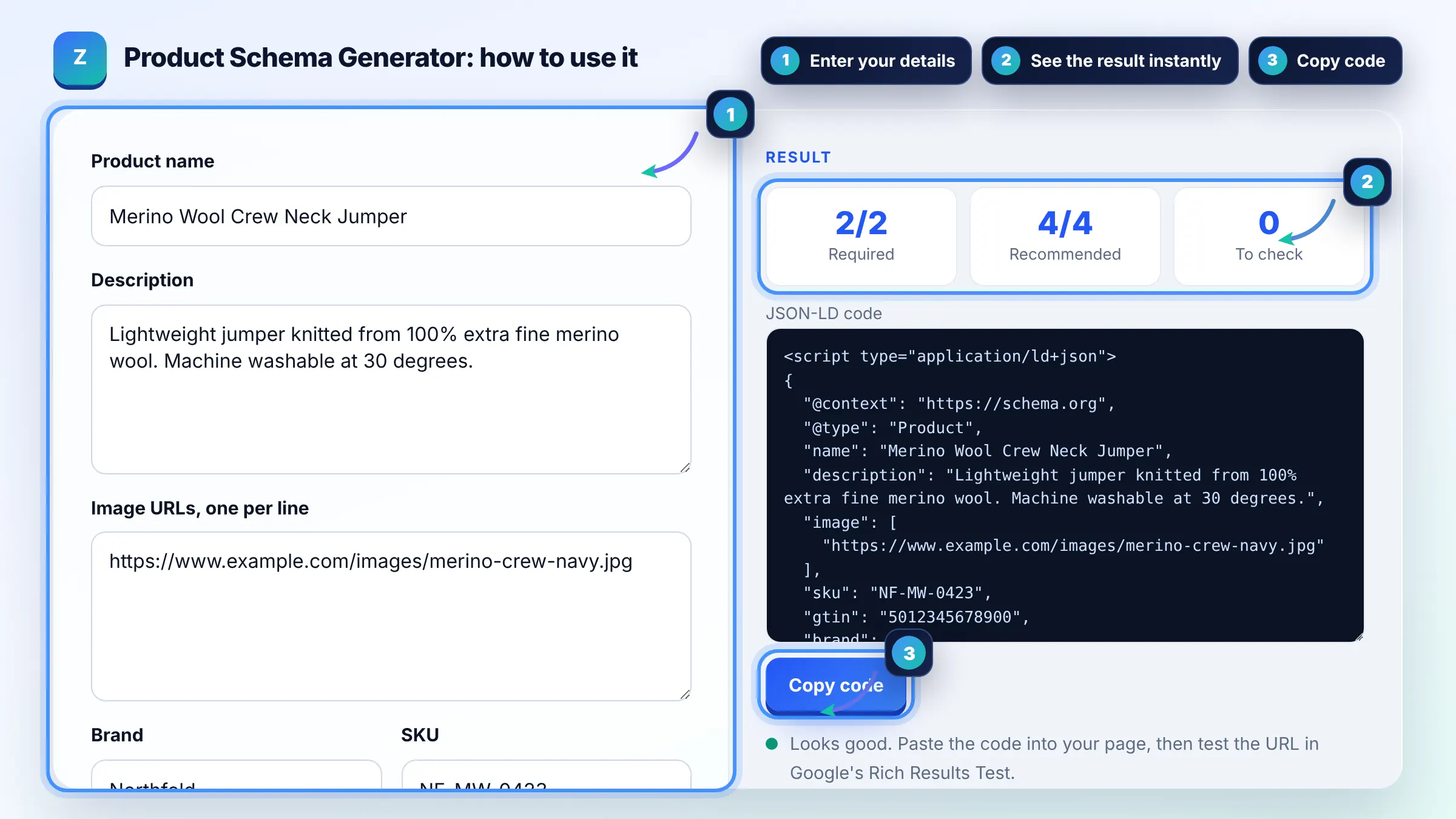
Google requires name plus at least one of review, aggregateRating or offers. For an Offer, price is required and priceCurrency, availability and priceValidUntil are recommended. The full list is in Google's product snippet guide.
Use one schema.org ItemAvailability value, most often InStock, OutOfStock or PreOrder. Google accepts the full https://schema.org/InStock URL or the short name. Pick the single value that best matches what the page says.
No. Ratings must reflect real reviews that visitors can read on the same page. Marking up ratings that are not shown, or that you made up, breaks Google's structured data policies and can lead to a manual action.
| Property | Status | Example value |
|---|---|---|
| name | Required | Merino Wool Crew Neck Jumper |
| offers, review or aggregateRating | At least one required | Offer with price |
| offers.price | Required in an Offer | 79.00 |
| offers.priceCurrency | Recommended | GBP |
| offers.availability | Recommended | https://schema.org/InStock |
| aggregateRating | Recommended | 4.6 from 87 reviews |
Example: a jumper priced at 79.00 GBP, in stock, with an average of 4.6 from 87 genuine reviews on the page. The tool outputs a Product with brand Northfold, SKU NF-MW-0423, an Offer and an AggregateRating, meeting both required checks.
Product snippets cover pages where people read about a product, including reviews. Merchant listing markup is for pages where shoppers can buy the product and has stricter requirements such as priceCurrency. This tool covers the common properties used by both.
No. Enter the price as a number such as 79.00 and put the currency in priceCurrency as a three letter ISO 4217 code like GBP or USD. Symbols in the price field can make the markup invalid.
Google says the product snippet may not display if priceValidUntil is a past date. Only set it for limited time prices, and update or remove it when the sale ends.
It is optional for snippets but helps Google match your product to the same item elsewhere. If the product has a barcode, add it as gtin with 8, 12, 13 or 14 digits.
Use Offer when you sell the product at one price. AggregateOffer is for pages listing several sellers with a lowPrice and highPrice. Google notes that only Offer is eligible for the price drop enhancement.
Most themes and plugins output basic Product markup, but fields such as GTIN, brand or ratings are often missing. View your page source or run the Rich Results Test, then fill the gaps with your theme settings or custom JSON-LD.
Facts checked against these official pages. Read how I check facts in my editorial policy.
A breadcrumb schema generator is a tool that writes schema.org BreadcrumbList structured data. Each line you…
A review schema generator is a tool that writes schema.org Review or AggregateRating structured data. It…
Coming 11 OctA JSON-LD validator is a tool that checks structured data written in JSON for Linked Data. It first parses…
Coming 14 OctSend your website and I will check it for you, free.
One short email when something new goes live: articles, free SEO tools, package updates, discounts and price alerts. No spam, unsubscribe in one click.