Article Schema Generator
An article schema generator is a tool that writes schema.org Article structured data in JSON-LD. It collects…
Turn your breadcrumb trail into BreadcrumbList JSON-LD with numbered positions.
JSON-LD code
The trail should match the breadcrumb links people see on the page.
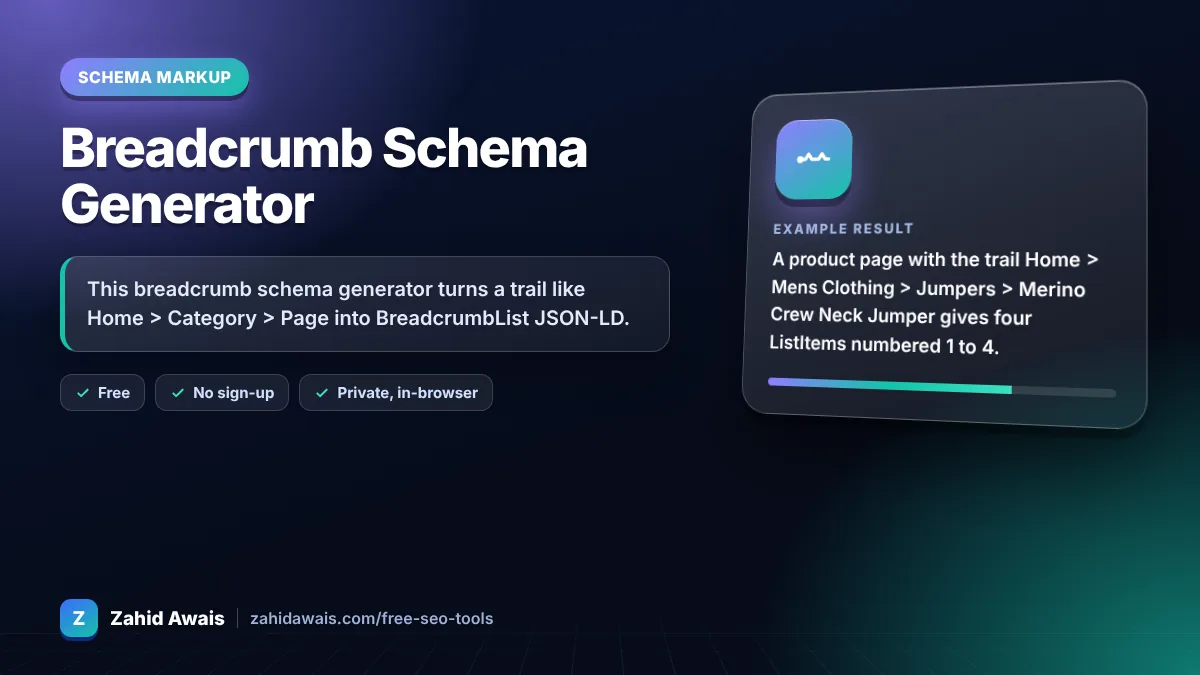
The free breadcrumb schema generator runs in your browser, needs no sign-up and never sends what you type anywhere.
This breadcrumb schema generator turns a trail like Home > Category > Page into BreadcrumbList JSON-LD. Google requires at least two ListItems, each with position, name and item (URL), numbered from 1. The last item can skip its URL, in which case Google uses the page URL. Match the breadcrumbs visitors actually see.
A breadcrumb schema generator is a tool that writes schema.org BreadcrumbList structured data. Each line you type becomes a ListItem with a position starting at 1, a name and a URL, in the same order as the visible breadcrumb path.
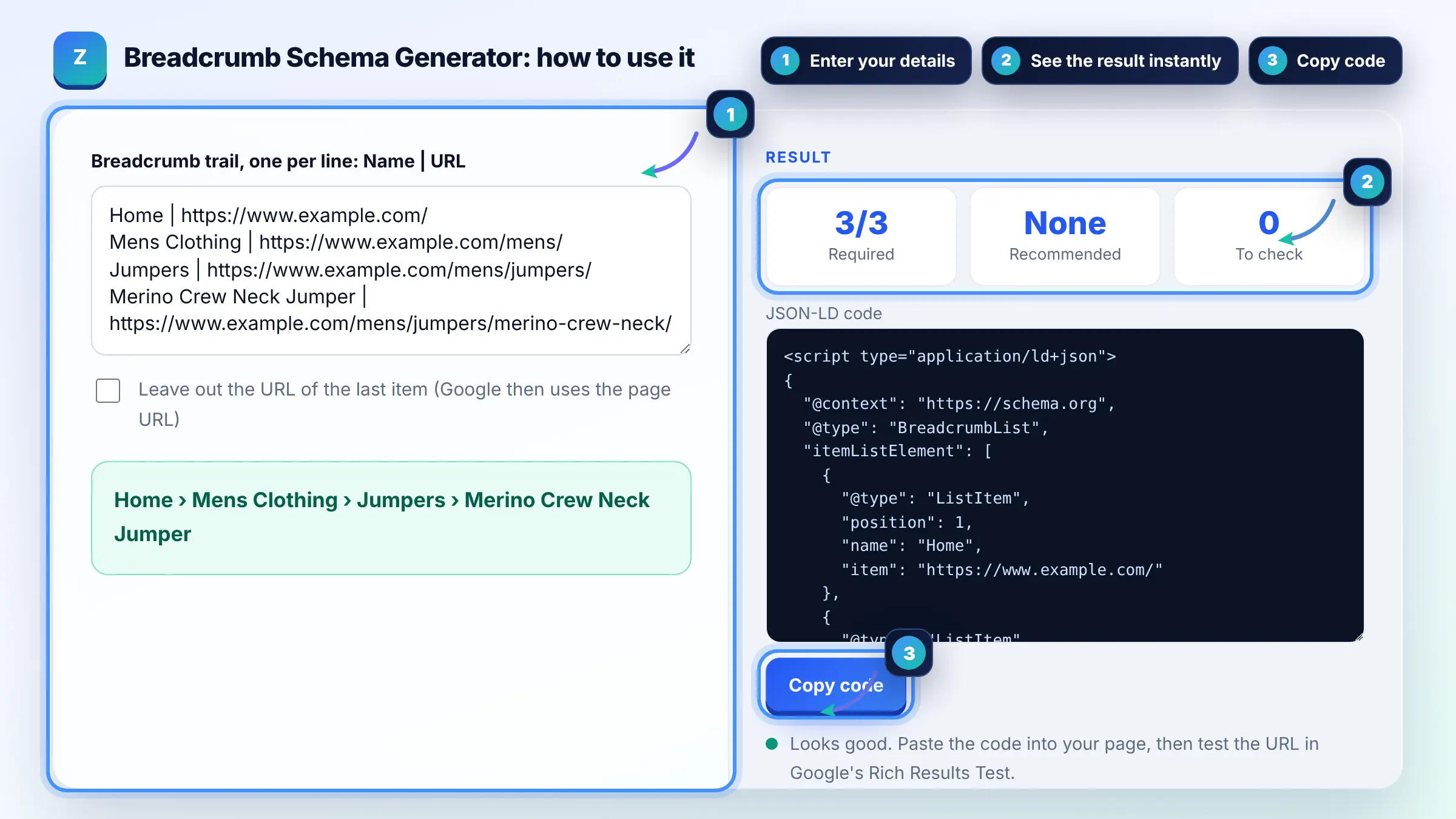
At least two ListItems are required. Each needs position, name and item, with position starting at 1 for the top of the trail. Google's breadcrumb guide lists these as the only required properties.
No. If the last item is the current page you may omit item, and Google uses the URL of the containing page. Including it is also valid, so either choice works.
Yes. If a product sits in two categories you can add two BreadcrumbList blocks, one per path. Google may show either. Keep each trail consistent with links people can actually follow on your site.
| Property | Status | Example |
|---|---|---|
| itemListElement | Required, 2 or more items | Array of ListItem |
| position | Required | 1, 2, 3 from the top |
| name | Required | Mens Clothing |
| item | Required except last item | https://www.example.com/mens/ |
Example: a product page with the trail Home > Mens Clothing > Jumpers > Merino Crew Neck Jumper gives four ListItems numbered 1 to 4. Each has a name and full URL, and the preview shows the same trail as the visible breadcrumbs.
It can. Google may show the breadcrumb path instead of the raw URL in the result. Google decides when to use it, and on mobile it often shows only the site name and part of the path.
Not necessarily. Google recommends breadcrumbs that represent a typical user path to the page, not a copy of the URL folders. Use the category structure people navigate through.
Most sites start the trail with Home, and it is a sensible first item. It is not a rule, so match whatever the visible breadcrumb on the page shows.
Use full absolute URLs that start with https:// and your domain. Absolute URLs avoid ambiguity when Google reads the markup, and they are what Google shows in its own examples.
Yoast and Rank Math output BreadcrumbList when their breadcrumb feature is on. Check your page source first so you do not add a duplicate. Use this generator for custom templates or static pages.
Run the page URL through Google's Rich Results Test. It shows whether a breadcrumb item was detected, plus any errors. Search Console also has a Breadcrumbs report once Google crawls the pages.
Facts checked against these official pages. Read how I check facts in my editorial policy.
An article schema generator is a tool that writes schema.org Article structured data in JSON-LD. It collects…
A product schema generator is a tool that writes schema.org Product structured data. It combines product…
An internal link extractor is a tool that collects every a element with an href from a page and classifies…
Coming 12 OctSend your website and I will check it for you, free.
One short email when something new goes live: articles, free SEO tools, package updates, discounts and price alerts. No spam, unsubscribe in one click.