Breadcrumb Schema Generator
A breadcrumb schema generator is a tool that writes schema.org BreadcrumbList structured data. Each line you…
Build Article, BlogPosting or NewsArticle JSON-LD with authors, images and ISO dates.
JSON-LD code
Mark up only what readers can see: the same headline, authors and dates shown on the page.
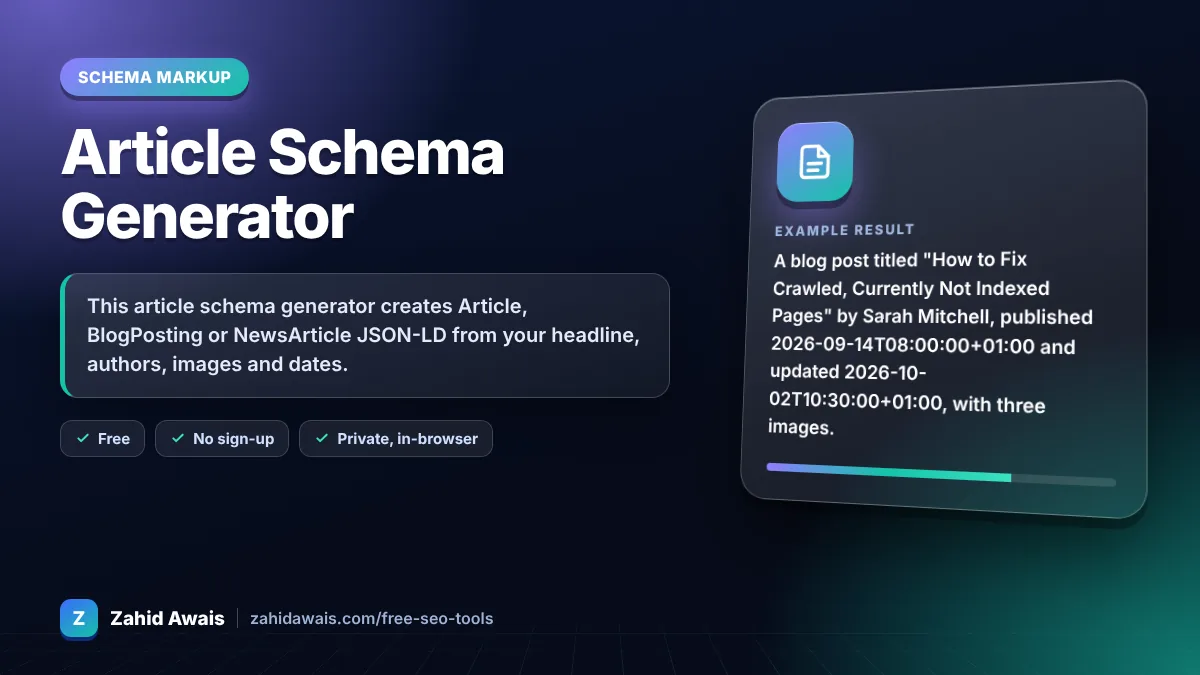
The free article schema generator runs in your browser, needs no sign-up and never sends what you type anywhere.
This article schema generator creates Article, BlogPosting or NewsArticle JSON-LD from your headline, authors, images and dates. Google lists no required properties for article markup, but recommends headline, author, image, datePublished and dateModified. Use ISO 8601 dates with a timezone and list each author separately with a profile URL.
An article schema generator is a tool that writes schema.org Article structured data in JSON-LD. It collects the headline, authors, images and dates you enter, checks them against Google's recommended properties and formats dates and authors the way Google documents.
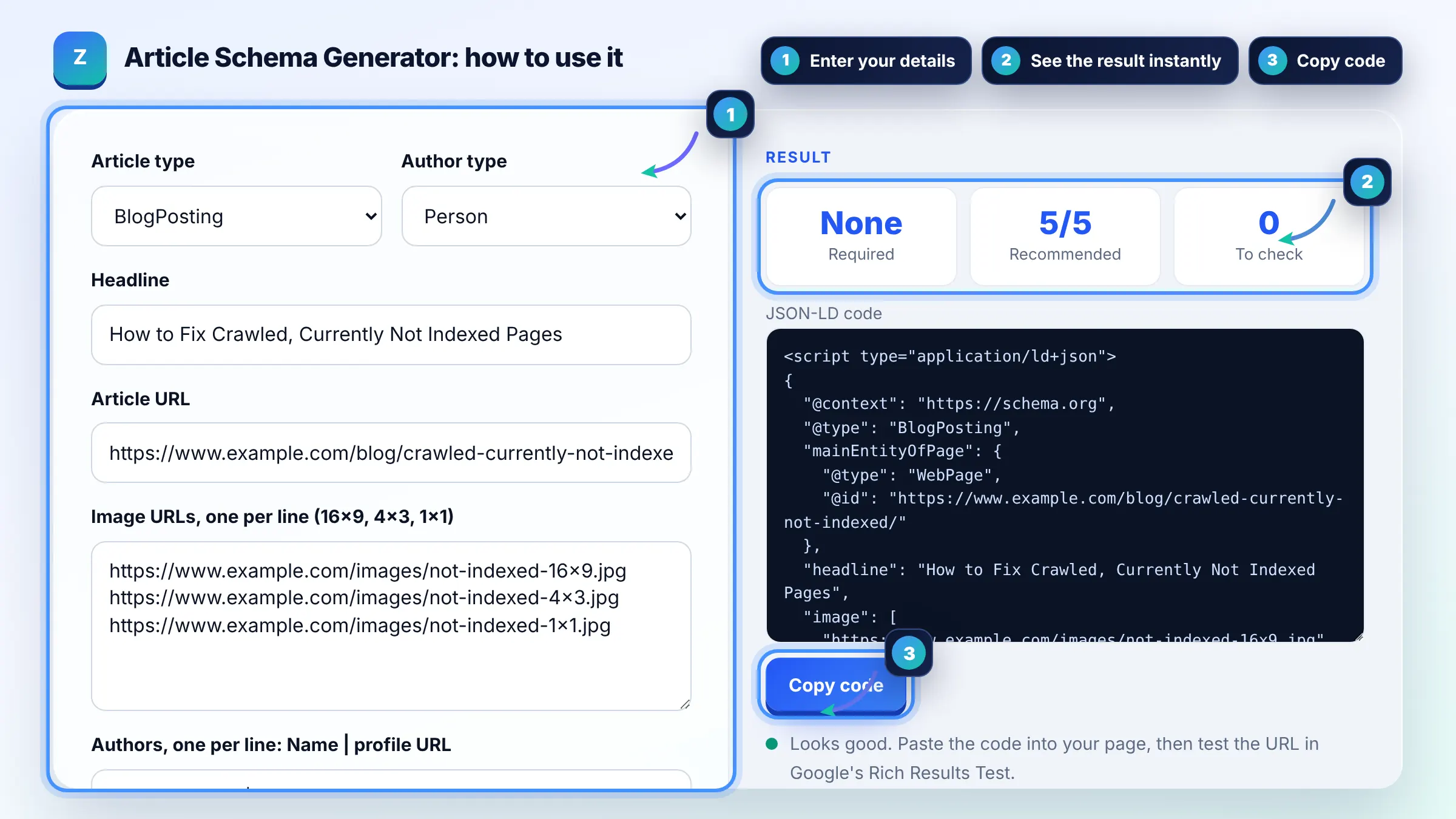
None are strictly required: Google says there are no required properties for Article markup. It recommends headline, author, image, datePublished and dateModified, so fill in all that apply. See Google's article structured data guide for details.
Put only the person's name in author.name, with no "By", job titles or honorifics. Add a separate author entry for each writer and include author.url pointing to a bio or profile page so Google can tell authors apart.
Provide several high resolution images in 16x9, 4x3 and 1x1 aspect ratios. Google recommends images of at least 50,000 pixels when width is multiplied by height, for example 1200 x 675. Use images that represent the article, not your logo.
| Property | What to enter | Format |
|---|---|---|
| headline | The title shown on the page | Plain text, concise |
| author | Each writer as Person or Organization | name plus url |
| image | Representative images | 16x9, 4x3 and 1x1 URLs |
| datePublished | First publication time | ISO 8601 with timezone |
| dateModified | Last meaningful update | ISO 8601 with timezone |
Example: a blog post titled "How to Fix Crawled, Currently Not Indexed Pages" by Sarah Mitchell, published 2026-09-14T08:00:00+01:00 and updated 2026-10-02T10:30:00+01:00, with three images. The tool outputs BlogPosting JSON-LD with one author object and all 5 recommended properties filled.
Use BlogPosting for blog posts, NewsArticle for news stories and Article for everything else. Google accepts all three for article markup. The choice describes your content more precisely but does not change eligibility.
Google's current article guide does not list publisher as recommended, but schema.org supports it and it does no harm. Many sites add publisher with the organization name and logo so the markup describes who published the article.
Without a timezone Google uses the timezone of Googlebot, which may shift the date. Write dates like 2026-10-08T09:00:00+01:00 so the published and modified times are exact.
No. Update dateModified when you make a meaningful change, such as new sections or corrected facts. Changing the date without real updates can mislead readers and does not make a page look fresher to Google.
No. Valid markup makes a page eligible, but Google decides whether to show enhanced features. Content quality, the page itself and the search query all play a part. Test the page in the Rich Results Test to confirm the markup is read correctly.
Yes. Yoast, Rank Math and similar plugins output Article markup automatically. Use this generator when you need custom pages, a static site or want to fix fields such as multiple authors that a plugin gets wrong.
Facts checked against these official pages. Read how I check facts in my editorial policy.
A breadcrumb schema generator is a tool that writes schema.org BreadcrumbList structured data. Each line you…
A person schema generator is a tool that writes schema.org Person structured data. It describes who someone…
Coming 10 OctA JSON-LD validator is a tool that checks structured data written in JSON for Linked Data. It first parses…
Coming 14 OctSend your website and I will check it for you, free.
One short email when something new goes live: articles, free SEO tools, package updates, discounts and price alerts. No spam, unsubscribe in one click.