Table of Contents Generator
Builds a nested TOC with jump links from H2 to H6 and adds unique ids to your headings.
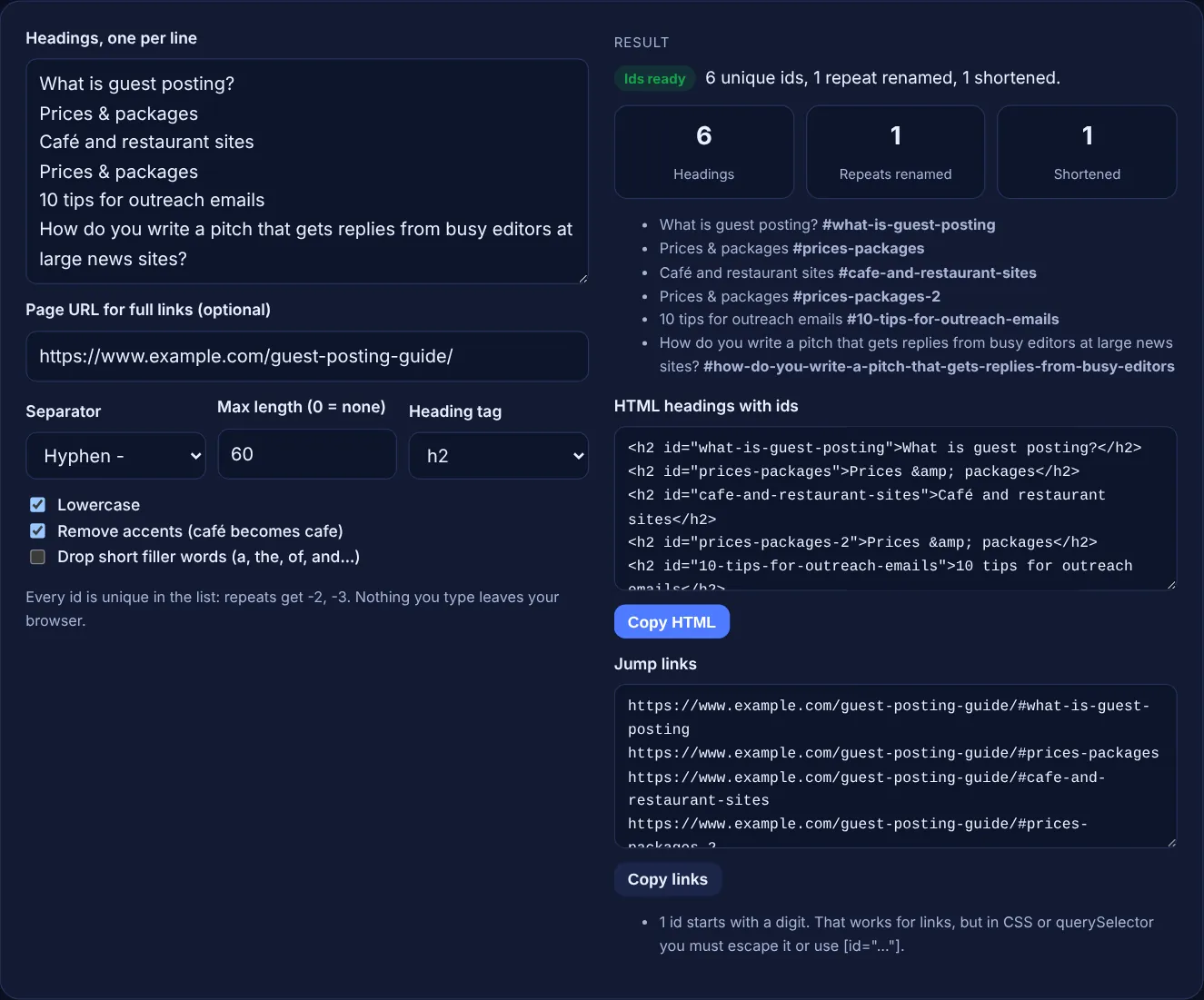
Paste your headings, one per line, and get clean, unique id values with the #jump link and the HTML for each one.
Every id is unique in the list: repeats get -2, -3. Nothing you type leaves your browser.
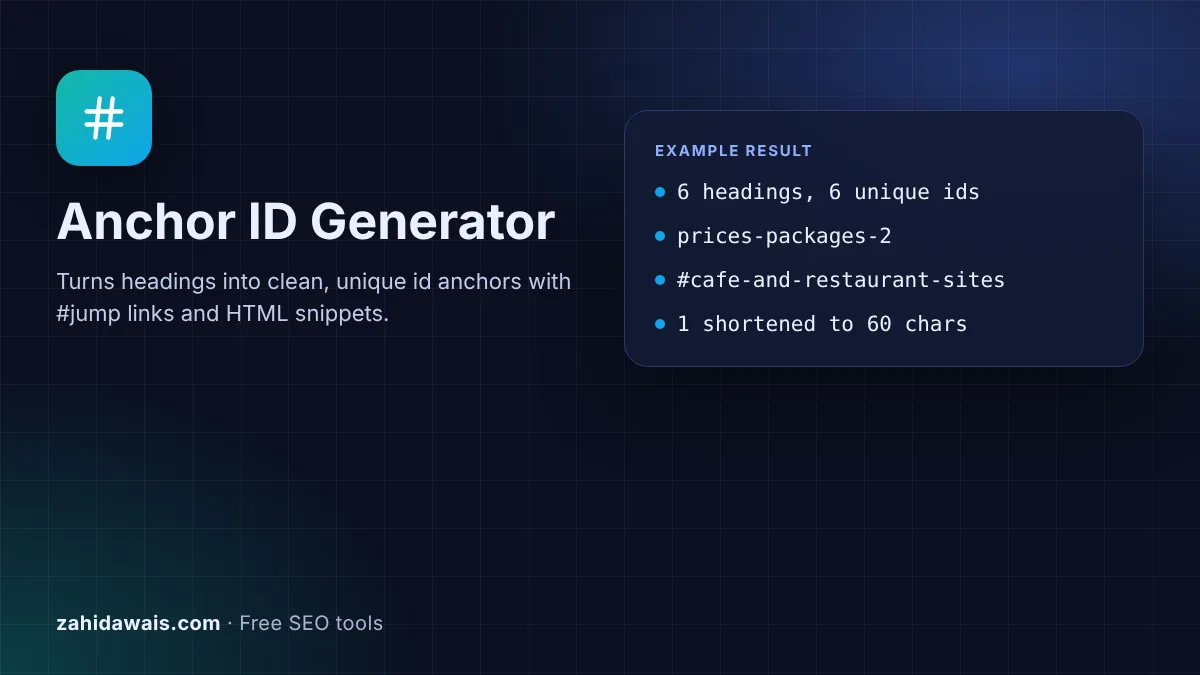
The free anchor ID generator turns heading text into clean id values you can put on your headings, then shows the #jump link and the HTML for each one. Every id in the list is unique, and the tool runs in your browser.
An anchor ID is the id attribute on a heading, such as id="pricing", that lets a link ending in #pricing jump straight to that section. Good ids are unique on the page, contain no spaces, stay short and match the heading words. This tool makes them from your headings and handles repeats and accents.
An anchor ID is the value of the id attribute on an element, usually a heading, that a link can target with a fragment. <h2 id="pricing">Prices</h2> is the anchor, and #pricing or https://www.example.com/guide/#pricing is the jump link that scrolls to it. Tables of contents, "back to top" links and links from other pages to one section all depend on these ids.
The HTML rules for an id are short: it must be unique in the page, it must have at least one character and it must not contain spaces or other whitespace. Everything else is a matter of style. Short, lowercase, hyphenated words that match the heading are easy to read, share and keep stable. To build the whole list of links at once from your page HTML, use the table of contents generator.
An id is valid when it is unique in the document, has at least one character and contains no whitespace. HTML does not require it to start with a letter, so 10-tips works as a link target. The catch is CSS: a selector such as #10-tips is not valid CSS, so scripts and styles need [id="10-tips"] or an escaped selector. That is why the tool counts ids that start with a digit, and why many writers simply start with a word.
Either works for linking. Hyphens are the common choice because they match the style of most URL slugs and read clearly in a shared link. Google's URL structure guidance recommends hyphens over underscores in URLs, but it also says "Google Search generally doesn't support URL fragments", so the choice inside a #fragment is about readability and consistency, not rankings. Pick one and use it on every page.
Not directly. A URL with #pricing is the same page as the URL without it for Google Search, so an id cannot rank or be indexed on its own. Ids help in indirect ways: a table of contents built on them lets readers reach the right section, and you can link to a section from other pages with descriptive anchor text, which Google's link best practices describe as "descriptive, reasonably concise, and relevant".
| Heading | Anchor id | Rule applied |
|---|---|---|
| Prices & packages | prices-packages | Symbols removed, words joined |
| Prices & packages (again) | prices-packages-2 | Repeat gets -2 |
| Café and restaurant sites | cafe-and-restaurant-sites | Accent removed |
| 10 tips for outreach emails | 10-tips-for-outreach-emails | Valid, but escape it in CSS |
| The Best SEO Tools of 2026 | best-seo-tools-2026 | Filler words dropped (option) |
| !!! | section | No letters or digits left |
Example: the default list has 6 headings from a guest posting guide. The tool returns 6 unique ids. "Prices & packages" appears twice, so the second becomes prices-packages-2. "Café and restaurant sites" becomes cafe-and-restaurant-sites, and its full link is https://www.example.com/guest-posting-guide/#cafe-and-restaurant-sites. The long pitch question is shortened at a word break to how-do-you-write-a-pitch-that-gets-replies-from-busy-editors, 60 characters, and 10-tips-for-outreach-emails is counted as starting with a digit.
A slug is the part of the URL path that names the page, such as /guest-posting-guide/. An anchor id names one section inside the page and appears after the #. Both are best short, lowercase and hyphenated.
No. An id must be unique on the page. If two headings share one, a link to it jumps to the first match only. The tool adds -2, -3 to repeats so every id stays unique.
Yes. #Pricing and #pricing are different targets, so the link must match the id exactly. Lowercase ids avoid mistakes when people type or edit links by hand, which is why the option is on by default.
Yes. Letters from any script are allowed, and the tool keeps them. With accent removal on, Latin letters such as é become e. Shared links may show encoded characters, so plain Latin ids are easier to copy.
Only when they are invalid or duplicated. Other pages, emails and social posts may already link to the old #fragment, and changing it sends those visitors to the top of the page instead of the section.
No. The generator runs entirely in your browser with JavaScript. Nothing you type is uploaded or stored, so you can use it on drafts and unpublished client pages.
Checked 23 Oct 2026. Facts checked against these official pages. Read how I check facts in my editorial policy.
Builds a nested TOC with jump links from H2 to H6 and adds unique ids to your headings.
A slug generator is a tool that converts a page title into the last readable part of a URL. It lowercases the…
A heading structure checker is a tool that extracts every H1 to H6 element from a page in document order and…
Send your website and I will check it for you, free.
One short email when something new goes live: articles, free SEO tools, package updates, discounts and price alerts. No spam, unsubscribe in one click.