Meta Tag Generator
A meta tag generator is a tool that converts plain text fields into correctly escaped HTML tags such as…
Turn any title into a short, clean, hyphenated URL slug ready for WordPress or any CMS.
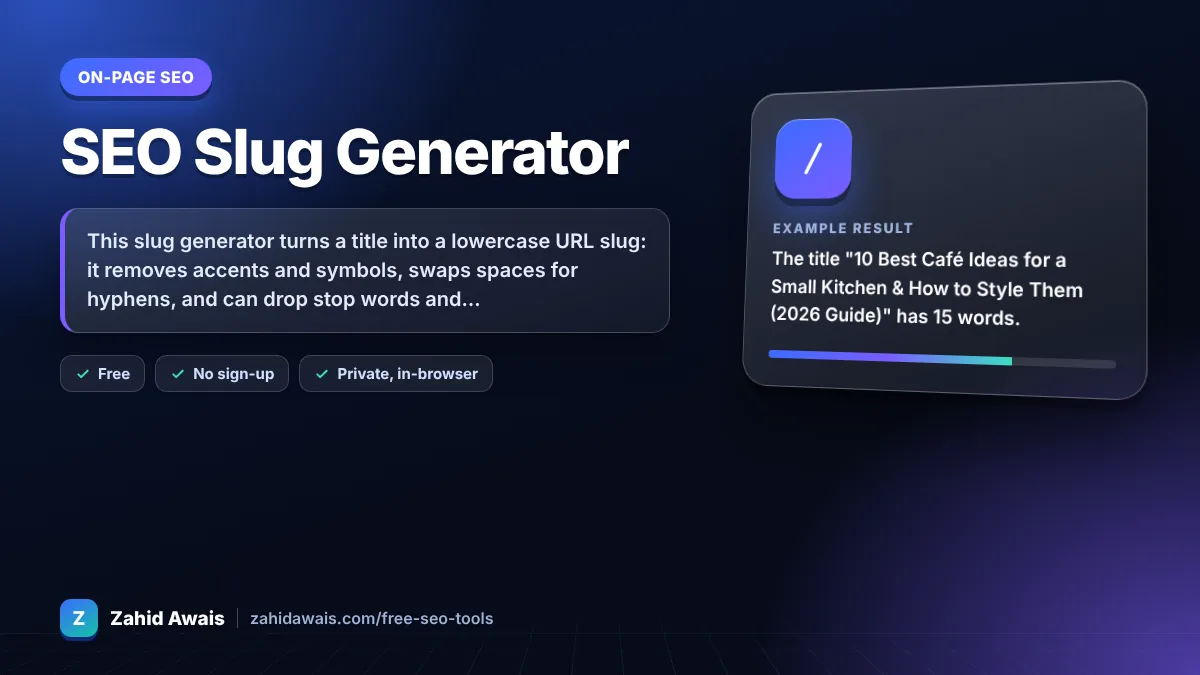
The free slug generator runs in your browser, needs no sign-up and never sends what you type anywhere.
This slug generator turns a title into a lowercase URL slug: it removes accents and symbols, swaps spaces for hyphens, and can drop stop words and cap the length. A good slug is short, readable, uses hyphens rather than underscores, describes the page in 3 to 6 words, and avoids dates you may change later.
A slug generator is a tool that converts a page title into the last readable part of a URL. It lowercases the text, converts accented letters to plain ones, replaces every run of other characters with a single hyphen, then optionally removes stop words and trims to a word limit.
Use hyphens. Google recommends hyphens to separate words in URLs because they help users and search engines identify concepts in the URL. Underscores are not recommended. See Google's URL structure guidelines.
Aim for about 3 to 6 words, usually under 60 characters. Google sets no length limit, but short, descriptive slugs are easier to read, share and remember, and they are less likely to be cut off when shown in search results or chats.
Usually yes, as long as the slug still reads naturally. Removing words like a, the and for makes slugs shorter without losing meaning. Keep a stop word when dropping it changes the meaning, for example in a brand or product name.
| Title | Generated slug | Why |
|---|---|---|
| How to Fix a Leaking Tap in 5 Minutes | fix-leaking-tap-5-minutes | Stop words removed, still descriptive |
| 10 Best Café Ideas for a Small Kitchen | 10-best-cafe-ideas-small-kitchen | Accent converted, symbols dropped |
| SEO vs. PPC: Which Is Better in 2026? | seo-vs-ppc-better | Year removed to keep the URL evergreen |
| Rock & Roll Shoes | rock-and-roll-shoes | Ampersand turned into a word (stop words off) |
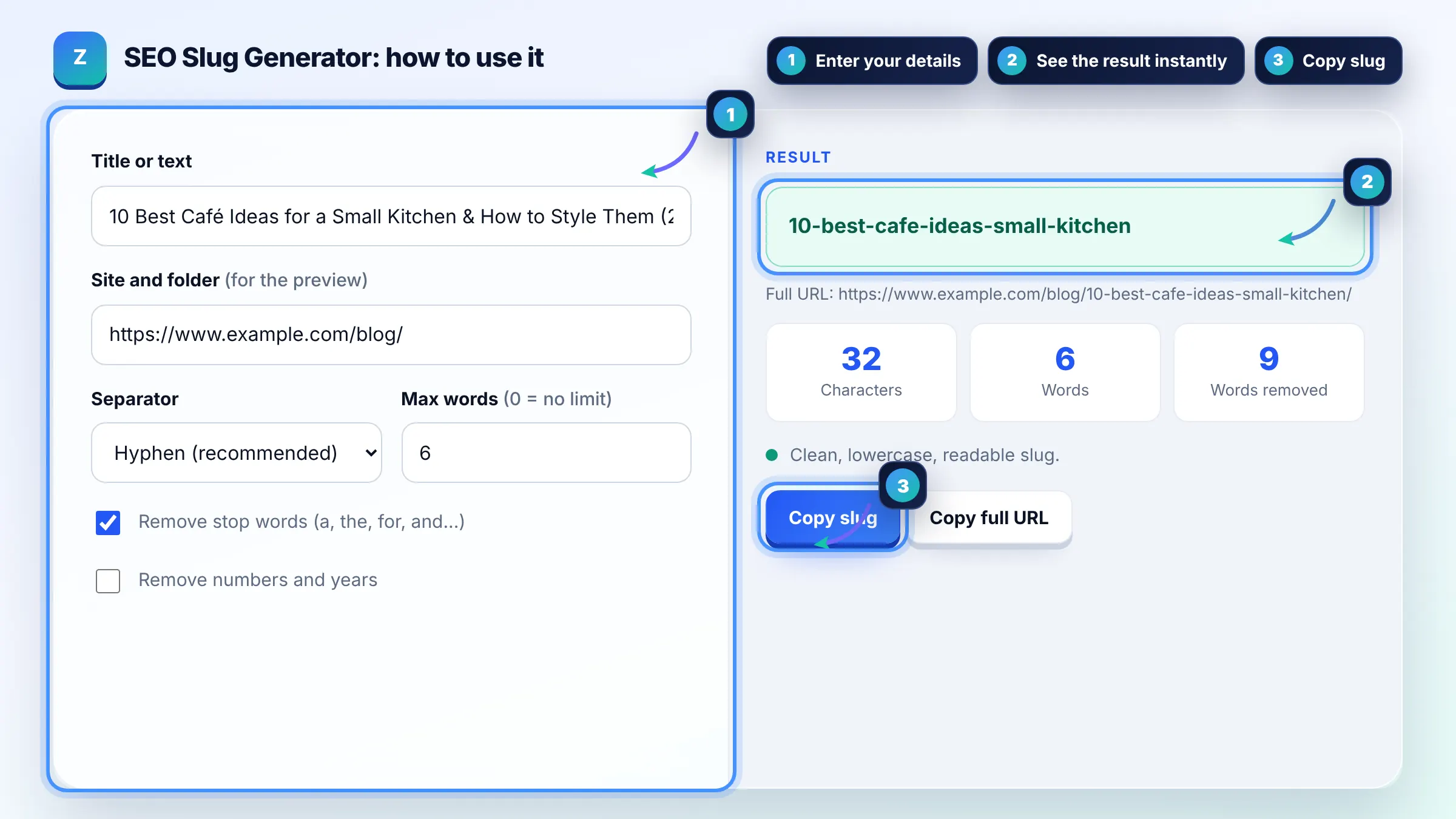
Example: the title "10 Best Café Ideas for a Small Kitchen & How to Style Them (2026 Guide)" has 15 words. With stop words removed and a 6 word limit, the tool returns 10-best-cafe-ideas-small-kitchen (32 characters), giving the URL https://www.example.com/blog/10-best-cafe-ideas-small-kitchen/.
A slug is the readable part of a URL that identifies one page, usually after the last folder. In example.com/blog/fix-leaking-tap, the slug is fix-leaking-tap. Most content management systems create one from the title, but the default is often long and messy.
Yes, if it describes the page naturally. A keyword in the slug helps users see what the page is about before they click. Its direct ranking effect is small, so do not stuff several keywords or create awkward slugs just to include them.
Only when there is a clear reason, such as a misleading or broken URL. Changing a slug creates a new URL, so you must add a 301 redirect from the old one and update internal links, or you may lose traffic and backlinks pointing to it.
Yes. URLs are case sensitive on many servers, so /Page and /page can be treated as different URLs and create duplicates. Using lowercase everywhere avoids broken links and duplicate content, and it is what this generator always outputs.
You can, because browsers support internationalised URLs, and Google recommends using the audience's language in URLs. This tool converts accented Latin letters to plain ones for maximum compatibility. For other scripts, keep the native words and let your CMS encode them.
No. The generator runs fully in your browser with plain JavaScript. Titles are not uploaded, logged or stored, so you can safely create slugs for unpublished posts and client sites.
Facts checked against these official pages. Read how I check facts in my editorial policy.
A meta tag generator is a tool that converts plain text fields into correctly escaped HTML tags such as…
A redirect map generator is a tool that builds the old URL to new URL table you need before a site migration.…
Coming 10 OctAn image file name generator is a tool that converts a plain description into a file name that describes the…
Coming 15 OctSend your website and I will check it for you, free.
One short email when something new goes live: articles, free SEO tools, package updates, discounts and price alerts. No spam, unsubscribe in one click.