
On-page SEO
How Many H1 Tags Per Page Should You Use for SEO?
What Google's documentation says about H1 tags, when more than one is fine, and the heading setup I use on real sites.
Read articleWhy Google swaps your meta description for page text, how to diagnose it, and the fixes I use on client pages.
This guide explains why you see Google not showing meta description text you wrote, how to find the real cause in a few minutes, and seven fixes that make Google pick your description more often. I have run into this on hundreds of client pages, so the steps below come from practice, not theory.
Google not showing meta description text you wrote is normal behaviour, not an error. Google builds snippets mainly from page content and uses your meta description only when it describes the page better for that specific search. Write a unique, specific, accurate description that matches the main query and Google will use it more often.
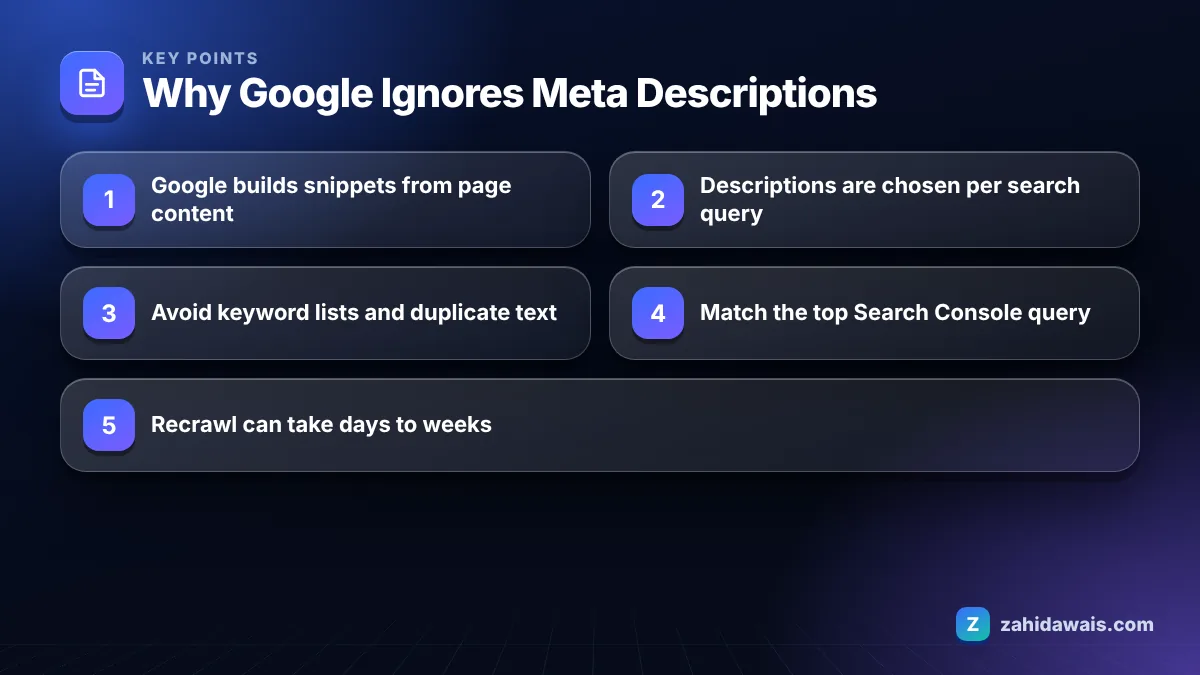
Google shows a different description because it creates snippets mainly from the visible page content and picks the text it thinks best answers the search query. Your meta description is a suggestion, not an instruction.
Google says this directly in its guide to snippets and meta descriptions: snippets are primarily created from the page content, and the meta description is used when it might give users a more accurate description than content taken from the page. That means the same page can show different snippets for different searches.
In my orders I usually find one of these causes behind a rewrite:
Only the last three are technical bugs. The rest are writing problems, which is good news, because writing problems are easy to fix.
No, Google does not always use the meta description, and it never promised to. It decides per query, so a page can show your description for one search and a sentence from the body for another.
Google’s FAQ on how sites appear in Search explains that it automatically tries to extract the part of the page that is most relevant to the user’s query, and that writing useful meta descriptions is the way to influence the snippet. There is no setting that forces Google to use your text.
There is also no fixed length limit for the tag itself. Google truncates the snippet as needed, typically to fit the device width. I still keep most descriptions between about 120 and 158 characters so the key message appears before any cut on mobile. You can check how yours looks with my free SERP snippet preview tool before you publish.
You fix it by making your description the most accurate summary available for the searches you care about, and by removing technical errors. These are the seven fixes I apply, in this order:
If you prefer a second pair of eyes, this exact review is part of my on-page SEO service, where I rewrite titles and descriptions for the pages that matter most.
The fastest way to choose a fix is to compare what Google shows with what you wrote. This reference table is the one I use during audits.
| What you see in Google | Likely cause | Fix |
|---|---|---|
| A random sentence from the middle of the page | Description does not match the query | Rewrite around the top query from Search Console |
| Your menu or footer text | Description missing or empty | Add a unique tag and check your SEO plugin output |
| Same snippet on many of your pages | Template or plugin default reused | Write page level descriptions for key pages |
| Old year or old price | Outdated description or old cached version | Update the text, then request indexing |
| Your description, but only for some queries | Normal per query selection | No fix needed; cover the second query in your intro |
| No snippet at all | nosnippet rule or max-snippet set to 0 | Remove the rule if it was added by mistake |
The last row matters more than people expect. Google supports a nosnippet robots meta tag, a max-snippet setting and a data-nosnippet attribute for parts of a page. I have found these added by accident during theme migrations more than once.
Google updates the snippet only after it recrawls and reprocesses the page, which can take anywhere from a few days to a few weeks. There is no fixed timetable.
To speed it up for a single page, use the URL Inspection tool in Search Console and click Request Indexing after you change the description. For many pages, make sure they are in your XML sitemap with an updated lastmod date. If the page is not indexed at all, fix that first; my guide to Search Console indexing errors covers the common statuses.
Even after a recrawl, Google may keep using page text for some queries. Judge success by looking at your most valuable query, not every possible search.
A UK plumbing company had this description on its boiler repair page: “Plumbing, heating, boilers, boiler repair, emergency plumber, gas safe, London.” Google ignored it and showed a line from the footer about opening hours. Search Console showed the top query was “boiler repair cost london”.
New description (148 characters): “Boiler repair in London from a Gas Safe engineer. Fixed call out fee, same day visits in most areas and clear prices before any work starts.” The first paragraph on the page was edited to mention the same fixed fee. After Request Indexing, the new text appeared for the main query within about two weeks, while a few long tail searches still showed page text. That is the realistic outcome: more control, not total control.
Before you rewrite every description on your site, start with the 10 to 20 pages that get the most impressions. You will see more impact there than on pages nobody searches for. My free SEO audit checklist includes this step alongside the other on-page checks.
Not usually. Google picks snippet text per query, so a rewrite only means it found page text that matches that search better. It becomes a problem when the shown text is wrong, outdated or unappealing, which hurts clicks.
Google sets no length limit on the tag and truncates snippets to fit the device. In practice, around 120 to 158 characters keeps the main message visible on most screens. Put the most important words first.
No. There is no tag or setting that forces Google to show your description. You can only make it the most accurate summary for the query, remove duplicates and technical errors, and keep it up to date.
Google’s documentation presents the meta description as a way to influence the snippet, not as a way to rank higher. Its real value is persuading searchers to click, so write it for people deciding between results.
Either the description itself is outdated or Google has not recrawled the page since you changed it. Update the text, request indexing in Search Console and check that no plugin is outputting an older second tag.
Yes, every important page should have its own description. Google recommends unique descriptions per page. Repeated descriptions across many pages are one of the most common reasons Google replaces them with page text.
Facts checked against these official pages. Read how I check facts in my editorial policy.
What Google's documentation says about H1 tags, when more than one is fine, and the heading setup I use on real sites.
Read article
Google sets no magic number, so here is the practical way I decide how many internal links each page gets and where they go.
Read article
One main topic per page, a handful of close variations, and a simple test for when a keyword deserves its own page.
Read articleSend your website and I will reply with a free audit.