On-page SEO
Image File Names for SEO: How to Name Images Right
What Google says about image file names, a naming formula that works for blogs and shops, and how to handle images already uploaded.
Read articleOne main topic per page, a handful of close variations, and a simple test for when a keyword deserves its own page.
This guide answers how many keywords per page you should target, explains the difference between primary and secondary keywords, and gives you a quick test for deciding whether a keyword belongs on an existing page or needs its own. It is the same method I use when mapping keywords for client sites before any content is written.
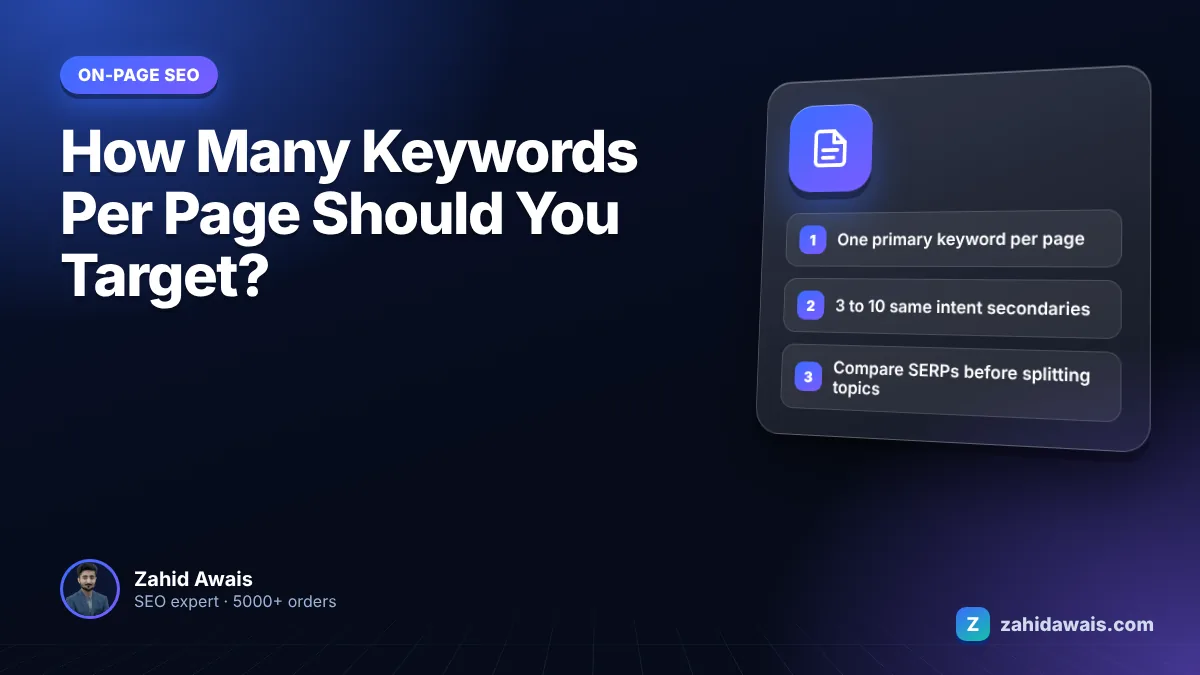
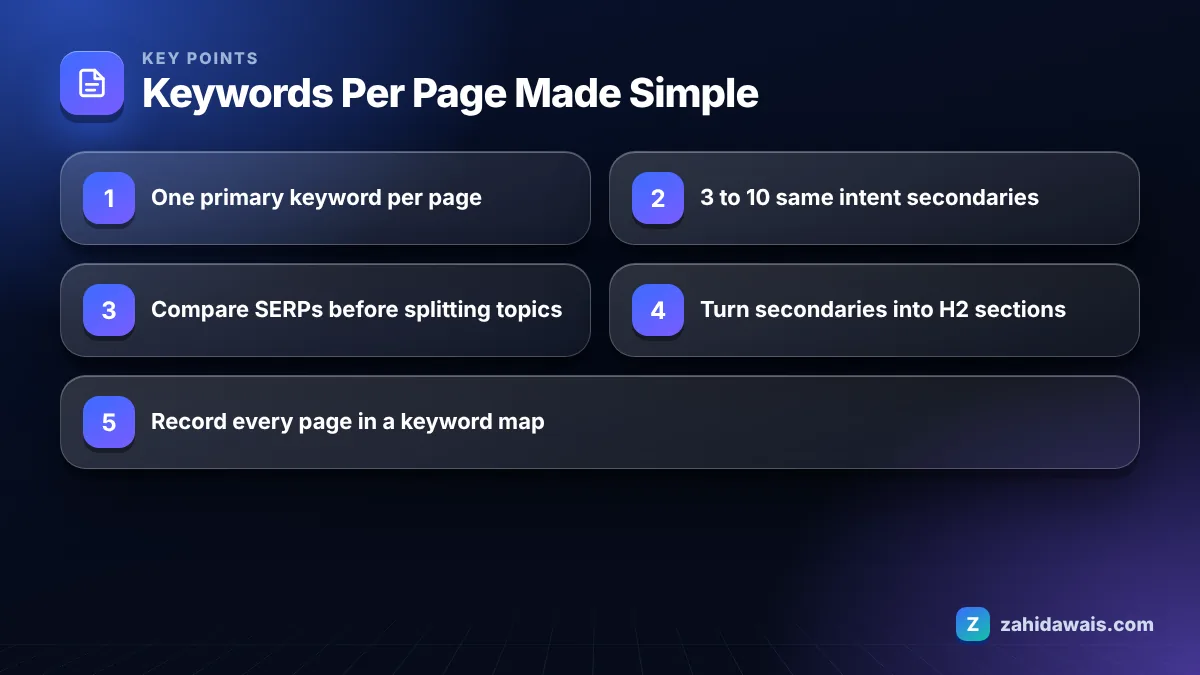
Target one primary keyword per page, plus a small group of secondary keywords that share the same search intent, often 3 to 10 close variations and related questions. That is the practical answer to how many keywords per page. If a keyword needs a different answer, it needs a different page.
Yes, one page can rank for many keywords, often hundreds, when they all share the same intent. People phrase one question in many ways, such as “boiler repair cost”, “how much is a boiler repair” and “boiler fix price”, and one clear page can answer all of them.
Google’s SEO Starter Guide advises thinking about the words a user might search for to find your content, and says not to worry if you do not anticipate every variation of how someone might seek it. In other words, write clearly about the topic and let Google match the variations. You do not need a separate page for every wording.
When I open Search Console for a well written article, it is normal to see one page getting impressions for dozens of queries, many of which were never targeted directly. That is the result of covering one topic well, not of stuffing in more keywords.
The primary keyword is the main search the page is built to answer; secondary keywords are close variations, subtopics and questions that support it. The primary keyword shapes the title, H1 and URL, while secondary keywords shape the sections.
Here is how the two work on a single page:
Google warns in its SEO Starter Guide that excessively repeating the same words, even in variations, is tiring for users, and its spam policies treat keyword stuffing as a violation. Covering secondary keywords is about answering more of the reader’s questions, not repeating phrases. To check that a draft has not drifted into repetition, paste it into my word counter and keyword density checker.
A blog post should have one primary keyword and as many secondary keywords as it can answer naturally, which in my experience is usually 3 to 10 for a typical article. There is no fixed number, and Google does not publish one.
Google’s guide to creating helpful, people-first content asks whether content is created primarily for people or to manipulate search rankings. A blog post that tries to target 30 unrelated keywords usually fails that test, because the reader cannot tell what it is about.
Length changes the picture a little. A short news style post usually covers one narrow question, so it may only have two or three secondaries. A long guide on a broad topic can cover more, because each H2 answers a related question. Even then, every section should serve the same reader. If a long guide starts covering topics that belong to a different audience, it is time to split it into a main guide plus supporting articles that link to it, which also gives you more pages to link to your service pages.
The deciding question for each candidate keyword is simple: would the same reader, in the same visit, want this answered too? If yes, add it as a section or a sentence. If it needs a different reader or a different answer, save it for another page.
A keyword needs its own page when the search results for it show different types of pages, or when answering it properly would change the main focus of the existing page. This decision table is what I use during keyword mapping.
| Check | Same page | New page |
|---|---|---|
| Do the top results for both keywords show the same URLs? | Mostly the same URLs | Mostly different URLs |
| Is the intent the same (learn, buy, compare, fix)? | Same intent | Different intent |
| Can it be answered in one section? | Yes, a paragraph or H2 | No, it needs a full guide |
| Would it change the title or H1? | No | Yes |
| Is it for a different location or audience? | No | Yes, if the offer is really different |
| Is it a different product or service? | No | Yes |
The first check is the most reliable. Search both keywords in a private window and compare the top results. If Google shows mostly the same pages for both, Google treats them as the same topic, and so should you. Splitting them into two pages would likely create keyword cannibalization.
You map keywords by grouping them by intent first and then assigning one group to each page, with one primary keyword leading each group. These are the steps I follow:
This mapping step is where most on-page projects succeed or fail, and it is the first thing I do in my on-page SEO service.
A home cleaning company in Manchester has 14 keyword ideas. After grouping by intent, they split into three pages. Page 1, “End of Tenancy Cleaning Manchester”, takes the primary keyword “end of tenancy cleaning manchester” and 6 secondaries such as “move out cleaning manchester”, “end of tenancy cleaning cost” and “deposit back guarantee cleaning”. Page 2, “Office Cleaning Manchester”, takes 4 keywords, because the results for office cleaning show completely different businesses. Page 3, a guide titled “End of Tenancy Cleaning Checklist”, takes 4 informational keywords like “what does end of tenancy cleaning include”.
The checklist and the service page share a theme but not an intent: one helps people do it themselves, the other sells the service. So they stay separate, and the guide links to the service page. Fourteen keywords, three pages, no overlap.
If you would rather have this done for you across a whole site, keyword mapping is included in my SEO services. For a self review, the free SEO audit checklist covers titles, headings and content checks that follow from a good keyword map.
It is a problem when the keywords need different answers, because the page loses focus and readers cannot tell what it is about. Targeting many variations of one topic is fine. Trouble starts when unrelated keywords are forced in or repeated unnaturally.
There is no required number. Use the primary keyword in the title, H1 and introduction, then write naturally. Google warns that excessive repetition is tiring for users and treats keyword stuffing as spam.
Yes, each page should have its own primary keyword and intent. When two pages chase the same keyword with the same intent, they compete with each other, which is called keyword cannibalization and often leaves both ranking lower.
No. Google’s SEO Starter Guide states that Google Search does not use the keywords meta tag. Spending time on it has no effect on Google rankings. Focus on the title, headings and content instead.
A short page can still rank for several close variations if they share one intent, such as a product page ranking for its name and model number. Content length alone does not decide rankings; how well the page answers the search does.
Check the queries the page already gets in Search Console, the People also ask box, related searches at the bottom of Google results and a keyword tool. Keep only the ones the same reader would want answered.
Facts checked against these official pages. Read how I check facts in my editorial policy.
What Google says about image file names, a naming formula that works for blogs and shops, and how to handle images already uploaded.
Read article
The documented reasons Google changes your title in search results, how to spot which one applies, and how to fix it.
Read article
Why there is no magic percentage, how to calculate density anyway, and the checks I use instead to avoid keyword stuffing.
Read articleSend your website and I will reply with a free audit.