On-page SEO
Google Not Showing Meta Description? 7 Real Fixes
Why Google swaps your meta description for page text, how to diagnose it, and the fixes I use on client pages.
Read articleWhen removing words like a, the and of makes a slug better, when it does not, and how to change old URLs safely.
This article explains whether you should remove stop words in URL slug text, what Google actually says about URLs, and a simple rule I use to write slugs that stay readable and short. You will also learn when changing an existing slug is worth the risk.
Remove stop words in URL slug text when the slug stays clear without them, and keep them when removing them changes or blurs the meaning. Google does not mention stop words in its URL guidance; it asks for readable words, hyphens between words and as few parameters as possible. Never change a working URL just to delete stop words.
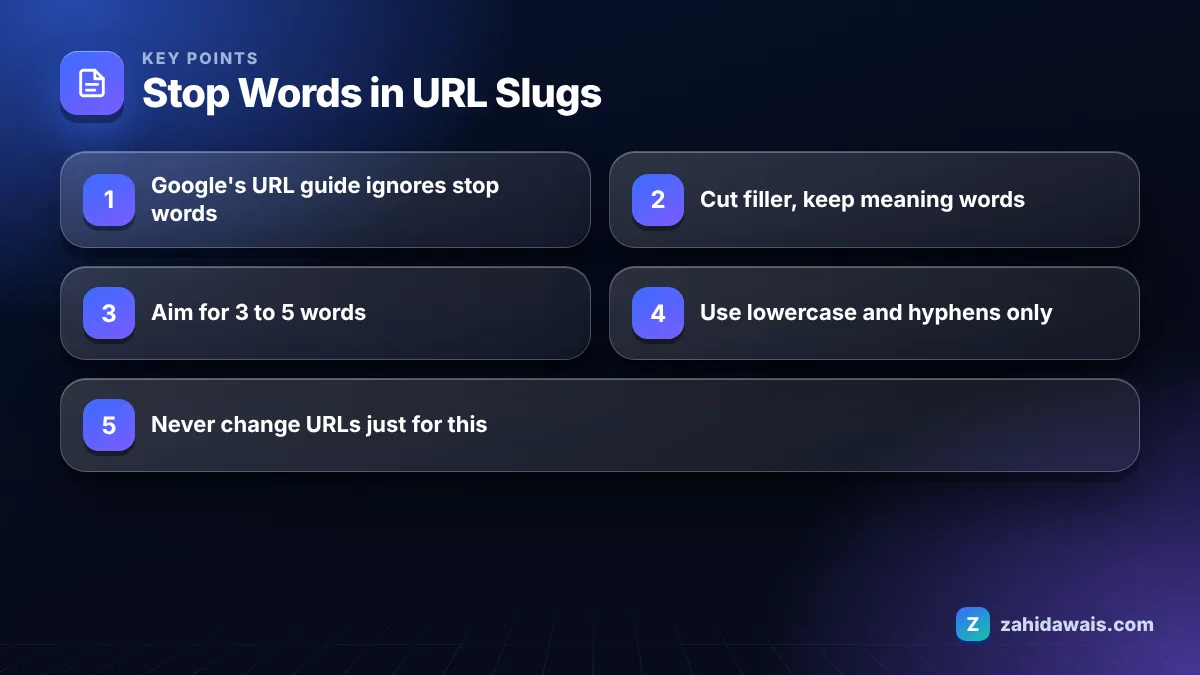
You can remove stop words from URLs when the slug still reads naturally, but it is a tidiness choice, not a ranking requirement. Google has no rule against words like “a”, “the”, “to” or “of” in URLs.
Stop words are short, common words such as a, an, the, and, or, of, to, in, for and with. Old search engines ignored them, so early SEO advice said to strip them everywhere. That advice stuck around long after it stopped mattering.
Google’s URL structure best practices focus on other things: use readable words rather than long ID numbers, use hyphens instead of underscores to separate words, use words in your audience’s language and keep parameters to a minimum. Stop words are not mentioned at all.
Google’s SEO Starter Guide also says that keywords in the domain name or URL path alone have hardly any effect on ranking beyond appearing in breadcrumbs. So the slug is mainly for people: it should tell them what the page is about before they click and look tidy when shared.
My practical rule: remove a stop word if a human would understand the slug just as well without it. Keep it if removing it changes the meaning or makes the slug awkward.
Keep stop words when they carry meaning, such as in questions, comparisons, brand or product names, and phrases where “to”, “for” or “without” changes the topic. This table shows real cases I see in client sites.
| Page title | Slug with stop words | Better slug | Why |
|---|---|---|---|
| A Guide to the Best Running Shoes for Beginners | /a-guide-to-the-best-running-shoes-for-beginners/ | /running-shoes-for-beginners/ | “for” keeps the audience clear; the rest is filler |
| How to Clean a Leather Sofa | /how-to-clean-a-leather-sofa/ | /clean-leather-sofa/ | Meaning stays clear without the extra words |
| Website Redesign Without Losing Rankings | /website-redesign-without-losing-rankings/ | Keep as is | Dropping “without” reverses the meaning |
| The Office Furniture Store (brand) | /the-office-furniture-store/ | Keep as is | “The” is part of the brand name |
| Is Coffee Bad for You? | /is-coffee-bad-for-you/ | Keep as is | Question slugs read oddly when cut down |
| Flights to Paris from London | /flights-to-paris-from-london/ | Keep as is | “to” and “from” set the direction of travel |
The pattern is clear. Delete filler at the start of long titles (“a guide to the”, “everything you need to know about”), and keep the small words that change meaning. The same applies to numbers like a year: I avoid putting a year in a slug, because the content will be updated and the URL should not need to change.
A URL slug for SEO should be as short as it can be while still describing the page clearly; for most pages that means about 3 to 5 words. Google does not publish a maximum slug length.
Short slugs have practical advantages. They are easier to read in search results and in shared links, they are less likely to be cut off in chat apps and social posts, and they survive content updates better because they describe the topic rather than the exact headline.
Guidelines I use when writing slugs:
Folders matter as much as the slug. A short slug inside a deep path such as /blog/2026/03/category/subcategory/ still produces a long, cluttered URL. For most small business sites, a flat structure with the slug directly after the domain, or one meaningful folder such as /services/ or /guides/, is easier to read and easier to keep stable. Shops are the exception: a category folder can help visitors understand where a product sits, as long as products do not move between categories often, because every move changes the URL.
You can check how your full URL looks in a search result with the SERP snippet preview tool before you publish.
Changing a URL slug can cause a temporary drop in traffic, because Google has to find the new URL, process the redirect and move signals across. Done correctly with a 301 redirect, the effect is usually small and short, but it is rarely worth doing just to remove stop words.
Google’s guide to redirects recommends a permanent server-side redirect whenever possible, and explains that a permanent redirect is a signal that the target should become the canonical URL. If you do change a slug, follow these steps:
After the change, Search Console will list the old URL as “Page with redirect”, which is expected; my guide to the Page with redirect status explains it. If you are changing many slugs during a rebuild, plan the redirect map first. That is the core of my website redesign service, where keeping rankings is the main goal.
A new article is titled “The 9 Best Ways to Reduce Your Home Energy Bills This Winter in the UK”. WordPress suggests this slug: /the-9-best-ways-to-reduce-your-home-energy-bills-this-winter-in-the-uk/. That is 15 words and 70 characters.
Step 1: remove the number and the year-like phrase “this winter”, because the list will grow and the article will be updated next season. Step 2: remove filler stop words “the”, “best ways to”, “your”. Step 3: decide on “in the UK”; the site only serves UK readers, so it adds nothing. Result: /reduce-home-energy-bills/. That is 4 words, still clear, and it will never need changing. Because the article was not yet published, there was no redirect to set up, which is the best time to get a slug right.
Slug rules are part of the template review in my on-page SEO service. Get them right before publishing and you will never need to think about stop words again.
Google does not publish a list of ignored words, and modern search understands small words when they change meaning, such as to and from in travel searches. In URLs, Google’s guidance does not mention stop words at all.
Only a little. Google’s SEO Starter Guide says keywords in the domain name or URL path alone have hardly any effect beyond appearing in breadcrumbs. A clear slug still helps people understand the page before they click.
Use hyphens. Google’s URL structure guidance recommends hyphens to separate words and says it does not recommend underscores, for historical reasons. Hyphens are also easier for people to read when the URL is underlined as a link.
Usually not. A year in the slug forces you to change the URL, or keep an outdated one, when you refresh the content next year. Put the year in the title if it helps, and keep the slug timeless.
WordPress builds the slug from the full title by default, including stop words. Some SEO plugins offer an option to remove them. Either way, review the slug before you publish rather than relying on automation.
Generally no. If an existing URL is readable and ranking, the small gain from removing stop words is not worth the risk of a redirect. Change old slugs only when they are misleading, very long or full of IDs.
Facts checked against these official pages. Read how I check facts in my editorial policy.
Why Google swaps your meta description for page text, how to diagnose it, and the fixes I use on client pages.
Read article
What Google's documentation says about H1 tags, when more than one is fine, and the heading setup I use on real sites.
Read article
Google sets no magic number, so here is the practical way I decide how many internal links each page gets and where they go.
Read articleSend your website and I will reply with a free audit.