Website design and WordPress SEO
How to Change Domain Name Without Losing SEO
A step by step domain move that keeps your URLs, links and rankings intact, based on Google's site move guidance.
Read articleTwenty five checks to run the day before and the day after launch, so nothing technical keeps your new site out of Google.
This website launch SEO checklist gives you 25 checks to run before and right after going live, so search engines can find, crawl and understand your new site from day one.
A website launch SEO checklist confirms five things: the site is indexable (no leftover noindex or robots.txt blocks), URLs and redirects are final, every page has a unique title and description, the site is fast and mobile friendly, and Search Console is set up with a submitted sitemap. Run it the day before and the day after launch.
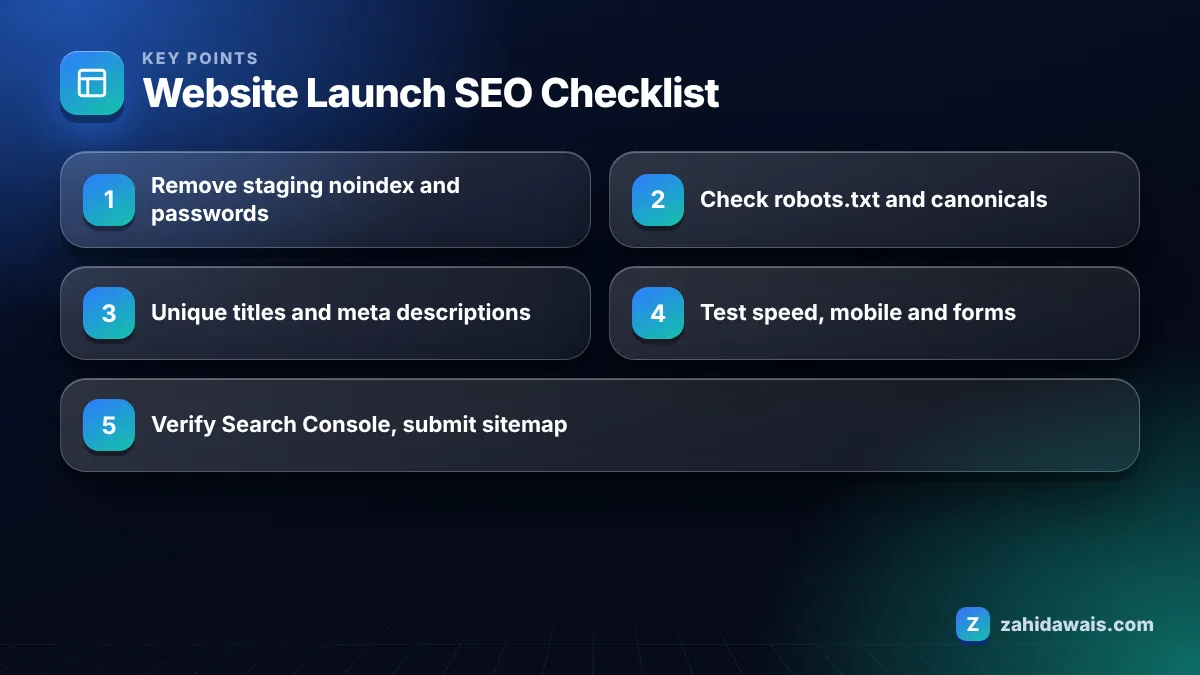
Before launching a website, check that search engines will be allowed in, that every URL is final, and that each page clearly says what it is about. These 25 checks are the list I run on every launch, grouped so you can split the work between developer and content owner.
Preview each title and description in my SERP snippet preview tool to catch truncation before launch, and run the live robots.txt through the robots.txt tester for checks 5 and 6.
The Discourage search engines setting is the biggest launch risk on WordPress because it is ticked during development and easily forgotten, and while it is on, WordPress adds a noindex, nofollow robots meta tag to your pages. Google then keeps those pages out of its results.
The WordPress Reading settings documentation explains that since version 5.3 this checkbox outputs that robots meta tag, and that it is a request search engines may honor. Across the thousands of target pages I review for link building orders, a forgotten Discourage box is still one of the most common reasons a new site is missing from Google.
To get Google to index a new website, verify it in Search Console, submit your sitemap, inspect the homepage and main service pages with the URL Inspection tool and request indexing, and earn a few links from relevant sites. Google finds most pages by following links, so links and a sitemap work together.
Expect the homepage first, then other pages over the following days and weeks. Check the Page indexing report weekly during the first month. If key pages show Discovered, currently not indexed or “Crawled, currently not indexed”, look at internal links and page quality before requesting indexing again.
Indexing does not mean ranking. A new domain usually needs useful content and some trust signals, such as mentions and links from real businesses, before it competes for valuable terms. No checklist can promise rankings, but it can make sure nothing technical holds the site back.
Yes, submit a sitemap right after launch, because it is the quickest way to tell Google about all your URLs, and Google’s documentation says new sites with few external links are among those that benefit most. Submitting it does not guarantee every URL gets crawled and indexed.
Google’s sitemap overview notes that small, well linked sites of about 500 pages or fewer may not strictly need one, but submitting it costs nothing. WordPress creates a basic sitemap at /wp-sitemap.xml, and SEO plugins usually replace it with their own version. Submit whichever one is active, not both.
| Launch task | When | Who | Time needed |
|---|---|---|---|
| Indexing and robots checks | Day before and launch day | Developer | 15 minutes |
| Redirect testing | Launch day | Developer or SEO | 30 to 90 minutes |
| Titles, descriptions, H1s | Week before | Content owner or SEO | About 5 minutes per page |
| Mobile and form testing | Day before | Anyone on the team | 30 minutes |
| Search Console and sitemap | Launch day | SEO | 15 minutes |
| Page indexing review | Weekly for 4 weeks | SEO | 10 minutes per week |
A dental clinic launches a new 18 page WordPress site. The day before launch, the checklist catches 4 issues: Discourage search engines still ticked, 5 pages sharing the homepage title, canonical tags pointing at the staging subdomain, and the contact form failing on mobile Safari. All are fixed in under an hour. On launch day the sitemap is submitted and 6 key pages are inspected. Two weeks later the Page indexing report shows the main pages indexed, with no surprises in the excluded list.
Without the checklist, the first two issues alone could have kept the site out of search for weeks before anyone noticed.
In the first month after launch, check the Page indexing report weekly, fix any 404s or redirect errors, watch which queries start showing impressions, and add internal links to pages that are slow to get indexed. Small fixes in month one prevent bigger problems later.
Also keep a simple launch log: the date the site went live, the date you submitted the sitemap, and any fixes you made afterwards. When traffic changes months later, that log tells you what happened and when, which saves hours of guessing.
Finally, plan your first pieces of new content and outreach. A launch gives you a clean technical base, but growth comes from answering customer questions and earning mentions from relevant sites over the following months.
For a printable version with extra technical checks, use my free SEO audit checklist. If you are still planning the build, my website design service includes this launch checklist, Search Console setup and the first month of monitoring as standard.
The most common mistake is leaving staging protections active on the live site, such as the WordPress Discourage search engines setting, a noindex tag or a robots.txt rule blocking everything. Check page source, headers and robots.txt on launch day before announcing the site.
There is no fixed time. The homepage of a new site is often indexed within days to a few weeks after you submit a sitemap and request indexing in Search Console. Other pages follow as Google crawls internal links and finds links from other sites.
Search Console is free and gives you data you cannot get elsewhere: which pages are indexed, why others are excluded, what queries show your site, and any security or manual action issues. Verify your domain on launch day and submit your sitemap.
Google says small, well linked sites of around 500 pages or fewer may not need one. Still, submitting a sitemap is quick and helps a brand new site with few external links get discovered, so I recommend it for every launch.
Yes, launching with a small set of strong pages is better than waiting months for a large site. Make sure your homepage, core service pages, about and contact pages are complete and useful, then add content regularly after launch.
One week after launch, review the Page indexing report in Search Console, test old URLs if you replaced a site, check that forms and analytics are recording, and confirm the sitemap shows as successfully processed with no errors.
Facts checked against these official pages. Read how I check facts in my editorial policy.
A step by step domain move that keeps your URLs, links and rankings intact, based on Google's site move guidance.
Read article
Post name wins for most sites, but here is when categories make sense and how to switch without losing links.
Read article
Right size, small files, clear names and honest alt text: the image routine I give every writer.
Read articleSend your website and I will reply with a free audit.