
Website design and WordPress SEO
WordPress Image Optimization for SEO: Size, Alt Text and WebP
Right size, small files, clear names and honest alt text: the image routine I give every writer.
Read articlePost name wins for most sites, but here is when categories make sense and how to switch without losing links.
This guide shows you the best WordPress permalink structure for SEO, how each built in option compares, and how to change an existing structure without breaking links you have already earned.
For most sites the best WordPress permalink structure for SEO is Post name (/%postname%/). It gives short, readable URLs, never goes out of date, and lets you update a post without a misleading year in the address. Use a category prefix only when your sections are stable and meaningful to users.
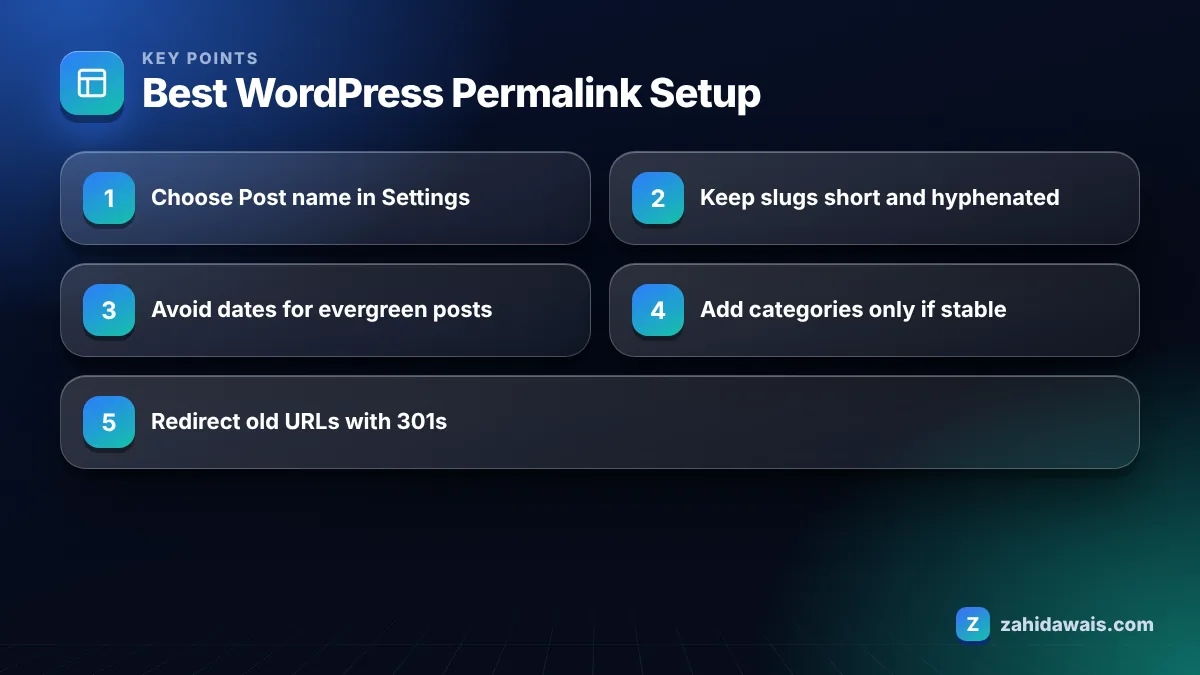
Yes, you should use the Post name permalink for almost every business site and blog, because it produces clean URLs like /best-wordpress-permalink-structure/ that describe the page in plain words. It is the setting I apply on every new WordPress build before the first post goes live.
Google’s URL structure guidelines recommend readable words rather than long ID numbers, hyphens rather than underscores between words, and trimming unnecessary parameters. Post name does all three automatically as long as you keep slugs short.
To set it, open Settings, Permalinks in your dashboard, choose Post name and save. The WordPress permalink documentation explains that Plain (?p=123) is the default and that pretty permalinks depend on your server being configured correctly, which almost every modern host handles.
The permalink structure has only a small direct effect on rankings; its real value is in clarity for users, stable addresses for links, and fewer technical problems over time. A clear URL will not lift a weak page, and a messy URL rarely sinks a strong one.
Where structure does matter is indirect. Parts of a URL can show in search results as breadcrumbs, so readable words help people decide to click. Stable URLs also keep the links you earn pointing at live pages instead of redirects. In link building work I always ask clients for the final URL before an order goes live, because a link placed on an address that later changes loses value through extra hops or, worse, ends on a 404.
So pick a structure you can live with for years. That single decision saves more SEO work than any clever keyword in the URL.
The WordPress permalink options differ mainly in readability and how quickly they date: Post name is the cleanest, date based options age badly, Numeric and Plain say nothing about the page, and Custom is only worth it for a clear reason.
| Option | Example URL | SEO verdict | Best for |
|---|---|---|---|
| Plain | /?p=123 | Works, but gives users no clue about the page | Nothing; change it on day one |
| Day and name | /2026/10/08/sample-post/ | Long and dated; evergreen posts look old | Daily news archives |
| Month and name | /2026/10/sample-post/ | Shorter but still dated | Publications sorted by issue |
| Numeric | /archives/123 | No descriptive words | Rarely a good fit |
| Post name | /sample-post/ | Short, readable, timeless | Most blogs and business sites |
| Custom: /%category%/%postname%/ | /seo/sample-post/ | Readable, adds context, but longer and fragile if categories change | Large sites with stable sections |
Note that WordPress pages (as opposed to posts) always use their own slug and parent structure, so the setting mainly affects blog posts.
Categories should only be in WordPress URLs when your site has a few stable, clearly separate sections and each post sits in one obvious category. For most small sites, adding the category makes URLs longer without helping users or Google.
The risk is maintenance. If you later rename a category or move a post to another one, its URL changes and you need a redirect. I have audited blogs where years of category reshuffles left hundreds of redirect chains, all caused by a permalink choice made on day one.
A category prefix can make sense for a news site with sections like /sport/ and /business/, or a large knowledge base where the section tells readers what they are about to see. If you go this route, the WordPress guide advises that custom structures end with %postname% or %post_id% so every post has a unique address.
You can change permalinks without lasting SEO damage if you redirect every old URL to its new address with a permanent (301) redirect and update your internal links, but expect some short term fluctuation while Google processes the change. Skip the redirects and you lose the value of existing links and bookmarks.
The WordPress documentation itself says permalinks should never be changed, hence the “perma”. So only change when the gain is clear, for example moving from Plain or a date structure to Post name on a site that is still small.
This is the process I follow:
Search Console will show many old URLs under “Page with redirect” afterwards. That is expected, and my guide to the Page with redirect status explains when it needs action.
A blog with 85 posts uses Day and name: /2021/03/14/how-to-clean-grout/. The owner updates posts every year, but the 2021 date makes them look stale in search results. We switch to Post name, map 85 old URLs to 85 new ones, add 85 redirects with a plugin, and update 140 internal links. Testing shows 85 of 85 old URLs return a single 301 to the right post. Search Console shows the new URLs replacing the old ones over the next few weeks, with traffic dipping slightly at first and then returning to its previous level.
The work is not hard, but it is detailed. Missing even a handful of high traffic URLs is where most permalink changes go wrong.
Write slugs with 2 to 5 lowercase words separated by hyphens, focused on the main topic and free of stop words that add nothing. The slug matters more than the overall structure, because it is the part people actually read.
WordPress builds the slug from your title automatically, so always edit it before publishing. A title like “10 Easy Ways to Clean Grout Without Scrubbing for Hours” becomes a very long slug if you leave it alone; trim it to /clean-grout/ or /how-to-clean-grout/.
Leave years out of slugs for content you plan to update. Change the title each year if you want, but keep the URL stable. Slug writing is part of every on-page SEO service I deliver, and if you are building a new site, my WordPress website design setup applies Post name and a slug style guide from the start. For any unfamiliar term in this guide, the SEO glossary has short definitions.
For most blogs and business sites the best structure is Post name, which creates URLs like /your-post-title/. It is short, readable and does not date your content. Add a category prefix only if your site has stable sections that help readers understand the page.
Plain permalinks such as /?p=123 can still be crawled and indexed, but they tell users nothing about the page and look less trustworthy in search results. Google recommends readable words over ID numbers, so switch to Post name before publishing content.
Only include dates if you run a news site where publication date is central to every article. For evergreen content, a date in the URL makes updated posts look old and forces you to keep outdated addresses or redirect them later.
It can. If old URLs are not redirected, links from other sites, bookmarks and old internal links may lead to 404 errors. Map every old URL to its new address, add 301 redirects, and test a sample before and after making the change live.
URL length on its own is not a proven ranking factor. Short, descriptive URLs are easier for people to read, share and trust, and Google advises readable words and hyphens. Keep slugs focused on the topic rather than chasing a character count.
Use hyphens. Google’s URL structure guidance recommends hyphens to separate words, and WordPress creates hyphenated slugs from your titles by default. Avoid underscores and keep slugs lowercase so you do not create duplicate versions of the same URL.
Facts checked against these official pages. Read how I check facts in my editorial policy.
Right size, small files, clear names and honest alt text: the image routine I give every writer.
Read article
A 30 minute diagnosis routine and 12 fixes in the order that gives the biggest speed gains first.
Read article
What Google says about image file names, a naming formula that works for blogs and shops, and how to handle images already uploaded.
Read articleSend your website and I will reply with a free audit.