
Local SEO
Google Business Profile Suspended? How to Get It Reinstated
Find the reason, fix the profile, then appeal once with documents that match your name and address.
Read articleA 30 minute diagnosis routine and 12 fixes in the order that gives the biggest speed gains first.
If you keep asking why is my WordPress site slow, this page shows you how to find the real cause in about 30 minutes and gives 12 fixes in the order I apply them on client sites.
Most slow WordPress sites suffer from one of four things: weak hosting or an old PHP version, no page caching, oversized images, or a heavy theme and plugin stack. If you are wondering why is my WordPress site slow, test one page, find the biggest delay, and fix that before anything else.
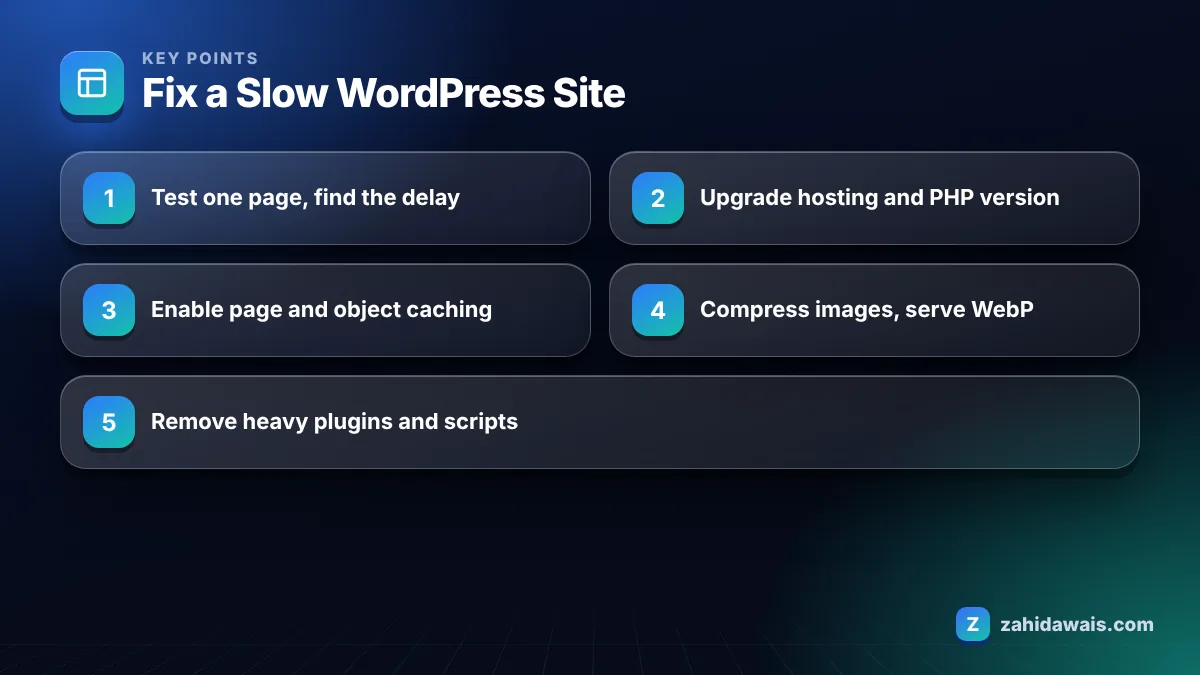
You find what is slowing down WordPress by testing one important page, reading which resource or step takes longest, and then switching things off one at a time until the delay disappears. Guessing wastes hours; measuring takes minutes.
This is the diagnostic routine I follow before touching any setting:
Google’s Core Web Vitals guide sets the targets: Largest Contentful Paint within 2.5 seconds, Interaction to Next Paint under 200 milliseconds, and Cumulative Layout Shift below 0.1. Those three numbers are a better finish line than a single score out of 100.
The 12 fixes that work most reliably are, in order: better hosting, current PHP, page caching, object caching, image compression, modern formats, fewer plugins, a lighter theme, trimmed scripts, a CDN, database cleanup and controlled third party embeds. Start at the top, because server fixes help every page at once.
Do not apply all 12 at once. Change one thing, retest the same page, and write down the result. When several changes go live together and something breaks, such as a cached checkout page or a deferred script that stops a contact form, you will not know which change caused it.
Also test with a logged out browser window. Many caching setups skip logged in users, so an admin who checks the site while logged in often sees a slower version than real visitors do, and then chases a problem that does not exist.
Too many plugins can slow WordPress, but the quality of each plugin matters more than the count. One badly built plugin that runs heavy database queries on every page can do more damage than 20 small, well coded ones.
The WordPress handbook says both the number of plugins and their performance affect speed, and it does not set a limit. In my experience the worst offenders are page builders loading their full library everywhere, related post plugins running slow queries, and social share or chat plugins pulling large external scripts.
A quick rule I use: if a plugin adds front end scripts, it must earn its place on every page where those scripts load. If not, remove it or restrict where it loads.
Hosting has a direct effect on WordPress speed because it controls how fast the server builds each page, how much memory PHP gets, and whether server side caching is available. No plugin can fully hide a slow server.
Here is how I match the symptom to the likely cause before recommending a hosting change.
| Symptom | Likely cause | First fix |
|---|---|---|
| Slow server response on every page | Weak hosting, old PHP, no caching | Enable page caching, update PHP, then review hosting |
| Fast response but slow main image | Oversized hero image or slider | Resize, compress and avoid sliders above the fold |
| Page jumps while loading | Images or ads without set dimensions | Add width and height, reserve space for embeds |
| Clicks feel laggy | Heavy JavaScript from theme or plugins | Remove or defer unused scripts |
| Admin area slow, front end fine | Plugin running heavy background tasks | Test plugins on staging, check scheduled tasks |
| Slow only for overseas visitors | Distance from server | Add a CDN |
A typical case: a 40 page service site on cheap shared hosting, PHP two versions behind, no caching, a multipurpose theme and 31 plugins. Mobile LCP on the homepage measures 6.1 seconds; the LCP element is a 2.4 MB slider image. Step 1, enable host caching and update PHP: server response drops from about 1.8 seconds to 0.4 seconds. Step 2, replace the slider with one compressed WebP image of 120 KB. Step 3, remove 9 unused plugins. Retest: LCP around 2.3 seconds in the lab. Real user data in Search Console then needs several weeks to reflect the change.
The numbers will differ on your site, but the order rarely changes: server first, then the largest element, then scripts.
A slow WordPress site can hurt SEO because Google says good Core Web Vitals align with what its core ranking systems seek to reward, and slow pages also lose visitors before they convert. Speed is one signal among many, so fixing it will not guarantee higher rankings on its own.
In practice, relevance and content quality still decide most rankings. But speed problems often hide crawl and usability problems too, so I include them in every technical SEO service audit.
If your theme is the root of the problem, rebuilding can be cheaper than patching. My WordPress website design projects start from a lightweight setup, and if you already have rankings to protect, a planned website redesign keeps URLs and content intact while replacing the slow parts. For quick checks between fixes, my free SEO tools page lists the tools I use daily.
In my audits the most common reason is slow server response from cheap hosting, an outdated PHP version or no page caching. These affect every page at once, so fixing them usually gives a bigger gain than any image or plugin tweak.
There is no safe number. The WordPress handbook says both the number and the performance of plugins affect speed. Test plugins on a staging copy and remove any that add heavy scripts or database queries without delivering clear value to visitors.
A caching plugin often helps a lot because visitors receive a stored HTML copy instead of WordPress building each page. It will not fix oversized images, heavy JavaScript or a severely underpowered server, so treat caching as one step, not the full solution.
Yes. The WordPress optimization handbook notes that newer PHP versions usually include better performance. Check which version your host runs, confirm your theme and plugins support a newer one on staging, then update from your hosting panel.
Google’s guidance defines good as Largest Contentful Paint within 2.5 seconds, Interaction to Next Paint under 200 milliseconds and Cumulative Layout Shift below 0.1. Use the Core Web Vitals report in Search Console to see real user data for your pages.
Change the theme if testing shows it loads large scripts, sliders or page builder libraries you do not use. Rebuild on a staging site first and keep the same URLs, titles and content so the redesign does not undo your existing SEO work.
Facts checked against these official pages. Read how I check facts in my editorial policy.
Find the reason, fix the profile, then appeal once with documents that match your name and address.
Read article
How to spot pages competing for the same search, decide what to do with each one, and fix it without losing traffic.
Read article
GEO is mostly SEO with a different scoreboard. Here is what actually changes, what does not, and where to start.
Read articleSend your website and I will reply with a free audit.