Technical SEO
How to Reduce LCP in WordPress: 9 Fixes That Actually Work
Find the slow part of your Largest Contentful Paint and apply the fix that actually moves it below 2.5 seconds.
Read articleKnow when to merge duplicates with a canonical, when to remove a page with noindex, and why mixing them backfires.
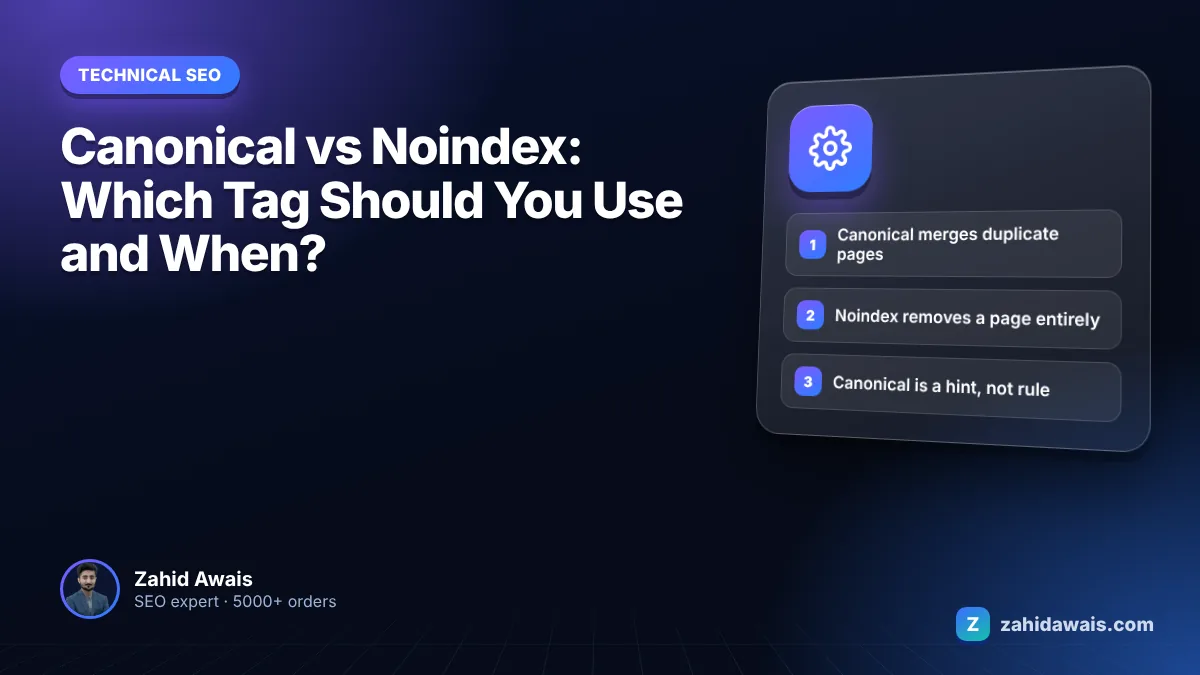
This guide tells you when to use a canonical tag, when to use noindex, and what happens when you mix them, with a decision table you can apply page by page. The canonical vs noindex choice depends on one thing: do you want the page’s signals merged into another URL, or do you want the page out of Google entirely?
In canonical vs noindex decisions, use a canonical tag when a page is a duplicate or near duplicate of another page you want indexed, so Google can consolidate signals into one URL. Use noindex when a page should not appear in Google at all, such as thank you pages or internal search results. Avoid using both on the same page.
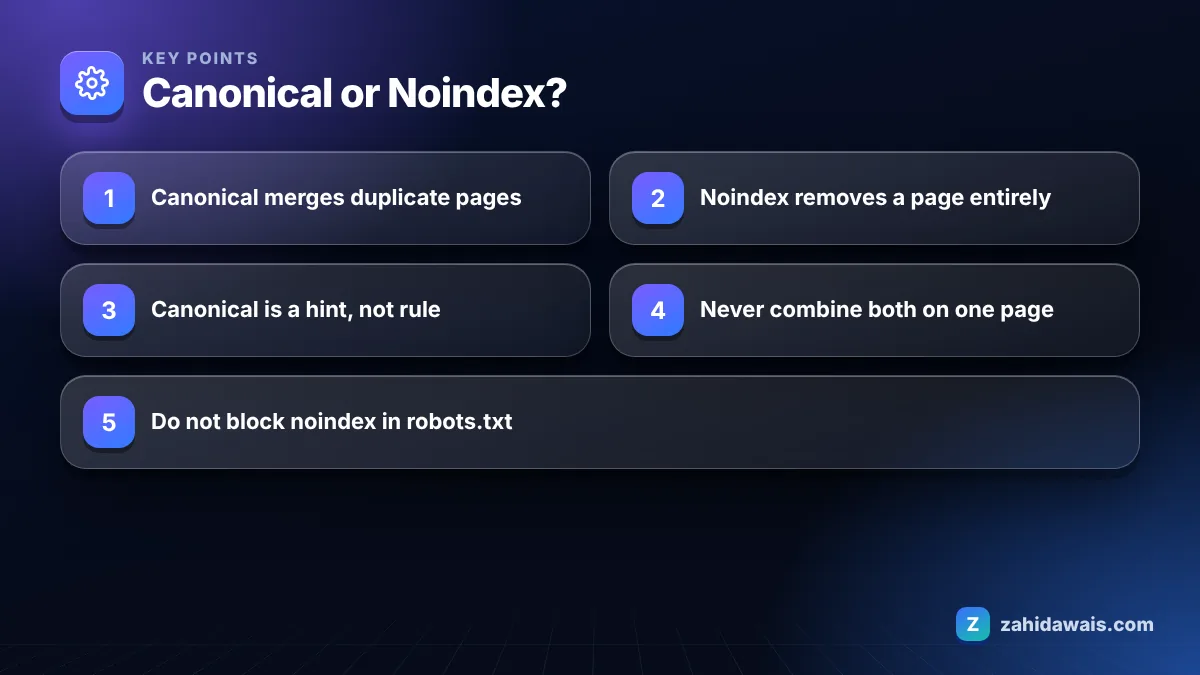
A canonical tag tells Google which URL you prefer from a group of duplicate pages, while noindex tells Google not to show a page in search results at all. One is about choosing between copies; the other is about removing a page.
The strength of each is different too. Google’s page on URL canonicalization says that indicating a canonical preference is a hint, not a rule. Google weighs your rel=”canonical” alongside redirects, sitemaps, internal links and HTTPS, then picks the canonical it thinks is most useful. A noindex rule is a directive: when Googlebot crawls the page and sees it, the page is dropped from results, even if other sites link to it.
| Situation | Use | Why |
|---|---|---|
| Product URL with tracking or sort parameters | Canonical to the clean URL | Same content; merge signals into one URL |
| Same article syndicated on another of your sites | Canonical to the original | Duplicate you still want users to reach |
| Print or AMP style alternate version | Canonical to the main page | Alternate format of the same content |
| Thank you, cart and login pages | Noindex | No search value; no preferred copy to point to |
| Internal site search results | Noindex | Endless thin combinations of other pages |
| Thin tag archives on a blog | Noindex, or improve and keep indexed | Not a duplicate of one specific page |
| Old page replaced by a new one | 301 redirect, not either tag | Visitors and signals should both move |
You should not use canonical and noindex together on the same page, because they send conflicting messages: the canonical says “merge me into that URL” while noindex says “remove me from search”. Google’s guide to specifying a canonical URL says it does not recommend using noindex to prevent selection of a canonical page within a single site, because it completely blocks the page from Search. It names rel=”canonical” as the preferred solution.
Mixed signals also make your own reports harder to read. When a page carries both tags, you cannot tell from Search Console whether it dropped out because Google followed the canonical or the noindex, so problems take longer to spot. In my audits, pages with both tags are almost always the result of a theme and an SEO plugin each adding their own tag, not a deliberate choice.
Pick one tool per page. If the page is a duplicate, canonical. If the page has no place in search, noindex with a self referencing canonical or none at all.
No, a canonical tag does not guarantee that a page stays out of the index; it only suggests which URL Google should treat as the main version. If the signals disagree, for example your internal links and sitemap point at the duplicate, Google may ignore your canonical and pick its own.
That is why Search Console has two separate statuses. “Alternate page with proper canonical tag” means Google accepted your choice and the duplicate is excluded as intended, which my guide to the alternate page with proper canonical tag status covers. “Duplicate, Google chose different canonical than user” means Google overrode you. In both cases the duplicate URL itself is generally not shown in results, but you only control the outcome when your signals agree. For the case where no canonical was set at all, see duplicate without user-selected canonical.
Noindex a page when it has no value as a search result and there is no better version of it to point to. Typical examples from the sites I audit:
Two rules from Google’s guide to blocking indexing with noindex trip people up. First, the page must not be blocked by robots.txt, or Googlebot never sees the noindex and the URL can still appear if other pages link to it. Second, Google has to recrawl the page to see a new noindex, which can take a long time on less important pages. You can check robots.txt rules with my free robots.txt tester.
Imagine an online fashion store with 1,200 product pages, 4,800 filtered URLs such as ?colour=red&size=m, 300 internal search URLs in the index, and every product available at both /product/name/ and /category/product/name/. The plan: the 1,200 category path duplicates get a canonical to the clean /product/name/ URL, and internal links are updated to use the clean URL so the canonical is backed by other signals. The colour filter pages that match real searches, about 40 of them, get unique titles and copy and stay indexable with self canonicals. The rest of the filter combinations get a canonical to the parent category. The 300 search result URLs get noindex, and the robots.txt rule that had blocked them is removed so Google can actually see the noindex. Nothing on the site uses both tags at once. The result is a clear rule the store’s team can follow when adding new products: one clean URL per product, a short list of filter pages worth ranking, and noindex only for pages with no search value.
A useful test before you choose: ask whether a searcher landing on this exact URL would be happy. If yes, but another URL serves them better, use a canonical. If no URL version of it would help a searcher, use noindex. If the page should not exist at all any more, redirect or remove it.
The most common mistake is blocking a page in robots.txt and also adding noindex, which hides the noindex from Google. My guide to blocked by robots.txt covers that one. Other mistakes I see often:
If your Page Indexing report is full of canonical and noindex statuses and you are not sure which are intended, my technical SEO service includes a full indexing audit with a page by page plan.
It is a hint. Google says indicating a canonical preference is a hint, not a rule. It considers your canonical alongside redirects, internal links, sitemaps and other signals, and may choose a different URL if those signals disagree.
Google’s documentation does not promise that links on a noindexed page keep passing signals over time. If you want a page’s value to flow to another URL, use a canonical for duplicates or a 301 redirect for replaced pages instead.
Usually neither. Let page 2, page 3 and so on be indexable with self referencing canonicals, so Google can reach the products or posts listed on them. Canonicalizing every page to page 1 can hide that deeper content.
No. Google does not support a noindex rule in robots.txt. Use a robots meta tag in the page head or an X-Robots-Tag HTTP header, and make sure robots.txt does not block the page so Googlebot can see the rule.
Send an X-Robots-Tag: noindex HTTP header for the file from your server or CDN. A meta tag is not possible in a PDF. To consolidate a PDF with an HTML page instead, use a rel=canonical HTTP header.
Google has to recrawl the page to see the noindex. That can be quick for popular pages and take months for rarely crawled ones. You can request recrawling of important URLs with the URL Inspection tool in Search Console.
Facts checked against these official pages. Read how I check facts in my editorial policy.
Find the slow part of your Largest Contentful Paint and apply the fix that actually moves it below 2.5 seconds.
Read article
Find every chain and loop on your site, cut each path to a single hop and keep it that way.
Read article
Find every insecure image, script and stylesheet on your HTTPS pages and replace it for good.
Read articleSend your website and I will reply with a free audit.