Technical SEO
Hreflang Errors: How to Fix No Return Tags and More
Fix return tag, code and canonical problems so Google shows the right language version to each visitor.
Read articleFind every insecure image, script and stylesheet on your HTTPS pages and replace it for good.
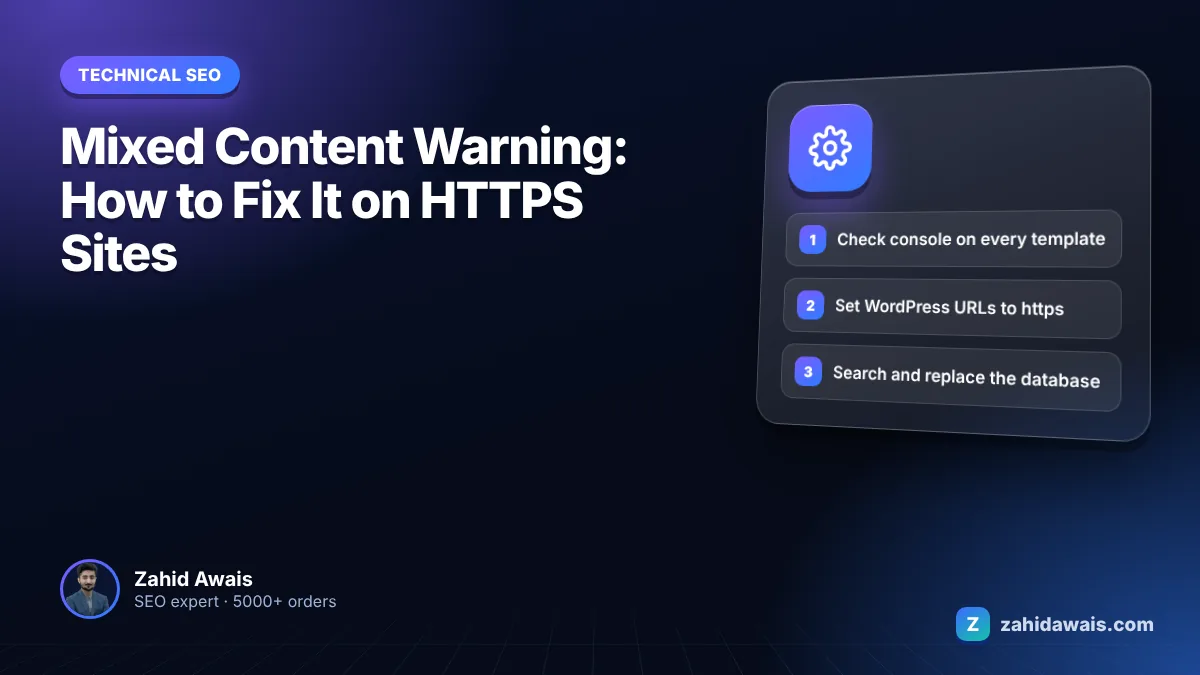
This guide shows you how to find every insecure resource on an HTTPS page and fix it, with a step by step path for WordPress. A mixed content warning fix almost always comes down to the same job: replacing http:// links to images, scripts, styles and iframes with https:// versions, then making sure no new ones sneak back in.
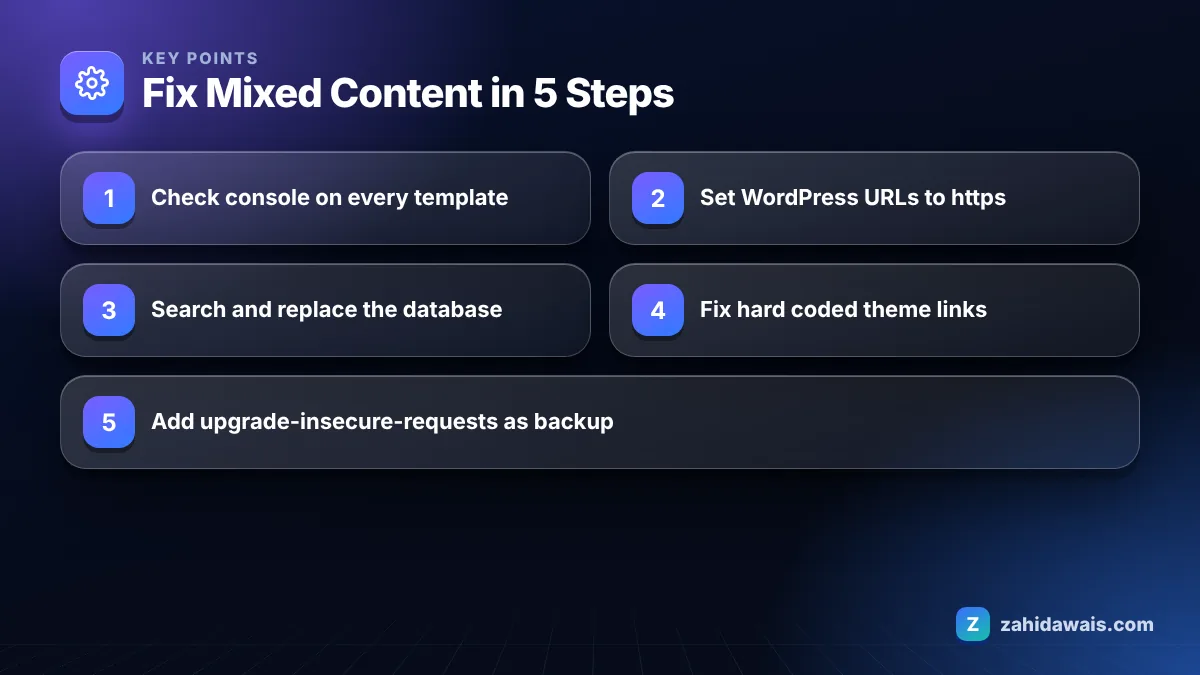
The mixed content warning fix is to find every resource your HTTPS page loads over http://, using the browser console or a crawler, and change each one to https://, host it yourself, or remove it. On WordPress, update both site URLs to https, run a database search and replace, and check theme and plugin files for hard coded links.
A mixed content warning appears when a page loads over HTTPS but some of its resources, such as images, scripts, stylesheets or iframes, load over plain HTTP. The page itself is encrypted, but those parts are not, so the browser warns the visitor or blocks the insecure files.
web.dev’s explainer What is mixed content? splits it into two types. Passive mixed content covers images, video and audio, which cannot change the rest of the page but can still be swapped or used to track visitors. Active mixed content covers scripts, stylesheets, iframes and other code that can change the whole page, which is why most browsers block it by default.
The most common sources I find in audits:
Mixed content affects SEO indirectly: Google does not list mixed content as a separate ranking factor, but blocked resources can break how your page looks and works, and browser warnings reduce trust. Google does recommend serving sites over HTTPS, and a site with mixed content has not fully finished that job.
The practical damage is often bigger than the warning itself. A blocked stylesheet can leave a page unstyled. A blocked script can break a menu, a form or a checkout. A blocked image may simply not appear. If Google renders the page and key resources are blocked, what it sees may not match what you intended. And visitors who notice a missing padlock or a broken layout leave.
| Resource type | Mixed content type | Typical browser behaviour | Visible effect |
|---|---|---|---|
| Images, video, audio | Passive | Chrome may upgrade to HTTPS; if no HTTPS version exists, it does not load | Missing images, padlock warning |
| Scripts | Active | Blocked in modern browsers | Broken menus, forms, sliders, tracking |
| Stylesheets | Active | Blocked | Unstyled or broken layout |
| Iframes and embeds | Active | Blocked | Empty boxes where maps or videos should be |
| Fonts loaded by CSS | Active | Blocked | Fallback font, possible layout shift |
| Plain links in a tags | Not mixed content | Allowed | None, but update them to avoid redirects |
You find mixed content by checking the browser console page by page, searching your code and database for http://, and using a crawler for the whole site. web.dev’s guide to fixing mixed content starts with the console, because Chrome reports mixed content there as errors and warnings.
To fix mixed content in WordPress, set both site addresses to https, replace old http:// URLs in the database, then fix any hard coded links in the theme, plugins and widgets. Take a full backup before you start.
Plugins that rewrite URLs on the fly can hide the problem, but they add work to every page load and the old URLs stay in your database. A real search and replace is the cleaner fix. If your site needs more than a patch, my WordPress website design service rebuilds on HTTPS from day one.
The upgrade-insecure-requests directive tells the browser to request every http:// resource on the page over https:// instead, before sending the request. You add it as a Content-Security-Policy response header or as a meta tag in the head.
It is a useful safety net, but not a replacement for fixing URLs. If a resource has no HTTPS version, the upgraded request fails and the resource does not load. Use it after cleaning up, to catch anything you missed, and keep checking the console. Also update ordinary links in a tags to https, so visitors and Google do not pass through a redirect every time they click.
Imagine a WordPress blog that moved to HTTPS but still shows a broken padlock on 180 of its 240 posts. The console on one post lists 6 insecure images, all from the uploads folder with http:// URLs, plus one font file loaded by the child theme’s header. A dry run search and replace for http://blogname.com finds 1,420 matches across posts, postmeta and theme options. Running the replacement fixes the images on all posts at once. Changing the one hard coded font link in header.php fixes the font. After purging the page and CDN caches, a crawl finds no insecure resources, and an upgrade-insecure-requests header is added as a safety net for anything added later by mistake.
Add a mixed content check to every audit with my free SEO audit checklist. If you are moving a site to HTTPS or a new domain, my website redesign service handles the redirects and URL cleanup, and my technical SEO service can fix mixed content and related crawl issues on your current site.
Yes. Insecure resources can be read or changed by someone on the same network. Active mixed content such as scripts is the biggest risk, because a modified script can change the whole page, which is why browsers block it by default.
Installing a certificate only makes HTTPS available. Old http:// URLs saved in your database, theme settings and code still point to insecure addresses. You need to update those URLs or the browser keeps flagging them.
Usually no. A normal link the visitor clicks is not loaded as part of the page, so it is not mixed content. Still update your own internal links to https, so visitors do not go through a redirect on every click.
A plugin that rewrites URLs on the fly is a quick patch, but the old URLs stay in your database and the rewriting adds work to every page load. A one time search and replace of the database is the cleaner long term fix.
No. It tells browsers to request http resources over https, which works only if the HTTPS version exists. Resources without an HTTPS version fail to load. Use it as a safety net after fixing the URLs themselves.
Open the page in Chrome, press F12 to open DevTools and look at the Console and Issues tabs. Mixed content messages list each insecure URL. Repeat for each page template, since the console only covers the current page.
Facts checked against these official pages. Read how I check facts in my editorial policy.
Fix return tag, code and canonical problems so Google shows the right language version to each visitor.
Read article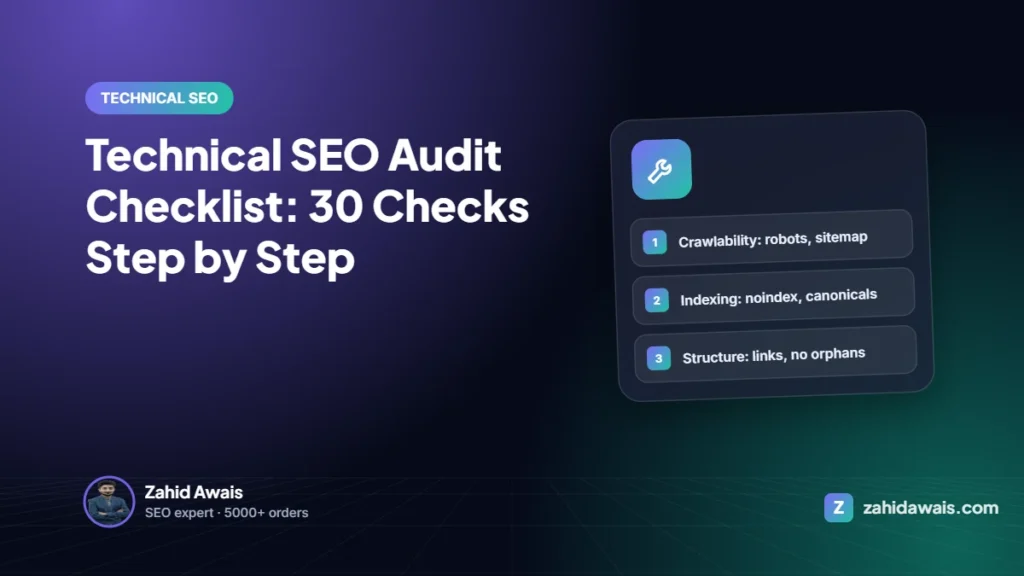
A technical SEO audit finds what stops Google from crawling, indexing and understanding your pages. This is the 6-step, 30-check process I use before any other SEO work.
Read article
Most small and medium sites never need to think about crawl budget. Large or fast-changing sites do. Here is how Google decides how much to crawl and how to stop wasting it.
Read articleSend your website and I will reply with a free audit.