Technical SEO
Mixed Content Warning: How to Fix It on HTTPS Sites
Find every insecure image, script and stylesheet on your HTTPS pages and replace it for good.
Read articleFix return tag, code and canonical problems so Google shows the right language version to each visitor.
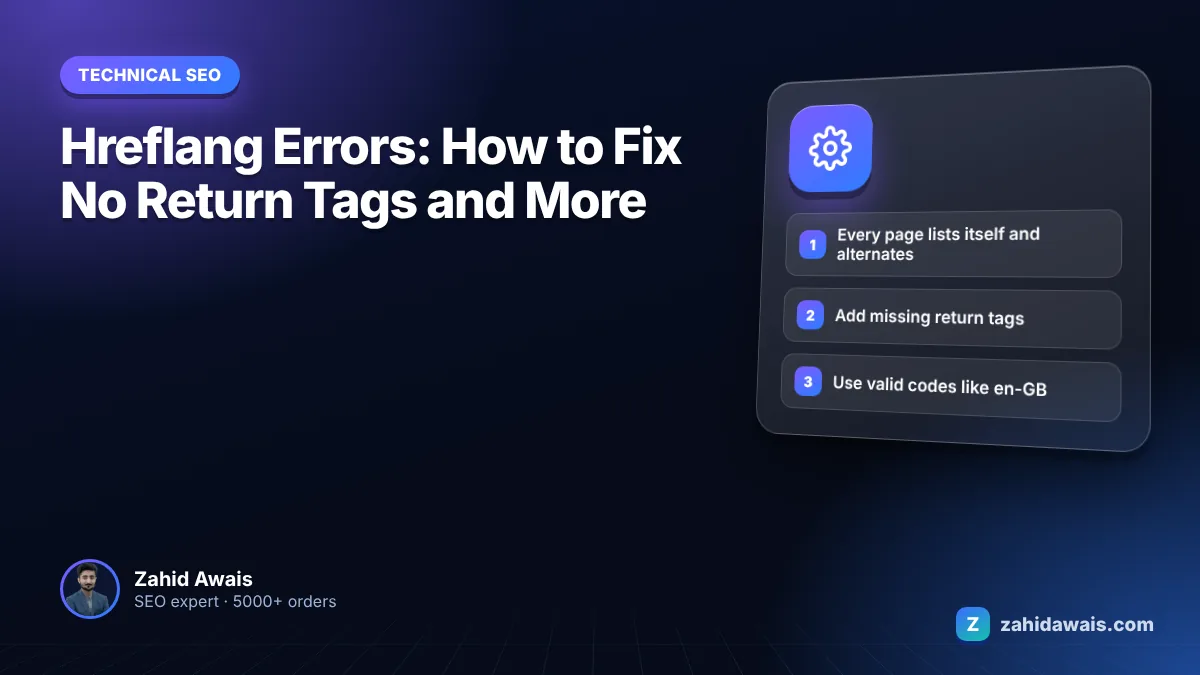
This guide explains what each common hreflang error means and gives you the exact fix, starting with the “no return tag” warning most audit tools flag first. If you need an hreflang errors fix that sticks, the rules are short: every version lists every other version and itself, codes follow ISO standards, and every URL in the set returns 200 and is canonical.
The fastest hreflang errors fix is to make every page in a language set list itself and every alternate, using fully qualified URLs that return 200, valid ISO 639-1 language codes and optional ISO 3166-1 Alpha 2 region codes. Each page should canonicalize to itself, not to another language version, or Google can ignore the annotations.
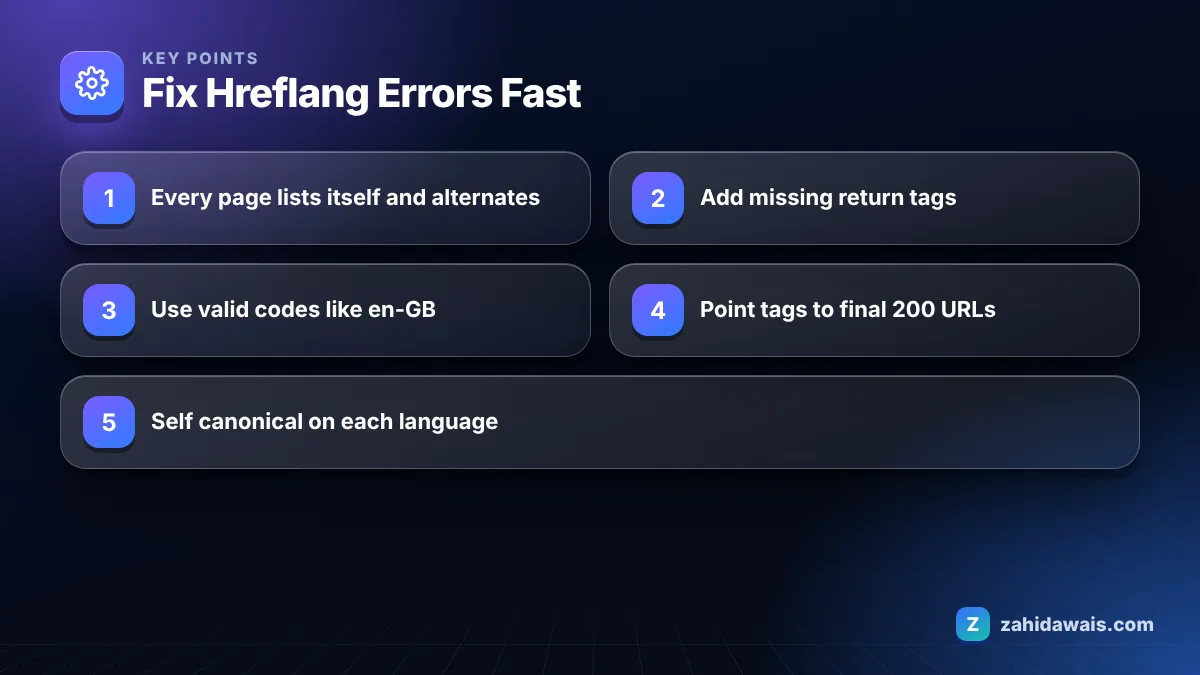
A missing return tag means page A lists page B as an alternate, but page B does not list page A back, so the link is one way and Google can ignore it. Google’s guide to localized versions of your pages states that if two pages do not both point to each other, the tags will be ignored.
The reason is trust. Without the return link, anyone could claim your page is their alternate. The fix is to add the missing annotation on page B, or, more often, to correct whatever stops page B from returning it. In my audits, return tag errors usually have one of these causes:
Yes, every page should include an hreflang annotation pointing to itself as well as to all its alternates. Google’s documentation says each language version must list itself as well as all other language versions. Missing self references are one of the most common warnings, and they are easy to fix because the set on every page should be identical.
A simple test: copy the hreflang block from your English page and from your German page and compare them. If the sets are correct, the two blocks contain exactly the same lines. Only the page they sit on is different.
Most hreflang problems fall into six error types, and each has a clear fix. I keep this table next to the audit export when I work through a multilingual site.
| Error | What it means | Fix |
|---|---|---|
| No return tag | A links to B, B does not link to A | Add the reciprocal tag on B; check B is not redirected or noindexed |
| Missing self reference | Page lists alternates but not itself | Add a tag for the page’s own URL with its own code |
| Invalid language code | Code is not ISO 639-1, such as “en-uk” or “jp” | Use en-GB, ja and other valid codes |
| Country code only | Tag uses “de” meaning Germany, or “gb” alone | Language first: de-DE, en-GB. A country alone is invalid |
| Hreflang to non 200 URL | Alternate redirects, 404s or is noindexed | List the final, indexable URL only |
| Conflicting canonical | Alternate canonicalizes to another language | Each language page canonicalizes to itself |
A few more rules from Google’s documentation catch people out. Alternate URLs must be fully qualified, including https. Codes like es-419 are not supported. Reserved codes such as UK and EU have no effect, so use GB for the United Kingdom. Case does not matter, so en-gb and en-GB both work.
Use x-default for the fallback page, such as a language selector or your main international homepage, for visitors whose language matches none of your versions.
Yes, and it is one of the most damaging hreflang mistakes because a cross language canonical tells Google the translated page is a duplicate of another page. Google’s guide to consolidating duplicate URLs says that when you use hreflang, you should specify a canonical page in the same language, or the best possible substitute language.
In practice that means the French page canonicalizes to the French page. If a CMS or SEO plugin sets every language version’s canonical to the English original, the alternates can drop out of the index and the hreflang set breaks. The other version of this conflict is a canonical pointing at a parameter free URL while hreflang lists the parameter version. Keep the canonical and the hreflang URL identical on every page. For more on how Google picks canonicals, see my guide to duplicate without user-selected canonical.
Imagine a travel company with English pages for the UK and Ireland, plus a German version, on one domain in subfolders. The audit flags 214 “no return tag” warnings, but three causes explain almost all of them. The UK pages use “en-uk”, which is not a valid region code, so the fix is en-GB. The German pages were published with a trailing slash while the English tags point to the version without one, so every German URL in the tags redirects and its return tags are read on a different URL. And the Irish pages canonicalize to the UK pages, which tells Google they are duplicates. After switching to en-GB, en-IE and de-DE, updating every tag to the final slash URL, adding self references and setting self canonicals, a fresh crawl shows zero return tag errors. The whole fix happens in the plugin settings and one template, not page by page.
To find these errors on your own site, run a crawler that reports hreflang issues, such as Screaming Frog, Sitebulb or the site audit in Semrush or Ahrefs, and export the hreflang report. Sort it by error type, not by URL. Most sites have hundreds of warnings but only two or three root causes, usually in a template or plugin setting, so fixing the cause clears the whole group at once. Then use the URL Inspection tool in Search Console on a few alternates to confirm Google sees the tags in the rendered HTML.
Pick one method and use it everywhere, because Google treats HTML link tags, HTTP headers and XML sitemaps as equivalent, and using all three only adds maintenance. Mixed methods are where conflicting sets often appear.
Google’s guide to managing multi-regional and multilingual sites also warns against automatically redirecting users to a language version based on their perceived language, because that can stop users and crawlers reaching every version. Add visible links to the other versions instead.
Before launch, test a sample of pages from each language and confirm the alternates are not blocked; my free robots.txt tester is a quick way to check. If you run a multilingual site and want the whole set audited and fixed, my technical SEO service covers hreflang, canonicals and the follow up crawl.
Hreflang does not boost rankings on its own. It helps Google understand that pages are language or regional variants, so it can show the most suitable version to each searcher instead of a version in the wrong language or for the wrong country.
It is optional but recommended. Google describes x-default as a fallback for users whose language does not match any of your versions. A language selector page or your main international homepage is a typical x-default target.
Yes. Google’s documentation says alternate URLs can sit on different domains, such as example.de and example.co.uk. The same rules apply: each page lists itself and every alternate, and every page returns the tag back.
No. UK is a reserved code and has no effect. Use en-GB for English in the United Kingdom. Region codes must follow ISO 3166-1 Alpha 2, and the language code must always come first.
The usual reasons are missing return links, alternates that redirect or are noindexed, invalid codes, URLs that are not fully qualified, and canonical tags pointing to another language version. Fix those and the set becomes valid.
No. Google says it does not use code level language information such as lang attributes or the URL to detect language. It uses the visible content. Hreflang tells Google which pages are alternates of each other.
Facts checked against these official pages. Read how I check facts in my editorial policy.
Find every insecure image, script and stylesheet on your HTTPS pages and replace it for good.
Read article
A technical SEO audit finds what stops Google from crawling, indexing and understanding your pages. This is the 6-step, 30-check process I use before any other SEO work.
Read article
Most small and medium sites never need to think about crawl budget. Large or fast-changing sites do. Here is how Google decides how much to crawl and how to stop wasting it.
Read articleSend your website and I will reply with a free audit.