Link building strategy
Capterra and G2 Backlinks: How SaaS Companies Use Review Sites
Capterra and G2 backlinks explained: what review site links are, what the platforms' own docs say about paid links, and their value…
Read article
This guide is for site owners, marketers and freelancers who want to check their backlink profile without paying for a big audit tool. You will learn how to audit backlinks in a spreadsheet: where to export the links, how to group them by referring domain, what to look for in anchors and rel values, and how to decide which links to keep, fix or leave alone.
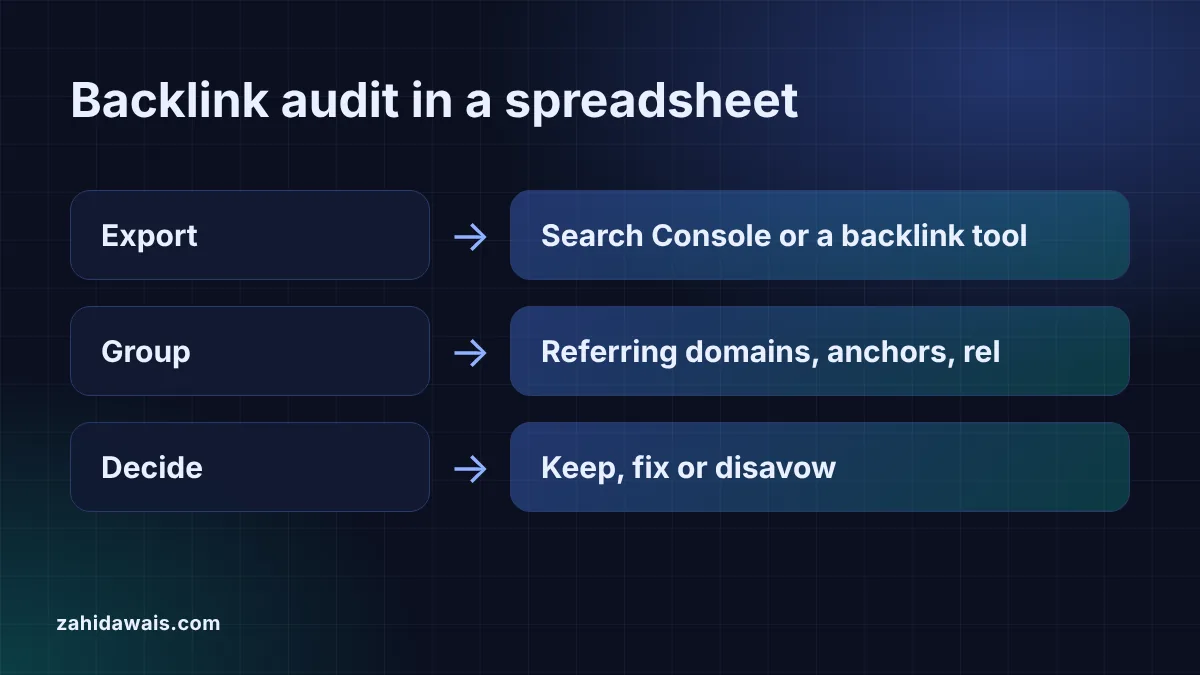
To audit backlinks in a spreadsheet, export your links from Search Console or a backlink tool, group them by referring domain, then review anchors, rel values and target pages. Mark each domain keep, fix or disavow. Most links need no action, and Google says most sites never need the disavow tool.
A spreadsheet backlink audit is a review of every site that links to you, one row per referring domain, with a decision next to each. The goal is not to count links for their own sake. It is to spot patterns that a list of thousands of URLs hides: one site sending hundreds of sitewide links, a paid placement without a rel value, or a commercial anchor that appears far more often than your brand name.
The work has four stages: export the raw links, summarise them, review the domains that stand out, and record a decision. A spreadsheet is enough for all four on small and medium sites, and two free tools on this site do the slow parts in your browser.
Start with Google Search Console, because it is free and shows links Google knows about. The Links report help page says the report “shows a sample of internal and external links”, that on-screen tables are “limited to 1,000 rows”, and that the export offers “Latest links” and “More sample links” of up to 100,000 rows each. It also says “The report doesn’t specify if a link is marked as nofollow.”
That last point is why many audits add a second export from a backlink tool such as Ahrefs or Semrush, which usually include anchor text and link attributes. Column names differ between tools and change over time, so do not build formulas around exact header names. Paste the file into the backlink CSV analyzer instead: it finds the source, target, anchor and rel columns from their names, then shows referring domains, anchor shares, the dofollow split and top target pages.
Keep one sheet with one row per referring domain and a few columns you fill in by hand. The raw export stays on its own tab, untouched, so you can always go back to it.
| Column | What goes in it | Filled by |
|---|---|---|
| Referring domain | Root domain, such as example.org | Referring domain extractor |
| Links | Number of links from that domain | Extractor or analyzer counts |
| Top anchor | Most used anchor from that domain | Backlink CSV analyzer and export |
| Rel | Dofollow, nofollow, sponsored or UGC | Backlink tool export, or a manual check |
| Notes | What the linking page is and why it links | You, after opening the page |
| Decision | Keep, fix (ask for sponsored or a change) or disavow | You |
Sort by link count first. The domains with the most links shape your profile most, so review them before the long tail of single links.
Strip each linking URL down to its root domain, remove duplicates and count how many URLs each domain has. That gives you the review list. Google groups the Links report the same way: linking sites are “grouped by root domain”, so www.example.com and m.example.com both count as example.com.
Doing this with spreadsheet formulas breaks on ports, missing schemes and two part suffixes like co.uk. The referring domain extractor handles those cases with a built in list of common suffixes, keeps blogs on hosted platforms such as blogspot.com apart, and gives you a plain list, a CSV with counts or domain: lines you can paste into column A of your audit sheet.
Look for anchors that read like a keyword target rather than a natural mention, and for paid or sponsored links that pass ranking credit. A healthy profile is usually led by brand names, plain URLs and descriptive phrases. If one exact match commercial phrase takes a large share, check where those links come from. The anchor text ratio guide explains how to read those shares without chasing a magic number.
Then check rel values. Google’s guidance on qualifying outbound links asks sites to mark paid placements with rel=”sponsored” and user generated links with rel=”ugc”, with rel=”nofollow” for other cases. For the difference in practice, see dofollow vs nofollow links. Any link you paid for should carry sponsored or nofollow; if it does not, ask the site owner to add it.
Google’s spam policies define link spam as “creating links to or from a site primarily for the purpose of manipulating search rankings”. The examples include “Exchanging money for links, or posts that contain links”, “Excessive link exchanges”, “Using automated programs or services to create links to your site”, “Low-quality directory or bookmark site links” and “Widely distributed links in the footers or templates of various sites”.
Google also says buying links for advertising is normal “as long as they are qualified” with nofollow or sponsored. So a paid link is not the problem in itself; an unqualified one is. Mark domains that match these patterns as “check” in your sheet, then open the linking page before you decide anything.
Leave links alone in most cases. Google’s disavow help page says “In most cases, Google can assess which links to trust without additional guidance”, and to disavow only if you have “a considerable number of spammy, artificial, or low-quality links” that “have caused a manual action, or likely will cause a manual action”. It also warns that, used incorrectly, the tool “can potentially harm your site’s performance”.
If you meet those conditions, the file rules are simple: one URL or domain per line, “domain:” in front of a domain, a .txt file in UTF-8 or 7-bit ASCII, at most 100,000 lines and 2MB, and lines starting with # are ignored. Copy only the rows marked disavow into the disavow file generator, and read more about the risks in toxic backlinks and the disavow tool.
Example: a small illustrative export of 10 links, the default sample in the backlink CSV analyzer. The analyzer finds 4 referring domains: example.org with 4 links and example.net, example.co.uk and example.com.au with 2 each. Seven links are dofollow, 2 nofollow, 1 sponsored and 1 UGC. The anchors “example” and “link building service” each take 30%. In the sheet, example.org gets a closer look because it sends the most links, all 3 “link building service” anchors get checked for payment, and the sponsored link on example.co.uk is marked keep because it is already qualified. No domain is marked disavow.
For most small sites, a quick review every three to six months is enough, plus a check after any sudden change in traffic or a manual action notice. Sites that buy placements or run outreach campaigns may want a monthly look at new links.
It is a good free start. Exports give up to 100,000 rows of latest or sample links, but they show a sample and do not say which links are nofollow. Add a backlink tool export if you need anchors and rel values.
No. Google says it can usually work out which links to trust, and recommends disavowing only when many spammy links have caused, or likely will cause, a manual action. Random low quality links are normal for any site.
Yes. Paste the summarised domain list into Google Sheets or Excel, add columns for notes and a decision, and use filters to work through the list. Keep the raw export on a separate tab so the original data stays unchanged.
A referring domain is a website that links to yours, counted once however many links it sends. Twenty links from one blog are 20 backlinks but one referring domain, which is why audits review domains rather than single URLs.
They matter less for rankings, but they still belong in the audit. Checking them shows whether paid placements are marked correctly and gives a full picture of where your mentions come from, including forums and comments.
This guide is part of my link building guide.
Checked 23 Oct 2026. Facts checked against these official pages. Read how I check facts in my editorial policy.
Need relevant links built by hand, with paid placements marked correctly? See my link building service.
Capterra and G2 backlinks explained: what review site links are, what the platforms' own docs say about paid links, and their value…
Read article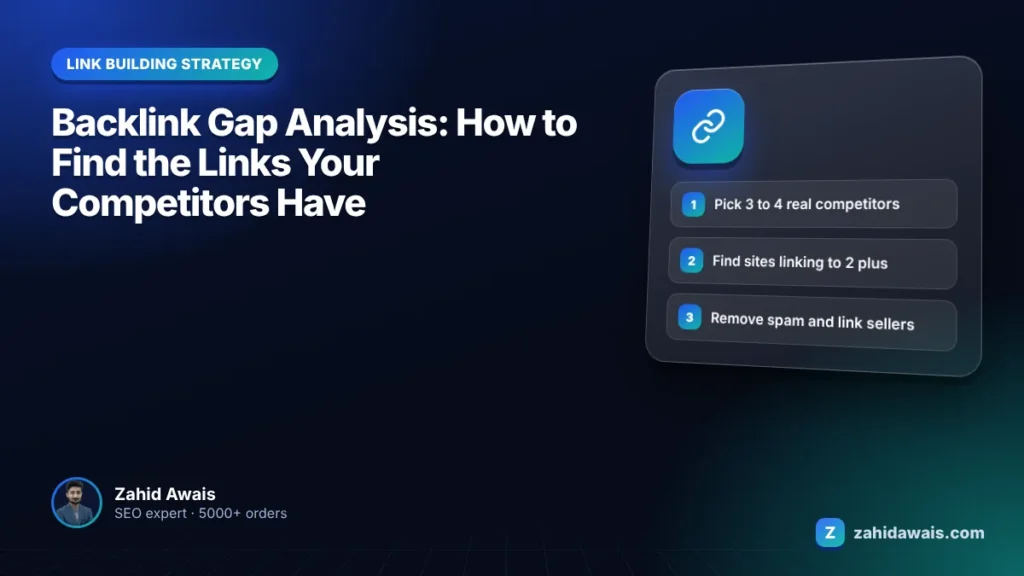
A gap analysis shows which sites link to several competitors but not to you. The skill is filtering that list into real opportunities.
Read article
Link building for AI tools: how AI startups earn backlinks from directories, comparison lists, integrations, guest posts and original data, without spam.
Read articleSend your website and I will reply with a free audit.