Technical SEO
Service Business Schema: What to Add and Where
How to add schema to a service business website: which types to use on each page, what Google supports, and copy ready…
Read article
This guide is for site owners, developers and SEOs who want to know whether ChatGPT, Claude, Perplexity and other AI systems actually visit their pages. You will learn which user agents to search for, how to tell training bots from search bots, how to confirm a visit is genuine and how to read AI bots in server logs next to your robots.txt rules.
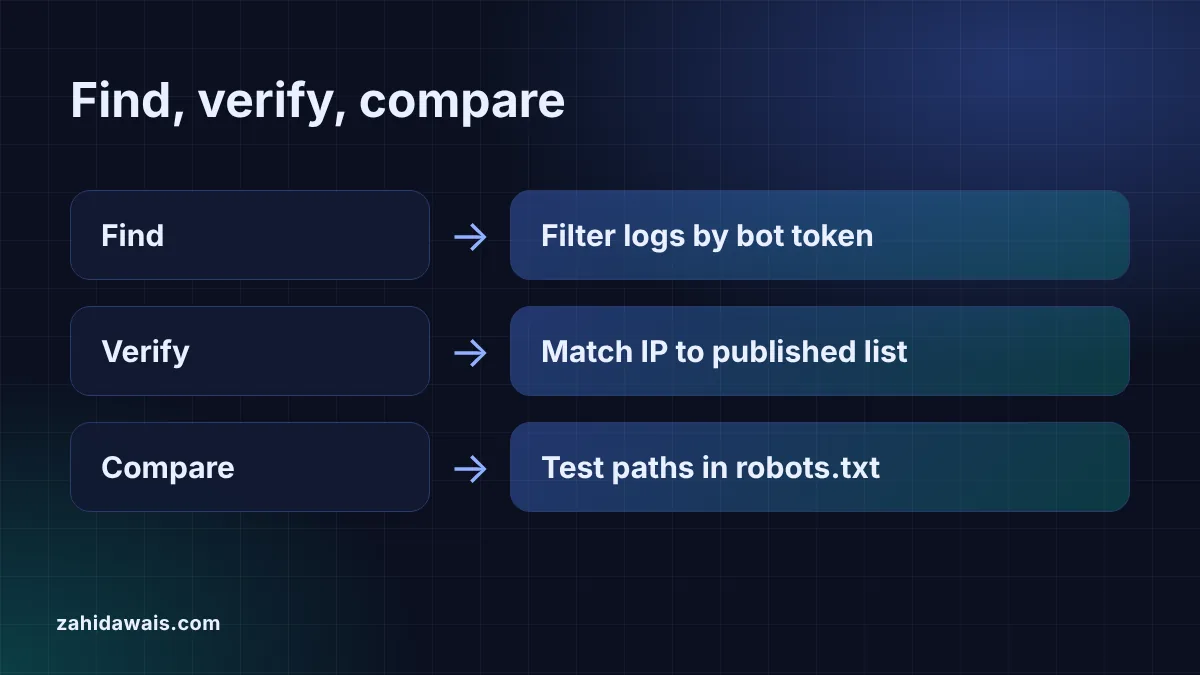
To find AI bots in server logs, download your raw access logs and search the user agent field for tokens such as GPTBot, OAI-SearchBot, ChatGPT-User, ClaudeBot, Claude-SearchBot and PerplexityBot. Group the hits by bot and status code, then check the IP addresses against the lists each company publishes, because anyone can fake a user agent.
Server logs are the only record of every request an AI bot makes to your site. Search Console covers Google only, and analytics tags record visitors that run their JavaScript, which bots often do not. Your access log, by contrast, writes one line per request with the IP address, time, URL, status code and user agent.
That record answers practical questions. Do AI search bots reach the pages you want cited? Does your CDN or firewall return 403 errors to them? Did a training bot keep crawling after you blocked it? You cannot answer any of these from robots.txt alone, because robots.txt only says what you asked for, not what happened.
Search for the product token each company documents, not the full user agent string, because version numbers change. The main ones belong to OpenAI, Anthropic and Perplexity, and each company runs separate bots for training, search and user requests. OpenAI, for example, says OAI-SearchBot “is for search”, while GPTBot collects content that “may be used in training” its models.
| Token to search for | Company | Purpose | Respects robots.txt? |
|---|---|---|---|
| GPTBot | OpenAI | Content that may train models | Yes |
| OAI-SearchBot | OpenAI | ChatGPT search results | Yes |
| ChatGPT-User | OpenAI | Pages a user asks ChatGPT to open | May not apply, per OpenAI |
| ClaudeBot | Anthropic | Content that could train models | Yes |
| Claude-SearchBot | Anthropic | Claude search results | Yes |
| Claude-User | Anthropic | Pages a user asks Claude to open | Yes, per Anthropic |
| PerplexityBot | Perplexity | Perplexity search results, not training | Yes |
| Perplexity-User | Perplexity | Pages a user asks Perplexity to open | Generally ignores it, per Perplexity |
Two names you will never find are Google-Extended and Applebot-Extended. Google says “Google-Extended doesn’t have a separate HTTP request user agent string”, and Apple says “Applebot-Extended does not crawl webpages”. Both are robots.txt controls only. For Google Search, including its AI features, Google’s AI features documentation says your Googlebot rules are the control, so that crawling shows up as ordinary Googlebot hits.
Download the raw access log from your host, then filter the lines by user agent. On most hosts the logs sit in the control panel under logs or statistics, and many keep only a few days, so save copies regularly. If your site uses a CDN, the CDN may answer some requests before they reach your server, so check its logs too.
The quickest route is to paste the lines into the server log analyzer. It reads the Apache and Nginx combined format, labels each bot by purpose (search, training, user fetch or SEO tool) and counts 2xx, 3xx, 4xx and 5xx responses per bot. Everything runs in your browser, which matters because log lines contain visitor IP addresses. On a server, a command such as grep -i "gptbot" access.log does the same job for one bot at a time.
If you only have a user agent string from a report or a support ticket, the AI bot user agent checker tells you which company and bot it claims to be.
Check the IP address, because any client can send any user agent string. The method depends on the company:
host command, check that the name ends in googlebot.com, google.com or googleusercontent.com, then run a forward lookup and confirm it returns the same IP. Google also publishes its IP ranges as JSON files, such as common-crawlers.json.A hit that claims to be GPTBot from an IP outside OpenAI’s list is not OpenAI. Treat it as an unknown scraper when you read the numbers.
Test each bot you found against your robots.txt, then compare the result with what the log shows. Paste your file into the AI crawler robots.txt checker and test the paths the bots requested. Three patterns are worth acting on:
For the reasons to allow or block each bot, read my guide to AI crawlers and robots.txt. To see whether those visits turn into real visitors, track ChatGPT traffic in GA4, since log hits show crawling, not clicks.
Example: a small agency site pasted 12 access log lines from one morning into the server log analyzer. The tool parsed all 12 lines and counted 11 bot hits and 1 visit from a normal Chrome browser. 6 hits came from AI bots: GPTBot 2 (one of them for /robots.txt), OAI-SearchBot 1, ChatGPT-User 1, ClaudeBot 1 and PerplexityBot 1. ClaudeBot received a 301 for /blog/, and Googlebot Smartphone received a 404 for /old-page/. The site’s robots.txt, tested in the robots.txt checker, blocks GPTBot at /, yet GPTBot also fetched /blog/schema/ with a 200. Next steps: confirm the GPTBot IP 198.51.100.30 is on OpenAI’s gptbot.json list, check when the block was added, and fix the old 404 link.
Usually not. Most AI bots fetch the HTML without running JavaScript, so tag based analytics never records them. Server or CDN logs are the reliable place to see them. Analytics does show people who click through from AI answers.
Because it never makes requests. Google says Google-Extended has no separate user agent string; it is a robots.txt token that controls use of content for Gemini models. Crawling for Google Search and its AI features appears as normal Googlebot hits.
No. A user agent is just text that any client can send. Compare the IP address with OpenAI’s published gptbot.json list. If it is not on the list, treat the request as an unknown scraper rather than OpenAI.
It depends on your goals. Blocking training bots such as GPTBot or ClaudeBot keeps content out of future training. Keep search bots such as OAI-SearchBot, Claude-SearchBot and PerplexityBot allowed if you want to be cited in AI answers.
Monthly is enough for most small sites, plus after any change to robots.txt, your firewall or your CDN. Many hosts keep logs for only a few days, so download them on a schedule if you want to compare months.
Your server, firewall or CDN refused the request. If you want that bot to crawl, check bot protection and security rules, because robots.txt never produces a 403. A 403 for a bot you meant to block is working as intended.
This guide is part of my technical SEO audit checklist.
Checked 23 Oct 2026. Facts checked against these official pages. Read how I check facts in my editorial policy.
Want a crawl and log review of your site? See my technical SEO service.
How to add schema to a service business website: which types to use on each page, what Google supports, and copy ready…
Read article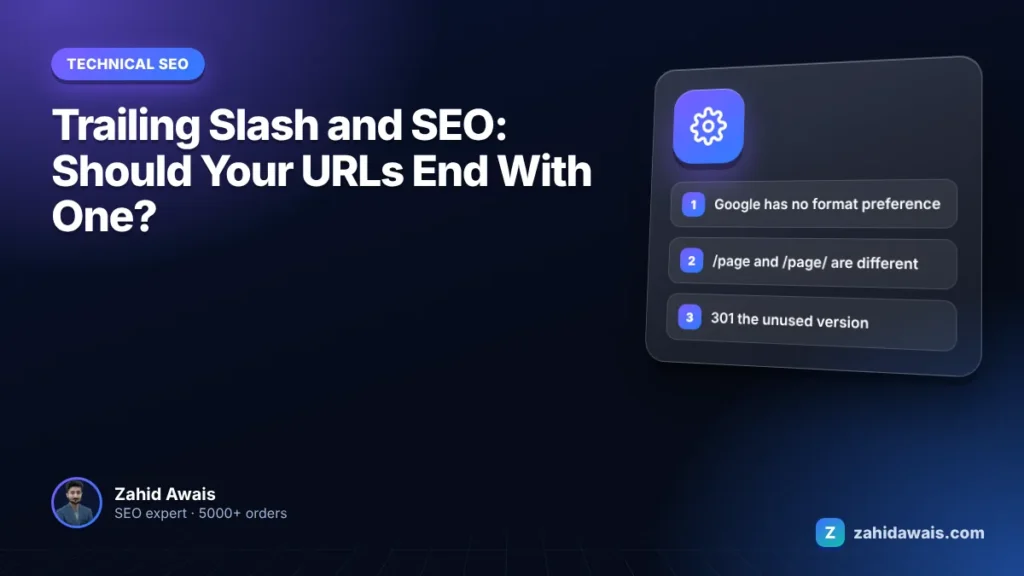
Pick one URL format, redirect the other and keep links consistent so Google never sees two versions of a page.
Read article
Measure your slowest interactions, find the scripts behind them and bring INP under 200 milliseconds.
Read articleSend your website and I will reply with a free audit.