AI search (AEO and GEO)
How to Show Up in ChatGPT Shopping: A Practical Guide for Online Stores
ChatGPT product results are not ads. Stores get in through crawlable product pages and, for many merchants, a product feed.
Read articleTraining bots and search bots are different. Block the wrong one and you vanish from AI answers without meaning to.
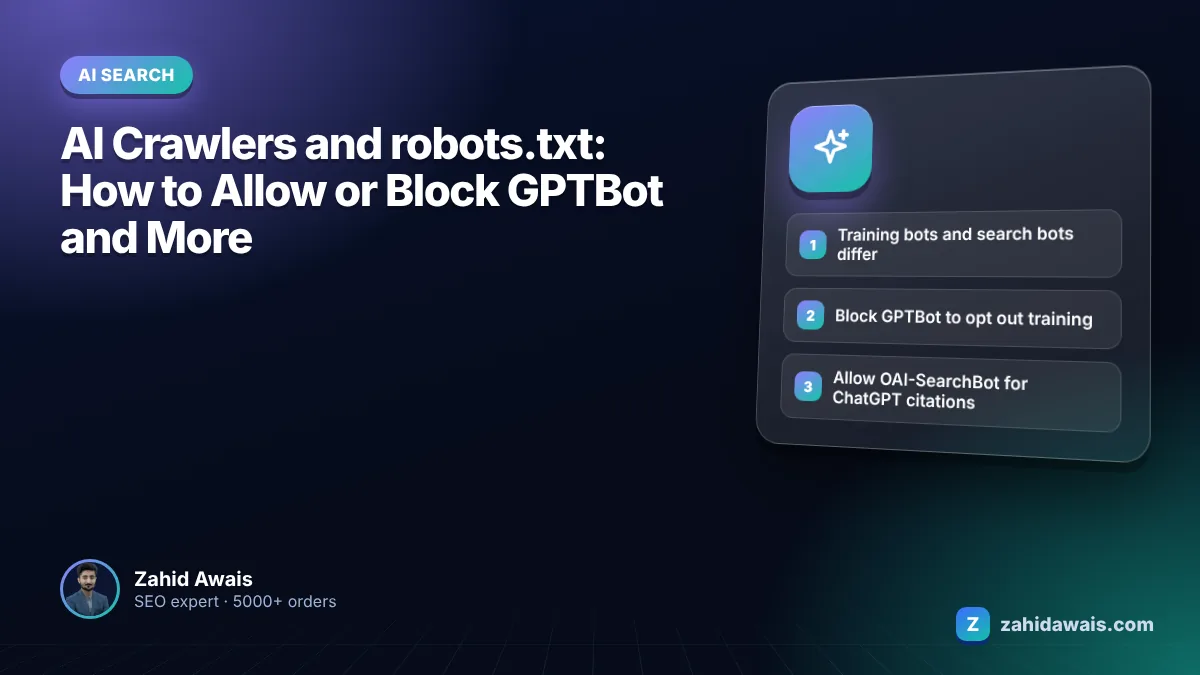
This guide shows you how to handle AI crawlers robots.txt rules so you can block model training if you want to, while keeping the search bots that decide whether AI tools can cite you.
For AI crawlers, robots.txt rules work per user agent. Block training crawlers such as GPTBot, ClaudeBot or Google-Extended if you do not want content used for training. Allow search crawlers such as OAI-SearchBot, Claude-SearchBot and PerplexityBot if you want AI answers to cite you. They are separate settings.
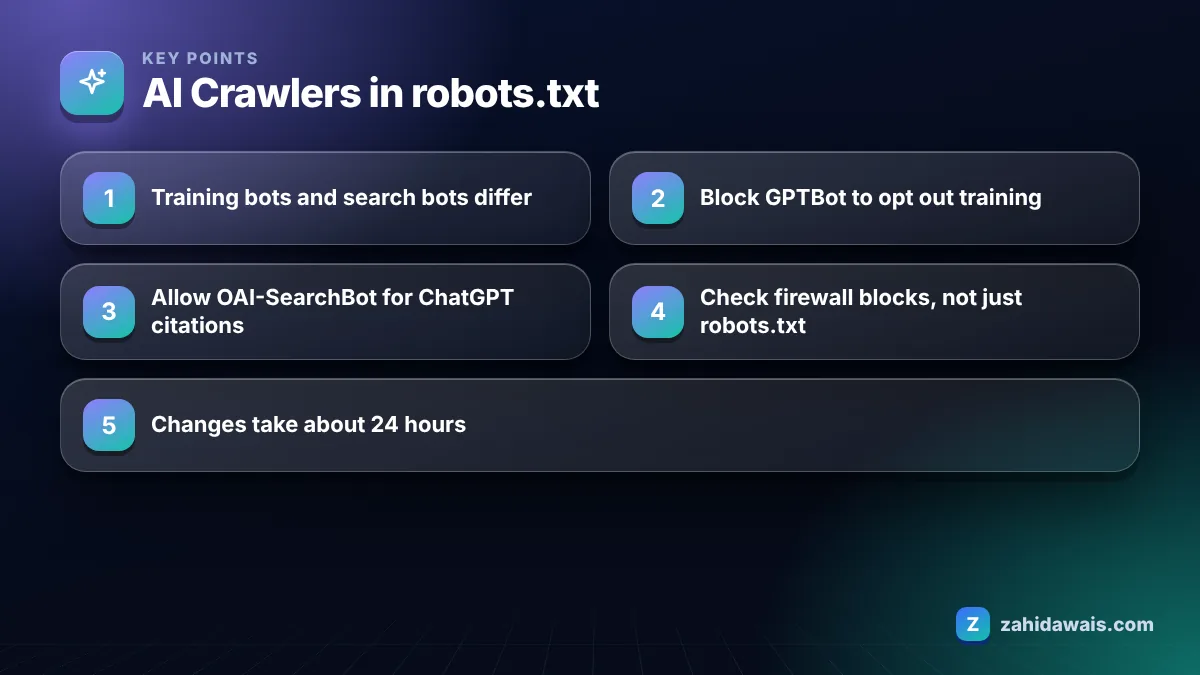
Block GPTBot only if you do not want your content used to train OpenAI’s models, because blocking it does not remove you from ChatGPT search. OpenAI’s overview of its crawlers says disallowing GPTBot indicates a site’s content should not be used in training generative AI foundation models, and that GPTBot and OAI-SearchBot are controlled independently.
For most small businesses I work with, the decision comes down to this. If your content is your product (a publisher, a course creator, a paid database), blocking training bots is reasonable. If your content exists to win customers (a service business, a store, a consultant), being known to AI models has some upside, and many owners choose to allow both. There is no single right answer; it is a business decision, not an SEO trick.
Whatever you choose, write it down. I keep a short note in each client’s SEO file listing which AI bots are allowed and why, so a developer or plugin update six months later does not quietly reverse the decision. Robots.txt files get overwritten more often than people expect, especially during redesigns and hosting moves.
GPTBot collects content that may be used for model training, while OAI-SearchBot is used to surface websites in ChatGPT search results. OpenAI states that sites opted out of OAI-SearchBot will not be shown in ChatGPT search answers, though they can still appear as navigational links.
The same training versus search split exists at other companies. The table below lists the main AI user agents from each provider’s own documentation.
| User agent | Company | Purpose | Follows robots.txt? |
|---|---|---|---|
| GPTBot | OpenAI | Model training | Yes |
| OAI-SearchBot | OpenAI | ChatGPT search results | Yes |
| ChatGPT-User | OpenAI | User initiated visits | May not apply, per OpenAI |
| ClaudeBot | Anthropic | Model training | Yes, also Crawl-delay |
| Claude-SearchBot | Anthropic | Search result quality | Yes |
| Claude-User | Anthropic | User initiated visits | Yes, per Anthropic |
| PerplexityBot | Perplexity | Perplexity search results | Yes |
| Google-Extended | AI training and grounding outside Search | Yes, a robots.txt token |
Anthropic’s help article on how site owners can block its crawlers describes ClaudeBot, Claude-User and Claude-SearchBot, and notes that blocking Claude-SearchBot or Claude-User may reduce your visibility in Claude’s search results. Google’s documentation explains that Google-Extended limits use for AI training and grounding in Google’s other systems, while AI Overviews and AI Mode in Search are governed by Googlebot and normal snippet controls.
Blocking GPTBot does not hurt your visibility in ChatGPT search, but blocking OAI-SearchBot does, because OpenAI says opted out sites are not shown in ChatGPT search answers. The common mistake I see is a blanket rule or a security plugin that blocks every bot with “AI” or “GPT” in its name, which silently removes the site from AI answers.
Firewalls cause the same problem. A CDN bot setting may return 403 to unknown crawlers even when robots.txt allows them. OpenAI and Perplexity both publish IP ranges for their bots so you can allowlist them properly. Check both layers: robots.txt rules and what your server actually returns.
Remember that robots.txt is public and only controls crawling by bots that choose to respect it. It is not a security tool. If you have content that must stay private, put it behind a login rather than relying on a Disallow line, because a Disallow rule also tells everyone exactly where that content lives.
Use one group per user agent, list the bots you want to block with Disallow: /, and leave search bots allowed. This is the template I start from for a business that wants AI citations but no training use:
User-agent: GPTBot then Disallow: /User-agent: ClaudeBot then Disallow: /User-agent: Google-Extended then Disallow: /User-agent: OAI-SearchBot then Allow: /User-agent: Claude-SearchBot then Allow: /User-agent: PerplexityBot then Allow: /User-agent: * then your normal rules, plus your Sitemap: lineThen test it. My free robots.txt tester lets you check a URL against a specific user agent, and my guide to the blocked by robots.txt status explains what happens when Googlebot itself is caught by a rule.
The most reliable way to see which AI bots visit your site is to read your server access logs and filter by user agent. Analytics tools such as GA4 do not record most crawlers, because bots usually do not run JavaScript, so a site can be crawled daily by OAI-SearchBot and show nothing in analytics.
Most hosts let you download raw access logs from the control panel. Search the file for GPTBot, OAI-SearchBot, ClaudeBot, Claude-SearchBot, PerplexityBot and ChatGPT-User, and note three things for each: how often it visits, which URLs it requests, and which status codes it receives. A bot you allowed that keeps getting 403 or 503 responses is blocked somewhere outside robots.txt.
Be aware that anyone can fake a user agent string. If a “GPTBot” is hammering your site from an unusual network, compare its IP address with the ranges the provider publishes before you trust it. OpenAI and Perplexity both publish JSON lists of their IP ranges for this purpose.
On WordPress, also check your security plugin’s blocked requests log. In my audits, plugins that block “bad bots” by default are the most common reason a site disappears from AI search tools without the owner ever touching robots.txt.
I repeat this log check once a month for sites where AI visibility matters. It takes about 15 minutes, and it is the only way to be sure that the rules you wrote are the rules your server actually enforces.
An online store notices zero visits from chatgpt.com in GA4 even though competitors are cited for its main product category. The audit shows two problems. First, the owner had copied a “block all AI bots” list from a forum, which included a Disallow rule for OAI-SearchBot as well as GPTBot. Second, the CDN’s bot fight mode returns 403 to unverified crawlers. The fix keeps GPTBot blocked (the owner’s choice), allows OAI-SearchBot and PerplexityBot, and allowlists their published IP ranges at the CDN. A week later, server logs show 200 responses for both search bots. Citations are not guaranteed after that, but the store is at least eligible again, which it was not before.
If you want this checked as part of a wider audit, it is included in my technical SEO service.
No. GPTBot is OpenAI’s training crawler. ChatGPT search relies on OAI-SearchBot, and OpenAI treats the two as independent settings. You can block GPTBot and still allow OAI-SearchBot so your pages can appear in ChatGPT search answers.
No. Google says AI Overviews and AI Mode use the same crawling and indexing as Search, controlled through Googlebot and snippet controls. Google-Extended is a separate robots.txt token that limits use for AI training and grounding in Google’s other systems.
OpenAI, Anthropic and Perplexity all document that their crawlers respect robots.txt. User initiated fetchers are different: OpenAI says robots.txt may not apply to ChatGPT-User, and Perplexity says Perplexity-User generally ignores it because a person requested the page.
OpenAI says it can take about 24 hours for its systems to adjust after a robots.txt update, and Perplexity gives a similar timeframe of up to 24 hours. Recheck your server logs after a few days to confirm the change.
You can, but Anthropic notes that IP blocking may not work correctly or persistently guarantee an opt-out. robots.txt is the documented method. Use firewall rules mainly to allow verified bots, using the IP ranges the providers publish.
Usually not. Blocking search crawlers such as OAI-SearchBot or PerplexityBot stops those tools from citing you. Many businesses block training bots only, or allow everything. Decide based on whether your content is the product itself or a way to win customers.
Facts checked against these official pages. Read how I check facts in my editorial policy.
ChatGPT product results are not ads. Stores get in through crawlable product pages and, for many merchants, a product feed.
Read article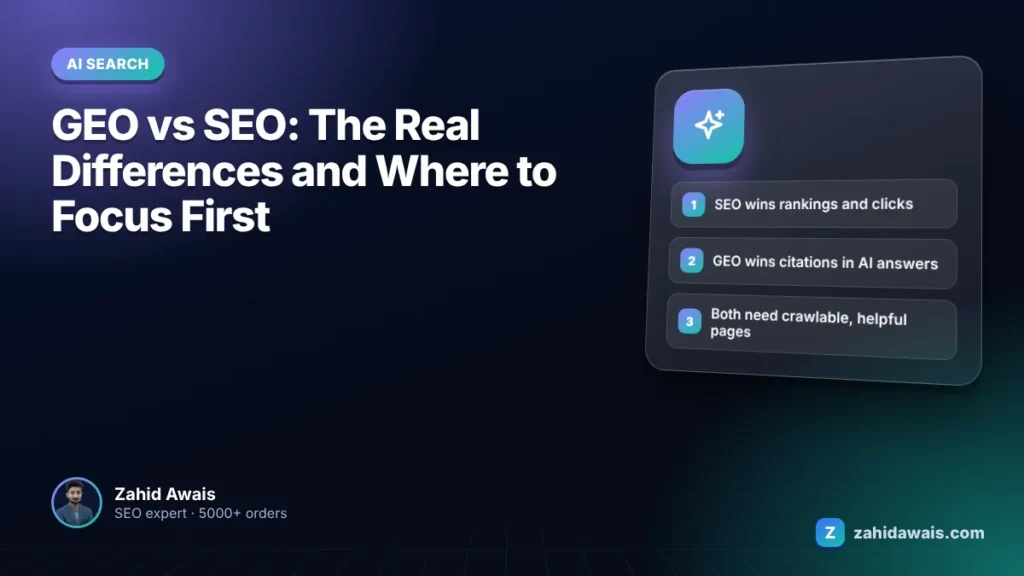
GEO is mostly SEO with a different scoreboard. Here is what actually changes, what does not, and where to start.
Read article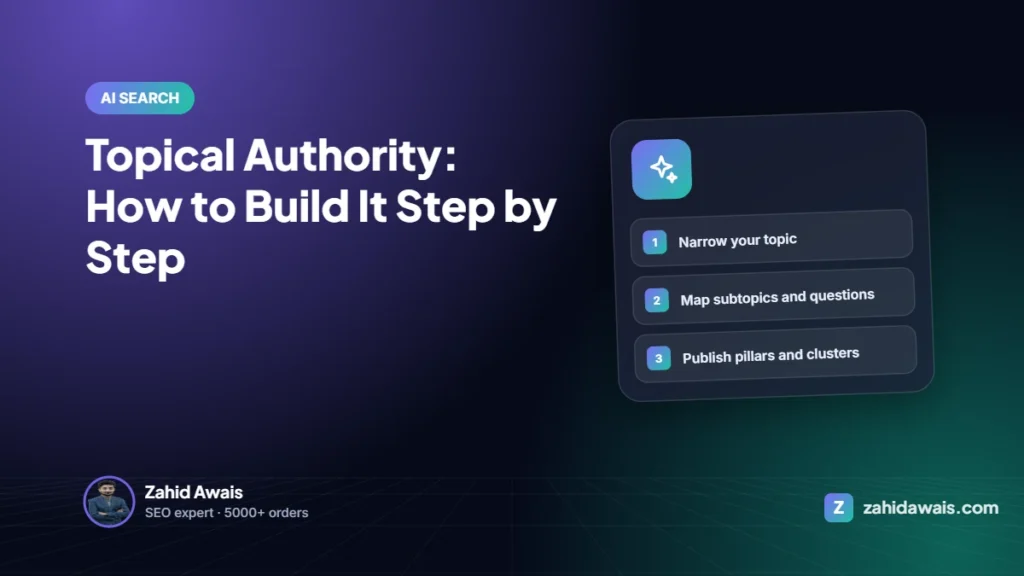
Sites that cover one topic deeply tend to rank for more of it, faster. Topical authority is not a score; it is the result of complete, well-linked coverage plus outside recognition.
Read articleSend your website and I will reply with a free audit.