
Technical SEO
How to Find AI Bots in Your Server Logs (and Verify Them)
Find AI bots in your server logs: the user agents for GPTBot, ClaudeBot and PerplexityBot, how to verify their IPs and how…
Read articleMeasure your slowest interactions, find the scripts behind them and bring INP under 200 milliseconds.
This guide shows you how to measure Interaction to Next Paint, find the scripts that slow it down and fix them, with extra detail for WordPress sites. If you want to know how to improve INP score results quickly, start with third party scripts and long tasks, because that is where most of the delay hides.
To learn how to improve INP score results, find your slowest interactions in field data, then cut the JavaScript that runs during them. Break long tasks into smaller chunks, remove or delay unneeded third party scripts, keep the DOM small and avoid big layout updates after a click. A good INP is 200 milliseconds or less.
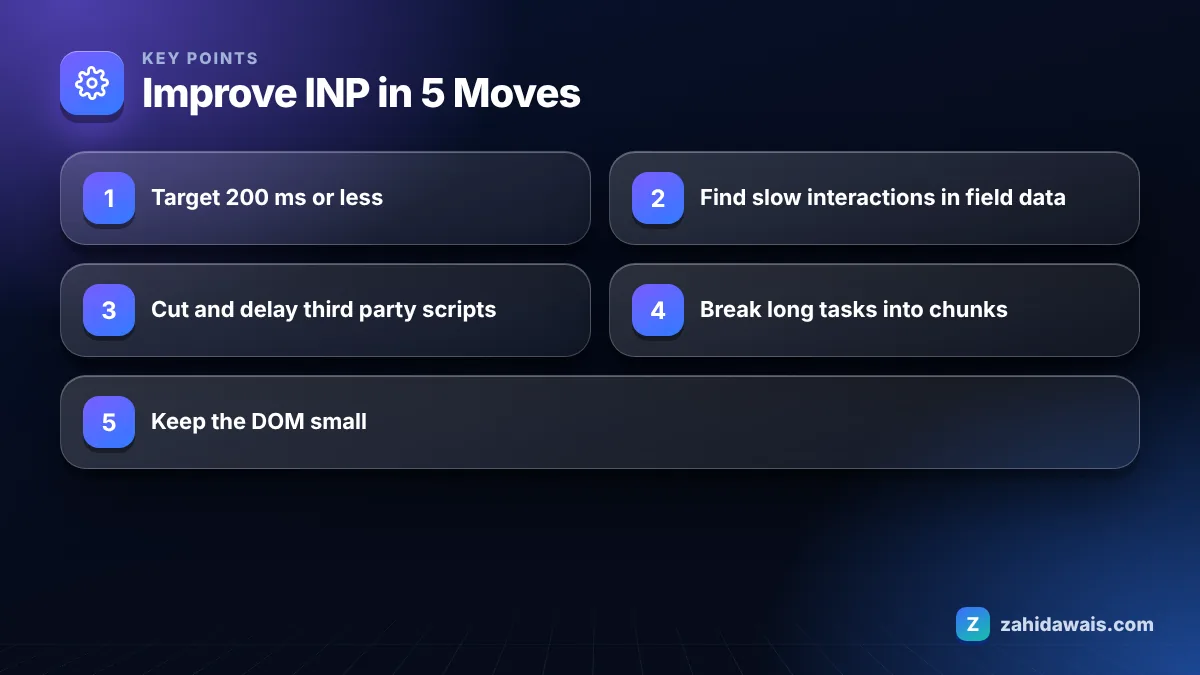
A good INP score is 200 milliseconds or less, measured at the 75th percentile of real page visits, with mobile and desktop judged separately. According to web.dev’s explainer on Interaction to Next Paint, anything above 200 ms and up to 500 ms needs improvement, and anything above 500 ms is poor.
INP replaced First Input Delay as a Core Web Vital in March 2024. The difference matters. FID only measured the delay before the first interaction started, while INP watches every click, tap and key press during the whole visit and reports one of the slowest. Scrolling and hovering do not count.
| INP at 75th percentile | Rating | What it usually means |
|---|---|---|
| 0 to 200 ms | Good | Interactions feel instant; monitor only |
| 201 to 500 ms | Needs improvement | Some clicks lag, often menus, filters or forms |
| Over 500 ms | Poor | Heavy scripts block the main thread; fix first |
Poor INP is caused by JavaScript and rendering work that keeps the browser’s main thread busy when the user interacts, so the next frame cannot be painted quickly. Every interaction has three parts, and any of them can be the slow one.
On the WordPress sites I audit, the usual suspects are chat widgets, cookie banners, heatmap and session recording tools, several analytics tags loaded through a tag manager, page builder animations and sliders. Large mega menus and WooCommerce filters with thousands of DOM nodes come next.
Note that a poor INP is rarely caused by your hosting. Server speed affects how fast the page loads, but INP is about what happens in the visitor’s browser after the page has loaded, so a faster server alone will not fix it.
You measure INP with field data from real users first, then reproduce the slow interactions in the lab to diagnose them. Lab tools such as Lighthouse cannot report INP on their own because there is no real user clicking.
The web.dev collection on how to optimize INP covers finding slow interactions in the field and diagnosing them in the lab in more depth.
You improve INP by doing less work on the main thread and by giving the browser a chance to paint between chunks of work. web.dev’s list of the most effective ways to improve Core Web Vitals names three priorities for INP: yield often to break up long tasks, avoid unnecessary JavaScript and avoid large rendering updates.
On WordPress, most INP gains come from loading fewer plugins’ scripts on each page rather than from code rewrites. Many plugins enqueue their JavaScript site wide even when their feature appears on one page.
If your theme is the root of the problem, a lighter build is often cheaper than endless tuning. My WordPress website design service builds on lean themes with only the scripts each page needs.
Imagine a WordPress service site with a mobile INP of 420 ms in field data. A DevTools trace of the slowest interaction, opening the mobile menu, shows a 260 ms long task from a session recording script, 90 ms in the menu’s own handler and 70 ms of style and layout work for a 3,000 node mega menu. Removing the recording script from all pages except the checkout drops input delay to about 40 ms. Simplifying the menu to 900 nodes cuts presentation delay to around 30 ms. The handler stays at 90 ms. The new estimate is roughly 40 + 90 + 30 = 160 ms, inside the good range. The real field number would confirm it after the 28 day Chrome UX Report window updates.
Use my free SEO audit checklist to keep Core Web Vitals in your monthly checks. If you would like the diagnosis and fixes done for you, my technical SEO service covers INP, LCP and CLS work on WordPress and custom sites. No speed fix guarantees rankings, but slow interactions cost you conversions every day.
INP replaced First Input Delay as a Core Web Vital in March 2024. FID only measured the delay before the first interaction was handled, while INP observes clicks, taps and key presses throughout the whole visit.
Phones have slower processors, so the same JavaScript takes much longer to run. Mobile and desktop are measured separately, which is why a script that is barely noticeable on a laptop can push mobile INP past 200 ms.
A standard Lighthouse page load test cannot measure INP because no real user interacts with the page. Use field data from Search Console, PageSpeed Insights or real user monitoring, then reproduce slow interactions with a DevTools performance trace.
No. INP counts mouse clicks, taps on touchscreens and key presses. Scrolling, hovering and zooming are not counted, although a click or tap made during a gesture is still measured.
Not directly. Page caching mainly helps server response and loading metrics. INP depends on JavaScript running in the browser, so you need to reduce, split or delay scripts. Some delay script features can even worsen INP if everything runs on the first click.
Field data in the Chrome UX Report covers a rolling 28 day window, so improvements appear gradually over about four weeks. Search Console’s Core Web Vitals report can take a little longer to validate fixed URL groups.
Facts checked against these official pages. Read how I check facts in my editorial policy.
Find AI bots in your server logs: the user agents for GPTBot, ClaudeBot and PerplexityBot, how to verify their IPs and how…
Read article
How to add schema to a service business website: which types to use on each page, what Google supports, and copy ready…
Read article
Pick one URL format, redirect the other and keep links consistent so Google never sees two versions of a page.
Read articleSend your website and I will reply with a free audit.