Website design and WordPress SEO
Responsive CSS Without Media Queries: clamp() and Grid
Responsive CSS without media queries: fluid type and spacing with clamp(), grids that wrap with auto-fit and minmax(), and the zoom check…
Read articlePassword protection, noindex headers and the Discourage setting compared, plus how to clean up a staging site that already leaked.
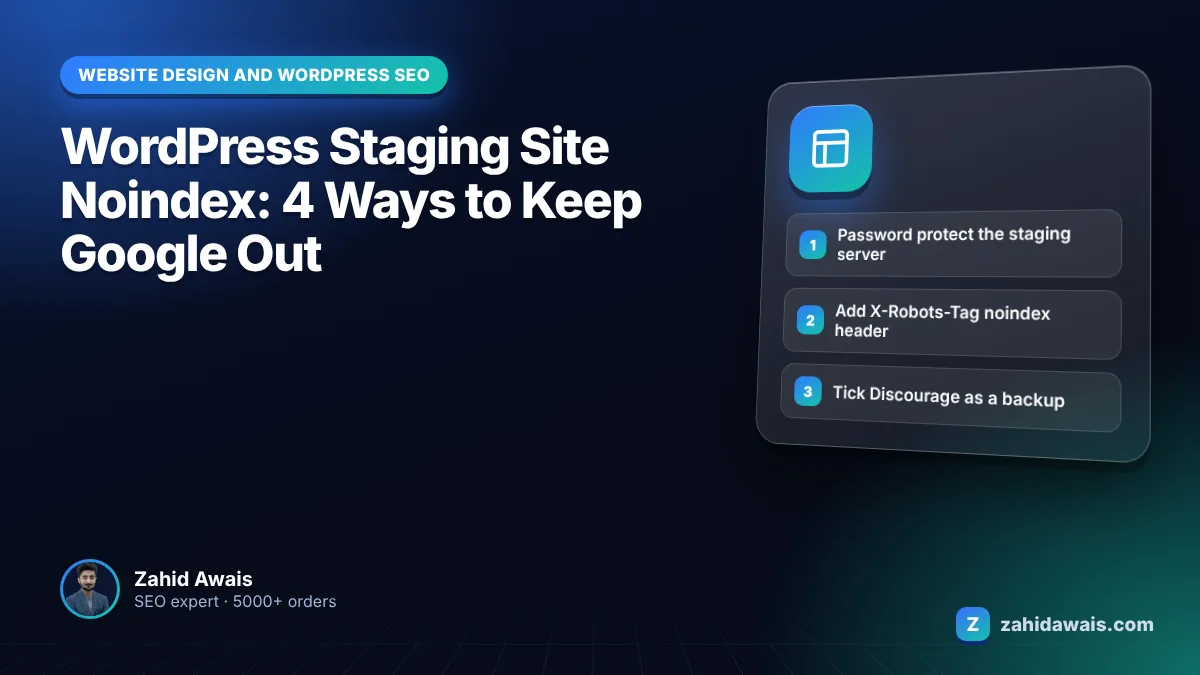
This guide compares four ways to handle WordPress staging site noindex settings, explains which one actually keeps Google out, and shows how to remove a staging site that has already been indexed.
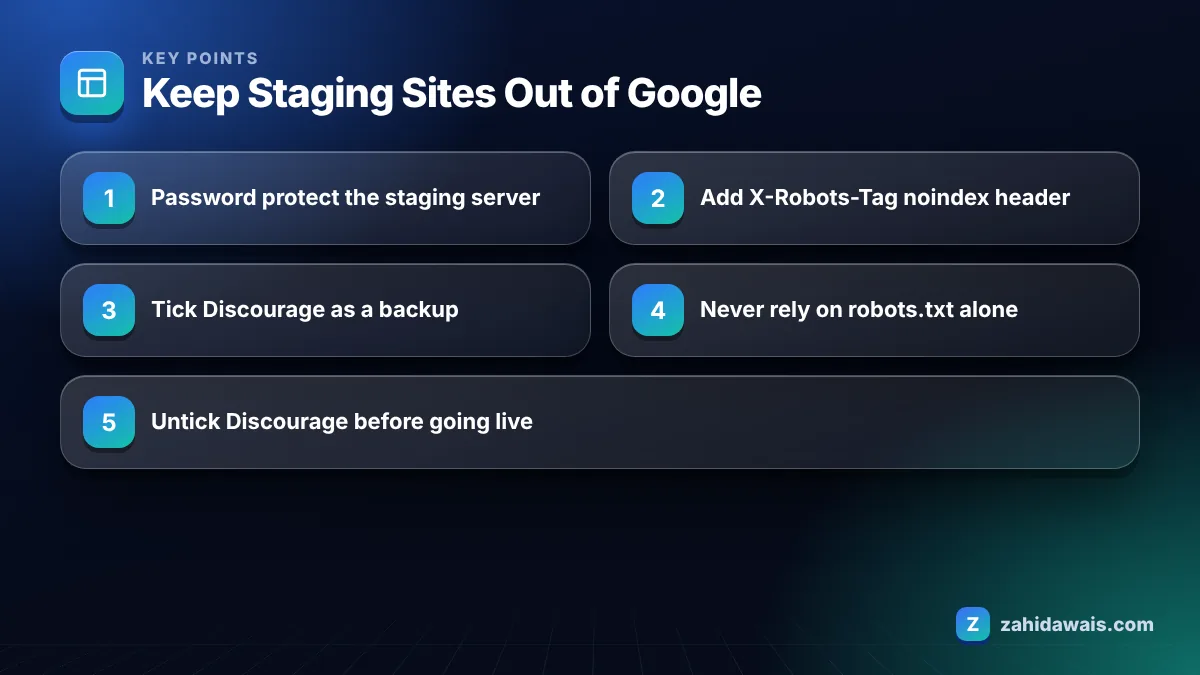
The most reliable WordPress staging site noindex setup is password protection at the server level, because Google cannot index pages it cannot open. Add the “Discourage search engines” setting or an X-Robots-Tag noindex header as a second layer, and never rely on robots.txt alone, since it blocks crawling but not indexing.
Yes, Google can index a staging site if it is publicly reachable and nothing stops it, which happens more often than people think. A single link in an email signature, a shared screenshot URL, or a plugin that pings services can be enough for Googlebot to find it.
An indexed staging site causes real problems. It creates a duplicate of your live content on another hostname, may show unfinished pages or test prices to customers, and can confuse Google about which version is canonical. In audits I sometimes find staging copies ranking for the brand name above the real site.
When I check a client’s site before a link building campaign, a quick site: search for the brand often reveals a dev or staging subdomain. It takes 10 seconds and has saved several clients from duplicate content headaches.
The four ways are password protection, the WordPress “Discourage search engines” setting, an X-Robots-Tag noindex header set at server level, and restricting access by IP address. They differ a lot in how reliable they are, so most teams combine two of them.
Google’s page on controlling what you share with Google lists password protection as the way to make sure only authorised users can access content, and it also describes noindex as the way to keep pages out of search results.
| Method | Stops indexing? | Stops crawling? | Risk if copied to live | My rating for staging |
|---|---|---|---|---|
| Password protection | Yes | Yes | Low, live site would visibly lock | Best |
| Discourage search engines | Usually, it is a request | No | High, often left on after launch | Good second layer |
| X-Robots-Tag noindex header | Yes, once crawled | No | Low if set per hostname | Good second layer |
| IP restriction | Yes | Yes | Low | Best for internal teams |
| robots.txt Disallow only | No | Yes | Very high, blocks live site | Avoid |
The “Discourage search engines from indexing this site” setting does not guarantee that a site stays out of search; it asks search engines not to index it. The WordPress Reading settings documentation states that it does not block access and that it is up to search engines to honor the request.
Since WordPress 5.3, the setting outputs a noindex, nofollow robots meta tag in the head of pages that call wp_head. Google respects noindex, so in practice it usually works for pages, but it has gaps. Files such as PDFs and images get no meta tag, and themes or custom templates that skip wp_head get nothing at all.
The bigger risk is human. Staging is often pushed to live with the database, and the box comes with it. I check this setting on every site I audit, and I still find live business sites with it ticked.
Robots.txt is not enough because it only stops crawling, not indexing. Google can still index a blocked URL without its content if other pages link to it, and because Googlebot cannot crawl the page, it never sees a noindex tag either.
Google’s noindex documentation is clear that the page must not be blocked by robots.txt for noindex to work. A staging robots.txt with Disallow: / plus a noindex tag is therefore a contradiction: the first rule hides the second. There is also a migration risk: copy that robots.txt to the live site and you block the entire site. Test any robots.txt with my robots.txt tester before and after launch.
To remove an indexed staging site from Google, verify the staging hostname in Search Console, use the Removals tool for a fast temporary removal, and then make it permanent with password protection or a noindex header. Do not block it in robots.txt while you wait.
If live pages show up as duplicates of staging, the duplicate without user-selected canonical guide explains how to clean up canonical signals.
When you push staging to live, check that every staging protection is gone from the live site and still in place on staging. Most launch day SEO disasters I see are protections that travelled with the database or config files.
I keep this as a printed list for launches, because each item takes seconds to check and minutes to fix, while a missed one can keep a new site out of search for weeks. New builds through my WordPress website design service go through this list before handover.
A store’s staging copy at a staging subdomain is indexed with about 300 URLs, and a search for the brand shows a staging product page in position 4. The fix: verify the staging subdomain, submit one prefix removal, add HTTP password protection, and remove a hardcoded staging link from the live footer. Within days the staging results disappear thanks to the temporary removal. Because staging stays behind a password, the URLs drop out of the index for good rather than returning after six months.
Staging setups like this are part of every technical SEO service project and every redesign I run. If you are planning a rebuild, my website redesign service uses password protected staging from day one and a launch checklist that removes it cleanly.
Password protection at the server or hosting level is the safest option, because search engines cannot open the pages at all. Add a noindex header or the Discourage search engines setting as a backup layer in case protection is ever switched off.
Not on its own. Robots.txt stops crawling but not indexing, so blocked URLs can still appear in Google if linked. It also hides any noindex tag from Googlebot. Use password protection or noindex instead, and keep staging robots.txt off the live site.
It helps but is not a guarantee. WordPress documentation says it asks search engines not to index the site and does not block access. It also does not cover files such as PDFs. Combine it with password protection for a staging site.
Search Google for site: followed by your staging hostname. If results appear, the staging site is indexed. You can also verify the staging subdomain in Search Console and check the Page indexing report for a full list of indexed URLs.
It can cause duplicate content and confusion over which version Google should show, and customers may land on unfinished pages. Remove it with the Removals tool, then protect it with a password so it cannot return after the temporary removal ends.
Many managed WordPress hosts and staging plugins add noindex or password protection to staging copies by default, but settings vary. Always check the staging site’s source code and response headers yourself rather than assuming the tool handled it.
Facts checked against these official pages. Read how I check facts in my editorial policy.
Responsive CSS without media queries: fluid type and spacing with clamp(), grids that wrap with auto-fit and minmax(), and the zoom check…
Read article
Thirty practical checks I run on every new WordPress site, grouped so you can fix the biggest risks first.
Read article
Every check I run before, during and after a site move, including the monitoring weeks most guides ignore.
Read articleSend your website and I will reply with a free audit.