
Website design and WordPress SEO
How to Noindex a Page in WordPress, With and Without a Plugin
Three reliable ways to keep a WordPress page out of Google, and the one mistake that cancels them all.
Read articleEvery check I run before, during and after a site move, including the monitoring weeks most guides ignore.
This website migration SEO checklist walks you through the checks to run before, during and after a move, including the post migration monitoring in Search Console that most checklists skip.
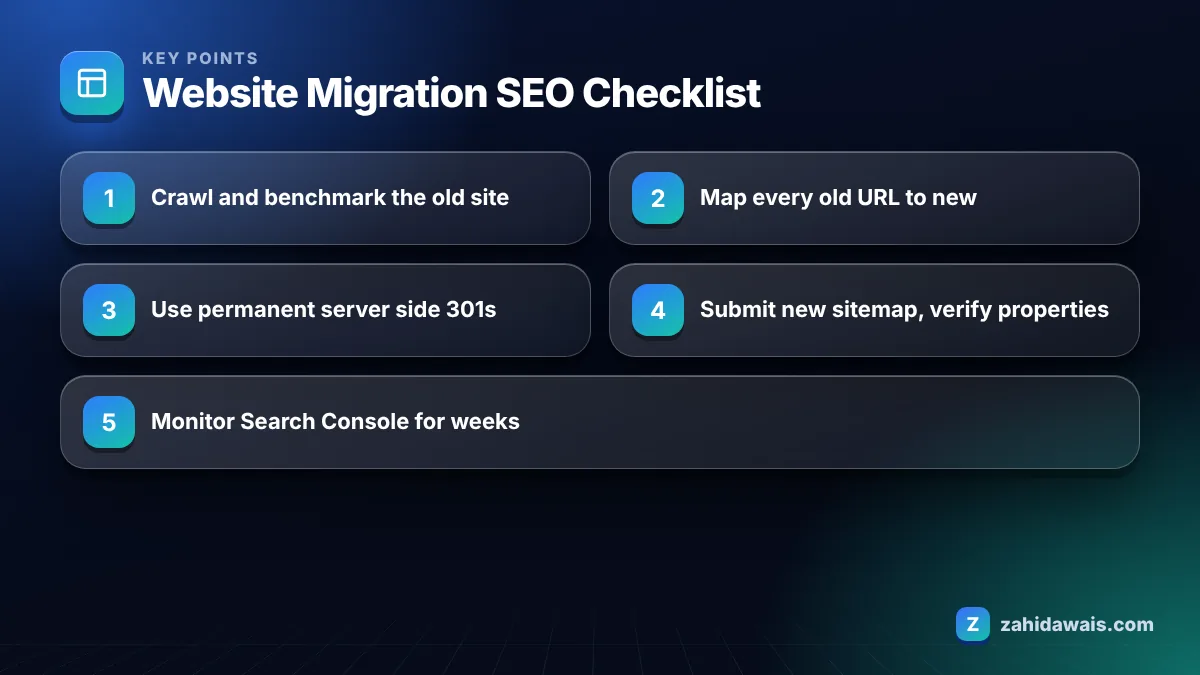
A website migration SEO checklist has three phases: before the move, crawl the old site and map every URL to a new one; on launch day, add permanent 301 redirects and submit new sitemaps; afterwards, monitor Search Console, fix 404s and redirect chains, and keep redirects in place for at least a year.
The riskiest migrations are the ones that change several things at once, such as a new domain, new URL structure and new content on the same day. A simple move from HTTP to HTTPS with identical URLs carries far less risk than a full rebuild on a new platform.
Name your migration type before planning, because it decides how much of this checklist you need:
When a client wants all four at once, I usually suggest splitting the work into two phases.
Before a website migration, you should record how the current site performs, crawl every URL, and build a redirect map that sends each old URL to its closest new equivalent. Most traffic losses I see after migrations trace back to a missing or lazy redirect map.
Google’s own site move guide stresses the same point: map old URLs to new ones before you start, then redirect according to that map.
On migration day you switch the new site live, enable the 301 redirects from your map, remove any staging noindex or password, and submit the new sitemap in Search Console. Do these in that order and test each one before moving on.
Permanent 301 redirects are Google’s recommended way to move a page, and Google uses them as a strong signal that the redirect target should be the canonical URL, so links to the old address are credited to the new page once Google processes the move. That is why every valuable old URL needs its own redirect.
Google’s redirects documentation recommends permanent server side redirects whenever possible. Instant meta refresh redirects are also read as permanent, while JavaScript redirects should be a last resort because Google may not see them if rendering fails.
| Redirect type | How Google treats it | Use in a migration? |
|---|---|---|
| 301 or 308 (server side) | Permanent; target shown in results | Yes, the default choice |
| 302 or 307 (server side) | Temporary; source tends to stay in results | No, except for genuinely temporary moves |
| Instant meta refresh | Interpreted as permanent | Only if server redirects are impossible |
| Delayed meta refresh | Interpreted as temporary | No |
| JavaScript redirect | Seen only if rendering succeeds | Last resort |
| Redirect everything to homepage | Old pages lose their specific match | No, map page to page |
After a website migration, check that old URLs redirect correctly, new URLs are getting indexed, and traffic is moving from the old URLs to the new ones in Search Console. This monitoring phase is where problems are cheapest to fix, yet most checklists end on launch day.
My post migration monitoring schedule:
A rise in “Page with redirect” after a move is normal. My guide to the Page with redirect status explains when it matters, and the broader guide to Search Console indexing errors covers the rest.
SEO usually takes a few weeks to settle after a well planned migration of a small or medium site, and longer for large sites, according to Google’s site move guide. Rankings can fluctuate during that time while Google recrawls and processes the redirects.
If traffic has not recovered after two to three months, something is usually wrong: missing redirects, changed content, lost internal links, or a technical block. Check those before assuming Google needs more time. Keep redirects active for at least one year, and Google suggests keeping them indefinitely if you can, because users and old links will keep arriving.
A UK services site moves from an old CMS to WordPress. The crawl finds 640 old URLs: 210 pages with traffic or links, 380 thin tag and parameter URLs, and 50 already returning 404. The map sends the 210 valuable URLs one to one to new pages, merges 380 thin URLs into 24 relevant category pages, and leaves the 50 dead URLs as 404. On launch, a test of all 640 old URLs finds 7 redirect chains and 3 wrong targets, fixed the same day. Clicks dip in weeks 1 and 2, then return to the previous range by week 5.
The time spent is mostly in the mapping and testing, not the redirects themselves. If you want a migration handled end to end, my website redesign service includes the redirect map and three months of monitoring, and the free SEO audit checklist helps you run the post launch checks yourself.
The biggest risk is losing pages that had traffic or backlinks without redirecting them to a relevant new URL. Build a complete redirect map from a crawl of the old site, and test every important old URL after launch to confirm it returns a single 301.
Google’s site move guide recommends keeping redirects for as long as possible, generally at least one year, and suggests considering keeping them indefinitely. Old links, bookmarks and cached results will keep sending visitors to the old URLs for a long time.
No. Redirect each old page to the most relevant new page. Sending everything to the homepage gives users a poor experience and loses the specific relevance each old page had. Pages with no equivalent can return a 404 or 410 instead.
No. Google says the Change of Address tool is for domain or subdomain changes, such as moving from example.com to example.net. You do not need it for HTTP to HTTPS moves, www changes or URL changes within the same domain.
Some fluctuation is normal while Google recrawls and processes redirects, and Google says small to medium sites usually take a few weeks to settle. A long drop usually points to missing redirects, removed content or technical blocks that need investigation.
Changing too much at once makes problems hard to diagnose. Where possible, keep URLs, titles and main content stable during the move, then improve content in a later phase so you can measure the effect of each change separately.
Facts checked against these official pages. Read how I check facts in my editorial policy.
Three reliable ways to keep a WordPress page out of Google, and the one mistake that cancels them all.
Read article
Categories build your structure, tags are optional details, and most blogs should noindex thin tag archives.
Read article
Twenty five checks to run the day before and the day after launch, so nothing technical keeps your new site out of Google.
Read articleSend your website and I will reply with a free audit.