
Website design and WordPress SEO
WordPress Tags vs Categories SEO Guide: Which to Use and When
Categories build your structure, tags are optional details, and most blogs should noindex thin tag archives.
Read articleThree reliable ways to keep a WordPress page out of Google, and the one mistake that cancels them all.
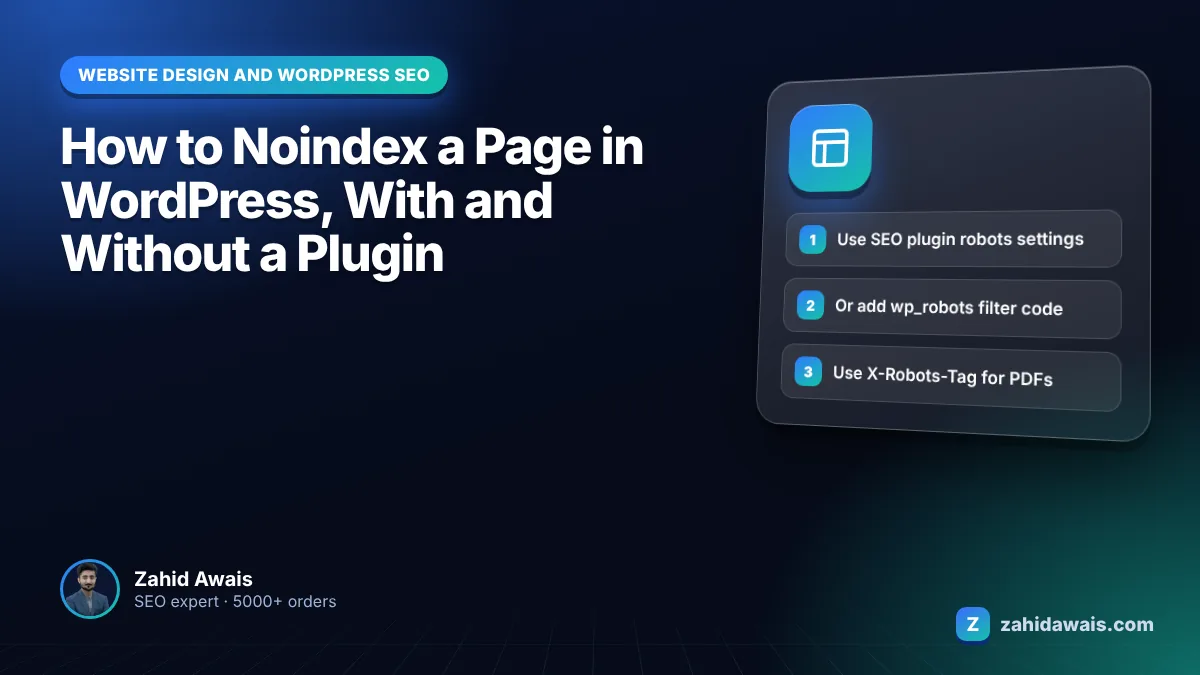
This guide shows you how to noindex a page in WordPress three ways (with an SEO plugin, with a few lines of code, and with an HTTP header for files) plus the robots.txt mistake that stops noindex from working at all.
To learn how to noindex a page in WordPress quickly: open the page in the editor, find your SEO plugin’s advanced or robots settings, set “Allow search engines to show this page” to No (or tick noindex), and update. Make sure robots.txt does not block the URL, or Google never sees the tag.
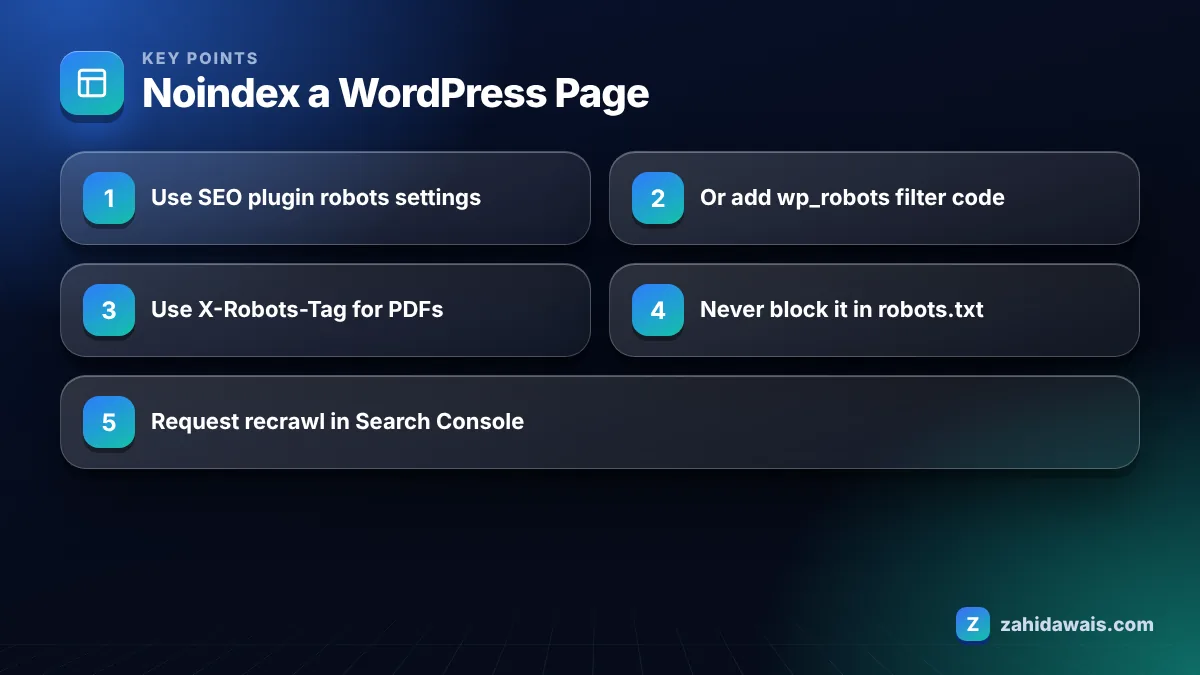
You noindex a page with a plugin by opening the page editor, going to the SEO plugin’s advanced or robots section, choosing noindex for that page, and saving. The plugin then adds a robots meta tag with noindex to the page’s head section.
Every major SEO plugin also has global settings for whole content types, such as tag archives, author archives or attachment pages. Use those instead of editing pages one by one when you want to noindex a whole group.
Before you noindex anything, write down why. In my audits I often find service pages noindexed by accident because someone copied settings from a thank you page, or a whole post type switched off during a plugin migration. A short list of intentionally noindexed URLs makes these mistakes easy to spot later.
Without a plugin, you noindex a WordPress page by adding a small function to your child theme or a code snippets file that hooks into the wp_robots filter and adds noindex for the pages you choose. This is useful on lean sites where you do not want a full SEO plugin.
add_filter( 'wp_robots', function ( $robots ) { if ( is_page( 'thank-you' ) ) { $robots['noindex'] = true; } return $robots; } );Replace ‘thank-you’ with the slug or ID of your page. Add the code to a child theme’s functions.php or a site specific plugin, never to a parent theme that updates will overwrite. Then check the page source for the robots meta tag.
For PDFs and other files that have no HTML head, use an HTTP header instead. Google’s noindex documentation confirms that an X-Robots-Tag: noindex header works the same way and can be used for non-HTML resources such as PDFs, video and image files. On Apache servers this is usually set in .htaccess; on Nginx, in the server configuration.
A noindex tag usually fails because the page is blocked in robots.txt, so Googlebot cannot crawl it and never reads the tag. Google’s documentation states the page must not be blocked by robots.txt for noindex to take effect, and the URL can still appear in results if it is blocked.
Other causes I find in audits:
If you suspect a robots.txt block, test the exact URL with my robots.txt tester, and read the guide on blocked by robots.txt for the fix.
Noindex tells search engines not to show a page in search results, while nofollow tells them not to follow the links on a page (as a meta tag) or a specific link (as a rel attribute). They solve different problems and are often confused.
| Directive | Where it goes | What it does | Typical WordPress use |
|---|---|---|---|
| noindex (meta) | Page head | Keeps the page out of search results | Thank you pages, thin archives, internal search results |
| nofollow (meta) | Page head | Asks crawlers not to follow any link on the page | Rarely needed on normal sites |
| rel=”nofollow” (link) | Individual link | Tells Google not to associate your site with that link | Untrusted links, such as some comment links |
| rel=”sponsored” (link) | Individual link | Marks paid or sponsored links | Ads, affiliate and paid placements |
| X-Robots-Tag: noindex | HTTP header | Same as noindex meta, works for files | PDFs, images, downloads |
| robots.txt Disallow | robots.txt file | Blocks crawling, not indexing | Crawl control only, never for removal |
You should noindex tag pages and small category archives when they hold only one or two posts and add no unique content, but keep strong category pages indexed when they act as useful hubs. The decision depends on each archive, not a blanket rule.
My rule of thumb: a category with 10 or more posts and a short written introduction usually deserves indexing. A tag used once is a thin duplicate of the post it lists. Date archives and author archives on single author sites almost always add nothing and can be noindexed site wide from your SEO plugin.
Whatever you decide, keep archives crawlable and keep your posts linked from indexed pages such as categories, the blog index and related articles. Noindexing a tag archive should remove a thin page from search, not cut your posts off from internal links.
Google removes a noindexed page after it recrawls the URL and sees the tag, which can take days for important pages and much longer for rarely crawled ones. Google’s documentation warns it may take months for Googlebot to revisit some pages.
To speed things up, use the URL Inspection tool in Search Console and request indexing, which asks Google to recrawl the page. If the page must disappear from results urgently, the Removals tool hides it for about six months, while the noindex tag makes the removal permanent once Google recrawls.
A WordPress blog has 120 posts, 14 categories and 410 tags. Of the 410 tags, 362 are used on only one post. Plan: noindex all tag archives in the SEO plugin, keep the 14 categories indexed but add a 100 word intro to each, noindex the thank you page and internal search results, and leave robots.txt untouched so Google can see every tag. After requesting recrawls of a sample, the Page indexing report gradually shows more URLs under “Excluded by noindex tag” over the following weeks, which is the expected result.
Excluded by noindex is not an error when you did it on purpose. My guide to Search Console indexing errors explains which statuses need action, and noindex cleanups are a standard part of my technical SEO service.
No. Google removes the page only after it recrawls the URL and sees the noindex rule. Request indexing with the URL Inspection tool to prompt a recrawl, or use the Removals tool to hide the page for about six months while the noindex takes effect.
No. Google does not support noindex rules inside robots.txt, and blocking a page in robots.txt stops Googlebot from seeing the noindex tag on the page. The URL may then stay in results. Use a robots meta tag or X-Robots-Tag header instead.
Yes, a thank you or order confirmation page usually adds no value in search results and can be reached only after a form submission. Noindex it so it does not appear in search, and keep it crawlable so Google can read the tag.
A noindexed page can still be crawled, and Google can still follow its links at first. Over a long period Google may crawl noindexed pages less often. Keep important pages linked from indexed pages, not only from noindexed archives.
View the page source in your browser and search for “noindex” in the robots meta tag. In Search Console, the URL Inspection tool shows whether indexing is allowed, and the Page indexing report lists URLs excluded by a noindex tag.
Yes. Ticking Discourage search engines from indexing this site under Settings, Reading adds a noindex, nofollow robots meta tag across the site in current WordPress versions. Use it only on staging or private sites, never on a live business site.
Facts checked against these official pages. Read how I check facts in my editorial policy.
Categories build your structure, tags are optional details, and most blogs should noindex thin tag archives.
Read article
Twenty five checks to run the day before and the day after launch, so nothing technical keeps your new site out of Google.
Read article
A step by step domain move that keeps your URLs, links and rankings intact, based on Google's site move guidance.
Read articleSend your website and I will reply with a free audit.