Image to Base64
An image to Base64 converter is a tool that encodes the bytes of an image file as text using 64 safe…
Paste SVG code or open an .svg file to get an optimised data URI for CSS or HTML, a base64 version, byte sizes and a live preview.
The file is read with JavaScript in your browser. Nothing is uploaded.
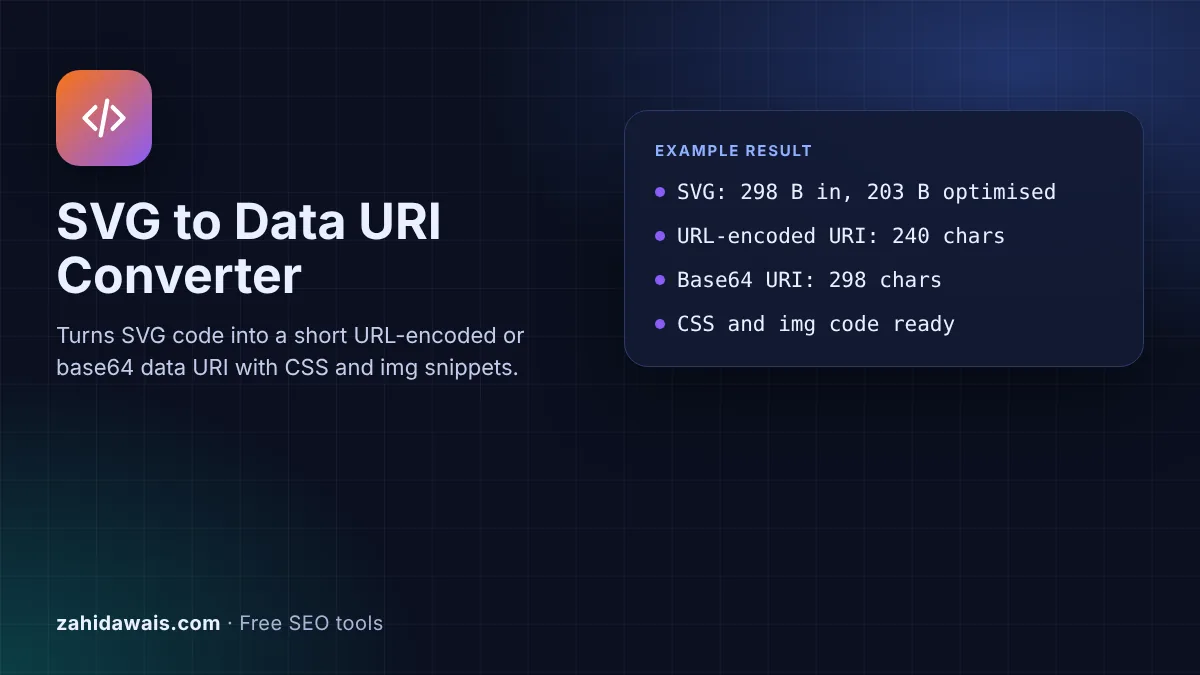
The free SVG to data URI converter turns SVG code into a data URI you can paste into CSS or an img src, so small icons and shapes load without a separate file. It optimises the code, encodes only the characters that need it, and shows the base64 version and both sizes side by side.
An SVG data URI puts the whole SVG file inside a URL that starts with data:image/svg+xml, so CSS or HTML can show it without an extra request. For SVG, URL encoding only the unsafe characters is usually shorter than base64, which makes text roughly a third larger. Use it for small icons, not large images.
An SVG data URI is a URL that carries the SVG file itself instead of pointing to it. MDN's data URL reference gives the form as data:[<media-type>][;base64],<data>, and says reserved characters, spaces and newlines in the data "must be percent-encoded". For SVG the media type is image/svg+xml.
Because SVG is plain text, you can either percent-encode only the characters that need it or base64 encode the whole file. This converter does both. It swaps double quotes for single quotes when the code has none, encodes characters such as <, >, # and %, and leaves letters, digits and spaces readable. MDN's Base64 glossary notes that base64 output "is typically roughly a third larger than its source", which is why the URL-encoded version usually wins.

Use the URL-encoded version for SVG in most cases, because it is shorter and still readable. Base64 turns every 3 bytes into 4 characters, so the sample icon becomes 298 characters in base64 and 240 URL-encoded. Base64 is useful when a tool or framework only accepts base64, or when the SVG contains many characters that would need encoding, such as text in another alphabet.
For PNG, JPEG or WebP files there is no choice: binary data must be base64. Use the image to base64 converter for those, and keep them small, since a data URI cannot be cached on its own the way a separate file can.
Not when it is used as an image. MDN's guide to SVG as an image says that in image contexts such as img and CSS background-image "JavaScript is disabled" and external resources "cannot be loaded" unless they are inlined as data URLs. Those limits do not apply when the SVG is opened directly or embedded with iframe, object or embed.
That is why the tool removes script elements, onclick style attributes and javascript: links by default and tells you what it removed. A clean icon does not need any of them, and removing them also makes the SVG safe if someone later saves it as a file and opens it.
Google can index an SVG in an img element, but not one used as a CSS background. Google's image SEO best practices list SVG among the supported formats for the img src attribute, say "You can also inline images as Data URIs", and also state "Google doesn't index CSS images".
So use the CSS rule for decoration such as arrows, bullets and dividers, and use an img element with real alt text for a meaningful graphic. For images you want found in Google Images, a separate file with a descriptive name is easier to manage than a long data URI.
| Output | Best for | Size | Notes |
|---|---|---|---|
| URL-encoded data URI | Icons in CSS or HTML | Usually shortest for SVG | Readable, easy to edit later |
| Base64 data URI | Tools that only accept base64 | About a third larger than the SVG | Not readable without decoding |
| CSS background-image | Decorative icons and shapes | Same as the URI | Google does not index CSS images |
| img element | Meaningful graphics | Same as the URI | Add alt text that describes the image |
| Separate .svg file | Large or repeated graphics | Smallest page HTML | Cached once, reused on every page |
Example: the default sample is a 24 by 24 arrow icon exported from a design tool, 298 bytes with an XML declaration, a comment and indentation. The converter removes those extras, which leaves 203 bytes, swaps the double quotes for single quotes and encodes the # in the stroke colour as %23. The URL-encoded data URI is 240 characters and the base64 version is 298, so the result says the URL-encoded URI is 19% shorter than base64. The img element keeps width="24" and height="24" from the SVG. Paste an SVG with a script element, an onclick attribute and no xmlns instead, and the tool removes the script and event, adds the namespace and encodes "Café" as Caf%C3%A9.
No. The file is read with the FileReader API in your browser and converted with JavaScript on your device. No request is sent to any server, so it is safe for icons from client projects that are not public yet.
An SVG pasted inline in HTML works without the namespace, but an SVG loaded as an image from a data URI or file needs xmlns="http://www.w3.org/2000/svg". Without it, the browser treats the code as unknown XML and draws nothing.
Data URIs usually sit inside double quotes in CSS url() and in the img src attribute. Single quotes inside do not need encoding, so swapping them keeps the URI shorter. If the SVG already uses single quotes, double quotes are encoded as %22.
Browsers accept very long data URIs, but long ones bloat your CSS or HTML and cannot be cached separately. The tool warns above 32 KB. For larger graphics, a separate .svg file that browsers cache once is usually the better choice.
Yes, if the field accepts custom CSS. Paste the CSS rule into the Additional CSS area or the custom CSS box of your builder, and change the .icon selector to match the element you want to style.
Yes. Decode the part after the comma with decodeURIComponent for the URL-encoded version, or with a base64 decoder for the base64 one, then save the text as a file ending in .svg.
Checked 23 Oct 2026. Facts checked against these official pages. Read how I check facts in my editorial policy.
An image to Base64 converter is a tool that encodes the bytes of an image file as text using 64 safe…
A favicon generator is a tool that resizes one square source image into the icon sizes browsers, phones and…
Draws sized placeholder images with a label; download PNG, JPEG or WebP, or copy SVG.
Converts WebP images to PNG or JPEG in your browser, in batches, with nothing uploaded.
Send your website and I will check it for you, free.
One short email when something new goes live: articles, free SEO tools, package updates, discounts and price alerts. No spam, unsubscribe in one click.