Robots.txt Generator
A robots.txt generator is a tool that writes the plain text file crawlers read at the root of your site…
Choose your rules and file types, then copy X-Robots-Tag code for Apache, Nginx or PHP.
Rules
Apply to
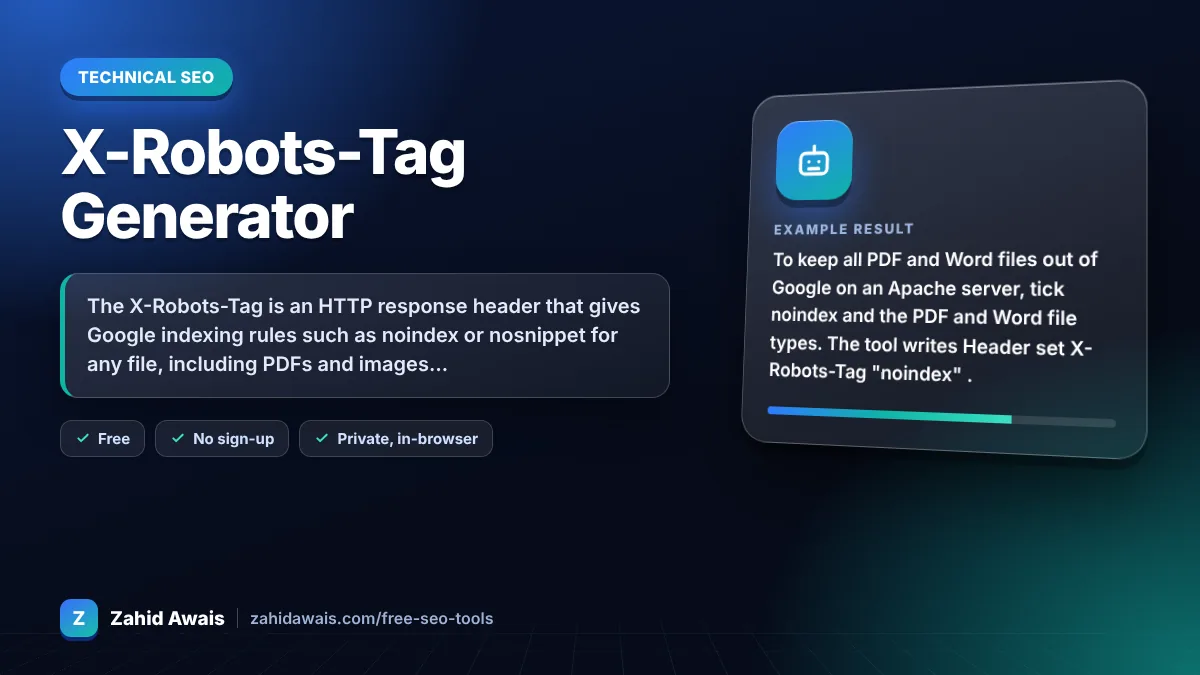
The free x-robots-tag runs in your browser, needs no sign-up and never sends what you type anywhere.
The X-Robots-Tag is an HTTP response header that gives Google indexing rules such as noindex or nosnippet for any file, including PDFs and images that cannot hold a meta robots tag. Send it from your server config, and never block those URLs in robots.txt, because Google must crawl a file to see the header.
An X-Robots-Tag generator is a tool that writes the server configuration that adds the X-Robots-Tag header to chosen files. It joins your rules into one comma separated value, optionally scoped to one crawler such as googlebot, and wraps it in a FilesMatch block for Apache, a location block for Nginx or a header() call for PHP.
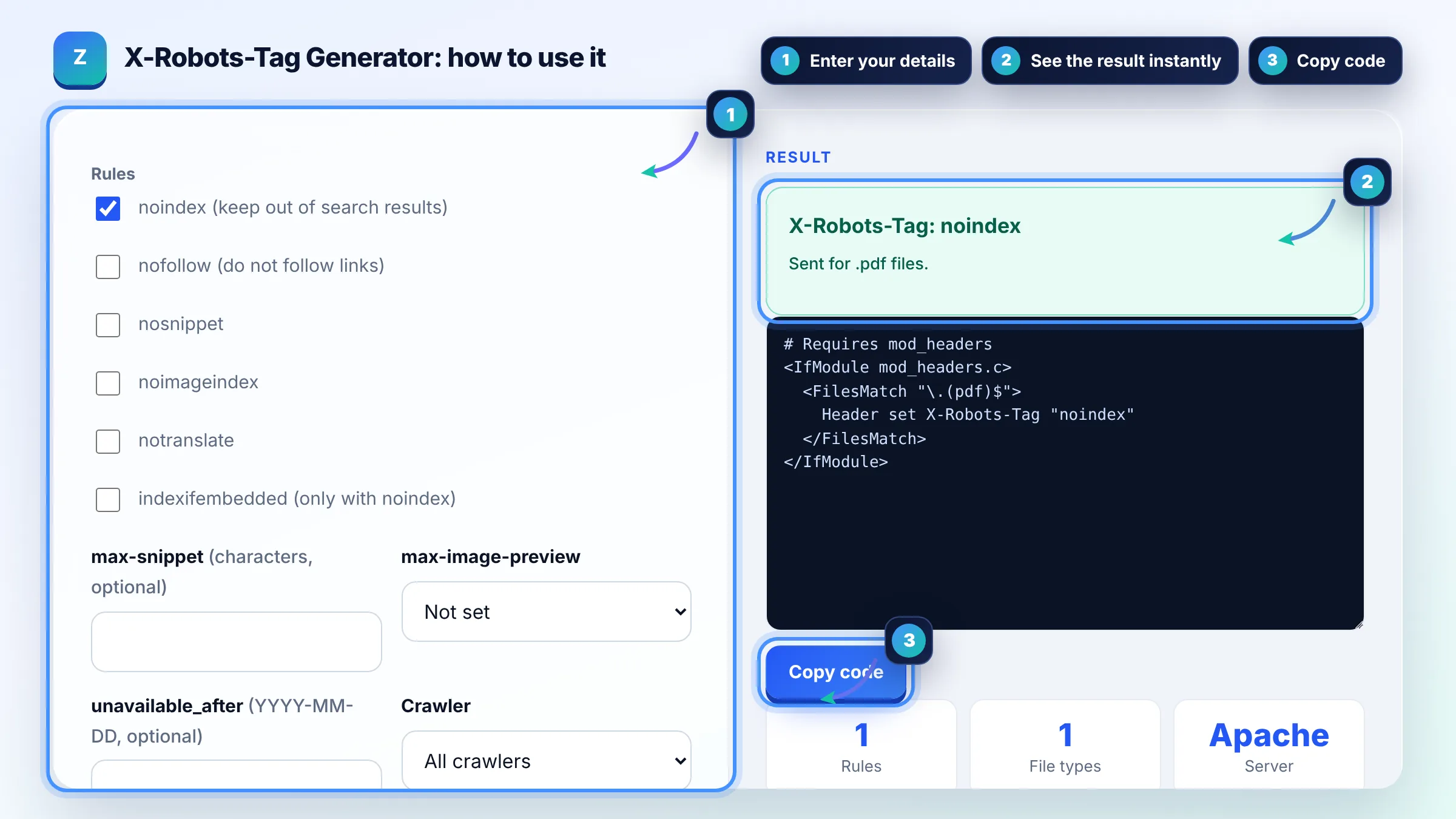
The X-Robots-Tag is an HTTP header that carries the same rules as the robots meta tag, such as noindex, nofollow and nosnippet, but works for any file type. It is the standard way to keep PDFs, images, Word files and other non HTML files out of Google. See Google's robots meta tag and X-Robots-Tag specification.
Add X-Robots-Tag: noindex to the HTTP response for that PDF through your server, for example with a FilesMatch block in .htaccess on Apache or a location block on Nginx. A PDF cannot hold a meta tag, so the header is the only page level way to noindex it. Keep the PDF crawlable so Google can read the header.
robots.txt controls crawling, while X-Robots-Tag controls indexing and snippets. A URL blocked in robots.txt can still appear in results if other pages link to it, and Google cannot see an X-Robots-Tag on a URL it is not allowed to crawl. To remove files from results, allow crawling and send noindex.
| Rule | What it does | Example header |
|---|---|---|
| noindex | Keeps the file out of search results | X-Robots-Tag: noindex |
| nofollow | Do not follow links in the file | X-Robots-Tag: noindex, nofollow |
| nosnippet | No text snippet or video preview | X-Robots-Tag: nosnippet |
| noimageindex | Images on the page are not indexed | X-Robots-Tag: noimageindex |
| indexifembedded | Index embedded content despite noindex | X-Robots-Tag: noindex, indexifembedded |
| unavailable_after | Stop showing after a date | X-Robots-Tag: unavailable_after: 2026-12-31 |
Example: to keep all PDF and Word files out of Google on an Apache server, tick noindex and the PDF and Word file types. The tool writes
Yes. The header works for HTML pages too and has the same effect as a robots meta tag. It is handy for sending noindex to a whole folder or a staging site from the server config, without editing every page template.
Yes. Put the user agent before the rules, for example X-Robots-Tag: googlebot: noindex. Rules without a user agent apply to all crawlers. Google says the header name, user agent and values are not case sensitive.
Google applies the more restrictive rule. For example, nosnippet wins over max-snippet:50, and noindex in either the meta tag or the header keeps the page out of results. Avoid sending different rules in the header and the HTML to keep things clear.
Yes. The Header directive comes from mod_headers, which most hosts enable by default. If the rule has no effect, ask your host to enable it. On LiteSpeed servers the same .htaccess syntax usually works.
In Nginx, add_header inside a location block replaces headers inherited from the server block, and the location must actually match the file. Check that the regex matches the extension, reload Nginx and test with curl -I on a real file URL.
Run curl -I followed by the file URL and look for the X-Robots-Tag line, or use the URL Inspection tool in Google Search Console, which reports whether indexing is allowed. Removal from results happens only after Google recrawls the file.
Facts checked against these official pages. Read how I check facts in my editorial policy.
A robots.txt generator is a tool that writes the plain text file crawlers read at the root of your site…
A meta robots tag generator is a tool that writes the meta name="robots" element and the equivalent…
An htaccess generator is a tool that writes per directory Apache configuration so you do not have to remember…
Send your website and I will check it for you, free.
One short email when something new goes live: articles, free SEO tools, package updates, discounts and price alerts. No spam, unsubscribe in one click.