Article Schema Generator
An article schema generator is a tool that writes schema.org Article structured data in JSON-LD. It collects…
Mark the headline and summary of a news page that text to speech should read aloud.
Speakable is a beta feature. Google uses it for English news content for Google Assistant users in the US. Test the code in Google's Rich Results Test and mark up only text that is visible on the page.
The free speakable schema runs in your browser, needs no sign-up and never sends what you type anywhere.
Speakable schema is structured data that points Google to the parts of a news page best suited to being read aloud, usually the headline and a short summary. It uses SpeakableSpecification with CSS selectors or XPath. Google lists it as beta, for English news content and Google Assistant users in the US only.
A speakable schema generator is a tool that writes the speakable property in JSON-LD. It wraps your CSS selectors or XPath expressions in a SpeakableSpecification on a WebPage, Article or NewsArticle, checks the selector syntax in your browser, and estimates how long each section takes to read aloud.
Speakable schema is a schema.org property that marks the sections of a page suited to text to speech playback. Google's speakable documentation says it lets Google Assistant read eligible news headlines and summaries aloud and send the full article link to the user's phone.
Speakable is mainly for news publishers writing in English. Google labels the feature beta and says it works only for users in the US with Google Home devices set to English. Other sites can add it without harm, but there is currently no visible benefit outside that use.
There is no evidence that speakable markup improves rankings, and Google documents it only for Google Assistant news playback. Google says AI Overviews need no special markup. A clear headline and a 2 to 3 sentence summary at the top still help readers and any system that quotes your page.
| Item | Rule | Source |
|---|---|---|
| Status | Beta, subject to change | Google speakable docs |
| Availability | US users, Google Home set to English, English content | Google speakable docs |
| Method | cssSelector or xPath per speakable entry, not both | Google speakable docs |
| Length | About 20 to 30 seconds, or 2 to 3 sentences, per section | Google speakable docs |
| Avoid | Datelines, photo captions, source attributions | Google speakable docs |
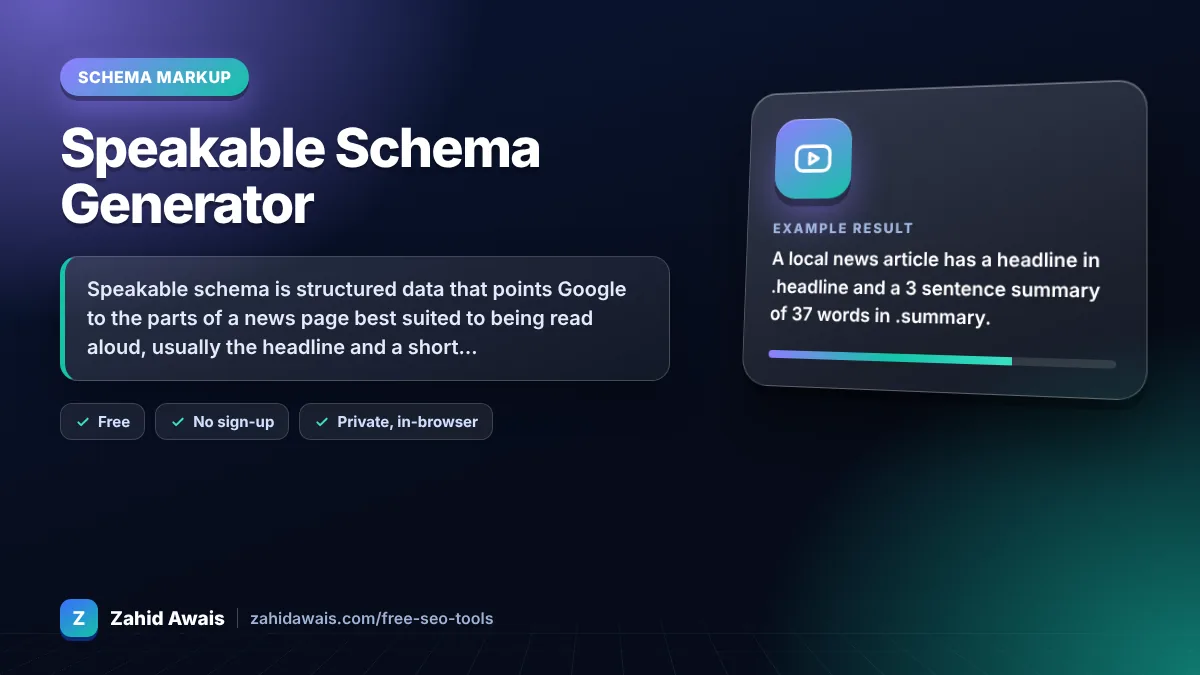
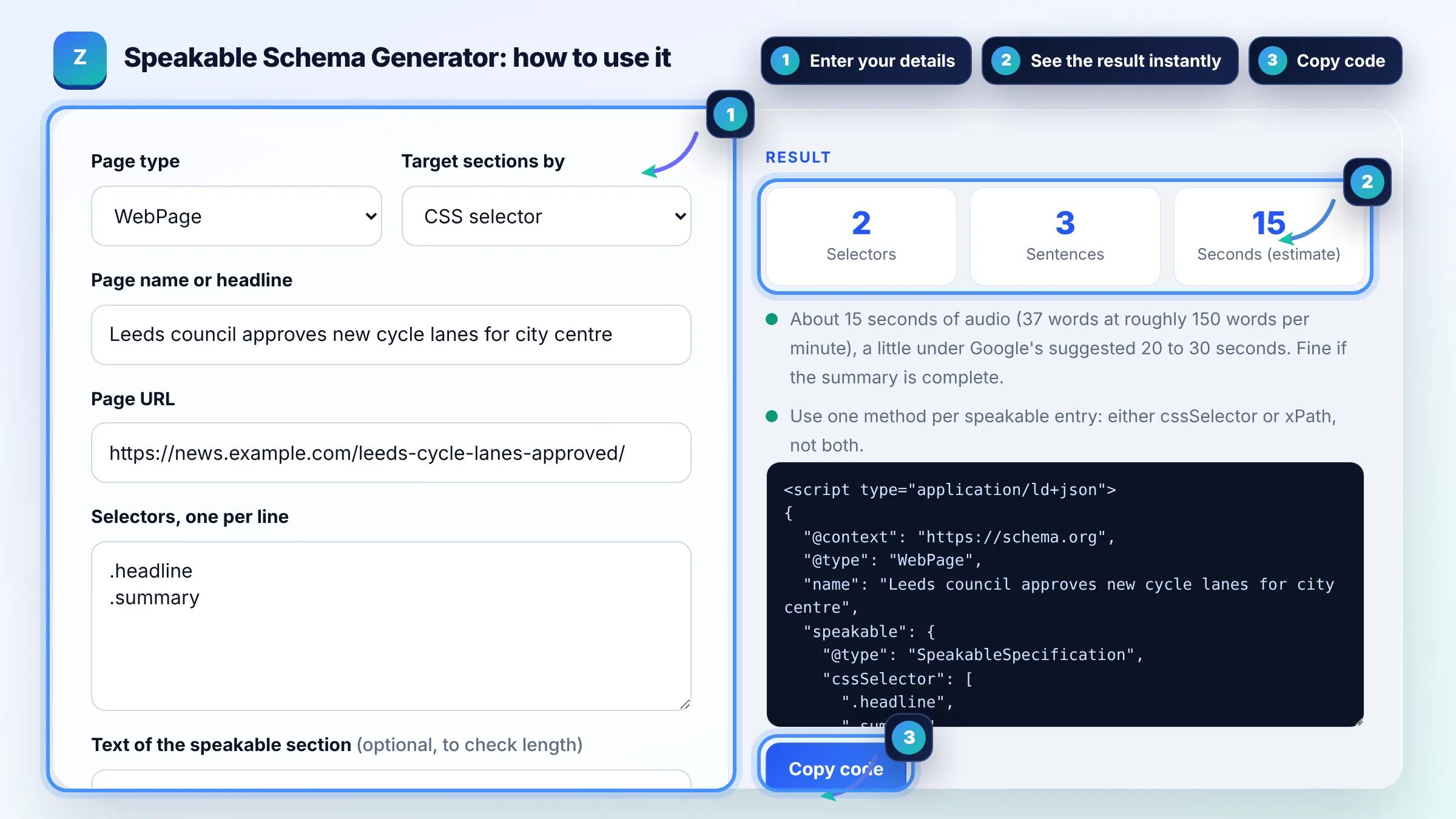
Example: a local news article has a headline in .headline and a 3 sentence summary of 37 words in .summary. The generator outputs a WebPage with speakable cssSelector [".headline", ".summary"] and estimates about 15 seconds of audio at roughly 150 words per minute: a little under Google's suggested 20 to 30 seconds, which is fine for a complete summary.
Use CSS selectors if your theme gives the headline and summary stable class names such as .headline and .summary. Use XPath when you want to target elements without classes, such as /html/head/title. Pick one method for each speakable entry.
Yes. Schema.org allows the speakable property on Article and WebPage, and NewsArticle is a type of Article. Google's own example uses WebPage. Keep your existing Article or NewsArticle markup and add speakable to it, or add a separate WebPage block.
Not a visual one. Speakable does not change how your page looks in search results. It only tells Google Assistant which text to read for eligible news queries, and Google never guarantees any structured data feature will be used.
Google suggests about 20 to 30 seconds of audio per section, roughly 2 to 3 sentences. Rewrite the opening into short standalone sentences that make sense when heard without the rest of the article or any images.
A selector with a typo points to nothing, so the markup does nothing. The tool tests the syntax of each CSS selector or XPath in your browser. It cannot see your live page, so also confirm the elements exist there.
No. The generator runs fully in your browser. Your headline, URL, selectors and text are never sent to a server or saved, so you can prepare markup for unpublished articles safely.
Facts checked against these official pages. Read how I check facts in my editorial policy.
An article schema generator is a tool that writes schema.org Article structured data in JSON-LD. It collects…
A JSON-LD validator is a tool that checks structured data written in JSON for Linked Data. It first parses…
A QA page schema generator is a tool that writes QAPage JSON-LD from your question and answers. It nests one…
Send your website and I will check it for you, free.
One short email when something new goes live: articles, free SEO tools, package updates, discounts and price alerts. No spam, unsubscribe in one click.