Meta Tag Generator
A meta tag generator is a tool that converts plain text fields into correctly escaped HTML tags such as…
Check characters and pixel width, then preview your snippet before you publish.
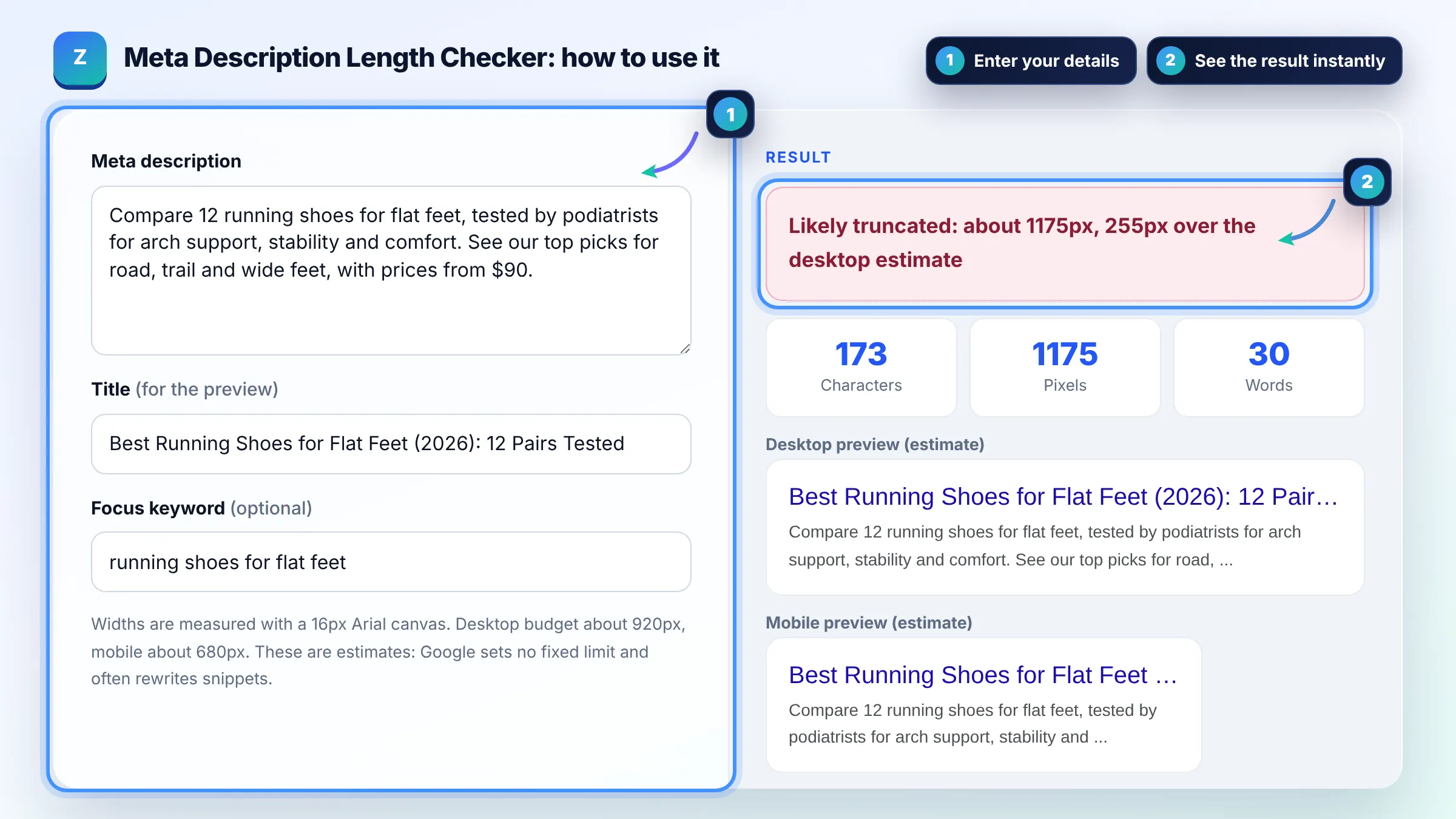
Widths are measured with a 16px Arial canvas. Desktop budget about 920px, mobile about 680px. These are estimates: Google sets no fixed limit and often rewrites snippets.
Desktop preview (estimate)
Mobile preview (estimate)
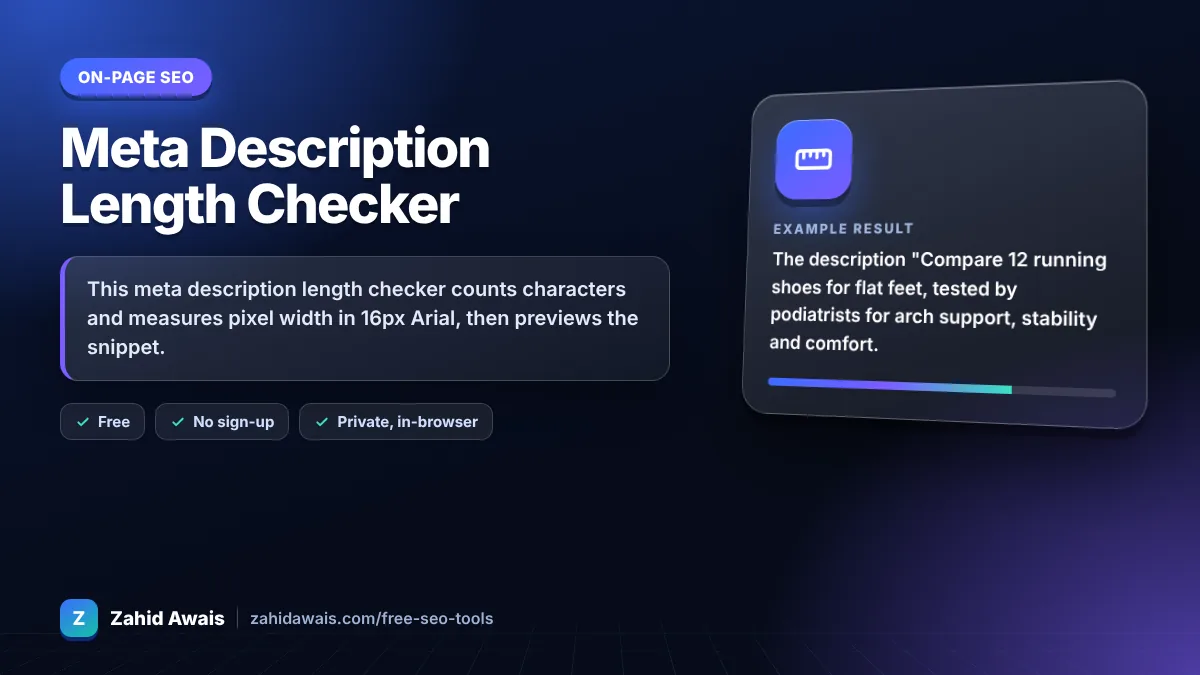
The free meta description length checker runs in your browser, needs no sign-up and never sends what you type anywhere.
This meta description length checker counts characters and measures pixel width in 16px Arial, then previews the snippet. Under roughly 920px, about 120 to 135 characters in this estimate, usually displays in full on desktop. Google sets no hard limit and may rewrite snippets, so write one clear, unique summary for each page.
A meta description length checker is a tool that measures a description in characters and in rendered pixels. It draws the text on a canvas in 16px Arial, compares the width with about 920px for desktop and 680px for mobile, and cuts the preview at the last whole word that fits.
About 120 to 155 characters is a common target, and keeping the core message in the first 120 or so is safest. Google does not set a character limit; it trims snippets to fit the device width. Shorter descriptions risk being replaced, and longer ones get cut with an ellipsis.
No. Google uses the meta description when it describes the page better than other text, and otherwise builds a snippet from page content that matches the query. Unique, specific descriptions are used more often. See Google's snippet guide.
No, Google has said the meta description is not used for ranking. It still matters because a clear, relevant description can lift click through rate, which brings more visits from the rankings you already have.
| Length | Approx. pixels (16px Arial) | What usually happens |
|---|---|---|
| Under 70 chars | Under 480px | Often replaced by page text |
| 70 to 100 chars | 480 to 680px | Fits on mobile and desktop |
| 100 to 135 chars | 680 to 920px | Fits on desktop, may be cut on mobile |
| 135 to 170 chars | 920 to 1,170px | Often cut with an ellipsis |
| Over 170 chars | Over 1,170px | Cut, and more likely rewritten |
Example: the description "Compare 12 running shoes for flat feet, tested by podiatrists for arch support, stability and comfort. See our top picks for road, trail and wide feet, with prices from $90." is 173 characters and measures about 1,175px. It runs past the 920px desktop estimate, so the preview cuts it before the price. Trimming it to "Compare 12 running shoes for flat feet, tested by podiatrists for arch support and comfort. Top picks from $90." gives 111 characters and about 777px, which fits on desktop.
Aim for about 120 to 155 characters and put the key message in the first 100 or so. Letter widths vary, so measuring pixels is more reliable. On mobile the visible area is narrower, so the opening words matter most.
Google may rewrite the snippet when it thinks other text on the page better answers the search. This happens more with very short, generic, duplicated or keyword stuffed descriptions. Writing a specific summary for each page reduces rewrites but cannot prevent them.
Yes. Google recommends unique descriptions for each page. Duplicated descriptions across many pages give searchers no way to tell results apart and are often ignored. For large sites, generate descriptions from page data such as product name, price and key features.
Yes, if it fits naturally. Google often bolds words that match the query, which helps your result stand out. Use it once, early, and never repeat it several times, because stuffing looks spammy and can lead to the description being replaced.
Google trims snippets to fit the available width on the device rather than by a fixed number of characters. That is why this checker measures pixels. The 920px desktop and 680px mobile budgets used here are practical estimates, not official limits.
No. The checker runs entirely in your browser with plain JavaScript and a canvas measurement. Your descriptions are not uploaded, stored or tracked, so it is safe for drafts and client work.
Facts checked against these official pages. Read how I check facts in my editorial policy.
A meta tag generator is a tool that converts plain text fields into correctly escaped HTML tags such as…
A title pixel width checker is a tool that measures how wide a title tag renders in pixels rather than…
A Google mobile SERP preview is a mockup of how a page may appear in Google Search on a phone. This tool…
Coming 10 OctSend your website and I will check it for you, free.
One short email when something new goes live: articles, free SEO tools, package updates, discounts and price alerts. No spam, unsubscribe in one click.