Meta Tag Generator
A meta tag generator is a tool that converts plain text fields into correctly escaped HTML tags such as…
See how your title, URL and description may look in mobile Google results.
Approximate preview and pixel estimate (canvas, 20px Arial for the title). Google rewrites titles and snippets at times and truncates them to fit the device width.
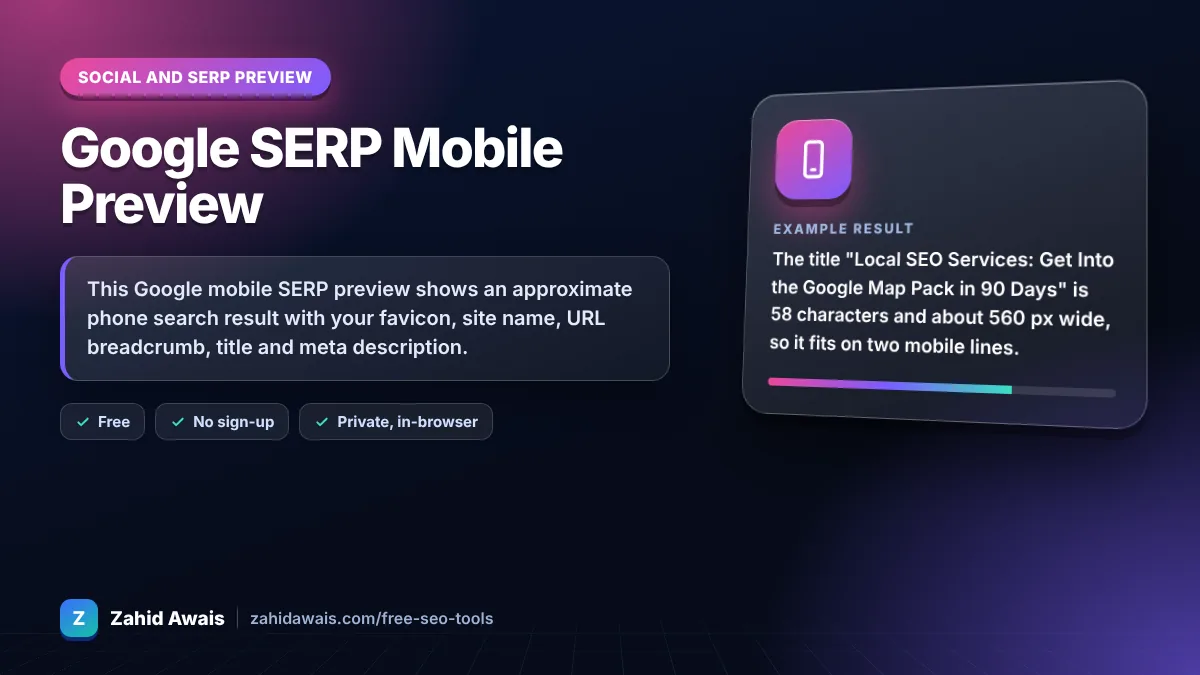
The free google mobile serp preview runs in your browser, needs no sign-up and never sends what you type anywhere.
This Google mobile SERP preview shows an approximate phone search result with your favicon, site name, URL breadcrumb, title and meta description. Google has no fixed length limit and cuts text to fit the screen, so as a rule of thumb keep titles near 55 to 60 characters and put the key message in the first 120 description characters.
A Google mobile SERP preview is a mockup of how a page may appear in Google Search on a phone. This tool draws the result in a 360 px wide phone frame, wraps the title to two lines and the description to three, and shows where the text is cut with an ellipsis.
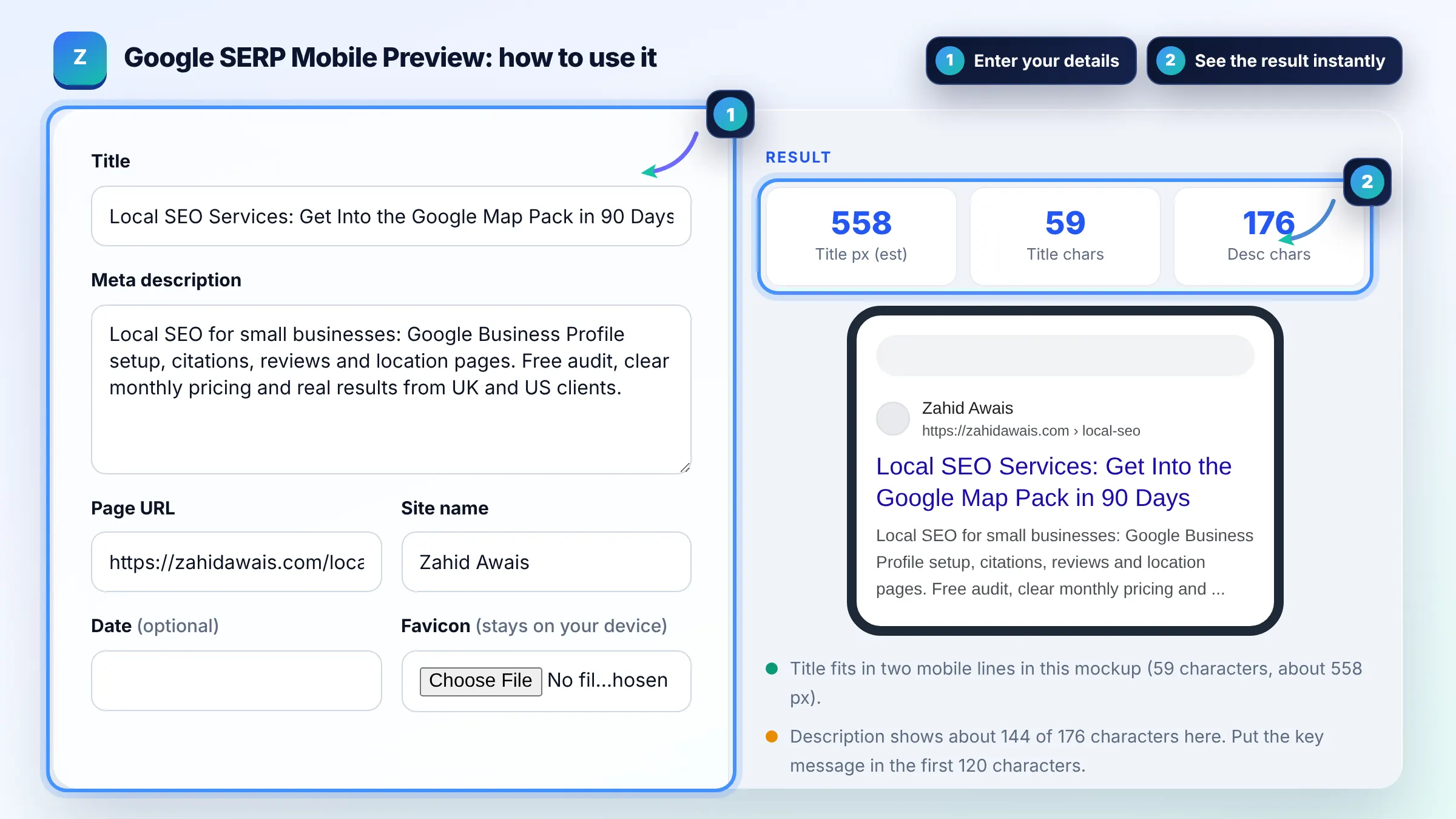
Google sets no character limit, but titles are truncated to fit the device width. On phones that usually means about two lines, roughly 55 to 70 characters depending on letter widths. Google title link guidance says to keep titles descriptive and concise and avoid unneeded long text.
Often yes, because mobile snippets usually wrap to about three lines in a narrow column, so roughly 120 to 150 characters are visible. Google states there is no limit on meta description length, but the snippet is cut as needed to fit the device width, so lead with the most important information.
Your favicon must be square (1:1) and at least 8 x 8 px, and Google recommends larger than 48 x 48 px so it looks good on all surfaces. It must also be crawlable and represent your brand. Google may take some time to show a new favicon.
| Element | Google rule | Practical target on mobile |
|---|---|---|
| Title link | No fixed limit, truncated to fit | 55 to 60 characters, key words first |
| Meta description | No fixed limit, truncated to fit | Key message in first 120 characters |
| Favicon | Square, at least 8 x 8 px | Larger than 48 x 48 px |
| Site name | Taken from WebSite structured data and other signals | Short brand name |
| URL breadcrumb | Built from the URL or breadcrumb markup | Short, readable slugs |
Example: the title "Local SEO Services: Get Into the Google Map Pack in 90 Days" is 58 characters and about 560 px wide, so it fits on two mobile lines. The 176 character description is cut after roughly 140 characters in the mockup, so the phrase "real results from UK and US clients" would likely be hidden on a phone.
No. It is an approximate preview. Google changes its layout, uses different fonts on different devices and can rewrite your title or snippet based on the search query. Use the mockup to catch obvious truncation, not as a guarantee.
Google may build a title link from your headings, anchor text or other page text when your title tag is too long, stuffed with keywords, the same across many pages or does not match the content. Clear, unique, descriptive titles are rewritten less often.
Check that the favicon is square, at least 8 x 8 px, linked with a rel icon tag on your home page and not blocked by robots.txt. Google recrawls favicons on its own schedule, so a new icon can take days or weeks to appear.
It is an estimate of your title width measured with a canvas at 20px Arial. Desktop Google results usually cut titles near 600 px. Mobile titles wrap to two lines, so the visible cut in the phone mockup is the more useful signal.
No. Everything is calculated in your browser. Your title, description, URL and favicon file are never uploaded or stored, and the tool works offline once the page has loaded.
No. Google uses the same title tag for both. Write one title that front loads the main keyword and benefit within the first 50 or so characters, so it reads well whether it is cut on a phone or shown in full on desktop.
Facts checked against these official pages. Read how I check facts in my editorial policy.
A meta tag generator is a tool that converts plain text fields into correctly escaped HTML tags such as…
A title pixel width checker is a tool that measures how wide a title tag renders in pixels rather than…
A meta description length checker is a tool that measures a description in characters and in rendered pixels.…
Send your website and I will check it for you, free.
One short email when something new goes live: articles, free SEO tools, package updates, discounts and price alerts. No spam, unsubscribe in one click.