Meta Description Length Checker
A meta description length checker is a tool that measures a description in characters and in rendered pixels.…
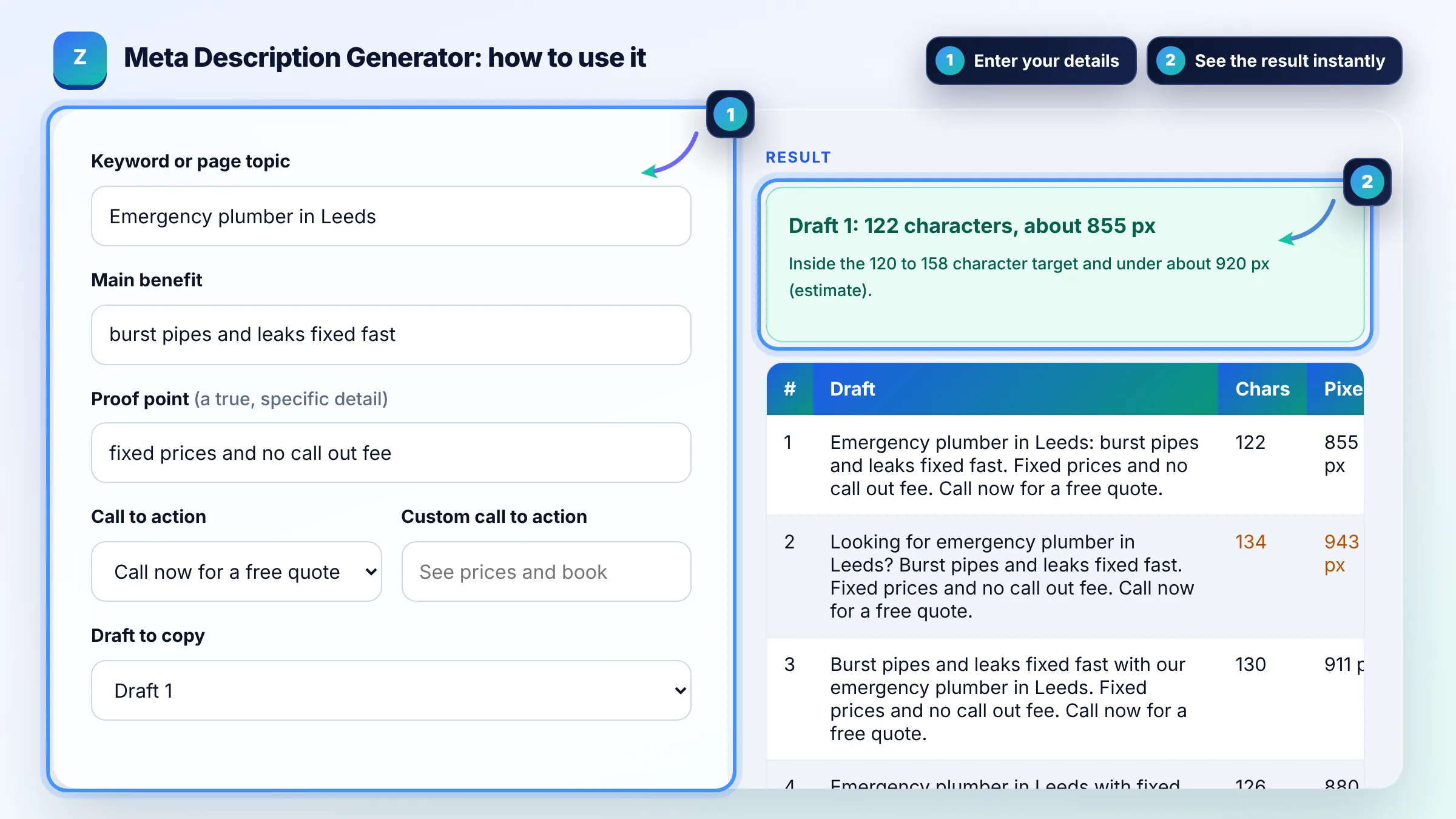
Enter a keyword, benefit and call to action, then pick the best of 5 ready drafts.
| # | Draft | Chars | Pixels |
|---|
The free meta description generator runs in your browser, needs no sign-up and never sends what you type anywhere.
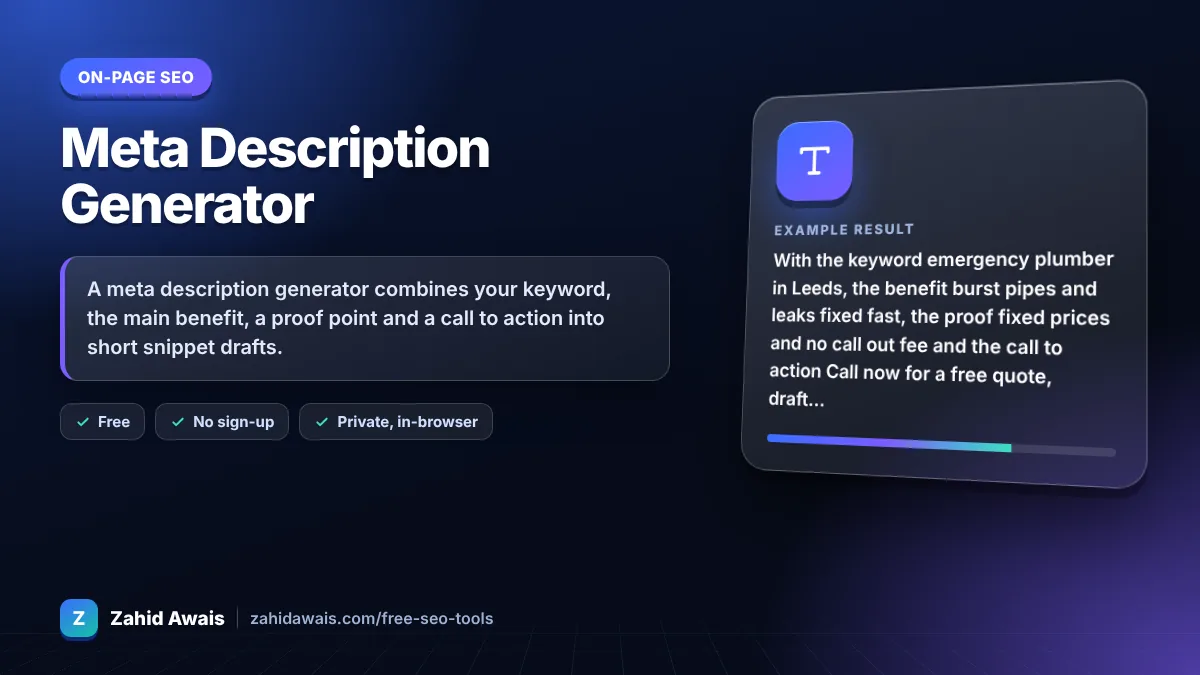
A meta description generator combines your keyword, the main benefit, a proof point and a call to action into short snippet drafts. Aim for about 120 to 158 characters, write a unique description for every page, and describe what the page really offers, because Google uses the description only when it matches the search better than page text.
A meta description generator is a tool that builds several description drafts from the parts every good snippet needs: the topic or keyword, a clear benefit, a specific detail that builds trust and a call to action. Each draft is scored by character count and an estimated pixel width so you can see which ones fit before Google truncates them.
Aim for roughly 120 to 158 characters, which usually fits on desktop without being cut. Google says there is no limit on how long a meta description can be, but snippets are truncated to fit the device width, so put the keyword and the main benefit in the first 100 characters. See Google's snippet guidelines.
Google builds snippets mainly from page content and uses the meta description only when it describes the page more accurately for that query. Descriptions that are duplicated across pages, stuffed with keywords or unrelated to the page are often replaced. A specific, honest summary is used far more often.
No, Google does not use the meta description as a ranking factor. It matters because a clear description can raise click through rate from the same position. Treat it as ad copy for your organic result: match the intent, state the benefit and give a reason to click.
| Part | What to write | Example |
|---|---|---|
| Keyword or topic | The main search phrase, early | Emergency plumber in Leeds |
| Benefit | What the searcher gets | Burst pipes and leaks fixed fast |
| Proof point | A specific, true detail | Fixed prices, no call out fee |
| Call to action | The next step | Call now for a free quote |
| Length | About 120 to 158 characters | Under about 920 px (estimate) |
Example: with the keyword emergency plumber in Leeds, the benefit burst pipes and leaks fixed fast, the proof fixed prices and no call out fee and the call to action Call now for a free quote, draft 1 reads "Emergency plumber in Leeds: burst pipes and leaks fixed fast. Fixed prices and no call out fee. Call now for a free quote." at 122 characters, inside the target range.
A meta description is an HTML tag in the head of a page that summarises the page content. Search engines may show it as the snippet under the title link. It is written as and should be unique for every page.
Yes, important pages should each have their own. Google recommends unique descriptions and says identical descriptions across many pages are not helpful. For very large sites, generate descriptions from page data such as product name, price and key specs instead of one template sentence.
Yes, once and naturally. Google often bolds words that match the query, which helps the snippet stand out. Repeating the keyword several times looks spammy, adds nothing for readers and makes Google more likely to rewrite the snippet.
Google truncates snippets by available screen width, not by a fixed character count. This tool measures each draft with a 16 px Arial canvas and compares it with about 920 px, a rough desktop estimate. Real limits change with device, font and query.
AI and template tools can draft them quickly, but a person should check each one for accuracy. Never promise prices, times or results the page does not deliver. Misleading descriptions may earn clicks once but lose trust and conversions.
No. All drafts are generated in your browser with plain JavaScript. Your keywords, benefits and descriptions are not uploaded, stored or tracked, so you can safely draft snippets for client pages or unreleased products.
Facts checked against these official pages. Read how I check facts in my editorial policy.
A meta description length checker is a tool that measures a description in characters and in rendered pixels.…
A Google mobile SERP preview is a mockup of how a page may appear in Google Search on a phone. This tool…
An SEO title generator is a tool that fills title patterns with your keyword, benefit, brand and location,…
Send your website and I will check it for you, free.
One short email when something new goes live: articles, free SEO tools, package updates, discounts and price alerts. No spam, unsubscribe in one click.