Title Tag Pixel Width Checker
A title pixel width checker is a tool that measures how wide a title tag renders in pixels rather than…
Get title tag ideas from your keyword, with length and pixel width checked for each one.
| Title idea | Length (est.) |
|---|
Pixel width is an estimate (20px Arial). Google may still rewrite or shorten any title.
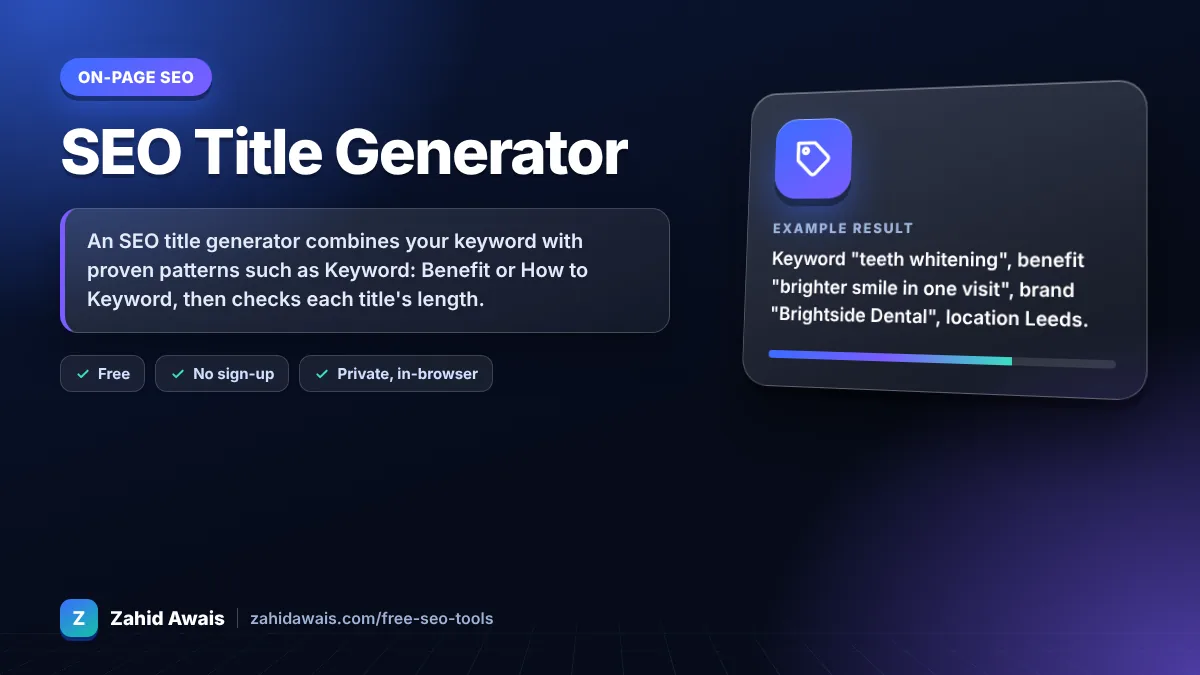
The free seo title generator runs in your browser, needs no sign-up and never sends what you type anywhere.
An SEO title generator combines your keyword with proven patterns such as Keyword: Benefit or How to Keyword, then checks each title's length. Aim for about 50 to 60 characters or under roughly 600 pixels so desktop results rarely cut it. Put the keyword early, keep each title unique, and write it for people, not robots.
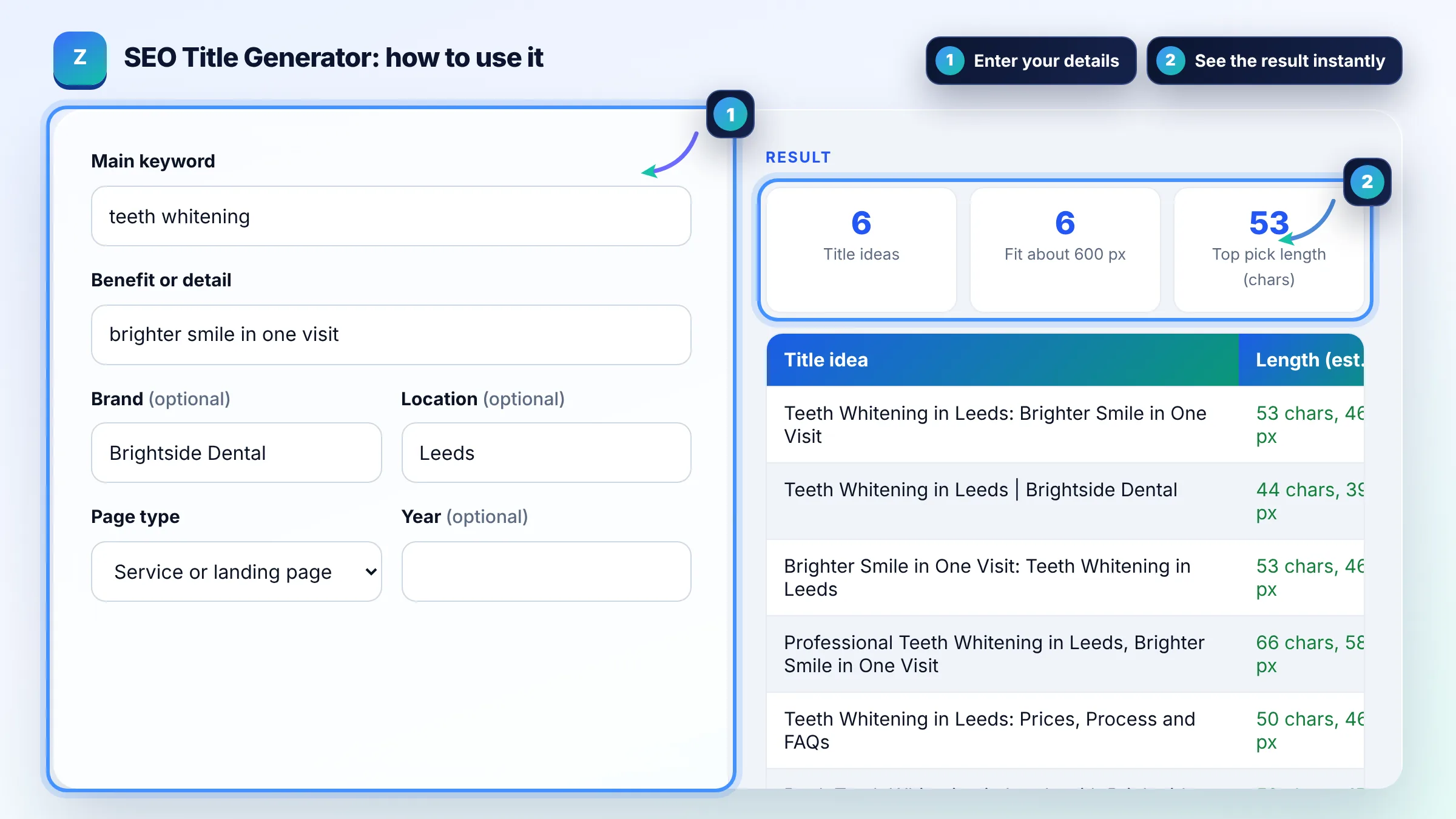
An SEO title generator is a tool that fills title patterns with your keyword, benefit, brand and location, then measures each result. It counts characters and estimates pixel width with a 20px Arial canvas, flagging titles likely to be truncated past about 600 pixels.
Keep titles to about 50 to 60 characters or under roughly 600 pixels on desktop so they are rarely cut off. Google's title link guide says there is no limit on title length, but long titles are truncated to fit the device width.
Yes, Google sometimes shows a different title link than your title tag. It can use the title element, the main visible heading, og:title, anchor text and other prominent text. Rewrites are more likely when a title is vague, stuffed with keywords, repeated across pages or does not match the content.
Put the main keyword near the start when it reads naturally, because searchers scan the first words. This is a readability habit, not a Google rule. Follow it with a clear benefit or detail, and add your brand at the end with a separator such as a colon or pipe.
| Pattern | Example | Best for |
|---|---|---|
| Keyword: Benefit | Teeth Whitening: Brighter Smile in One Visit | Service and landing pages |
| How to Keyword | How to Whiten Teeth Safely at Home | How to guides |
| Keyword in Location | Teeth Whitening in Leeds | Brightside Dental | Local pages |
| Number + Keyword Ideas | 7 Teeth Whitening Options Compared | List posts |
| Free Keyword Tool | Free Teeth Whitening Cost Calculator | Tools and calculators |
| Keyword Guide (Year) | Teeth Whitening Guide (2026) | Guides updated each year |
Example: keyword "teeth whitening", benefit "brighter smile in one visit", brand "Brightside Dental", location Leeds. The service pattern gives "Teeth Whitening in Leeds: Brighter Smile in One Visit" at 53 characters, which fits under 600 pixels. Adding " | Brightside Dental" makes it 73 characters, so the brand would likely be cut on desktop.
No. The width is an estimate using a 20px Arial font on a canvas, close to how Google displays desktop titles. Google's real font, the device and its own rules decide truncation, so treat the green and amber labels as guidance.
Brand names help on home, service and about pages, and Google suggests adding the site name at the start or end with a delimiter. On long titles, drop the brand first, because Google can show your site name separately above the title link.
Add the year only when freshness matters to searchers, such as prices, rules or yearly guides, and only when the content is actually updated. Change the year when you make a real update, not just to look fresh.
No. Each page should have a unique title that describes that page. Google's guidance warns against boilerplate titles that differ by one word, because they make pages hard to tell apart and are more likely to be rewritten.
No. The title tag shows in search results and the browser tab, while the H1 is the main heading on the page. They can be similar, and Google may use the main heading when it rewrites a title, so keep both clear and consistent.
Match the searcher's intent, put the keyword early, then add a specific benefit, number or detail such as free, prices or in 10 minutes. Test changes on pages with many impressions but low CTR in Search Console and compare results.
Facts checked against these official pages. Read how I check facts in my editorial policy.
A title pixel width checker is a tool that measures how wide a title tag renders in pixels rather than…
A meta description generator is a tool that builds several description drafts from the parts every good…
Coming 25 OctA headline analyzer is a tool that checks a headline against a checklist and turns it into a score out of…
Coming 27 OctSend your website and I will check it for you, free.