Product Variant Schema Generator
ProductGroup JSON-LD with hasVariant, variesBy and one offer per size or colour variant.
Paste your list items and get ItemList JSON-LD for a summary page or an all in one page, checked against Google's carousel rules.
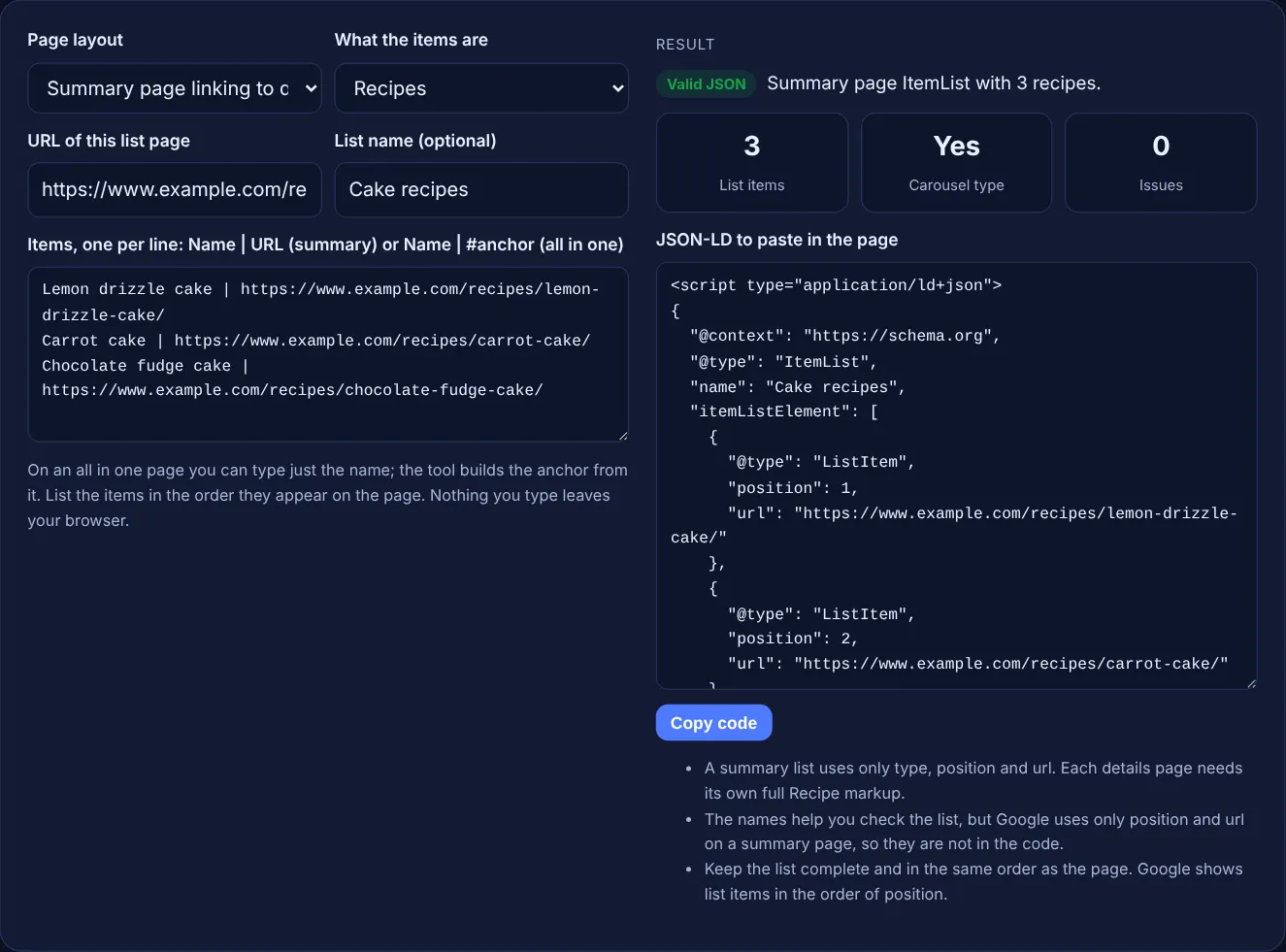
On an all in one page you can type just the name; the tool builds the anchor from it. List the items in the order they appear on the page. Nothing you type leaves your browser.
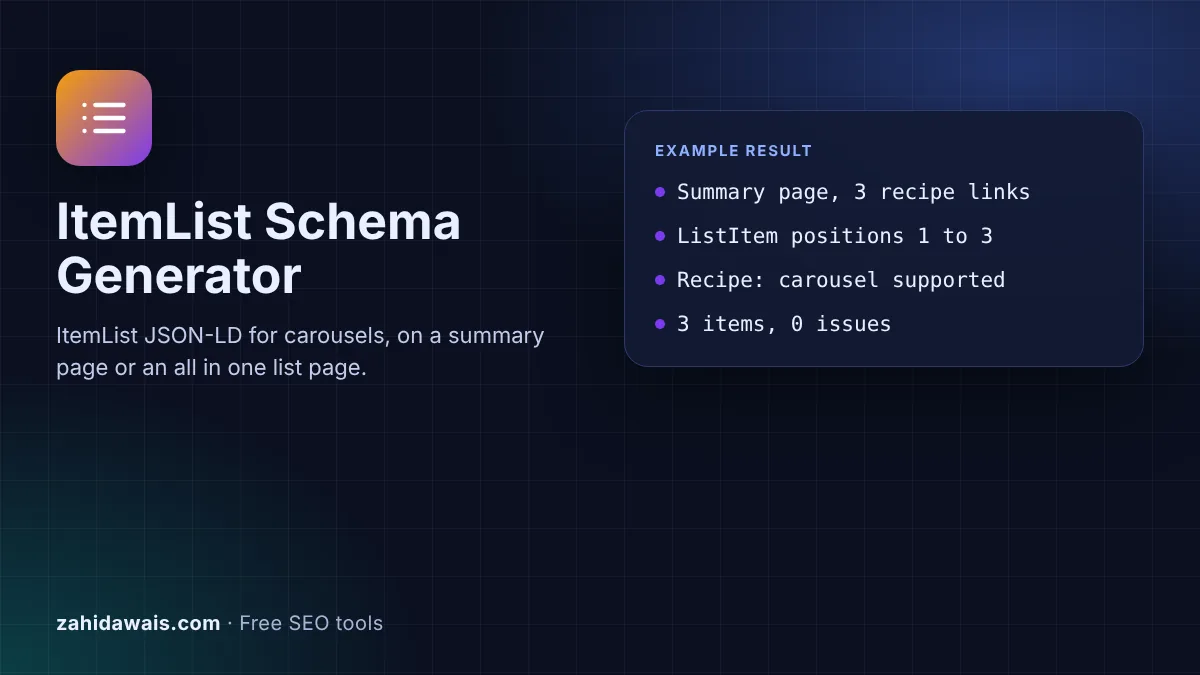
The free ItemList schema generator builds the ItemList JSON-LD that Google uses for host carousels, either on a summary page that links to separate detail pages or on one page that holds every item. It checks positions, URLs and the supported content types, and runs in your browser, so nothing you type is sent anywhere.
ItemList schema is structured data that marks up a list of items on one page, each as a ListItem with a position. Google uses it for host carousels of courses, movies, recipes and restaurants. On a summary page each item gives only a position and a URL; on an all in one page each item holds the full markup.
ItemList schema is structured data that describes an ordered list using the schema.org ItemList type, with one ListItem per entry in itemListElement. Google's carousel documentation describes the result as "a list-like rich result that people can swipe through on mobile devices", showing several cards from the same site.
The carousel is not a feature on its own. Google's search gallery says it must be combined with Recipe, Course list, Restaurant or Movie, so the list only helps when the items themselves are marked up as one of those types, for example with the Recipe Schema Generator. Other carousels, such as Top stories, show results from different sites, and Google says you cannot control those with carousel markup.
Four. Google's carousel documentation lists course list, movie, recipe and restaurant, and the search gallery says the carousel must be combined with one of them. A list of blog posts, products or tools can still use ItemList markup to describe the page, but it will not produce a host carousel. The tool marks those lists as "No" under carousel type so you know what to expect.
A summary page shows a short description of each item and links to a separate details page for it. Its ListItems carry only position and url, the canonical URL of each details page, and Google says all of them "must point to different pages on the same domain". An all in one page holds the full content of every item, so each ListItem wraps an item with its name, a URL with a page anchor and the rest of its markup.
Google asks for at least two ListItem elements, and "all items in the list must be of the same type". The markup must be complete and contain all the items listed on the page, and the visible text should be similar to the structured data. Positions start at 1, and Google shows items in the order of the position property. Google also notes it does not guarantee that a carousel will appear.
| Property | Summary page | All in one page |
|---|---|---|
| itemListElement | At least two ListItem elements | At least two ListItem elements |
| position | 1 based number, required | 1 based number, required |
| url | Canonical URL of each details page | Not used on ListItem |
| item | Not used | The full item, for example a Recipe |
| item.name | Not used | The name of the item |
| item.url | Not used | This page URL plus an anchor, such as #carrot-cake |
| Item type | Same type on every details page | Same type for every item |
Example: a food blog has a summary page at https://www.example.com/recipes/cakes/ that links to three cake recipes. With the default values above, the tool outputs an ItemList named "Cake recipes" with 3 ListItem elements at positions 1 to 3, each with only the URL of its recipe page. The result shows 3 list items, carousel type "Yes" and 0 issues. If you switch to an all in one page and type just "Lemon drizzle cake", the tool builds the URL https://www.example.com/recipes/cakes/#lemon-drizzle-cake and wraps it in a Recipe item.
Yes, as plain markup that describes the page, but it will not create a carousel. Google supports host carousels only for courses, movies, recipes and restaurants, so do not expect a rich result for other content.
No. The ItemList goes on the summary page. Each details page carries its own markup for one item, such as a Recipe block, and Google asks for the item types to match across the list.
Google's carousel documentation says a summary page ListItem uses only type, position and url. Names are allowed in schema.org, but they add nothing for the carousel, so the tool keeps the code short and matched to Google's example.
No. Google says that on a summary page all URLs in the list must point to different pages on the same domain. The tool rejects items on another domain and repeated URLs.
No. The generator runs entirely in your browser with JavaScript. Nothing you type is uploaded or stored, so you can use it for client sites and lists that are not live yet.
Google's carousel documentation says to validate the code with the Rich Results Test, then deploy a few pages and use the URL Inspection tool to test how Google sees them.
Checked 23 Oct 2026. Facts checked against these official pages. Read how I check facts in my editorial policy.
ProductGroup JSON-LD with hasVariant, variesBy and one offer per size or colour variant.
A recipe schema generator is a tool that converts a recipe into schema.org Recipe markup that search engines…
A breadcrumb schema generator is a tool that writes schema.org BreadcrumbList structured data. Each line you…
A JSON-LD validator is a tool that checks structured data written in JSON for Linked Data. It first parses…
Send your website and I will check it for you, free.
One short email when something new goes live: articles, free SEO tools, package updates, discounts and price alerts. No spam, unsubscribe in one click.