Guest posting and link types
Niche Edits vs Guest Posts: Which One Should You Buy?
A practical comparison from 5000+ link orders, with a decision table and a real world style example.
Read articleThe due diligence checklist I run on every expired domain before I use it or recommend it to a client.
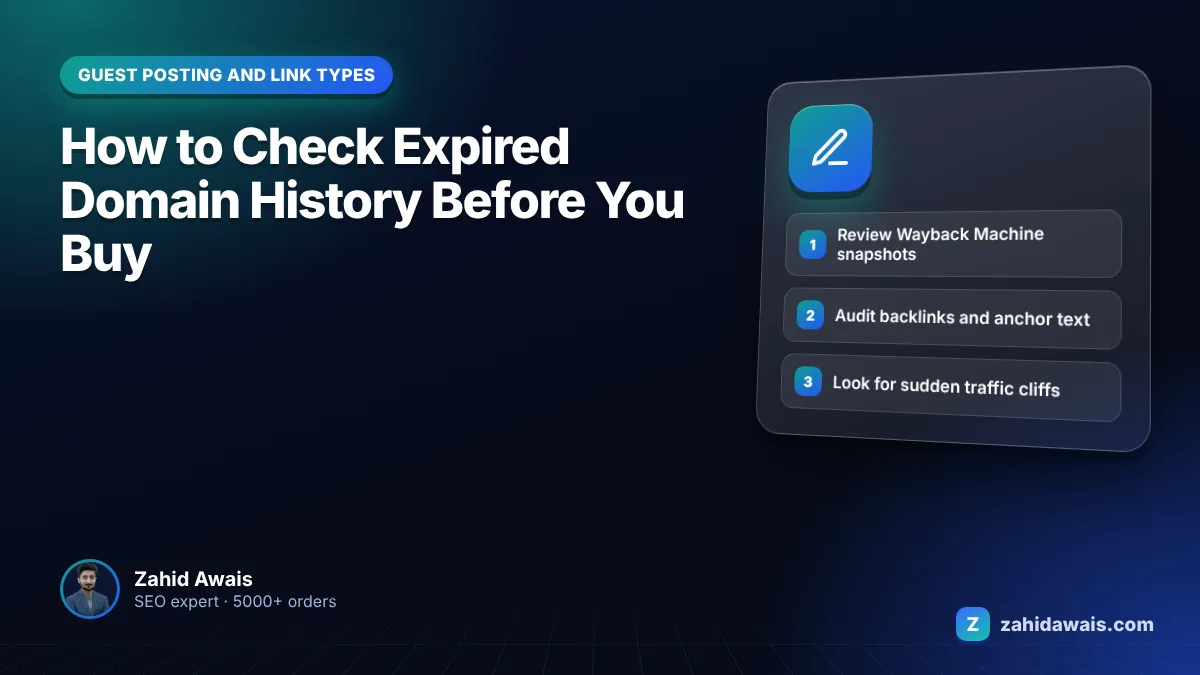
This guide shows you how to check expired domain history before you buy, using free and common SEO tools, so you avoid domains with a spam past and understand what Google allows.
Here is how to check expired domain history: look at old snapshots in the Wayback Machine, review the backlink profile and anchor text in an SEO tool, check traffic history and indexing, and look up registration records. After buying, verify the domain in Search Console and open the Manual actions report straight away.
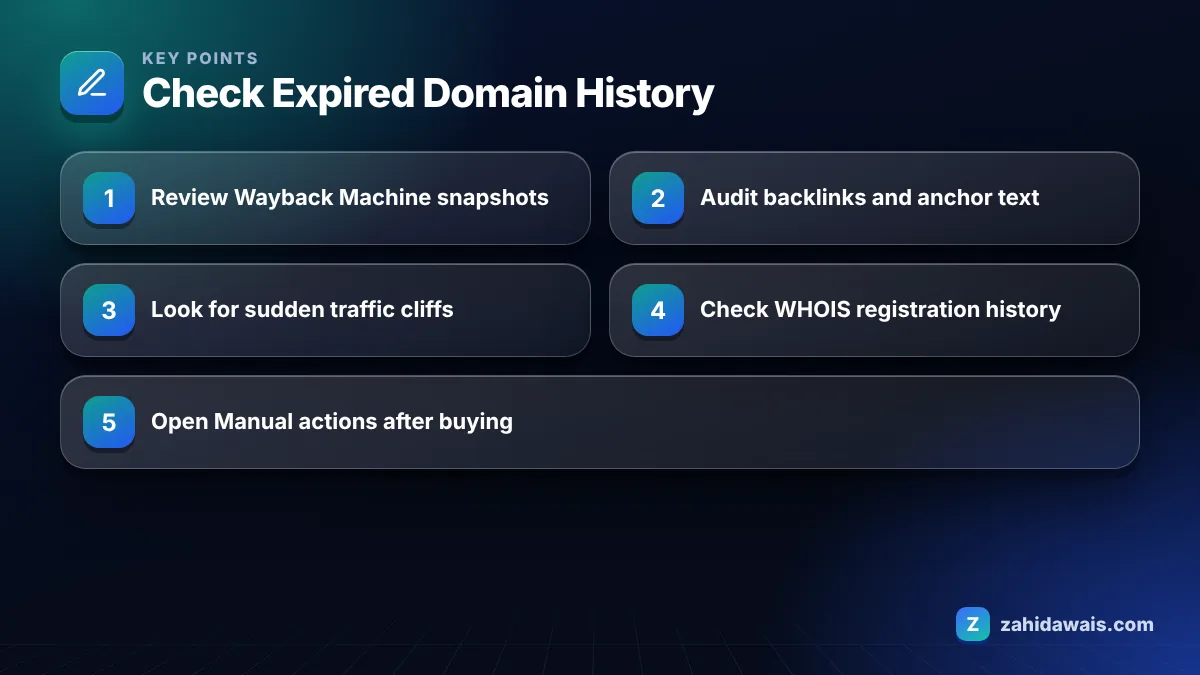
You check a domain’s history by combining four sources: archived snapshots of its old pages, its backlink and anchor text profile, its organic traffic history and its registration records. No single source is enough, because each one hides different problems.
I run these checks on every domain I use for my expired domain backlinks, and I reject far more domains than I accept.
A few habits make these checks more reliable. Look at snapshots from at least three different years, because a domain can be clean for a decade and turn to spam in its final year. Compare the backlink data from two tools if you can, since each one finds different links. Open some of the linking pages yourself rather than trusting metrics, because a link from a real, related article tells you far more than a score. Finally, keep notes and screenshots of what you found. If you ever need to file a reconsideration request, that record shows what the domain was when you bought it and what you changed.
You cannot see another owner’s manual actions before you buy, so you judge penalty risk from indirect signs and confirm it in Search Console once you control the domain. Treat any domain with several warning signs as high risk.
The indirect signs are mostly visible in the checks above: a sudden traffic cliff, a spammy anchor profile, a past life in an unrelated niche, or a domain that has almost nothing indexed despite once having many pages.
After purchase, verify the domain in Search Console and open the Manual actions report. Google’s help page says that if you bought a site that violated its spam policies before you owned it, you still need to fix the issues, and in your reconsideration request you should explain that you acquired the site and that it no longer violates the policies. Problems do not reset with a new owner.
| Signal | Where to check | What is normal | Warning sign |
|---|---|---|---|
| Past content | Wayback Machine | One consistent topic or business | Gambling, pharma or spun pages at some point |
| Anchor text | Backlink tool | Brand name, URLs, topic words | Foreign language spam or money keywords |
| Traffic history | Semrush, Ahrefs | Gradual decline after the site closed | Sudden cliff on one date |
| Ownership | WHOIS or RDAP lookup | Long registration, one or two owners | Many drops and re-registrations |
| Index | site: search | Some old pages, or none | Spam pages indexed under the domain |
| Manual actions | Search Console after purchase | No issues detected | Unnatural links or spam actions listed |
Buying an expired domain is allowed, but using it mainly to manipulate rankings with low-value content is not, and Google calls that expired domain abuse. The safety question is about what you do with the domain, not the purchase itself.
Google’s spam policies describe expired domain abuse as buying an expired domain and repurposing it mainly to manipulate search rankings by hosting content that provides little or no value to users. Examples include affiliate content on a site formerly used by a government agency, and casino content on a former school’s site.
Legitimate uses exist. A company may buy the domain of a closed competitor in the same field, or a domain that suits a new brand, and build a genuinely useful site on it. The further the new use is from the old one, and the thinner the new content, the closer you move toward the abuse pattern.
From my own practice, I advise clients to think of an expired domain as a starting point, not a shortcut. Its old links may lose relevance once the content changes, and no one can promise the old authority will carry over.
Right after buying, verify the domain in Search Console, check for manual actions and security issues, then plan content that fits the domain’s past topic and serves real users. Doing this before you publish saves wasted work.
A buyer considers two expired domains for a new hiking gear review site. Domain A was a regional hiking club site for eight years. Wayback snapshots show trail guides and event pages, anchors are mostly the club’s name, and traffic faded slowly after the club closed. Domain B shows a high authority score, but snapshots reveal a recipe blog that turned into a casino affiliate site, followed by a traffic cliff and hundreds of new links with gambling anchors.
Domain A is a reasonable candidate if the new site keeps a clear outdoor focus and adds real value. Domain B carries a likely penalty history and an unrelated profile, and turning it into anything would start with cleanup. I would reject B even at a lower price. Both scenarios are illustrative.
Run the full check every time, even when a seller swears a domain is clean. Twenty minutes of research is cheaper than a reconsideration request, and it is the only way to know what you are really buying.
The Internet Archive’s Wayback Machine stores snapshots of web pages over time. It shows what a domain used to host, so you can spot past spam, unrelated niches or sudden changes in ownership and content before you buy it.
No. Manual actions are visible only in Search Console to a verified owner. Before buying, judge risk from traffic history, anchors and archived content. After buying, verify the domain and check the Manual actions report straight away.
Yes. Google’s help page says that if you bought a site that violated spam policies before you owned it, you must fix the issues and explain in your reconsideration request that you acquired the site.
Google describes it as buying an expired domain and repurposing it mainly to manipulate search rankings with content that provides little or no value to users, for example casino content on a former school’s domain.
No one can guarantee it. Links pointing to the old site were given for its old content, and their relevance may fade if the topic changes. Authority scores from SEO tools are estimates, not Google measurements.
Plan for about 20 to 30 minutes per domain to review archive snapshots, backlinks, anchor text, traffic history, registration records and the current index. Shortlist with quick checks first, then go deep on the finalists.
Facts checked against these official pages. Read how I check facts in my editorial policy.
A practical comparison from 5000+ link orders, with a decision table and a real world style example.
Read article
Find every insecure image, script and stylesheet on your HTTPS pages and replace it for good.
Read article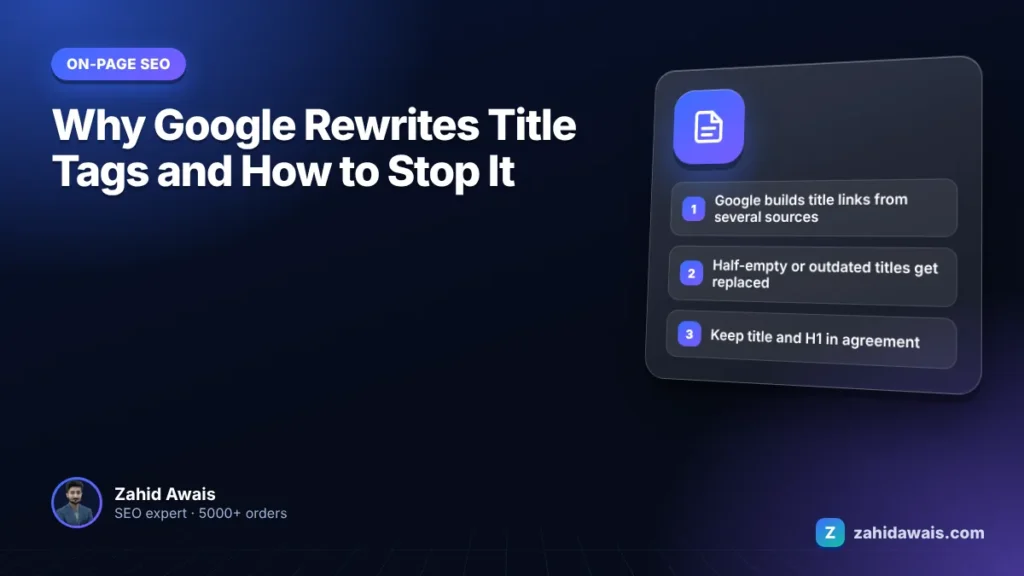
The documented reasons Google changes your title in search results, how to spot which one applies, and how to fix it.
Read articleSend your website and I will reply with a free audit.