E-commerce SEO
Category Page SEO: How to Write Content That Ranks
Category pages often target the biggest keywords in a store. Here is how to give them content and structure that earns rankings.
Read articleShopify handles a lot of SEO basics for you, but it also creates duplicate URLs, slow app scripts and thin collection pages. Here is what to fix and in what order.
This guide covers Shopify SEO for store owners, from settings to content. It is part of my e-commerce SEO service.
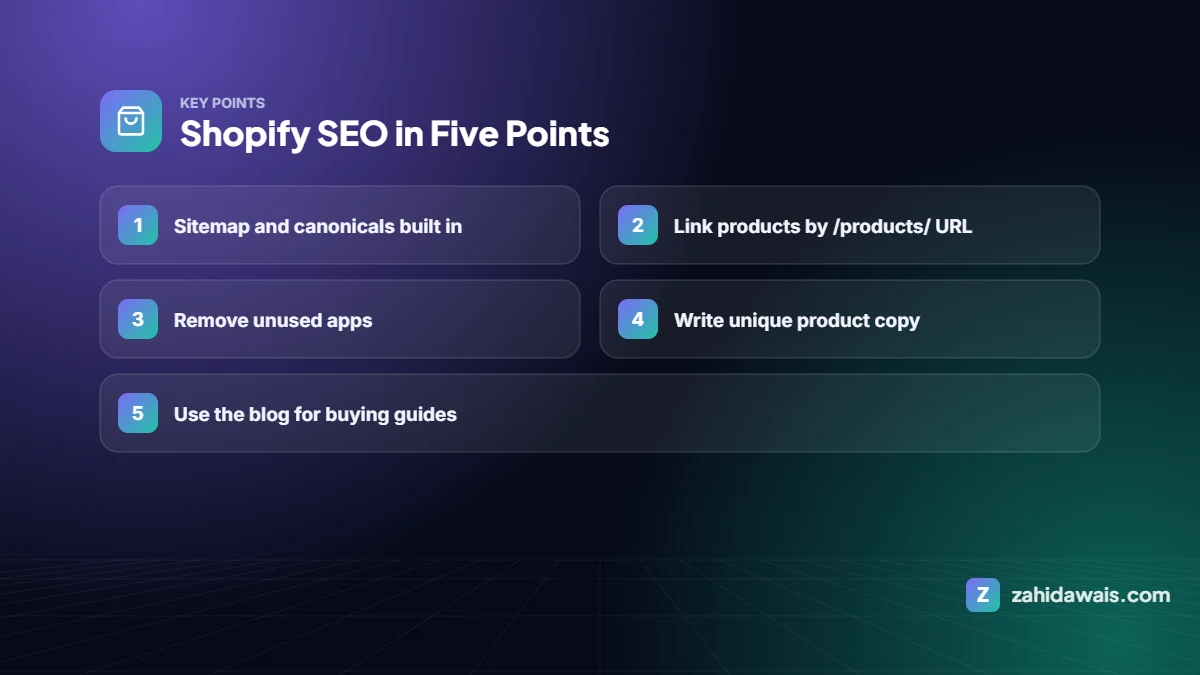
Shopify gives you an automatic sitemap, editable titles and meta descriptions, canonical tags and a clean checkout. To rank well, write unique product and collection content, link products by their main /products/ URL, limit apps that slow pages down, use collections as category pages with helpful text, publish buying guides on the blog and earn links from relevant sites.
| Feature | Status |
|---|---|
| XML sitemap at /sitemap.xml | Automatic |
| robots.txt | Automatic, editable with a robots.txt.liquid template |
| Canonical tags | Added by most themes |
| SSL / https | Included |
| Title and meta description fields | Per product, collection, page and post |
| URL structure | Fixed prefixes such as /products/, /collections/, /pages/, /blogs/ |
Shopify can show the same product at /products/item and at collection-aware URLs like /collections/shoes/products/item. The canonical usually points to /products/item, but many themes link to the longer version in collection grids. Edit the theme so product grids link straight to the canonical /products/ URL. It reduces duplicate crawling and keeps signals in one place. See duplicate without user-selected canonical.
Shopify’s blog is good enough for guides like “How to choose trail running shoes”. Link each guide to the relevant collection and products. This builds topical depth and earns links that a product page rarely gets on its own.
Most modern themes output Product schema. Check one product in Google’s Rich Results Test for price, availability and reviews, and fix missing fields such as brand and GTIN. See the schema markup guide.
Gift guides, niche blogs, supplier and partner pages, and product reviews from real creators are natural link sources for stores. More in e-commerce link building.
I optimise product and category pages, fix duplicate URLs and add product schema so your store earns more organic sales.
Yes. It covers the technical basics well. Rankings depend on unique content, speed and links, which you control.
Not the fixed prefixes like /products/ and /collections/. You can edit the handle after the prefix.
Link products by their canonical /products/ URL in collection grids, and avoid duplicate collections with the same products.
Many add scripts to every page. Remove unused apps and leftover code to protect speed.
Yes, with a robots.txt.liquid template, but change it carefully.
Facts checked against these official pages on 10 October 2026. Read my editorial policy.
Category pages often target the biggest keywords in a store. Here is how to give them content and structure that earns rankings.
Read article
Product pages rarely earn links on their own. Stores win links with guides, gift lists, suppliers, creators and PR. Here are nine methods and where to point the links.
Read article
WooCommerce gives you full control of your store's SEO, which also means more to set up. Here is the setup, speed and content checklist I use for WooCommerce stores.
Read articleSend your website and I will reply with a free audit.