AI search (AEO and GEO)
AI Crawlers and robots.txt: How to Allow or Block GPTBot and More
Training bots and search bots are different. Block the wrong one and you vanish from AI answers without meaning to.
Read articleChatGPT visits hide inside Referral and Direct by default. A 10 minute channel group setup puts them in their own row.
This tutorial shows you how to track ChatGPT traffic in GA4 with a custom channel group, which regex to use, and how to read the numbers without overestimating them.
To track ChatGPT traffic in GA4, create a custom channel group in Admin, add an “AI assistants” channel where session source matches a regex such as chatgpt\.com|perplexity|gemini|copilot|claude\.ai, and move it above Referral. OpenAI adds utm_source=chatgpt.com to ChatGPT links, so these sessions are identifiable.
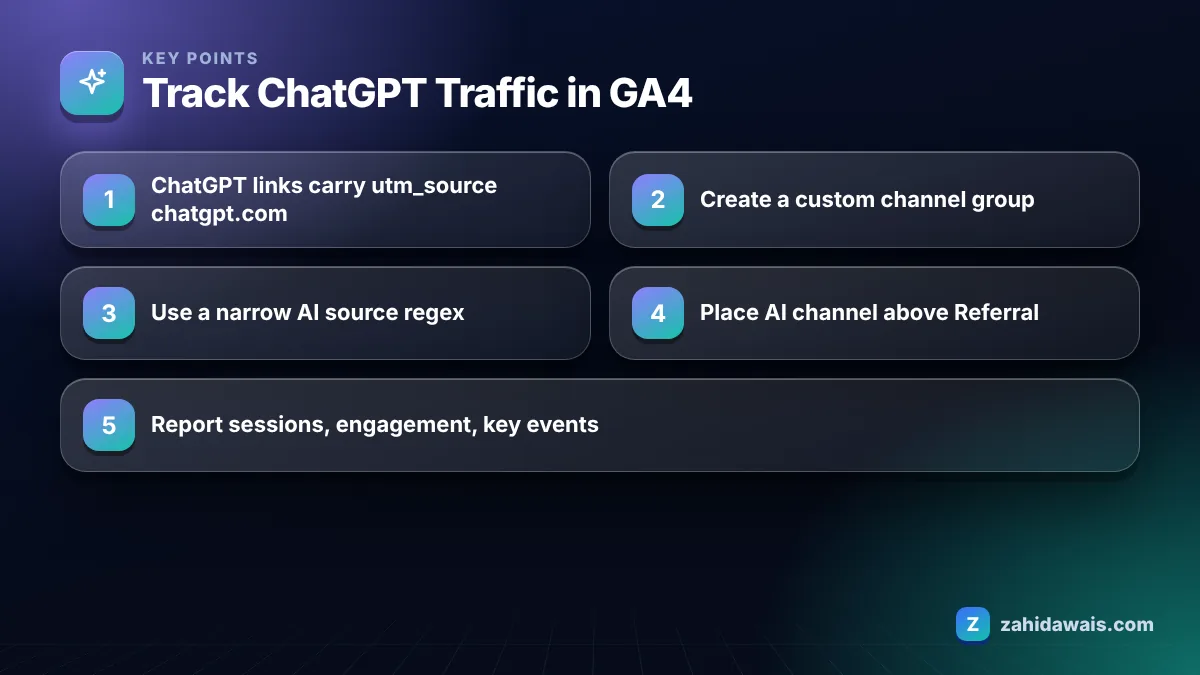
Yes, GA4 can track ChatGPT traffic, because ChatGPT search links usually carry a recognizable source. OpenAI’s publishers and developers FAQ says ChatGPT automatically includes the UTM parameter utm_source=chatgpt.com in referral URLs, so GA4 records the session source as chatgpt.com.
The catch is where GA4 puts those sessions. In the default channel grouping, chatgpt.com sessions usually land in Referral, mixed with every other website that links to you. You can find them by filtering, but you cannot see AI traffic as one clean line in standard reports. That is what a custom channel group fixes.
Before you start, check that your site actually allows OAI-SearchBot. OpenAI notes that sites allowing its search crawler can track referrals this way, and if your robots.txt or firewall blocks it, you may have very little ChatGPT traffic to measure.
Some ChatGPT visits show as direct because the browser or app does not pass a referrer and the link may not carry UTM parameters, so GA4 has nothing to attribute the session to. This tends to happen when users copy a URL from an answer and paste it, or when links open from certain desktop or mobile apps.
There is no way to recover those sessions with certainty. What you can do is watch for patterns: if direct traffic to a deep blog post rises at the same time as your chatgpt.com sessions, some of that direct traffic is probably AI driven. Treat your AI channel as a minimum figure, not a full count.
The same applies to other assistants. Perplexity, Gemini, Copilot and Claude send referrers in many cases but not all. Your channel group will capture the visits that are labelled and nothing else.
You create an AI channel group by copying the default channel group in Admin, adding a new channel with a regex condition on session source, and placing it above Referral. Google’s help page on custom channel groups in GA4 walks through the interface and even includes its own AI assistants example.
Order matters. Google explains that traffic is included in the first channel whose definition it matches, so if Referral sits above your AI channel, chatgpt.com sessions will never reach it. Standard GA4 properties allow two custom channel groups, and Google says custom channel groups apply to your reports retroactively, so you can see past AI traffic as soon as the group is saved.
Use a narrow regex that matches the actual referring domains of AI tools, because a loose pattern can pull in unrelated sources. Google’s own example pattern is broad and matches any source containing words like “gpt” or “ai”, which can misfile sites such as email providers or blogs with those letters in their names. I prefer to start narrow and add sources as they appear in my reports.
| Pattern | Catches | Risk | When to use |
|---|---|---|---|
| chatgpt\.com|openai\.com | ChatGPT only | Very low | You only care about ChatGPT |
| chatgpt\.com|openai|perplexity|gemini\.google|copilot\.microsoft|claude\.ai | Main AI assistants | Low | Most business sites |
| Google’s broad example with .*ai and .*gpt.* | Many AI tools plus false positives | Medium to high | Only after checking which sources it matches |
After saving, open the Traffic acquisition report, add Session source as a secondary dimension, and check every source in your AI assistants row. If anything looks wrong, tighten the regex. Repeat this check once a quarter, because new assistants and new referrer domains appear regularly.
You can check ChatGPT traffic without any setup by opening the Traffic acquisition report and changing the primary dimension to Session source / medium, then searching the table for chatgpt.com. This takes under a minute and is a good way to confirm there is something worth tracking before you build a channel group.
For a more flexible view, use Explore and build a free form exploration with Session source as the row, Landing page as a second row, and Sessions, Engaged sessions and Key events as values. Add a filter where Session source contains chatgpt. You now have a table of the exact pages ChatGPT sends people to, which is the most useful single view of AI referrals.
These quick methods have one weakness: they are easy to forget. A saved channel group shows AI traffic in every standard report automatically, including the ones your team or clients already open each week. That is why I use the quick check to confirm the data exists and the channel group to make it visible.
Report AI sessions, engaged sessions, key events and the landing pages they arrive on, because volume alone says little about value. In most sites I track, AI referrals are still a small share of total traffic, but the visitors often land on deep pages and arrive with a specific question already answered.
The landing page list is the most useful part. It shows which content gets cited, so you can improve those pages and create similar ones. My guide on AEO vs SEO explains how to make those pages even easier to quote, and you can check their search snippets with the SERP snippet preview tool.
Here is an illustrative month for a small B2B service site, not real client data. Total sessions: 10,000. After the channel group is applied, the AI assistants row shows 180 sessions: 130 from chatgpt.com, 35 from perplexity.ai, 15 from gemini.google.com. That is 1.8 percent of traffic. Engagement rate is 68 percent against 55 percent for Organic Search, and the AI row produced 6 contact form submissions. The top AI landing page is a pricing guide, not the homepage. The action for next month is clear: update the pricing guide, add a comparison table to two related service pages, and recheck which sources the regex matches. Because some AI visits arrive as direct, 180 is a floor, not the true total.
If you want AI traffic tracking set up as part of a wider plan, it is included in my GEO services.
Often, yes. OpenAI says ChatGPT automatically adds utm_source=chatgpt.com to referral URLs, so GA4 records chatgpt.com as the session source. Some visits still arrive without referrer or UTM data, for example when users copy and paste a link, and those appear as direct.
Without changes, ChatGPT sessions usually appear in the Referral channel of the default channel group. You can find them by adding Session source as a dimension in the Traffic acquisition report and filtering for chatgpt.com, or by building a custom AI channel group.
Yes. Google states that custom channel groups can be applied to your reports retroactively, so once you save an AI assistants channel you can view past months with it. The exception is audiences, where changes only apply going forward.
Google says standard GA4 properties can have two custom channel groups and Analytics 360 properties can have five, in addition to the default channel group. Each group can contain up to 50 channels, so one AI channel easily fits.
Your regex is probably too broad. Patterns that match any source containing letters like ai or gpt catch unrelated domains. Use exact AI referrer domains such as chatgpt.com, perplexity.ai and gemini.google.com, then check the matched sources every quarter.
No. GA4 only sees the session source, the landing page and what the visitor does afterwards. Prompts stay inside ChatGPT. The landing page is the best clue to what question the user asked, so review that report regularly.
Facts checked against these official pages. Read how I check facts in my editorial policy.
Training bots and search bots are different. Block the wrong one and you vanish from AI answers without meaning to.
Read article
ChatGPT product results are not ads. Stores get in through crawlable product pages and, for many merchants, a product feed.
Read article
GEO is mostly SEO with a different scoreboard. Here is what actually changes, what does not, and where to start.
Read articleSend your website and I will reply with a free audit.