
E-commerce SEO
Product Image SEO: 9 Tips to Rank in Google Images
Shoppers often search with their eyes first. These nine tips help your product photos get found, understood and clicked.
Read articleSearch Console flags missing fields in Product markup constantly. Some block rich results, most do not. Here is how to tell them apart.
This guide explains every common product schema missing field message in Search Console, which ones actually stop your products appearing as rich results, and how to fix them on any platform.
A product schema missing field message is critical only when a required property is absent, such as name, image or offers with price for merchant listings. Missing recommended fields like priceValidUntil or shippingDetails are non-critical: the item stays valid, but adding accurate values can improve how the result appears.
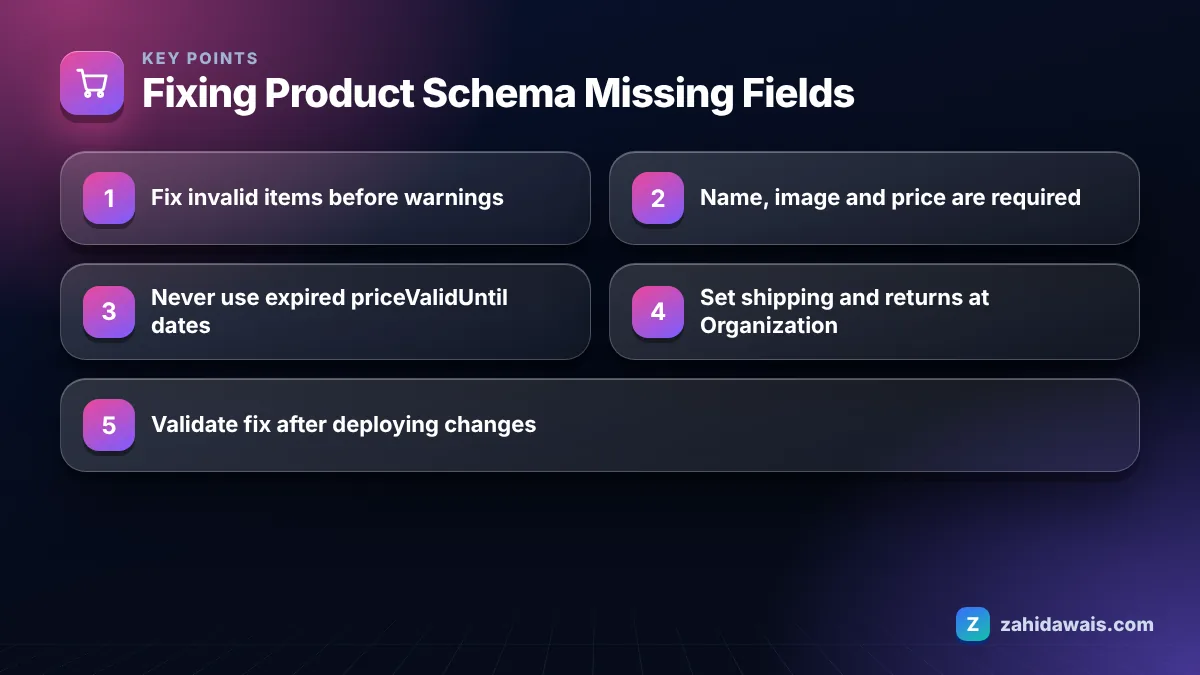
Missing field warnings are usually not a serious problem, because Search Console separates critical issues, which make an item invalid, from non-critical issues, which only limit how it can appear. The rich result report help page says a valid item has no critical issues and can appear on Google as a rich result, and that non-critical issues are listed separately under “Improve item appearance”.
So the first step is always the same: open the report and check whether the item is listed as invalid or valid with warnings. A store with hundreds of “missing field” warnings and zero invalid items does not have an emergency. A store with even a few invalid items does.
It also helps to know where the messages come from. Google reads whatever Product markup your theme, plugin or app outputs. Most platforms output a basic set of fields by default, and the warnings simply list the recommended fields that basic set leaves out. That is why two stores on the same theme often see exactly the same list of warnings.
In my client audits, many store owners panic over warnings their theme or plugin will never fill, while a genuine critical error, such as a missing price on variant products, sits unnoticed in another report.
Google has two Product rich result types with different requirements: merchant listings for pages where people can buy from you, and product snippets for pages such as reviews and comparison sites. Google’s merchant listing documentation lists name, image and offers as required Product properties, and price plus priceCurrency as required inside the offer.
The product snippet documentation requires name plus at least one of review, aggregateRating or offers. It also notes that the Merchant listings report already covers product snippets that include offer markup, so the Product snippets report mainly matters for non-merchant pages.
This table covers the fields that most often appear in missing field messages.
| Field | Merchant listings | Product snippets | What to do |
|---|---|---|---|
| name | Required | Required | Always output the product title |
| image | Required | Not required | Output at least one crawlable product image URL |
| offers.price and priceCurrency | Required | Part of offers option | Fix immediately if missing; check variant prices |
| review or aggregateRating | Recommended | One of review, aggregateRating or offers required | Only add if real reviews are shown on the page |
| availability | Recommended | Not required | Add and keep in sync with stock |
| priceValidUntil | Recommended | Recommended in Offer | Add only for prices with a real end date |
| shippingDetails | Recommended | Not used | Add, or set a shipping policy at Organization level |
| hasMerchantReturnPolicy | Recommended | Not used | Add, or set a return policy at Organization level |
| brand, gtin, sku, mpn | Recommended | Not required | Add when you have real identifiers |
Fix a missing priceValidUntil warning by adding the date a price ends only when the price really has an end date, such as a sale; for a normal ongoing price you can leave the warning, because the field is recommended rather than required. Both Google documents list priceValidUntil as a recommended Offer property.
The bigger risk is the opposite mistake. Google warns that a listing may not display if priceValidUntil shows a date in the past. Some themes and plugins once filled this field with a fixed date one year ahead, which later expired and quietly made products ineligible. If your markup contains an old hard coded date, either update it dynamically or remove the field.
Missing field shippingDetails means your Offer markup does not say how much shipping costs or how long delivery takes, which Google uses to show shipping information in merchant listings. It is a recommended field, so the product remains valid without it.
Google’s merchant listing documentation recommends defining your standard shipping and return policies once under Organization markup and using the Offer level shippingDetails and hasMerchantReturnPolicy properties only to override them for specific products, or when you have no standard policy. For most stores, that is far easier than repeating the same shipping block on thousands of product pages.
If your platform cannot output Organization level policies, a shipping app or SEO plugin that adds shippingDetails per offer is the alternative. In that case, test a product in every shipping zone you serve, because a single default rate applied to all countries is a common source of wrong delivery prices in markup.
Whichever method you use, the values must match what customers see at checkout. Markup that claims free delivery when the cart adds a fee is inaccurate, and inaccurate structured data is worse than none.
A WooCommerce store sees 1,850 product URLs in the Merchant listings report: 1,790 valid with warnings and 60 invalid. The warnings are missing shippingDetails, hasMerchantReturnPolicy and priceValidUntil. The 60 invalid items all show “Missing field price”.
Investigation shows the 60 are variable products where the parent has no price and the markup outputs an empty offer. The fix is to output an offer for each variant, or an AggregateOffer with lowPrice for the parent. That clears all critical errors. The store then adds a single Organization level shipping and returns policy, which removes two warnings from every item at once. priceValidUntil is left unset because prices have no end date. Total work: one template change and one settings change.
Validate a structured data fix by testing a few URLs in the Rich Results Test, deploying the change, then clicking Validate fix in the relevant Search Console report. Google rechecks the affected items over the following days or weeks.
If several plugins output Product markup at the same time, you can end up with two conflicting Product entities on one page, one complete and one missing fields. Disable duplicate schema output so only one source writes it. Structured data and template fixes like this are part of my technical SEO service, and product markup is reviewed in every e-commerce SEO project. For general structured data practice, the FAQ schema generator shows how clean JSON-LD is laid out, and the content and media SEO page covers rich results more broadly.
Not usually. Warnings for recommended fields are non-critical, so the item stays valid and eligible. Only missing required fields, such as name, image or price for merchant listings, make an item invalid. Check whether each item is listed as invalid or valid with warnings.
No. A made up date adds risk, because Google says a listing may not display if the date is in the past. Add priceValidUntil only when a price really ends on a known date, such as the last day of a sale.
For product snippets, Google requires at least one of review, aggregateRating or offers, and the Rich Results Test may suggest adding reviews. Only add review markup when genuine reviews are visible on the page. Never mark up reviews that customers cannot see.
Yes. Google’s merchant listing documentation recommends defining standard shipping and return policies under Organization markup and using Offer level properties only for exceptions. This removes repeated warnings and keeps the data consistent across all product pages.
Many themes output an offer for the parent product without a price when prices are set only on variants. Fix it by outputting an offer per variant or an AggregateOffer with a price range, so each Product entity has the required price information.
Google rechecks affected pages as it recrawls them, which can take from several days to a few weeks depending on the number of pages. You can speed up checks on key URLs by using URL Inspection and requesting indexing for them.
Facts checked against these official pages. Read how I check facts in my editorial policy.
Shoppers often search with their eyes first. These nine tips help your product photos get found, understood and clicked.
Read article
A sold out product does not have to lose its rankings. Here is how to decide what each page should do.
Read article
Shopify creates several URLs for the same product. Here is what that means for SEO and which fixes are worth your time.
Read articleSend your website and I will reply with a free audit.