E-commerce SEO
Out of Stock Products SEO: 7 Ways to Keep Your Rankings
A sold out product does not have to lose its rankings. Here is how to decide what each page should do.
Read articleShoppers often search with their eyes first. These nine tips help your product photos get found, understood and clicked.
This guide gives you nine practical steps for product image seo, from file names and alt text to image sizes, sitemaps and structured data, so your product photos can appear in Google Images and shopping results.
Good product image SEO means using real img elements, descriptive file names, accurate alt text, sharp high resolution photos in modern formats, and fast responsive delivery. Add product images to structured data and an image sitemap if Google might miss them, and keep each image close to relevant product text.
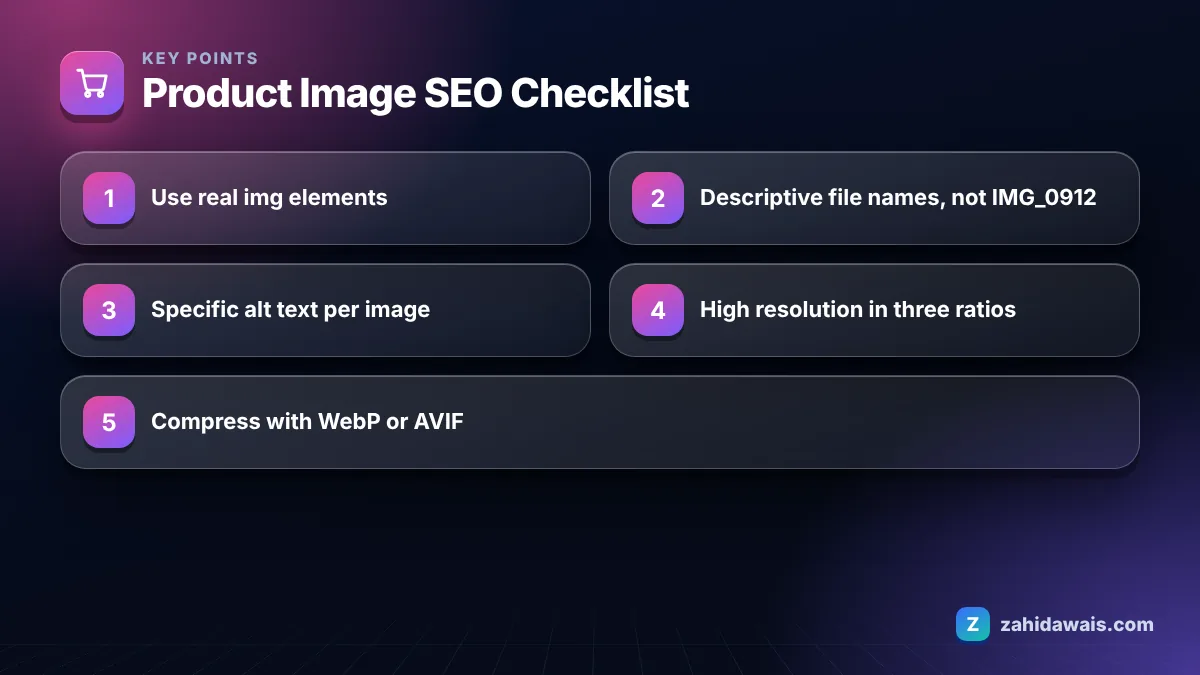
You optimize product images for SEO by making them easy for Google to find, easy to understand and fast to load. Google’s image SEO best practices cover all three, and the nine tips below apply them to online stores.
In my orders, tips one and two are the most common gaps. Stores often upload supplier photos with camera file names, or use gallery widgets that render photos as backgrounds, and then wonder why nothing shows in image search.
Good alt text for a product image briefly describes what the photo shows, including the product type and the visible details that distinguish it, in plain language. Google’s own example progresses from a missing alt, to keyword stuffing, to a better “puppy”, to the best version “Dalmatian puppy playing fetch”: specific and descriptive.
For product galleries, describe each image differently, because each one shows something different:
Avoid alt text such as “boots boots cheap boots buy boots online”, which is exactly the stuffing pattern Google warns against. Alt text exists first for people using screen readers; if it would sound odd read aloud, rewrite it.
The best image size for ecommerce SEO is a high resolution original that meets Google’s merchant listing guidance, delivered to visitors in compressed, responsive versions sized for their screen. Google’s merchant listing documentation recommends multiple high resolution images of at least 50,000 pixels when width and height are multiplied, in 16×9, 4×3 and 1×1 aspect ratios.
Here is a reference setup I use with clients. Treat the display sizes as starting points for your own theme, not as Google requirements.
| Image use | Suggested source size | Format | Notes |
|---|---|---|---|
| Main product photo (1×1) | 2000 x 2000 px | WebP or AVIF, JPEG fallback | Well above the 50,000 pixel guidance |
| Wide crop (16×9) | 1920 x 1080 px | WebP or AVIF | Useful for lifestyle and banner shots |
| Standard crop (4×3) | 1600 x 1200 px | WebP or AVIF | Covers the third recommended ratio |
| Category thumbnail | Generated by srcset, around 400 to 600 px wide | WebP | Keep file size small for grid pages |
| Zoom or detail view | Original high resolution | WebP or JPEG | Load only when the user opens zoom |
Images are often the heaviest part of a product page, which ties image SEO directly to speed. Google recommends testing pages with PageSpeed Insights; if your product pages load slowly, image delivery is the first place to look, and it is a core part of my technical SEO work.
You need an image sitemap only if Google might not discover your product images otherwise, for example when galleries load through JavaScript or images sit on a CDN domain. Most platforms that output standard img tags are found without one, but adding images to the sitemap does no harm.
Google’s image sitemap documentation lists two required tags: image:image to wrap each image and image:loc for its URL, with up to 1,000 images per page entry. Images can be on a different domain, such as a CDN, if both domains are verified in Search Console. Google also removed several older tags from its documentation, including image:caption, image:title, image:geo_location and image:license, so you do not need to fill those in.
A furniture store has 600 products with 5 photos each, so 3,000 images. An audit finds supplier file names like “IMG_0912.jpg”, empty alt attributes on 70 percent of images, 4 MB JPEG originals served to phones, and a gallery that uses CSS backgrounds for every image after the first.
The fix runs in four steps: rename files on upload using the product name plus a view, such as “walnut-coffee-table-round-top-view.webp”; write alt text for main images first (600) and gallery images second (2,400) using a simple template of product, detail and angle; convert to WebP with responsive sizes so a phone downloads a 120 KB file instead of 4 MB; and switch the gallery to real img elements. Main images go live in week one; gallery alt text follows in batches of 300 a week.
The mistakes that hold back product images most often are invisible images, generic names and photos that do not match the product. Watch for these in your next audit:
Image work is one of the quickest wins in an online store because it improves image search visibility, page speed and accessibility together. If you want it done across a full catalog, my e-commerce SEO service includes an image audit, and the content and media SEO page covers images, video and rich results in more depth.
Alt text helps Google understand what an image shows, which supports visibility in Google Images, and it makes your store accessible to screen reader users. It is one signal among many, so write it accurately rather than treating it as a place to repeat keywords.
WebP and AVIF usually deliver smaller files at similar quality, which helps page speed. Both are supported by Google Images. Many stores serve WebP or AVIF with a JPEG fallback, so older browsers still get an image while most visitors get the lighter file.
You can if your supplier allows it, but the same photos often appear on many stores, so they give Google little reason to show yours. Add at least a few original photos, such as detail shots or in use images, to make your listing distinct.
Yes. Google’s image guidance says file names can give clues about the subject of an image and recommends short, descriptive names. A name like walnut-coffee-table-round.webp tells Google more than a camera generated name such as IMG_0912.jpg.
Google recommends multiple high resolution images for merchant listings, ideally covering 16×9, 4×3 and 1×1 aspect ratios. For shoppers, four to eight photos showing different angles, details and the product in use is a sensible range for most items.
Lazy load gallery images that appear further down the page, but load the main product image immediately. The main photo is usually the largest visible element, so delaying it can slow the page for users and risk the image not being picked up properly.
Facts checked against these official pages. Read how I check facts in my editorial policy.
A sold out product does not have to lose its rankings. Here is how to decide what each page should do.
Read article
Shopify creates several URLs for the same product. Here is what that means for SEO and which fixes are worth your time.
Read article
Category pages often target the biggest keywords in a store. Here is how to give them content and structure that earns rankings.
Read articleSend your website and I will reply with a free audit.