Link building strategy
How to Audit Backlinks in a Spreadsheet: Free Steps and Tools
How to audit backlinks in a spreadsheet: export your links, group them by referring domain, check anchors and rel values, flag link…
Read article
Most SaaS buyers check a review site before they book a demo. Capterra and G2 backlinks come from the product profiles you hold on those sites, and they work differently from normal editorial links. This post explains what these links are, what the platforms themselves say about them, and where their real value sits.
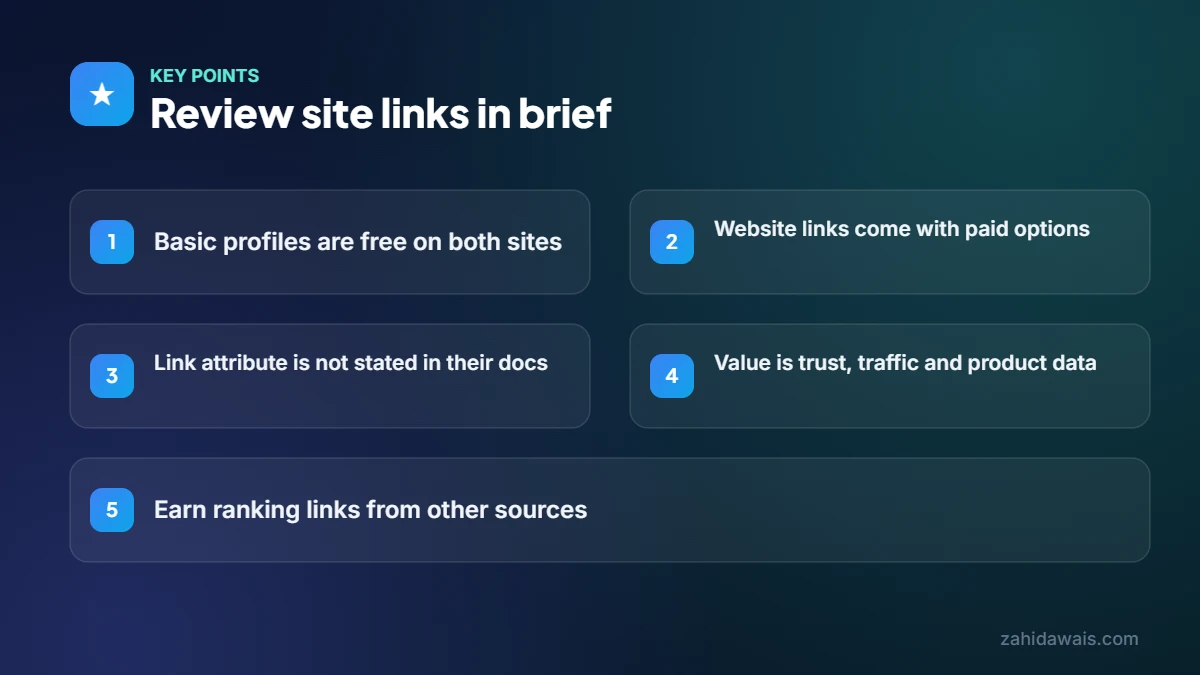
Capterra and G2 links are links from your product profile on those review sites to your website. On both, the direct website link is tied to paid options, and neither site’s own help pages that I checked state the link attribute. Their main value is brand trust, referral traffic, reviews and consistent product data for AI search.
Capterra and G2 backlinks are links that point from your software’s profile page on those review platforms to your own website. They sit alongside your reviews, screenshots, pricing details and category placement.
A few terms help here:
These platforms are also getting closer. On 29 January 2026, G2 announced it had “formally agreed to acquire” Capterra, Software Advice and GetApp from Gartner. Check each platform’s current vendor pages before you plan around them, since programmes may change.
A basic profile is free on both sites, but a clickable link to your website is tied to paid options on both. That is the most important fact for link planning.
On G2, the change was announced in August 2023. G2 wrote that “Linking directly to your website is now exclusively available on upgraded profiles.” The same update moved call to action buttons and lead capture to upgraded plans. G2 also says setting up a profile is free and that “G2 is not pay to play” for rankings.
On Capterra, the disclosure page says it lists all software providers, not only those that pay. The “Visit Website”, “Try for Free” or “Book Demo” buttons appear on sponsored profiles, and Capterra explains that clicking one “takes buyers to the provider’s website.” Capterra earns money from these clicks through referral fees.
| Point | Capterra | G2 |
|---|---|---|
| Free basic profile | Yes, the vendor page offers a free profile | Yes, G2 says setting up a profile is free |
| Direct link to your website | Buttons on sponsored profiles, paid per referral | Upgraded profiles only, since August 2023 |
| Link attribute stated in own docs | Not stated on the pages I checked | Not stated on the pages I checked |
| Does paying change review scores? | Capterra says reviews are unaffected by payment | G2 says it is not pay to play |
| Badge or widget link back | Not checked | Badges must link back to your G2 page |
Neither Capterra nor G2 states the link attribute in the official pages I checked, so I will not claim one. You can check the live link yourself in a minute.
What Google’s rules say is clear. Its guide on qualifying outbound links asks sites to mark links that are “advertisements or paid placements” with rel=”sponsored”, and says nofollow is still acceptable for them. Since these website links come from paid plans or paid referrals, you should not plan on them as ranking links. Treat them as paid traffic links.
To check a link yourself:
If the button goes through a tracking redirect, the link points to the platform first, not straight to your site. My guide to dofollow vs nofollow links explains why that matters.
The real value is trust and visibility with buyers, not link equity. A strong profile helps buyers shortlist you, sends qualified visits and gives search systems consistent facts about your product.
For AI search, this consistency is useful. G2’s own acquisition announcement says its combined data aims to be a “source of truth for the LLMs and agents.” That is the platform’s stated goal, not a promise of results, but it shows why accurate profile data matters. Google says there are “no additional requirements to appear in AI Overviews or AI Mode,” so the basics of clear, consistent information still apply. I cover the wider picture in brand mentions vs backlinks.
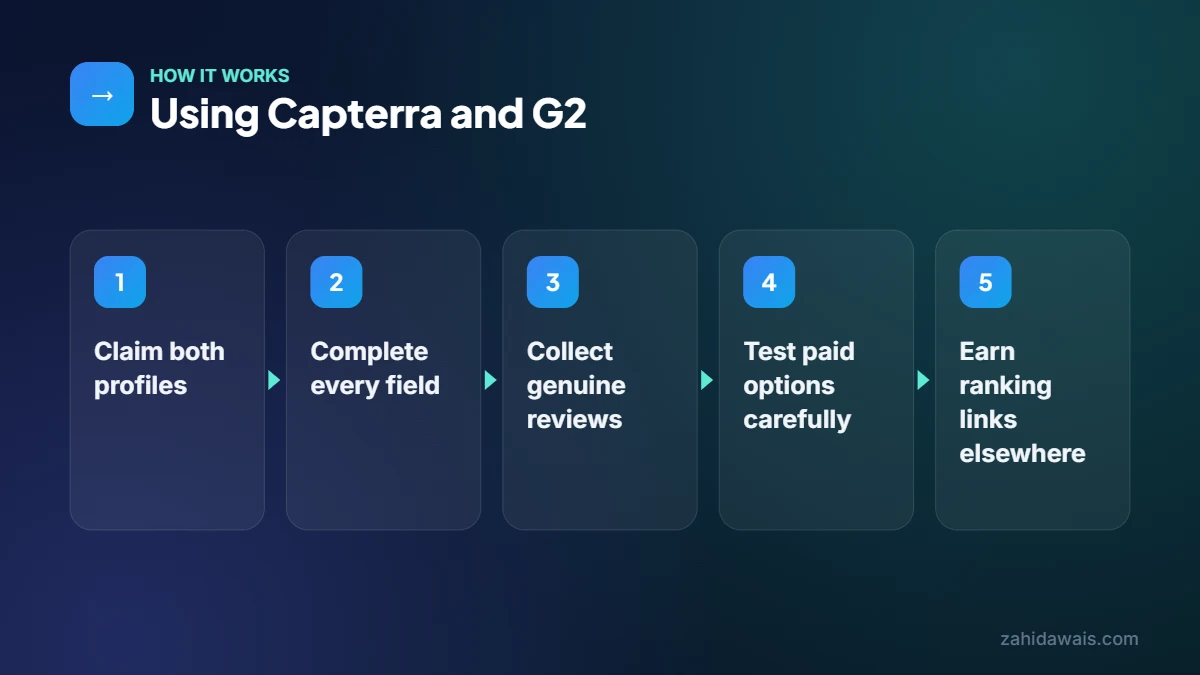
Use them in five steps: claim the profiles, complete every field, collect genuine reviews, decide whether paid traffic is worth it, then earn editorial links elsewhere. Each step supports the others.
Illustrative example only. ExampleCRM, a made up sales tool at examplecrm.com, has an unclaimed G2 profile with old screenshots and a Capterra profile listing the wrong category. Its own site calls it a “pipeline tool” while the profiles say “contact manager”.
The fix: claim both profiles, set the same category and product description everywhere, upload current screenshots, list real integrations and send a review request to recent happy customers. It tests a small sponsored budget for one month and tracks demo requests from that traffic. It does not count these as SEO backlinks. Its ranking links come from two guest posts and an integration partner page.
If you want help connecting review site work to a full search plan, see my SaaS SEO services.
Do not count on it. On both platforms the direct website link is tied to paid options, and Google asks that paid links carry rel=”sponsored” or nofollow. Their value is brand trust, buyer traffic and consistent product data rather than ranking power.
Yes. A free profile lets you add product details, features, pricing and screenshots, and collect reviews. G2 says a profile with 10 reviews can qualify for its Grid. The direct website link, though, needs an upgraded plan.
No. Capterra says its reviews are independent and unaffected by whether providers pay. Paying affects placement and the clickable buttons on a sponsored profile, and Capterra notes that buyers can re sort and filter the listings.
No. Buying, writing or swapping reviews breaks the platforms’ rules and damages trust. Ask real customers for honest reviews instead, and reply to negative ones in a calm, helpful way. Genuine reviews are what buyers and AI tools read.
It can help if your buyers use those sites. G2 announced in January 2026 that it agreed to acquire Capterra, Software Advice and GetApp from Gartner, so check each platform’s current vendor page for how listings now work.
I do not sell review site links. I help you plan profile content so it matches your site, then build editorial links through guest posts and outreach. I placed links for Capterra UK, which you can read about in my Capterra UK case study.
Facts checked against these official pages. Read how I check facts in my editorial policy.
How to audit backlinks in a spreadsheet: export your links, group them by referring domain, check anchors and rel values, flag link…
Read article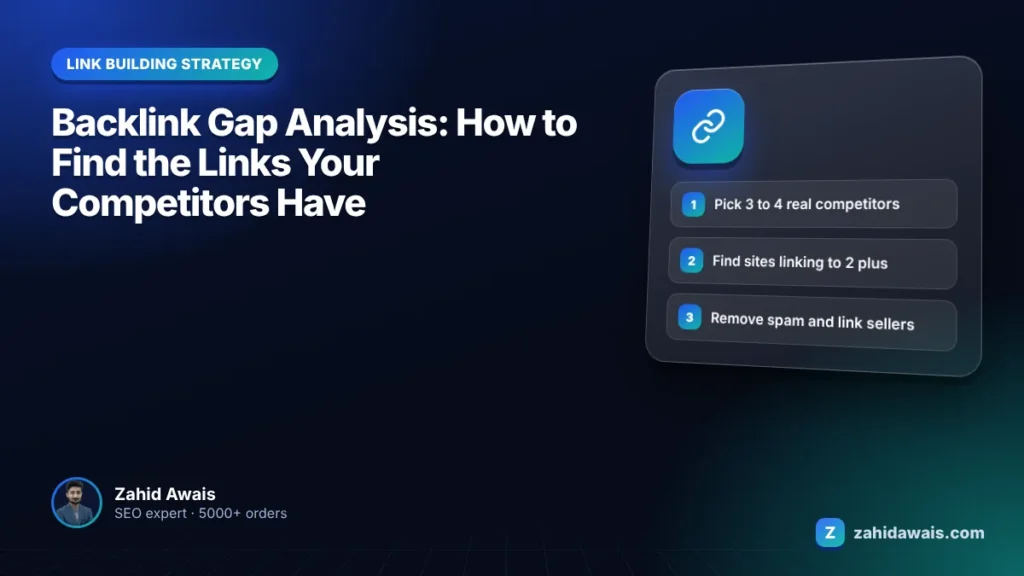
A gap analysis shows which sites link to several competitors but not to you. The skill is filtering that list into real opportunities.
Read article
Link building for AI tools: how AI startups earn backlinks from directories, comparison lists, integrations, guest posts and original data, without spam.
Read articleSend your website and I will reply with a free audit.