YouTube Title Length Checker
A YouTube title length checker is a tool that counts the characters in a video title and compares them with…
Count your description against the 5,000 limit and see what viewers read first.
Search result snippet style
Watch page style (above the fold)
Approximate preview. Search snippets usually show 1 or 2 lines and the watch page shows about 3 lines before more; the exact cut depends on the device.
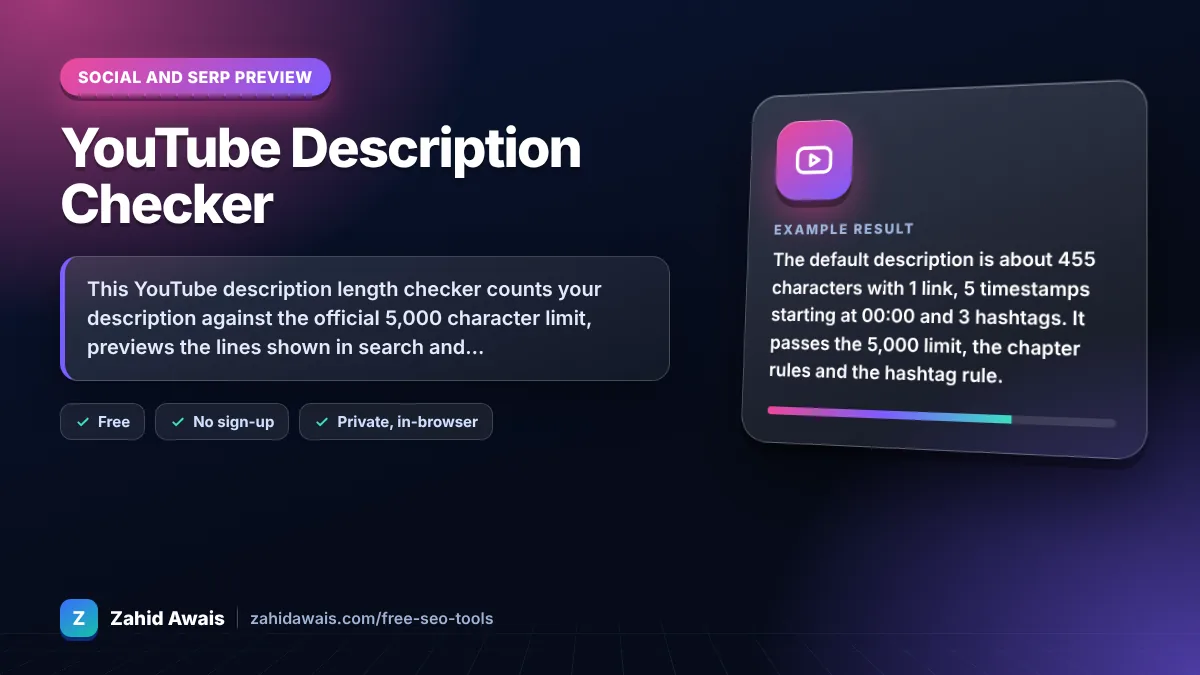
The free youtube description length checker runs in your browser, needs no sign-up and never sends what you type anywhere.
This YouTube description length checker counts your description against the official 5,000 character limit, previews the lines shown in search and above the fold on the watch page, and checks links, hashtags and chapter timestamps. Only about the first 100 to 150 characters show before more, so put the topic and key link there.
A YouTube description length checker is a tool that counts the characters in a video description against the 5,000 character maximum. It also wraps the text into a search snippet and a watch page box to show the visible lines, and checks hashtags and timestamps against YouTube Help rules.
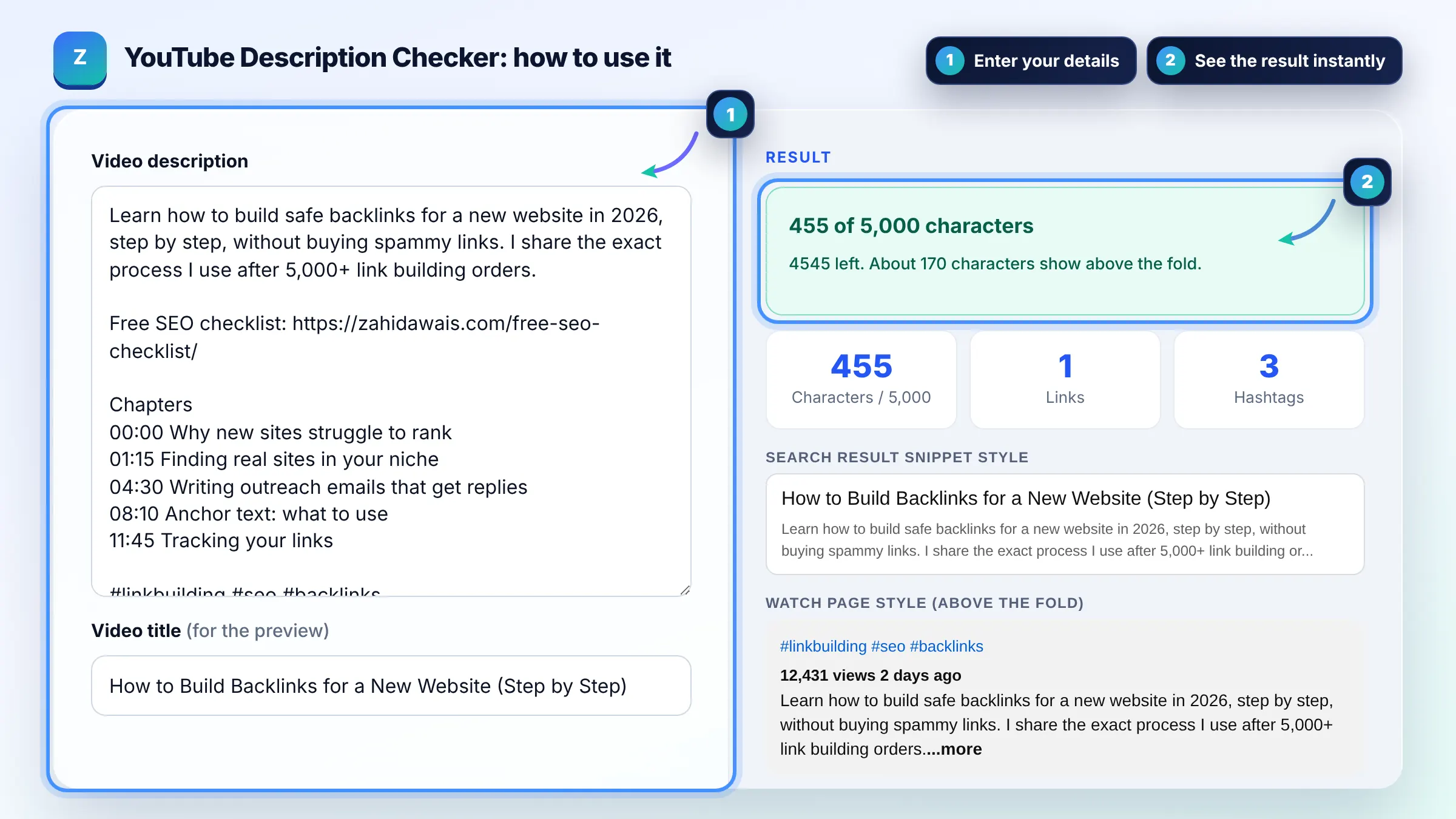
Video descriptions can be up to 5,000 characters and cannot include invalid characters, according to YouTube Help. Spaces, line breaks, links and hashtags all count. Most strong descriptions use 200 to 1,000 characters plus chapters and links.
Usually about 100 to 150 characters, roughly the first 2 or 3 lines, show before viewers click more on the watch page, and search results show even less. Put a clear summary with your main keyword and most important link in that opening section.
List timestamps on separate lines, with the first one at 00:00, at least three timestamps in ascending order, and each chapter at least 10 seconds long. YouTube then splits the progress bar into chapters automatically. The tool checks these three rules for you.
| Item | YouTube rule | Tip |
|---|---|---|
| Description length | Max 5,000 characters | Summary first, details after |
| Invalid characters | Not allowed | Avoid < and > |
| Hashtags by the title | Up to 3 may show | Put your best 3 first |
| Too many hashtags | Over 60 means all are ignored | Use 3 to 5 |
| Chapters | Start at 00:00, 3+ timestamps, 10 s min | Name chapters with keywords |
Example: the default description is about 455 characters with 1 link, 5 timestamps starting at 00:00 and 3 hashtags. It passes the 5,000 limit, the chapter rules and the hashtag rule. About 170 characters show above the fold, enough for the topic sentence, but the checklist link is hidden until viewers click more.
No. It is an approximate preview with a generic look. YouTube shows descriptions differently on phones, TVs and desktop and changes its layout over time. Use the cut points as a guide for what to put first.
Yes, they help YouTube and Google understand the video. YouTube Help notes that search matches terms in the title and description. Write a natural summary with your main keywords early, rather than a list of tags.
Not necessarily. A clear 200 to 1,000 character description with chapters and a few useful links is often enough. Use more space for transcripts, recipes, resources or show notes when they genuinely help viewers.
Hashtags can go anywhere in the description, but most creators add 3 to 5 at the end. YouTube may show up to three of them by the title. Avoid more than 60, because then YouTube ignores all of them.
Check that the first timestamp is 00:00, that there are at least three timestamps in ascending order and that each chapter lasts at least 10 seconds. Chapters may also be turned off in the video settings.
No. All counting and previews happen in your browser. Your description and links are never sent to a server or stored, so you can safely check drafts for unreleased videos.
Facts checked against these official pages. Read how I check facts in my editorial policy.
A YouTube title length checker is a tool that counts the characters in a video title and compares them with…
A video schema generator is a tool that writes schema.org VideoObject structured data. It turns the video…
A character counter is a tool that counts every letter, number, space and symbol in a text. Characters with…
Send your website and I will check it for you, free.
One short email when something new goes live: articles, free SEO tools, package updates, discounts and price alerts. No spam, unsubscribe in one click.